


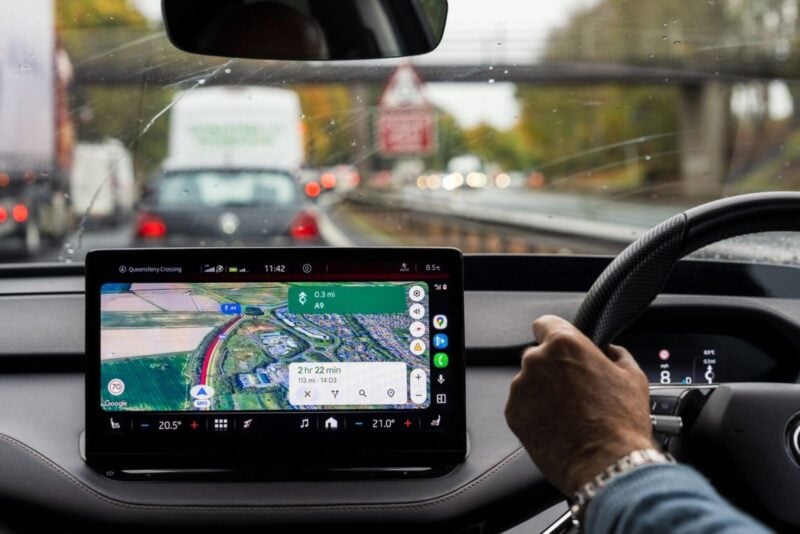
Google Maps on Android Auto is starting to give drivers a heads-up about what's waiting at the next turn. Instead of leaving traffic lights and stop signs as small symbols on the map, Maps now shows them in a pop-up as you approach an intersection. It's a small change, but it could keep you from rolling through a stop sign you didn't see coming. Here's what it looks like and who has it.
What the New Pop-Up Shows
When you're navigating, Google Maps on Android Auto already shows a floating box with the name of the next street. That box can now also show a traffic light or stop sign icon for the intersection you're about to reach, Android Authority reported.
Until now, Maps displayed traffic lights and stop signs only as static symbols on the map itself, which are easy to miss at a glance. The new pop-up is part of the highlighted route rather than a separate alert, so it doesn't interrupt your drive the way a speed trap warning does, according to autoevolution.
Who Has It Right Now
Probably not everyone yet. The feature was first spotted by 9to5Google in late September. It looks like a server-side change, meaning Google switches it on remotely rather than through an app update, and Android Authority said that kind of rollout can take anywhere from a few days to a couple of months to reach everyone.
Reports from that week were mixed. Some writers covering the change didn't have it on their own devices yet. Android Authority also said the same indicators were showing up in regular phone navigation, and that they're likely coming to iPhone and CarPlay, although that hasn't been confirmed.
None of the reports cite an official announcement from Google.
More on This Topic: Android Auto navigation finally fixes its most frustrating alert issue
Can You Turn It On or Off?
Not as far as anyone has reported. None of the coverage describes a setting to turn the pop-ups on or off, and because the rollout happens on Google's side, updating the app won't guarantee you get it sooner.
What you can do is keep Google Maps and Android Auto up to date, so your phone is ready when the change reaches your account.
Part of a Bigger Push for Safer Driving Info
The intersection pop-ups arrive as Google keeps adding driving details to Maps on Android Auto. A live speedometer reached Maps beta testers in July, then vanished for some users in September. Google said on Reddit that setting a destination in Maps brings it back, Android Authority reported.
A traffic light icon won't replace paying attention to the road. But on an unfamiliar route, at night or in the rain, knowing a stop sign is coming before you see it is the kind of small help that makes a difference.