



Samsung is taking its browser beyond mobile, launching a full Windows version while doubling down on what it calls “agentic AI”. The goal is simple on paper: make browsing feel less like jumping between tabs and more like completing tasks across devices.
At the centre of this update is Samsung Browser for Windows, which mirrors the experience Galaxy users already get on mobile. That includes syncing bookmarks and history, but more importantly, the ability to pick up exactly where you left off when switching between your phone and PC.
That cross-device continuity is where this starts to feel genuinely useful. You’re no longer just syncing data; you’re continuing context. Open a page on your phone, move to your laptop, and you’re back in the same place without thinking about it.
Agentic AI aims to do more than search
The bigger story here is Samsung’s push into agentic AI. Instead of acting like a traditional search tool, the browser can understand natural language requests and help complete multi-step tasks.
For example, it can pull information from multiple tabs or generate structured outputs like travel plans based on what you’re already browsing.
This is part of a wider shift across Samsung’s ecosystem. Rather than bolting AI onto individual apps, the company is trying to make it feel like a layer that sits across everything you do. In this case, the browser becomes less about pages and more about outcomes.
Built for Samsung’s ecosystem play
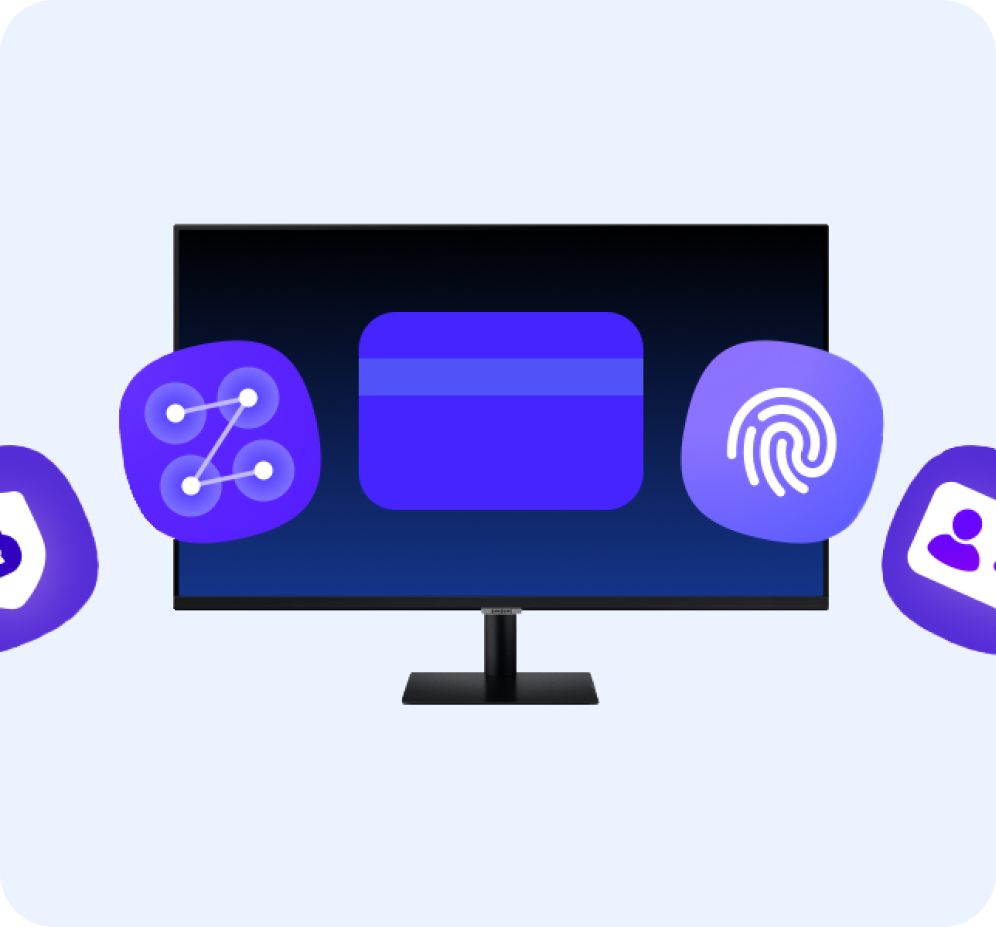
There’s also a clear ecosystem angle here. Features like Samsung Pass integration allow for seamless logins and autofill across devices, keeping things consistent whether you’re on mobile or desktop.
Meanwhile, the browser ties into Samsung’s broader Galaxy AI strategy, where on-device and cloud-based intelligence work together to handle everyday tasks.
That matters because it positions Samsung closer to a unified experience, similar to what Apple has been doing for years, but with a heavier emphasis on AI-driven workflows.
Why this matters
Samsung bringing its browser to Windows isn’t just about platform expansion. It’s about control.
By extending its own browser across devices, Samsung can:
- Keep users inside its ecosystem
- Deliver consistent AI features across screens
- Reduce reliance on third-party browsers
More importantly, it gives Samsung a place to experiment with agentic AI in a way that feels practical, not just headline-worthy.
Key features
- Samsung Browser is now available on Windows (link below)
- Seamless cross-device browsing between phone and PC
- Agentic AI for task-based browsing and summarisation
- Samsung Pass integration for autofill and logins
- Syncing of tabs, bookmarks, and history
Takeaway
Samsung isn’t just updating its browser; it’s redefining what a browser is for. With cross-device continuity and agentic AI, browsing is starting to look a lot more like task management than tab management.