
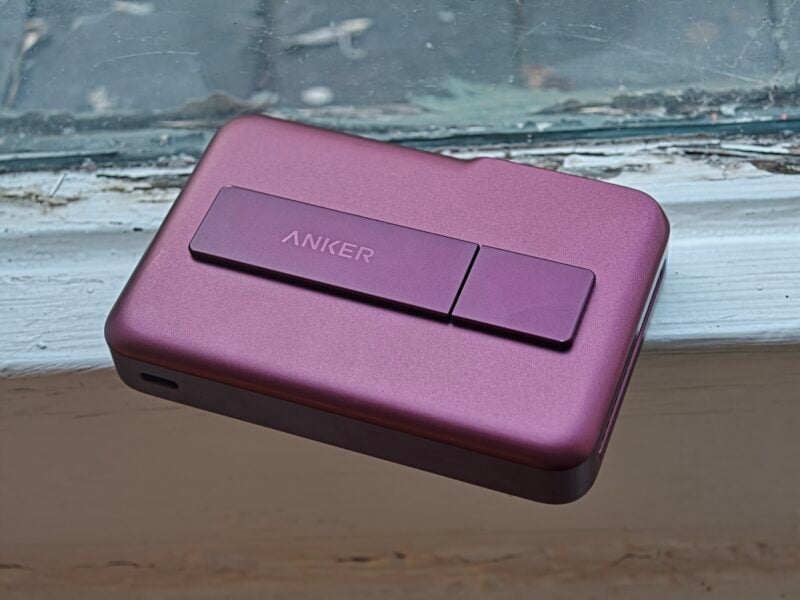
A magnetic power bank with a fan inside sounds like overkill until you remember how hot wireless charging gets. Anker's MagGo 2 Pro pairs 25W Qi2 wireless charging with 45W wired charging for $109.99 (£99.99), and after a few weeks of trains, buses, and meetings, I can say it's a very good power bank. Whether it's a very good power bank for your Android phone is a different question.
Design
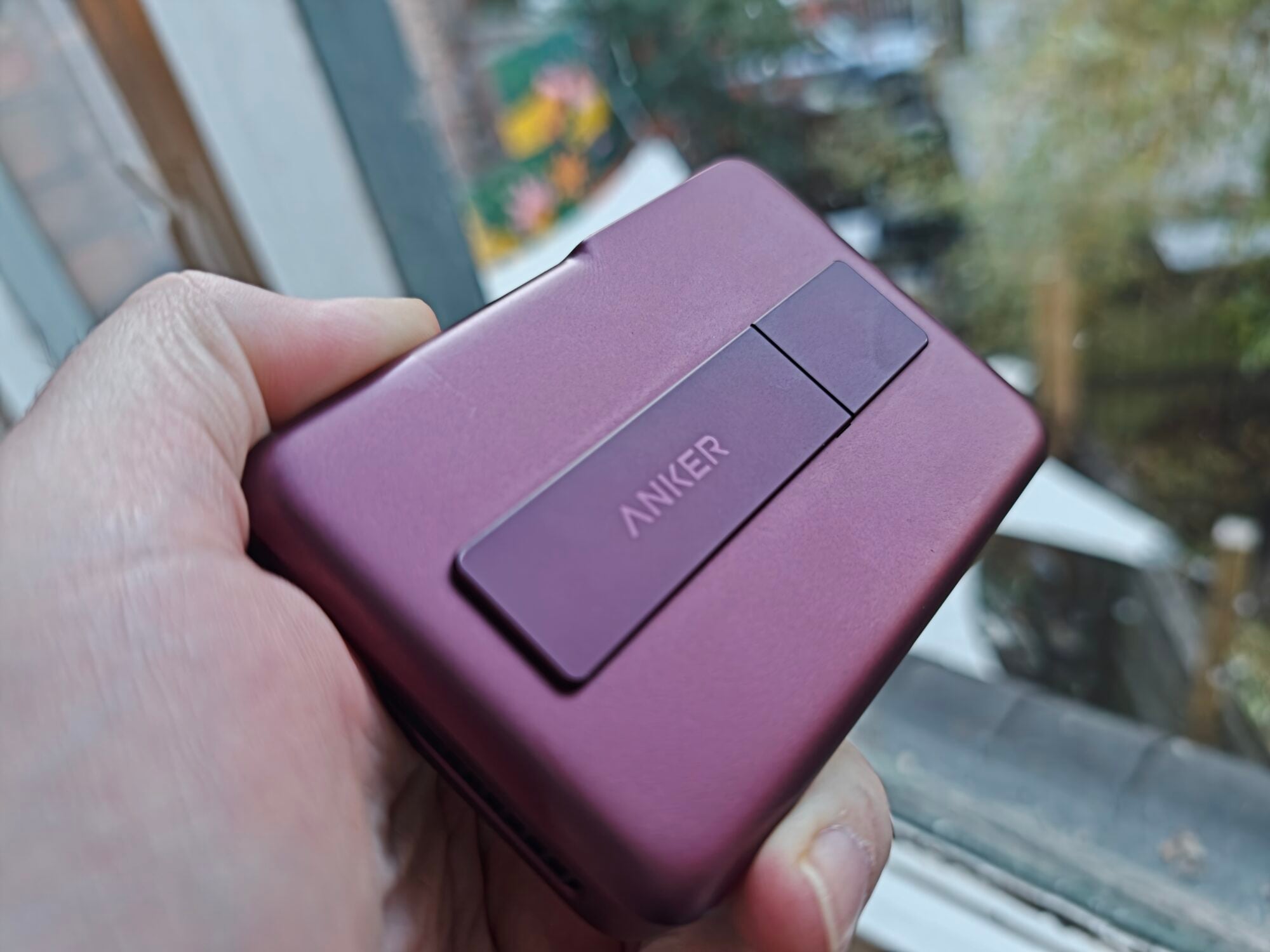
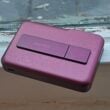
My review unit is the Burgundy Red model, and it's a looker. Power banks are usually anonymous gray slabs, so it's refreshing to carry one that looks like someone cared about the finish.
The magnets are where Android owners need to pay attention. Unless you're carrying one of the new Pixel 11 handsets, your phone still doesn't have built-in magnets, which means you need a magnetic case to use this the way Anker intended.
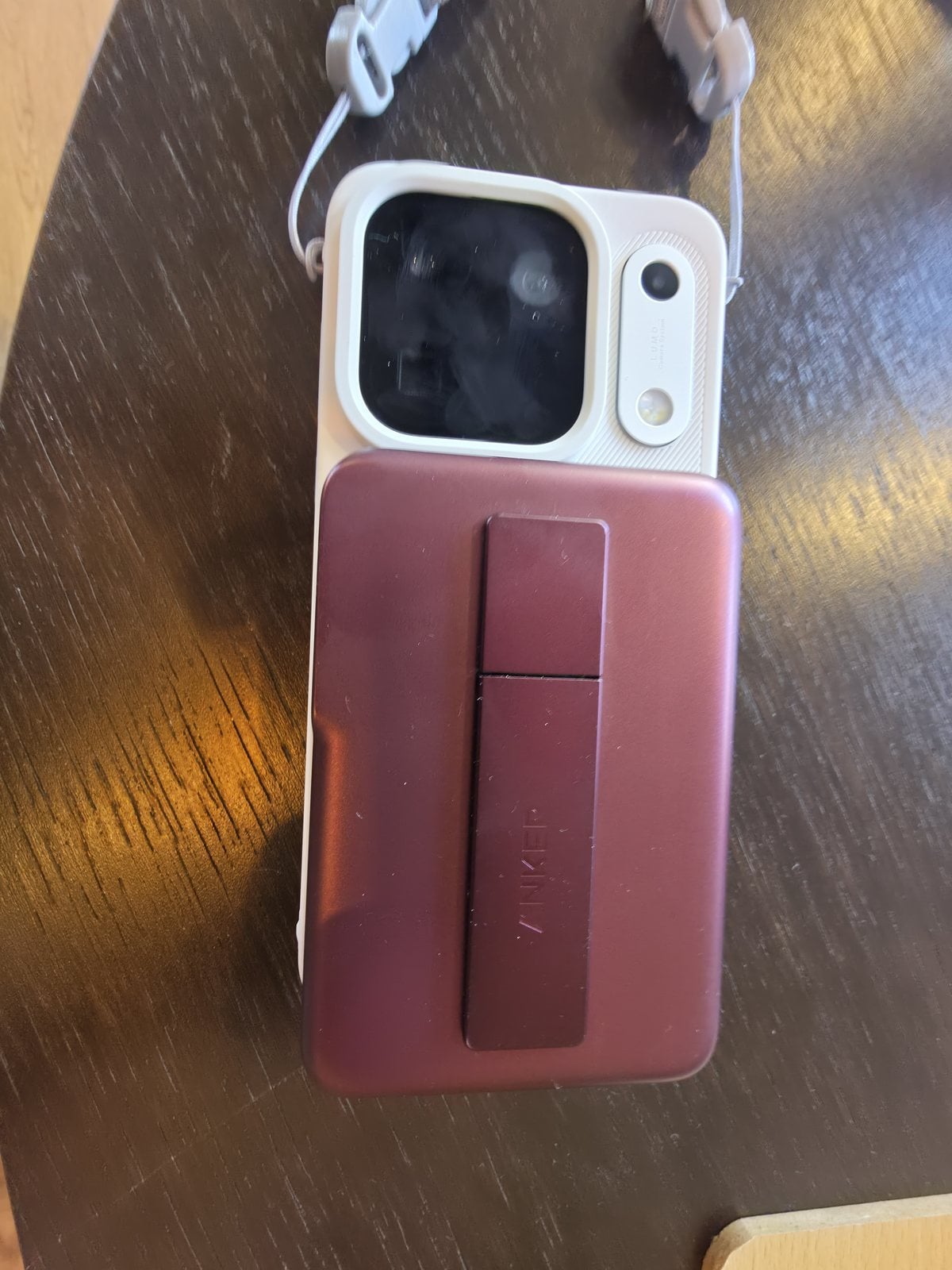
I tried exactly that with the Oppo Find X10 Pro Max in a magnetic case, and the fit was close but not quite flush. Between the ring placement and the size of the camera housing, the power bank sat a smidge proud at the bottom edge. It's a small thing, but it's a reminder that the magnet layout was drawn up with modern iPhones in mind.
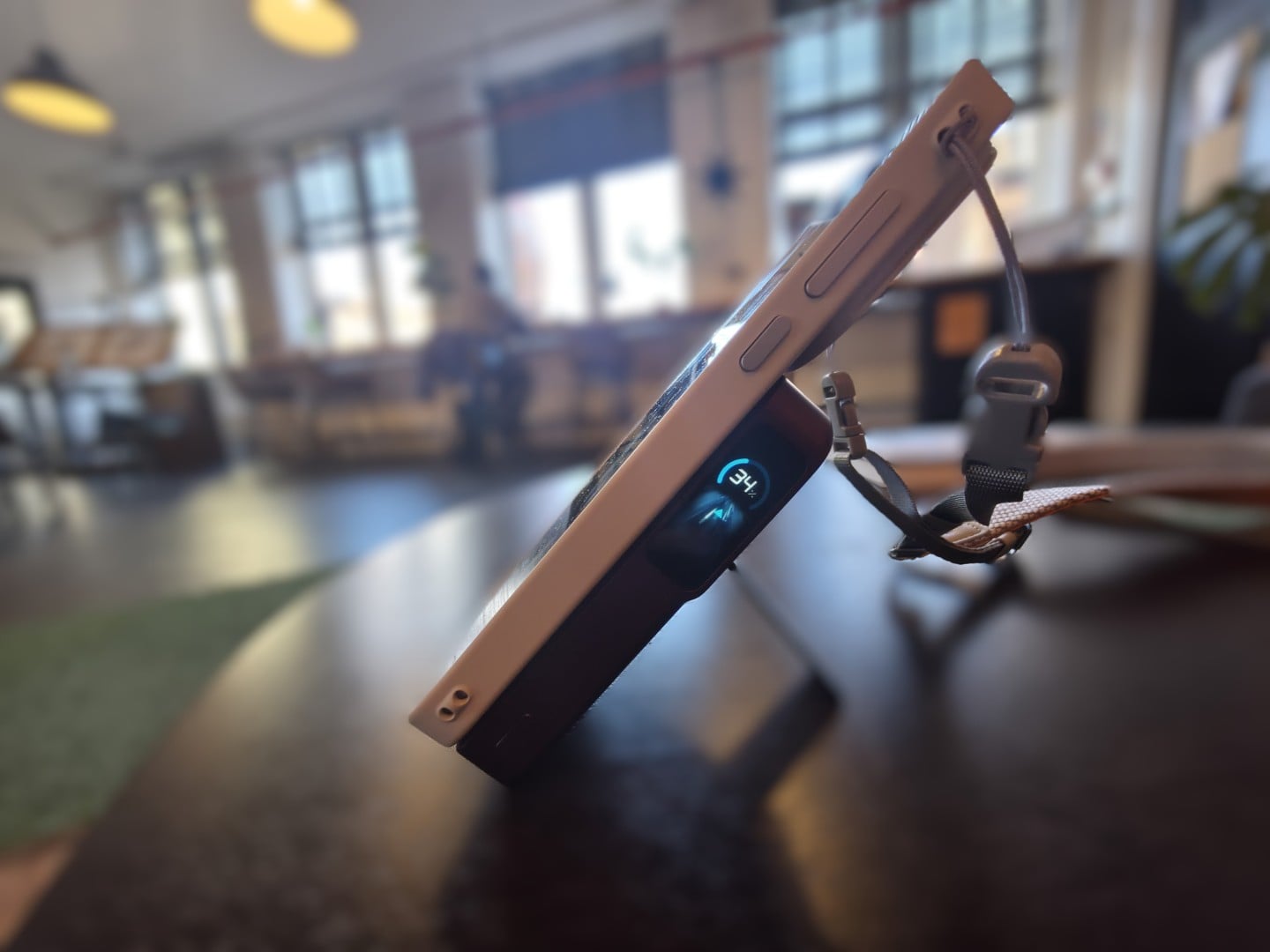
The kickstand folds flat and adjusts anywhere from 0 to 80 degrees, and it turned out to be more useful than I expected. I propped the Find X10 Pro Max up in portrait for TikTok and in landscape for watching sports, and the magnetic hold kept the whole setup stable.
There's a single USB-C port, and a short USB-C cable comes in the box. That means you're set for wired charging from day one.
Read: The Best Slim Magnetic Power Banks for Android Phones in 2026
Display and Controls
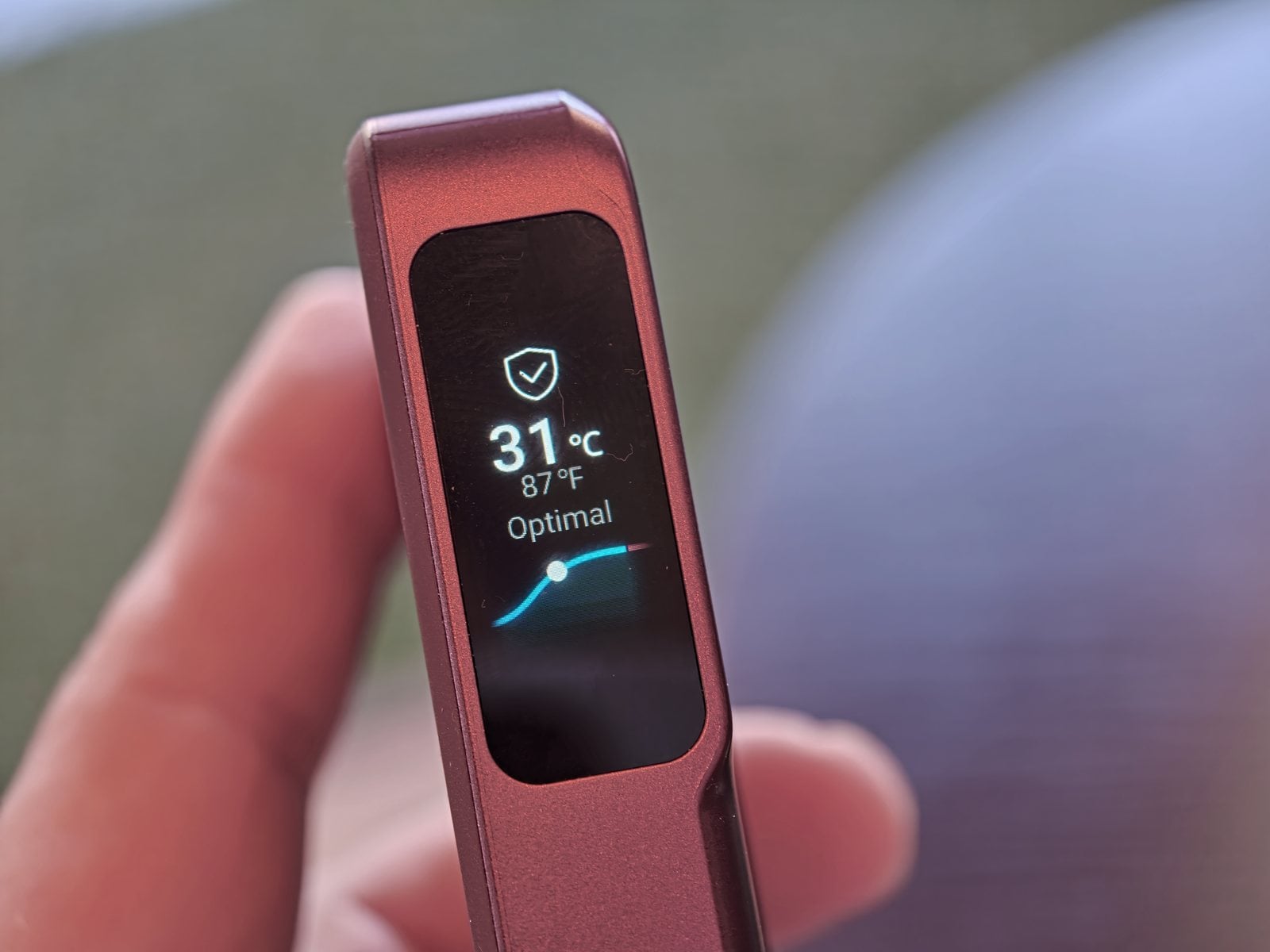
The smart display covers the data you'd want: input and output speed, remaining charge, battery health, and temperature, plus whether it's discharging over a cable or wirelessly. It's also where you switch between Cool and Silent fan modes, or turn magnetic charging off entirely. It's the same show-your-work approach I liked in the Anker Nano Charger.
What it wouldn't do was recognize which handset I had attached, because I was using Android phones. That's another sign of where Anker's priorities sit, though it doesn't affect any of the core functions.
Charging Performance
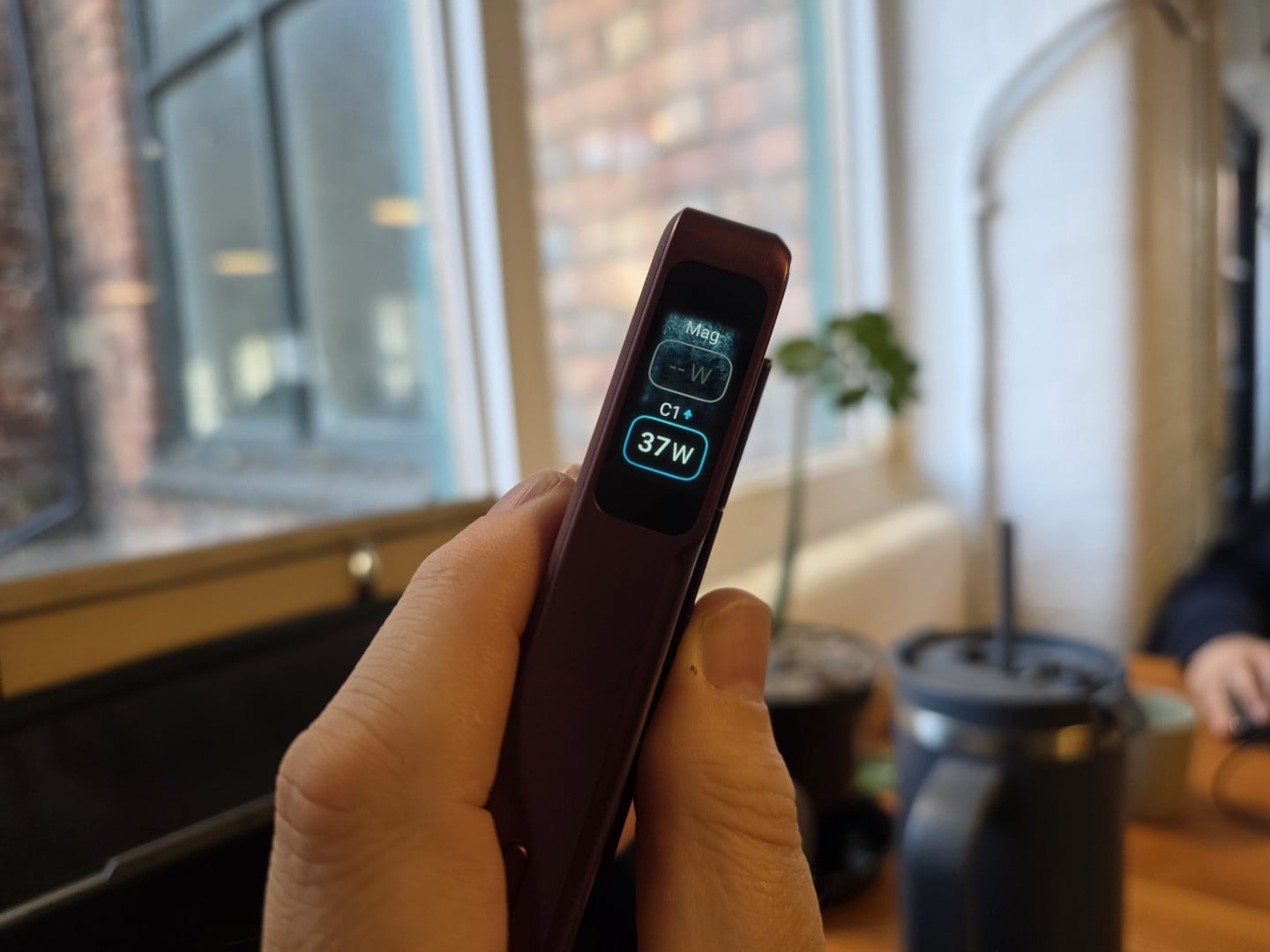
Wired is where this thing earned its place in my bag. The display showed 37W going out to the Oppo Find X10 Pro Max with that phone at 64%, and 29W to my Galaxy Z Fold 8 Ultra at 49%. Anker rates the port for up to 45W, and holding that kind of speed past the halfway mark is a good sign.
On the wireless side, Anker says an iPhone 17 Pro gets to 25% in 10 minutes and 50% in 25. I can't vouch for that number on an iPhone, but wireless charging worked reliably on both of my Android phones, with the usual efficiency penalty compared to a cable.
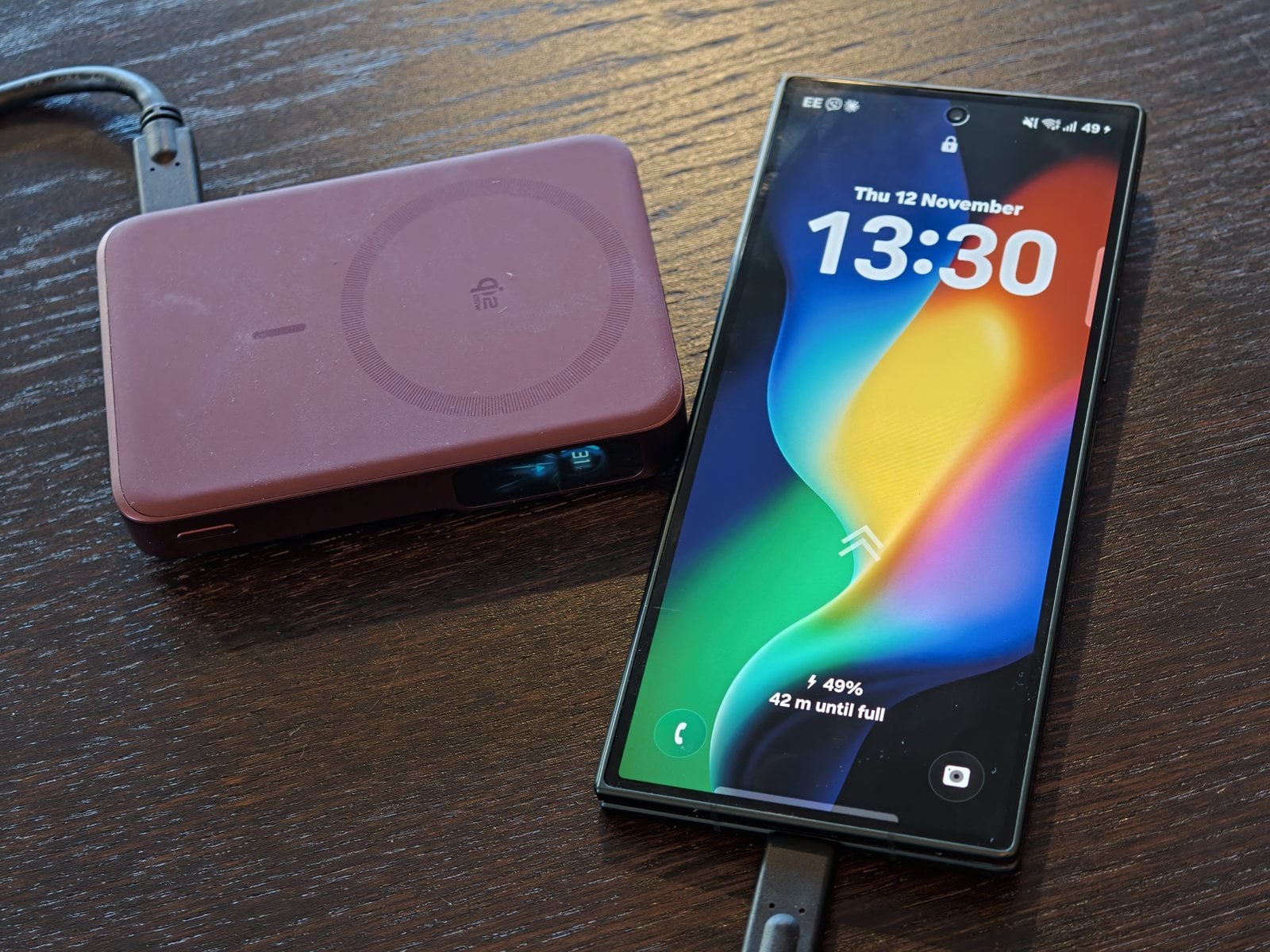
So how did I end up using it? With the Fold 8 Ultra, purely as a regular wired power bank. The Oppo and its magnetic case got both treatments, cable and magnets.
Cooling and Noise
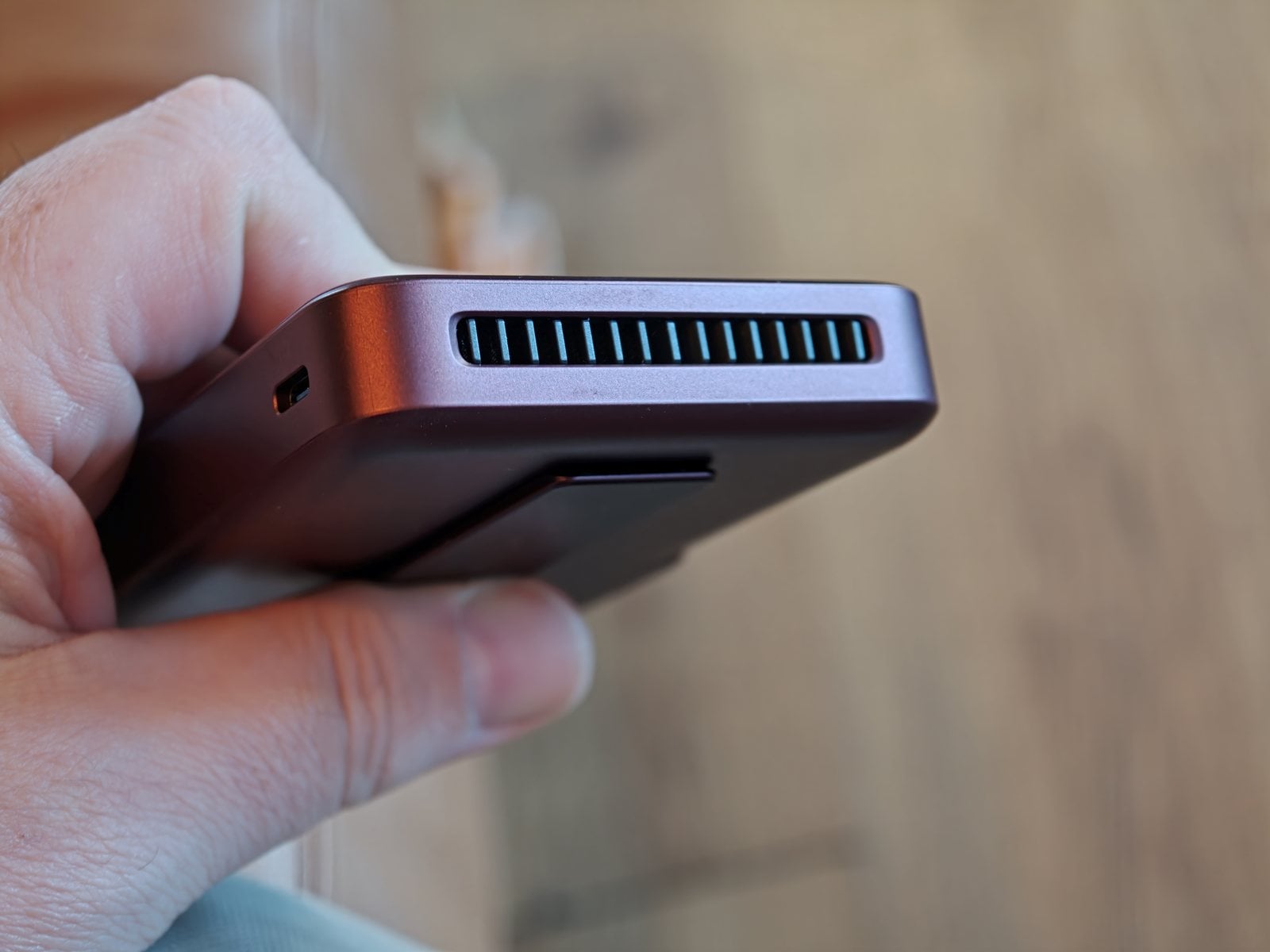
The fan is the headline feature. Anker's cooling system combines a smart fan, dual air channels, and three layers of graphene, and the company claims that keeps the pack under 36°C (96.8°F).
In practice, both the phone and the power bank did get warm during wireless charging, but never uncomfortably so. That's a better result than I've had with most magnetic packs, which can turn into hand warmers after twenty minutes.
Is the fan noisy? Most of my use was in busy environments where I'd never have heard it, but I didn't notice any noise in a quiet hotel room either.
Capacity and Recharge
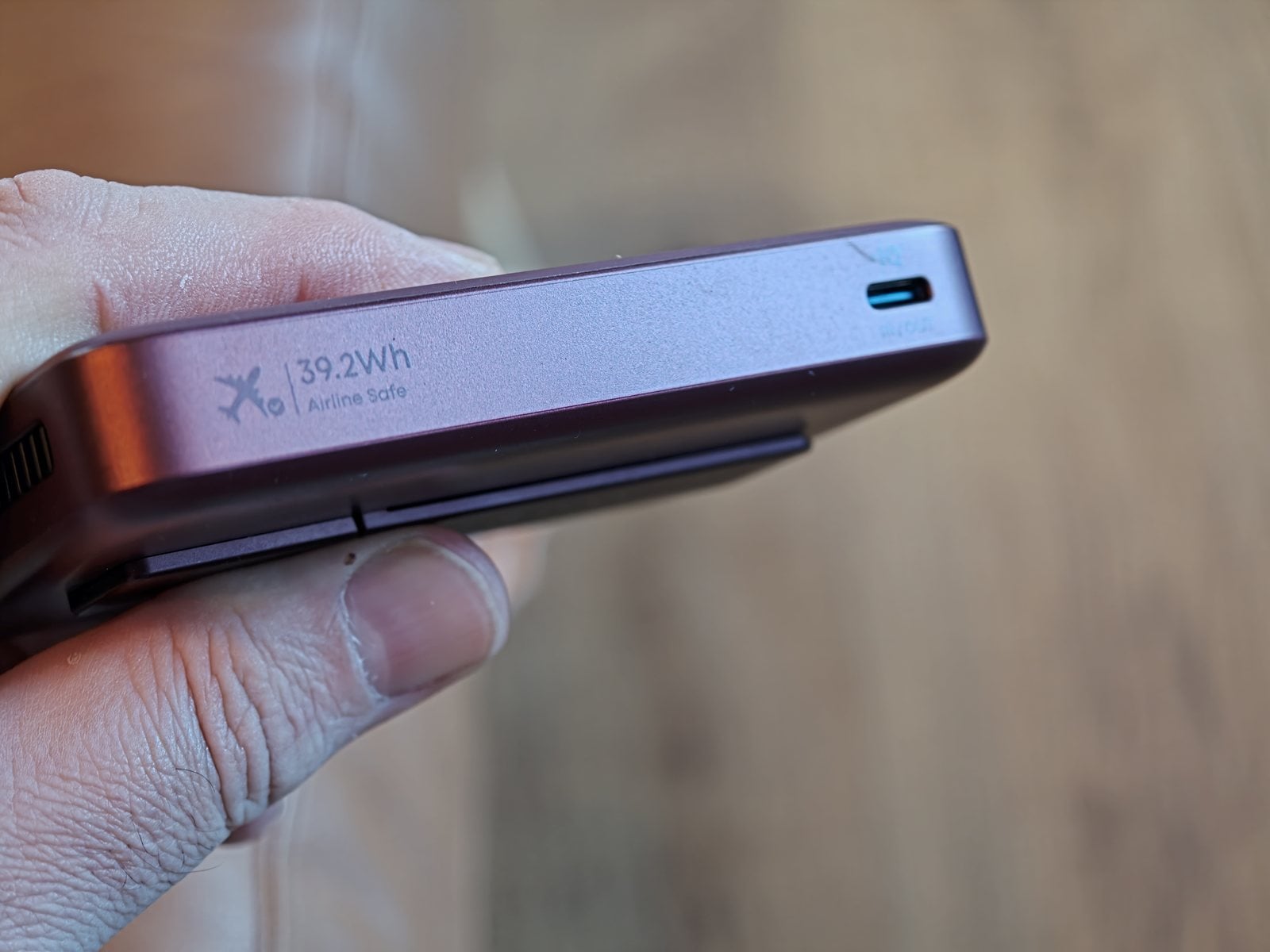
Using a cable, the 10,000mAh (39.2Wh) cell took my Fold 8 Ultra from empty to full almost twice. That's a solid return given how much battery a big foldable carries. The rating also sits well under the 100Wh carry-on limit, and Anker prints an airline-safe mark on the edge to save you the argument at security.
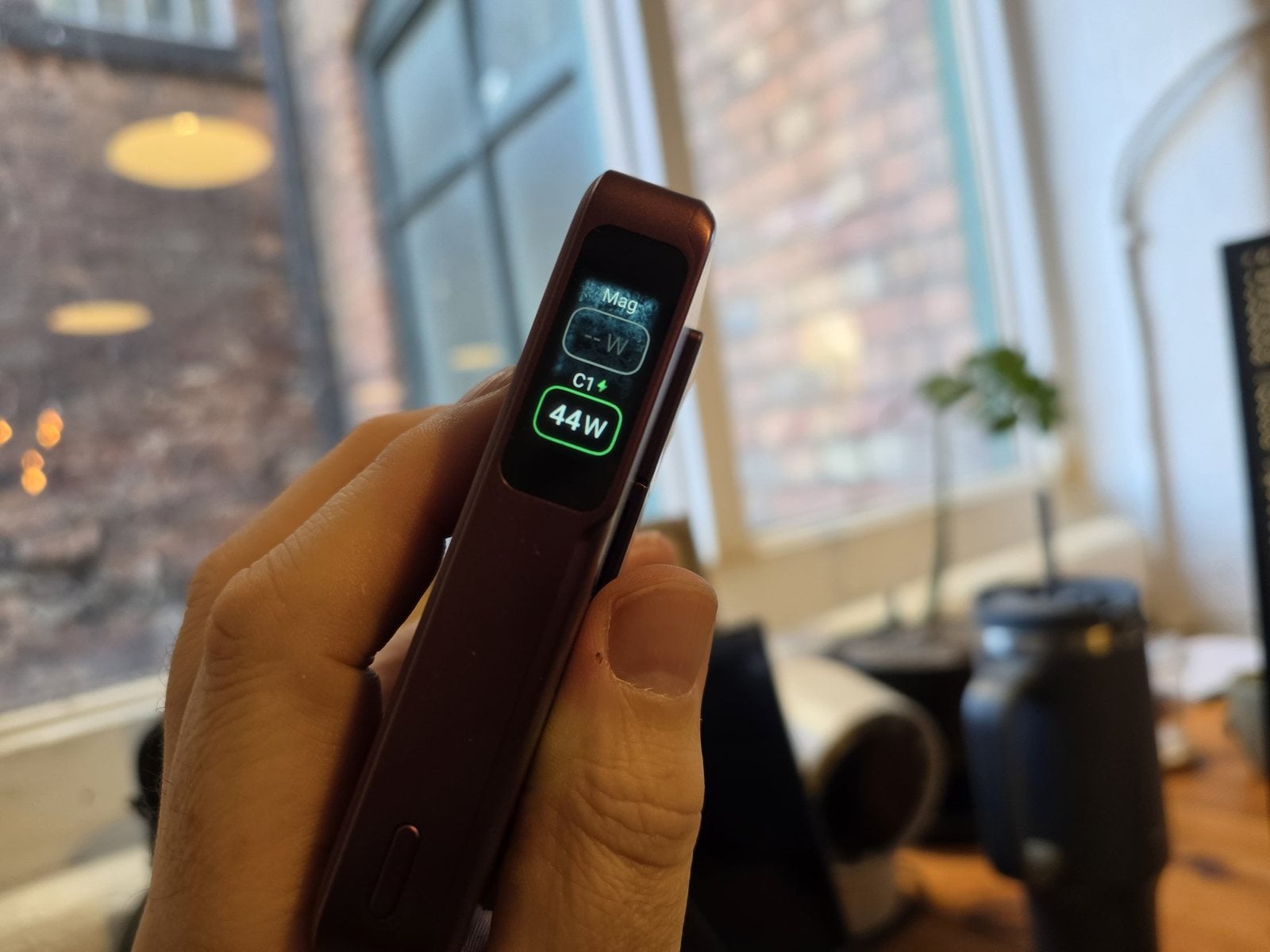
Wireless was naturally less efficient, so expect fewer top-ups if you go cable-free. When the pack itself runs dry, it refills quickly: I saw 44W going in on the display, and Anker says 45W input takes it back to 80% in 52 minutes.
Verdict
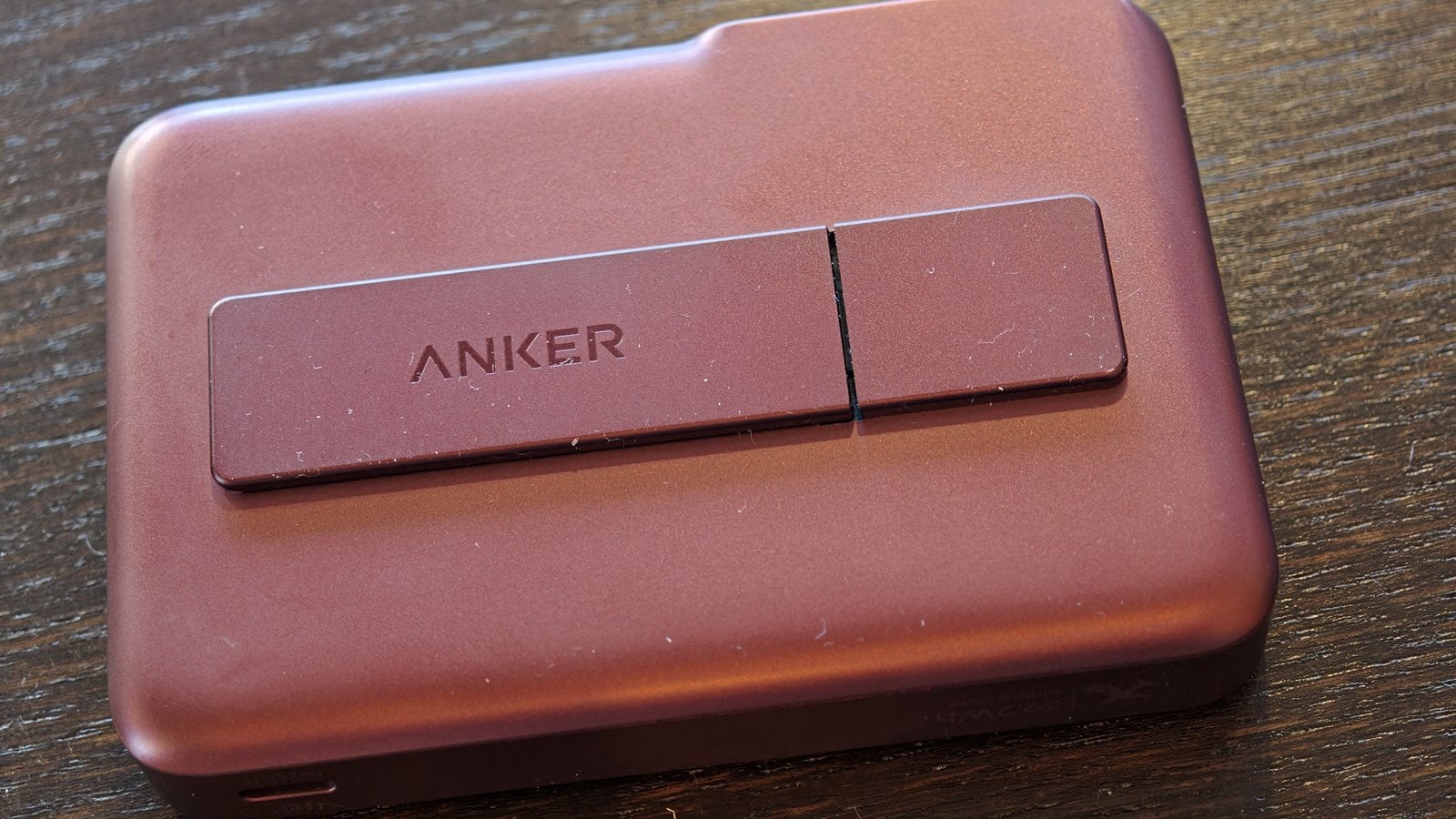
The MagGo 2 Pro is fast, well made, and stays cooler than magnetic power banks usually do. If you own a recent iPhone and want a color-matched pack, you won't be disappointed.
For Android users, it's a tougher sell at $109.99. You're paying for magnets and smart features that only partly work with your phone, so I'd wait for a deal, and Anker's own store has already had it as low as $85.99 for members according to 9to5Toys. It's a great power bank that happens to be looking at a different phone.