



Choosing the correct Minecraft Bedrock build for an Android phone is not only about finding the newest version. Compatibility depends on several details, including processor architecture, Android release, the package already installed, and whether the file is a stable or test build. Checking these factors first can prevent installation errors and protect important worlds.
What to Check Before Installing Minecraft Bedrock on Android
Players who want to download minecraft free should check more than the version number. Android architecture, package signatures, available storage, and the edition already installed can all determine whether a new build installs successfully.
Before installing a different Minecraft Bedrock package, check the Android version, processor type, free storage, and the version already on the device. A package that works on one phone may fail on another because the hardware or software environment is different. It is also useful to know whether the current installation uses the same package signature.
Why One Minecraft Build Does Not Fit Every Android Phone
Minecraft Bedrock runs on a wide range of Android devices, from older budget phones to current flagship models. Because of that, one APK is not always suitable for every device. The main difference is often CPU architecture. Most recent Android phones use 64-bit ARM processors, commonly identified as ARM64 or arm64-v8a, while some older devices still depend on 32-bit ARM builds.
The Android version matters as well. Newer Minecraft releases can require system APIs that are missing from older versions of Android. A phone may have enough RAM and storage but still be unable to install a recent build because the operating system is no longer supported. When several files are available for the same release, choose the package that matches both the CPU architecture and Android version.
Stable Release or Beta Build?
Stable releases are intended for normal gameplay and are usually the best choice for survival worlds, multiplayer, and long-term saves. They have passed the standard testing cycle and are less likely to contain major bugs.
Beta and preview builds are designed to test features that may appear in future stable versions. They can include new blocks, mobs, interface changes, experimental mechanics, and technical improvements, but they can also introduce crashes or unexpected behavior. Opening an important world in a newer experimental build may change its data, making it difficult to return to an older version later. For everyday use, a stable build is usually the safer option.
Before choosing between a stable and beta build, consider how you plan to use Minecraft on your device:
- Use a stable release for regular survival gameplay and important worlds.
- Choose beta builds mainly for testing upcoming features and mechanics.
- Keep experimental worlds separate from your main saves whenever possible.
- Create a backup before opening an existing world in a newer test version.
- Check multiplayer compatibility if you regularly play with friends or servers.
ARM64 and Older Android Devices
ARM64 has become the standard architecture on modern Android devices. If a phone was released in recent years, an arm64-v8a build is generally the preferred choice when one is available. It is designed for 64-bit ARM processors and current Android systems.
Older phones may use 32-bit ARM hardware or a 32-bit operating system. In that case, an ARM64-only APK will not install. Android checks whether the native libraries inside the package can run on the processor before completing installation. CPU architecture and Android version are separate requirements, so a phone can have a 64-bit processor and still be too old in software terms for a particular Minecraft release.
Why “Package Appears to Be Invalid” Errors Happen
The message “package appears to be invalid” can be caused by several problems. One of the simplest is an incomplete or corrupted download. If the APK was interrupted while downloading, Android may be unable to read the package correctly. Deleting the file and downloading it again can solve this issue.
Compatibility problems can produce the same message. The package may target a different processor architecture or require a newer Android version. A lack of free space can also interfere with installation because Android needs temporary storage to unpack and verify application files. Another common cause is a conflict with an existing Minecraft installation. In that case, the APK itself may be valid, but Android refuses to treat it as a compatible update.
Updating, Downgrading, and Package Signatures
Android uses digital signatures to verify application updates. If the Minecraft installation already on the phone was signed differently from the new APK, Android will normally block the update. This prevents one application from silently replacing another with the same identity.
Uninstalling the existing game can remove a signature conflict, but it should not be the first step because local game data may also be deleted. Downgrading can create a similar problem. Android normally expects a new package to have a version code equal to or higher than the installed one. Installing an older Minecraft build over a newer release may therefore fail even when both files are otherwise compatible.
Backing Up Minecraft Worlds Before Installation
Minecraft worlds can contain months or years of progress, so they should be protected before making major installation changes. Create a backup before uninstalling the game, switching between stable and beta builds, or attempting a downgrade.
The exact location of world files can vary depending on the Android version and Minecraft storage settings. Newer Android releases also restrict access to application folders more aggressively. When Minecraft offers an export option, using it is usually safer and easier than manually searching for the world directory. Important saves should ideally be copied to another device or cloud storage before removing the current installation.
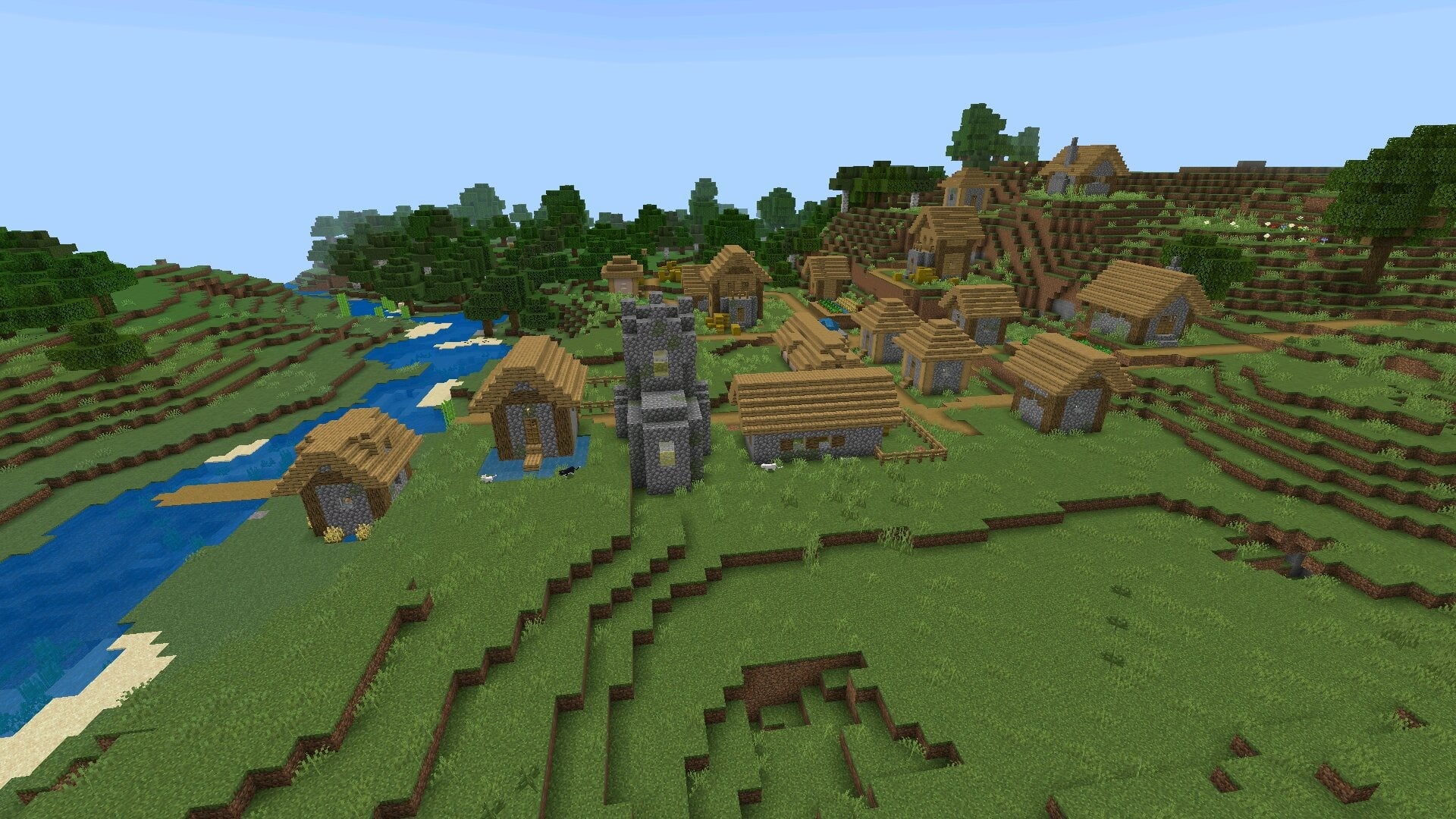
Before changing or removing the current installation, make sure the most important worlds are protected:
- Export important worlds before uninstalling Minecraft.
- Keep a separate copy before switching between stable and beta builds.
- Back up saves before attempting to downgrade to an older version.
- Store valuable worlds outside the Minecraft application folder when possible.
- Use cloud storage or another device as an additional backup location.
Check Compatibility Before Reinstalling
If Minecraft refuses to install, avoid testing random APK files one after another. Start by checking the Android version, CPU architecture, the Minecraft version already installed, and whether the package may use a different signature. Then confirm that there is enough free storage and that the downloaded file is complete.
For most modern phones, the current stable ARM64 build is the most practical choice. Older devices may require a compatible legacy package, while beta versions are best used only when testing upcoming features is the goal. Matching the build to the device before installation is much faster than troubleshooting a failed update afterward.
FAQ
Which Minecraft Bedrock version should I install on Android?
For regular gameplay, the latest stable release compatible with your Android version and processor architecture is usually the best option. Beta or preview builds are more suitable for testing upcoming features and may contain additional bugs.
How do I know if my phone needs an ARM64 Minecraft build?
Most modern Android smartphones use 64-bit ARM processors and support arm64-v8a applications. You can check the processor architecture in the device specifications or with a hardware information utility. Recent phones should generally use the ARM64 build when one is available.
Why does Minecraft say the package appears to be invalid?
This error can appear when the APK is incomplete, incompatible with the phone's Android version or architecture, or conflicts with an existing Minecraft installation. A different package signature can also prevent Android from installing an APK as an update.
Can I install an older Minecraft version over a newer one?
Android normally does not allow a direct downgrade to an application with a lower version code. Installing an older Minecraft release may require removing the current version first. Back up important worlds before uninstalling the game.
Will my Minecraft worlds disappear if I reinstall the game?
They can, depending on how Minecraft stores its data and how the application is removed. Before reinstalling, downgrading, or changing builds, export or copy important worlds to a safe location. This is especially important when switching between stable and experimental versions.