



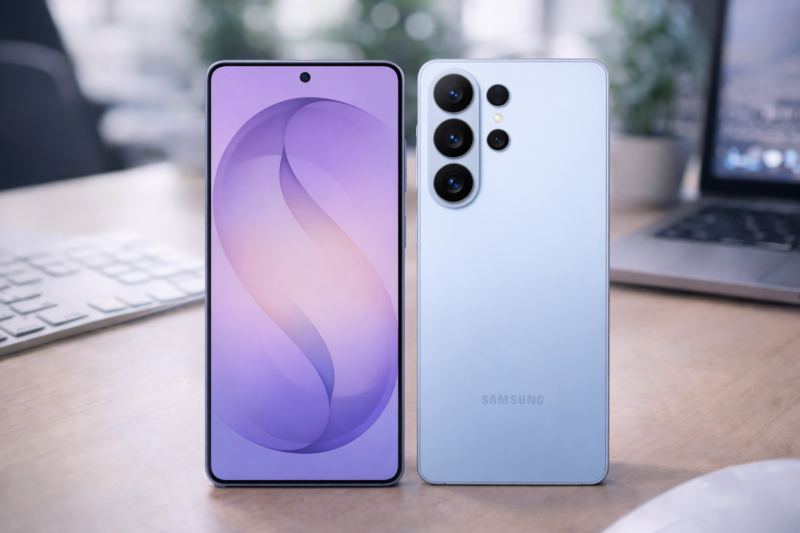
Samsung has tightened its lock screen security in One UI 9 for devices that launch with the new software based on Android 17. Previously, Android and One UI would keep letting you try your PIN, pattern, or password, with increasingly long delays between attempts.
So, someone could eventually keep guessing forever if they had enough time. Under the new policy, there is now a hard limit where your phone enters a 24-hour lockout. If you enter the wrong credential a 13th time, the device is permanently locked. The company made the announcement on their support website. You'd be interested to know the solution after the limit is drastic. Here's what you have to do to get your phone back.
The 13th time really is the charm
There's really only so many incorrect guesses you can make before Samsung decides enough is enough. The 13th time seals your fate in this case, and your only appeal for it is a factory reset. By the 12th failed attempt, you're already locked out of your device for 24 hours.
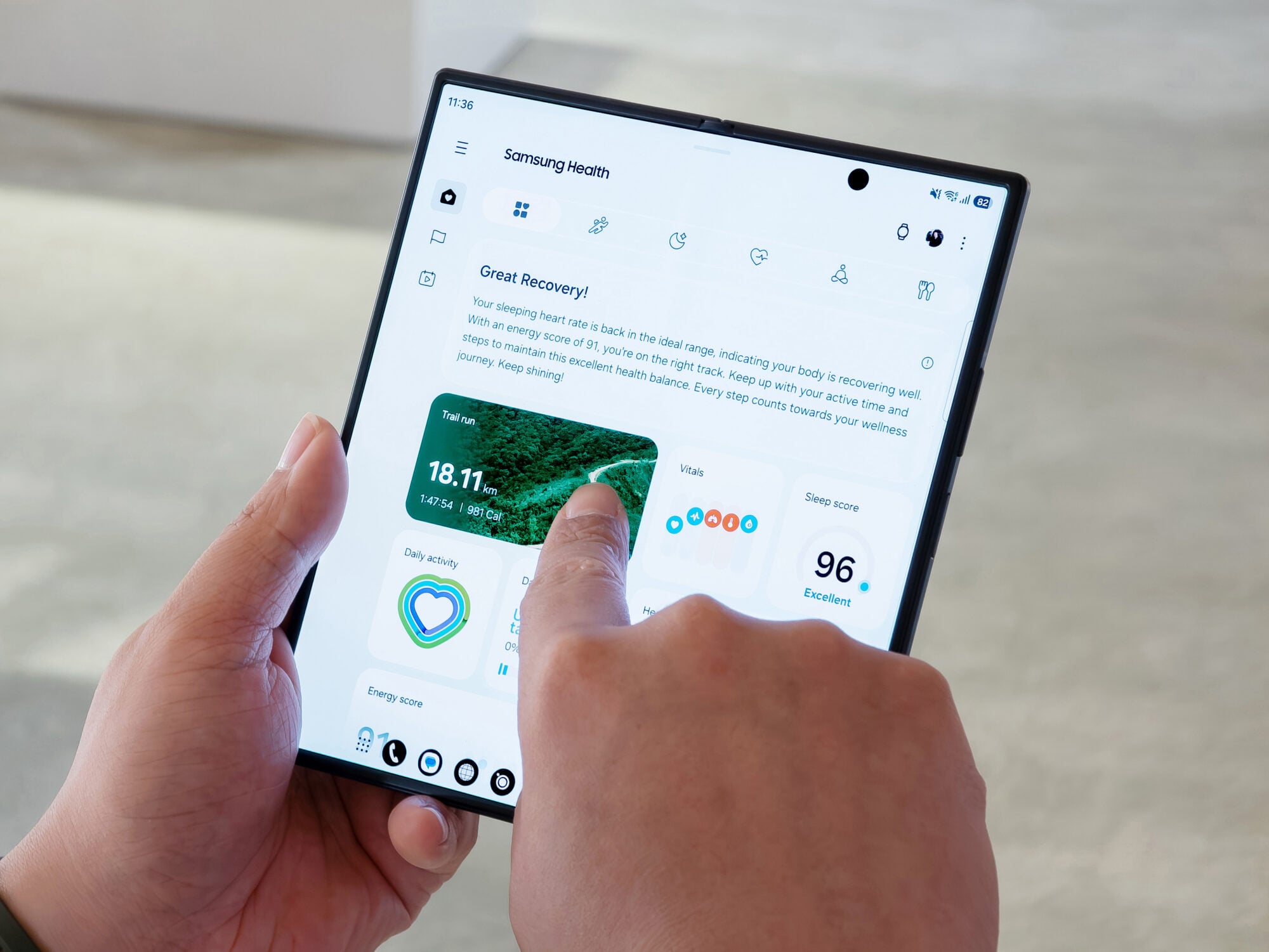
A factory reset is as it sounds, and means your phone returns to its original state. So, you'll lose all your data. Afterward, you'll still need to sign in with the Samsung and Google accounts you previously linked to the phone because of Factory Reset Protection (FRP).
FRP is an Android security feature that stops a thief from wiping and immediately reusing a stolen phone. It’s automatically enabled when you link a Google or other account to the phone.
Though it seems to counteract a factory reset, it's because Android storage is divided into multiple partitions. A factory reset doesn't rewrite the entire flash memory, except where your personal information lives (the /data partition.
So, there should be a dedicated FRP partition or secure persistent storage managed by the bootloader and trusted execution environment.
The setup wizard reads the protected partition and contacts the appropriate servers while presenting the device's identifiers.
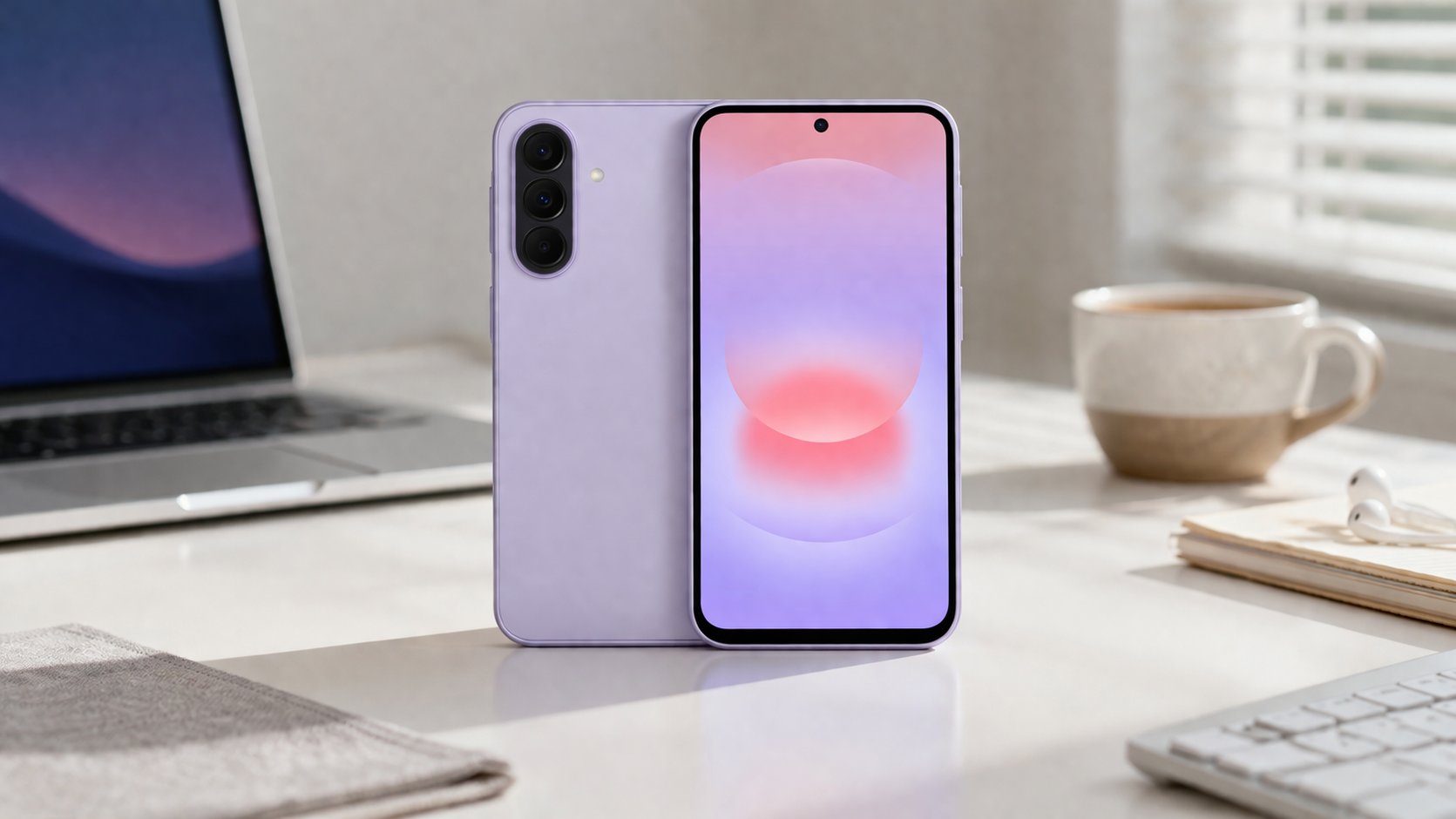
Samsung says it made these recent changes to protect users from brute-force attacks, and it covers any Galaxy device launching with One UI 9. If you're worried about losing track of how many attempts you've used, Samsung says you don't have to count them yourself.
As you get closer to the limit, your phone will display warnings on the lock screen showing exactly how many attempts you have left. However, it's no excuse to forget your security method.
Forgetful much? It's understandable in a vast Galaxy
Samsung says their lock screens tell you how many unlock attempts remain. Entering the exact same wrong PIN twice in a row doesn't consume multiple attempts. But the waiting period between tries increases gradually from 1 minute after five failures to 24 hours after the twelfth.

These capabilities are launched with One UI 9, and should become the standard for future Galaxy devices supporting it. But it's obvious why new devices are the prime hosts. They're the primary targets for theft because of their high resale value.