
Android updates have started to feel lacklustre in recent years. And it’s not to say Android 16 is so barren that you can’t point to anything new. You can. There’s artificial intelligence all the way up in notifications, and we now have a bit more control over display customization.
It looks like it might be the same thing with Android 17, but at least the release will be much faster. Android 17 Beta 4 is already here, so developers should prepare to treat it as the final version. Here's what we know so far.
The final release is fast approaching
Google officially announced the rollout of Android 17 Beta 4 as the final checkpoint before the stable release. They're closing the feature development phase as Beta 3 already locked the platform APIs. The company made a checklist of changes and new rules that will apply once the software launches.
Among the most important chances is app support resizable layouts. Android is removing the ability for apps to opt out of flexible screen behavior. It will directly affect how apps look on tablets, foldables, and desktop-style modes. Apps that previously locked orientation or fixed aspect ratios will now be forced into adaptive layouts or risk display issues.
Also, Android now requires native libraries loaded at runtime to be marked as read-only for apps that used to load additional code for plugins or modular features. If they aren’t, the device will block them with a crash-level error, which should reduce malicious code injection after installation.
If a user installs a video editing app, they only get the basic editor that includes tools for cropping, exporting, and more. Opening a tab like filters means they'll download extra modules for cinematic blur, AI color grading, and others. Those modules are native code files compiled from C/C++ libraries.

Attacker modifications to what gets downloaded on the device may happen, and it won't be hard for them to inject native code into the app after installation. Android 17 now expects that the files are explicitly marked as read-only, and that they cannot be modified before execution.
Here are the other Android 17 updates coming
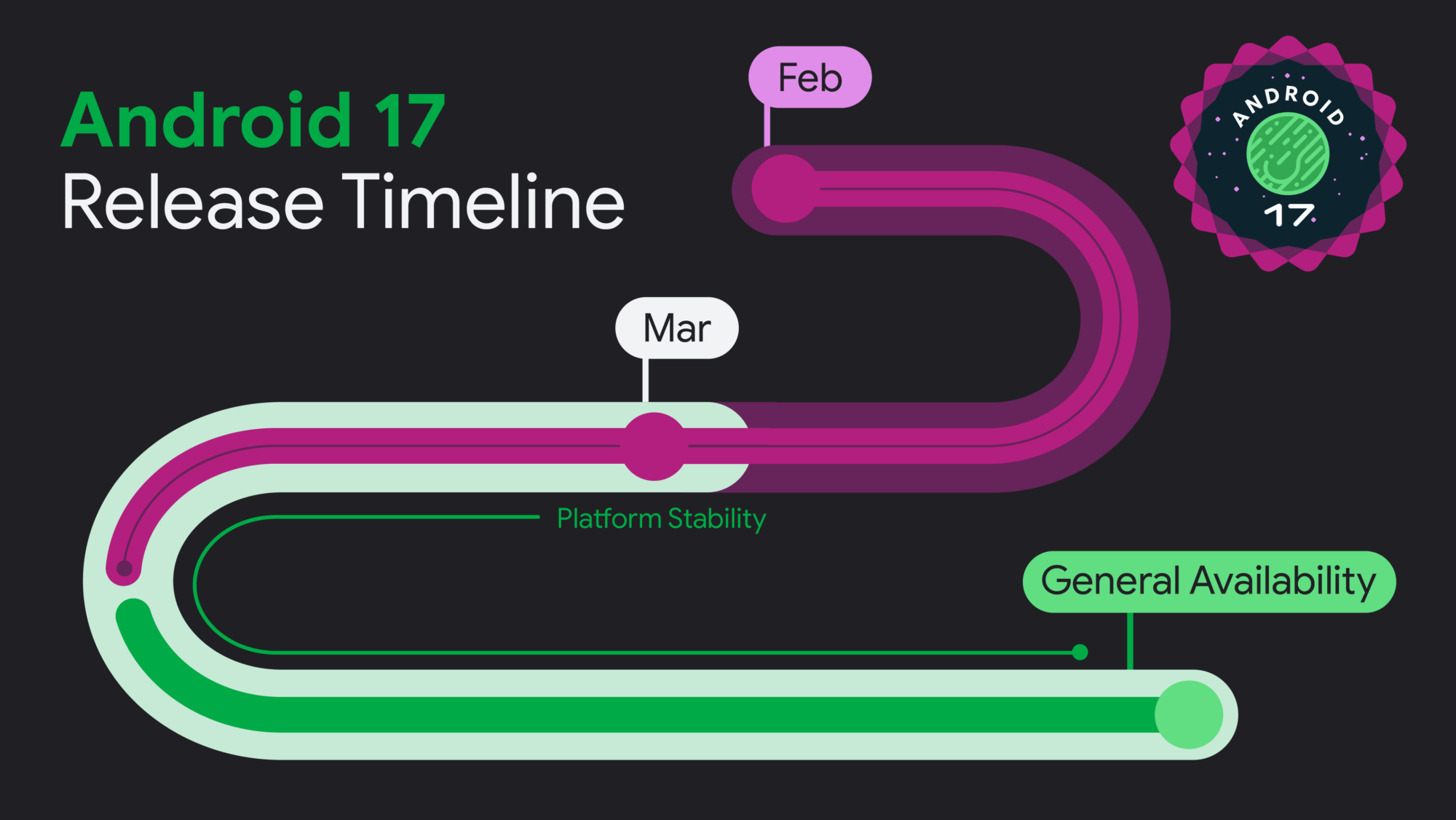
Based on Google's release timeline graphic for Android 17, general availability looks to be around the corner, likely sometime this summer. Here are more developer-facing APIs and tools available to you in Beta 4:
- Post-quantum cryptography support: Android adds new encryption methods designed to stay secure even against future quantum computers.
- Certificate transparency enabled by default: Apps now automatically double-check HTTPS certificates more strictly to reduce fake or tampered secure connections without developers needing to turn it on manually.
- Local network access restricted: Apps can no longer freely scan or connect to devices on your Wi-Fi network. They must ask for explicit permission.
- Background audio tightened: Apps running in the background have less control over sound. They can’t freely play or adjust audio that'll drain battery life unless the system allows it.
- App memory limits introduced: Each app now has a stricter limit on how much RAM it can use.
- Memory limiter detection: If an app gets killed because of memory use, Android labels it so developers can see the exact reason. It helps them understand what went wrong.
- System anomaly detection: Android can now watch app behavior in real time and detect problems like memory spikes or excessive system calls. It'll generate diagnostic reports automatically.
- Automatic performance reports: When issues are detected, Android can produce crash-like reports before killing the app.
- Canary built into Android Studio: Memory leak detection is now part of the official Android development tools. Developers don’t need extra setup to find where their app is wasting memory.