


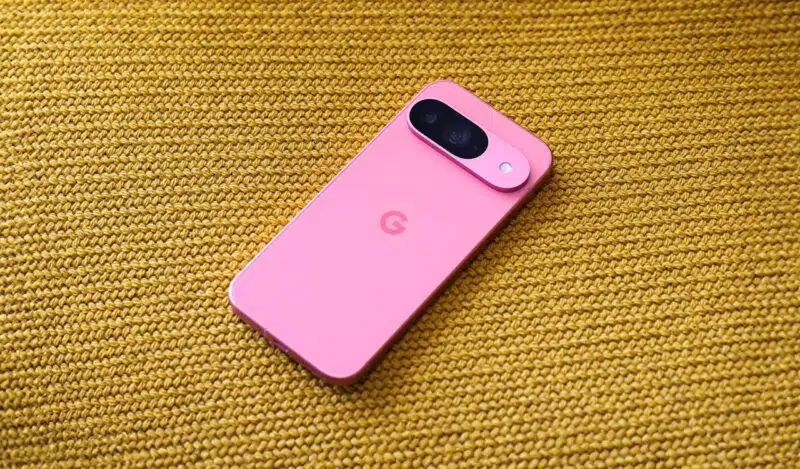
Still haven't installed Google's April 2026 update? You should. Although the last security patch only fixed a set of annoying issues across Pixel phones, a newer rollout will update parts of your phone in the background without your device needing a full system update. If you comb through it now, you may notice some of them.
Over 10 improvements are ready for your Android
Google has released an April 2026 update through Play services and the Play Store, adding up to 12 changes. The Play services update v26.14 now makes transferring your Google account and settings to a new device faster.
It's a process that usually takes around 20-60 minutes, one I had to endure myself recently. It's not everyday you'll change phones, but it's nice to know it won't take ages when you do.

Google Wallet has also been redesigned to make finding passes or anything else less stressful. You can control privacy per pass, so your tickets won’t automatically interact with other Autofill and other features unless you allow it. There’s even a transparent feature that lets you view open-source licenses for the Android Pulse system component in settings.
The Play Store update itself with version number 51.0 adds three changes. You can now rate AI-generated summaries of app reviews, create a Gamer Profile directly inside the Play Store instead of going through Play Games separately, and then instantly play some games from the You tab without installing them.

Apps that rely on your location can now request it more efficiently. Your phone will log places you visit more frequently if you enable Maps Timeline feature. Other improvements include:
- System management services update, improving security and stability across Android devices.
- QR code sign-in on Android Automotive now shows the requesting device’s name for clearer authentication.
- Device connectivity developer improvements for better app-to-device and cross-device interactions.
Google system services updates make your Android devices more secure and reliable, and give you new and useful features. They include updates from Google to the Android operating system, Google Play Store, and Google Play services. Google system services updates are available for phones, tablets, Android TV and Google TV devices, Android Auto-enabled devices, cars with Android Automotive OS or Google built-in, Wear OS devices, and Chrome OS devices.
Google
Google’s official System Services Release Notes page has been updated to reflect these changes.
A new Android Canary Build is here too
Google has released a new Android Canary build (2604) for Pixel phones. They made the announcement on the r/android_canary subreddit.
Canary is an early experimental version of Android, mainly for developers and testers. Its new build brings small interface changes, including a “you’re all caught up” message in notifications and redesigned app shortcut menus.
It's available for the Pixel 8 series to Pixel 10 models. However, once you install it, you’re stuck in testing unless you wipe your phone to go back to normal Android. It can also be unstable, so you might want to back up important files before your interaction. Older Pixels aren’t supported yet for this build, but they might be later.