
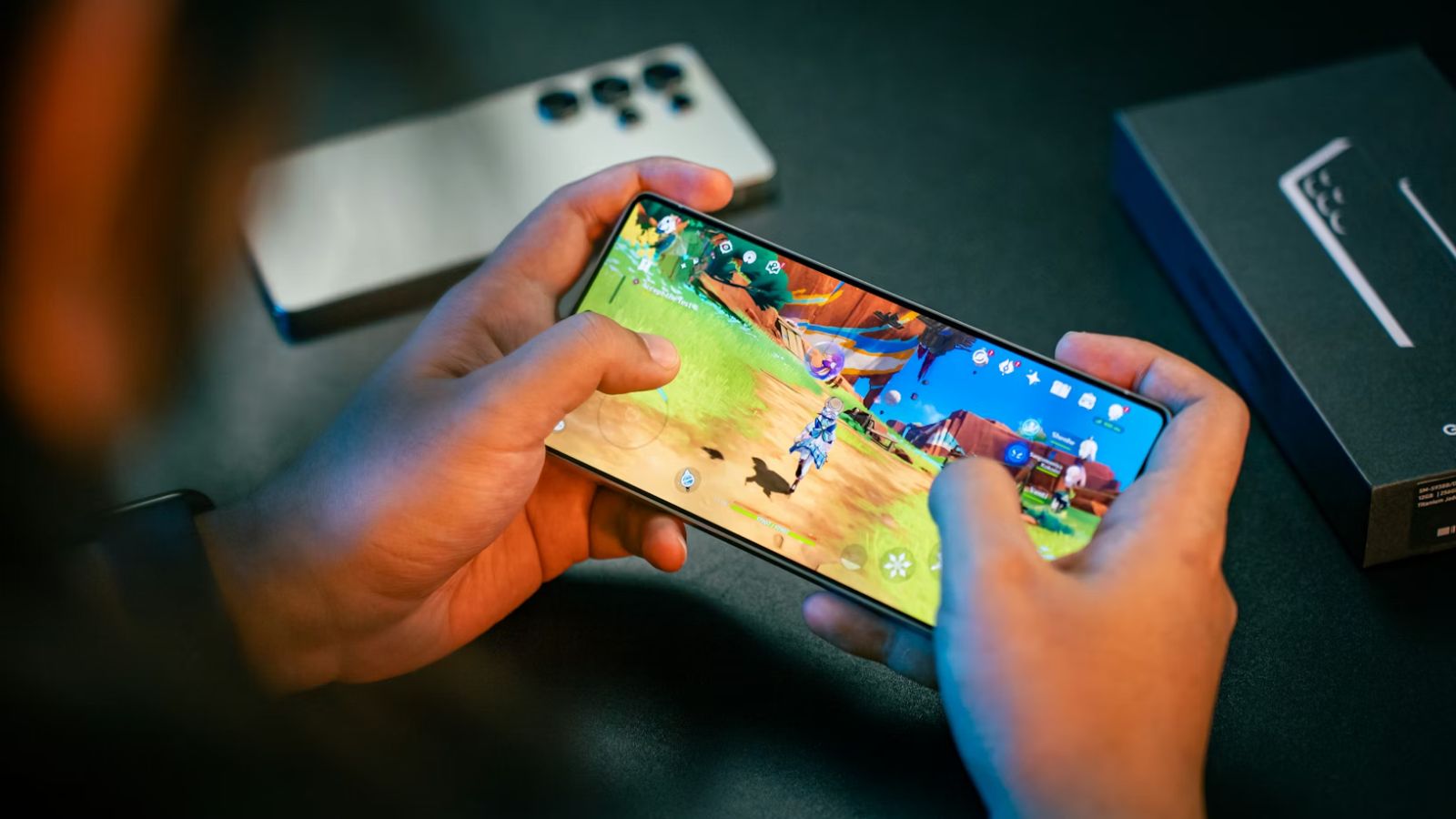
Ever noticed your phone getting uncomfortably warm after a long gaming session? Maybe the screen dims on its own, or the game that was running perfectly starts to stutter. You're not imagining things. Your phone is literally slowing itself down to avoid overheating.
It's called thermal throttling, and it affects pretty much every smartphone out there. The good news is that once you understand how it works, you can do something about it.
Not Every Game Pushes Your Phone the Same Way
Here's what catches most people off guard. You don't need to be running some graphically intense title to run into heat problems. Sure, games like Genshin Impact or Call of Duty Mobile will cook your processor fast. But even lighter experiences can cause trouble if you play long enough. Spending a couple of hours on BigPirate Social Casino, which blends casino games with a pirate-themed adventure, won't stress your GPU the way a 3D shooter does. But your phone is still working. The screen is on, the processor is active, background services are running. Over time, that heat adds up.
The difference is how quickly you notice it. A demanding game might trigger throttling in 20 minutes. A lighter one might take an hour or two before things start feeling sluggish. Either way, the result is the same. Your phone gets warm, performance dips, and the experience suffers.
What's Actually Happening Inside Your Phone
Think of your phone's processor like a car engine. The harder it works, the hotter it gets. Modern chips like Qualcomm's Snapdragon 8 Elite Gen 5 are incredibly powerful, but they generate serious heat under load. And unlike a car, your phone doesn't have a radiator or an exhaust system. All that heat is trapped inside a thin shell of glass and metal.
When internal temperatures climb past a certain point, usually around 45 degrees Celsius, the phone's software steps in. It reduces the processor's speed to bring temperatures down. Tests have shown this can cut gaming performance by over 50 percent. Frame rates that started smooth can drop dramatically within half an hour of heavy use. Your phone isn't broken when this happens. It's protecting its own hardware. But it still feels frustrating.
How Phone Makers Are Tackling the Problem

Cooling technology in smartphones has come a long way, especially in 2026. Most flagship phones now use vapor chambers, thin sealed plates that absorb heat from the processor and spread it across a larger area. Samsung's Galaxy S26 Ultra pairs upgraded thermal management with a notable GPU performance boost. It works well for typical use, but vapor chambers are passive. They spread heat rather than removing it.
Gaming phones take things further. The REDMAGIC 11 Pro uses actual liquid cooling paired with a turbofan spinning at 24,000 RPM. During testing, phones with active cooling systems maintained steady performance for two hours straight, while standard flagships started slowing down after roughly 45 minutes. The ASUS ROG Phone 9 Pro combines graphite layers, specialized thermal conductors, and an optional external cooler.
Then there's the efficiency approach. Apple's A19 Pro chip generates less heat per unit of performance, so iPhones can often handle longer sessions without aggressive cooling hardware. Different strategies, same goal.
Simple Ways to Keep Your Phone Cooler
You don't need a gaming phone to improve your situation. A few small habits make a real difference.
Take your case off while gaming. Phone cases trap heat against the device like a winter jacket. It's one of the easiest things you can do. Playing somewhere cool helps too, and closing apps you're not using frees up resources and reduces background heat.
Lowering screen brightness even slightly cuts down on thermal load. If you're on Android, check whether your phone has a game mode. Samsung's Game Booster, for example, lets you trade a bit of visual sharpness for more stable frame rates and lower temperatures.
Clip-on phone coolers have gotten surprisingly effective lately. A small fan on the back of your phone can stretch peak performance by an extra 30 to 45 minutes during longer sessions.
Why This Matters More Than You Think
Smartphone cooling isn't just a concern for competitive gamers with dedicated hardware. As mobile games keep getting more complex and phones take on heavier workloads, heat management is becoming relevant for everyone.
The takeaway is straightforward. A fast processor means nothing if your phone can't keep it cool over time. Next time you're picking a new device, don't just look at the specs. Ask how it performs after an hour of play. That's the number that actually matters.