




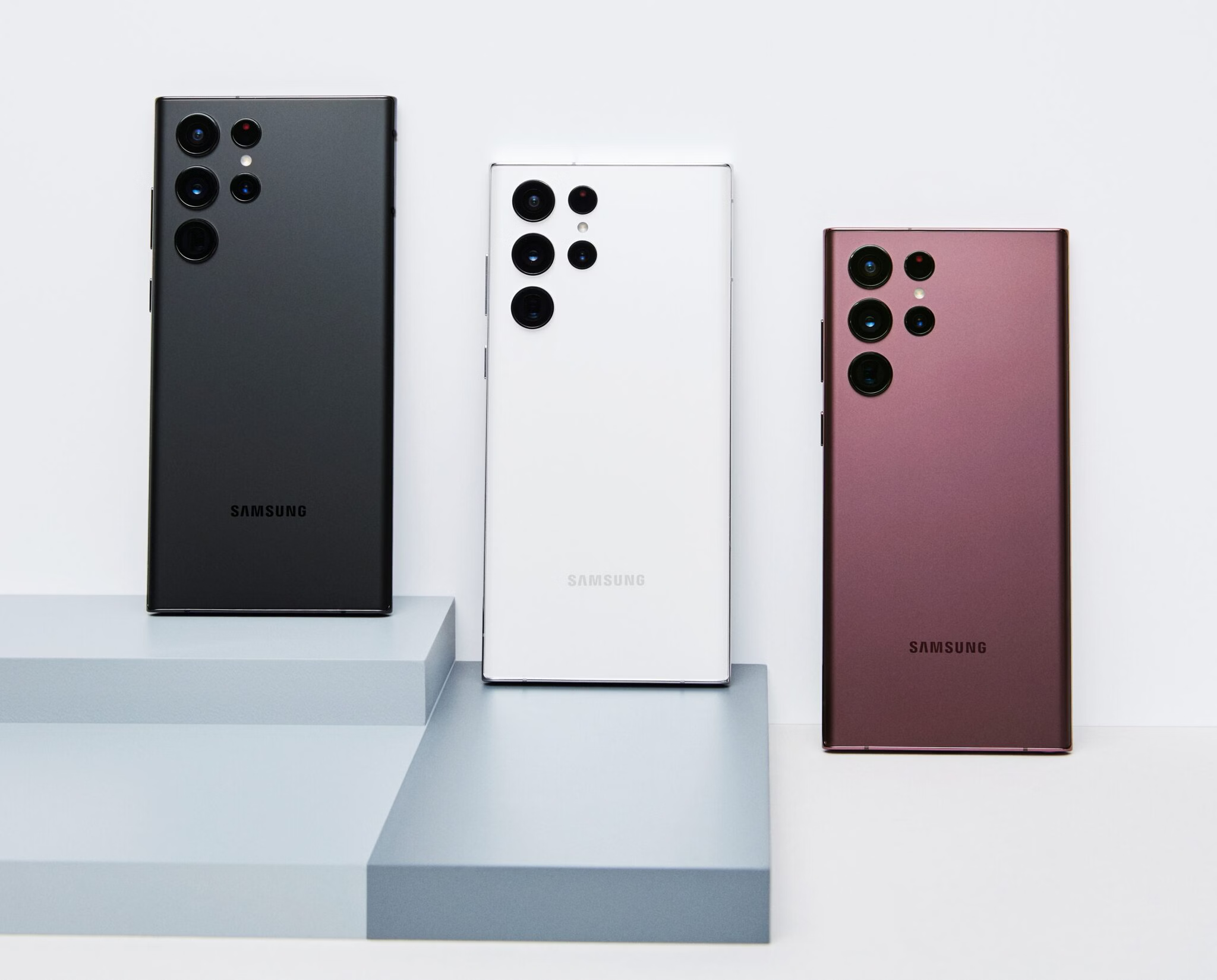
Samsung has pushed its February 2026 security update to the Galaxy S22 series. But it's sad news for some users as it's triggering boot loops.
The phones turn on, show the Samsung logo, restart, and repeat that behaviour. Other times, the device overheats. It's mostly happening to S22 and S22 Ultra owners.
February 2026 patch solution may time
Earlier this month, Samsung officially fulfilled the regular software updates for the Samsung Galaxy S21 lineup, and released the February 2026 Security Maintenance Release.
It includes 37 vulnerability fixes that address serious issues affecting system components like the Dialer app, Settings, Knox security tools, Emergency Sharing, and other core services. The Galaxy S21 series will not receive these fixes.
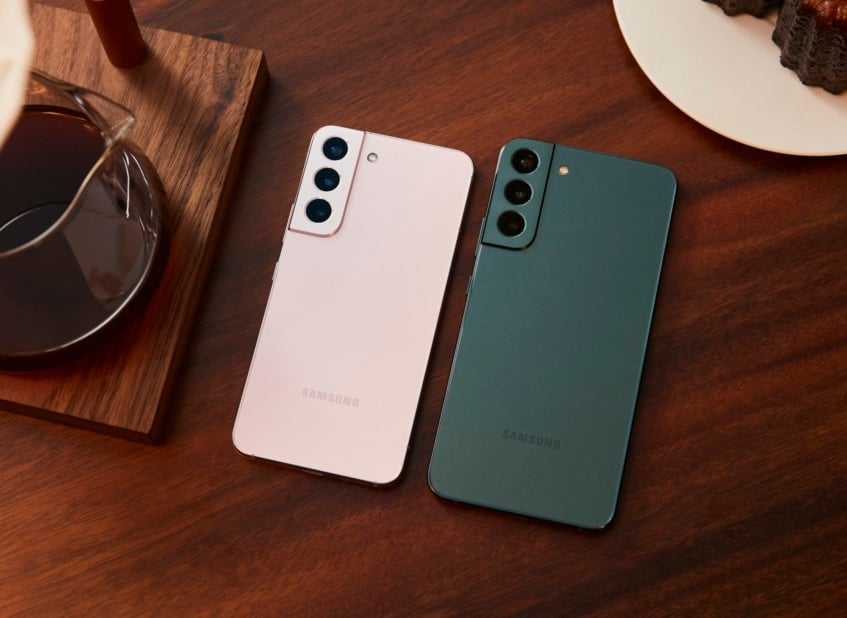
But the S22 series has, and is now ridden by boot loops, overheating, freezing, and repeated restarts. One Reddit user mentions that their device keeps buzzing in their pocket because it won’t stop rebooting.
A common theory being discussed is that the patch may be conflicting with the One UI Home launcher. Updating the One UI Home app separately has fixed the issue for some. Others suspect the update may be faulty on certain units, possibly even triggering deeper hardware instability in aging devices.
Given that the S22 series has moved from monthly security updates to a quarterly schedule, that means it's entering the later phase of its support lifecycle. You might have to wait longer for a corrective patch. Samsung is yet to respond to the situation. Hopefully, a fix doesn't stretch until May.
Is history repeating itself?
Back in 2024, the Galaxy S22 was already caught in a similar software issue after Samsung released the One UI 6.1 and later 6.1.1 updates.
Service centers diagnosed the problem as motherboard failure, which meant expensive out-of-warranty repairs even though the issues appeared right after a software update.
Reports also suggested that models powered by Samsung’s Exynos 2200 chip, and primarily sold in Europe or parts of Asia, were more affected. Snapdragon 8 Gen 1 variants, mostly sold in the US and select regions, did not show the same level of instability.
Samsung initially paused the rollout and refined the build, but the financial and reputational damage was already done.
Here's what you can do
Updating the One UI Home app might be the solution to your boot loop problem on the S22. Go to Settings > Home screen > About Home screen. Then update the One UI Home app if an update is available. Reboot your device for the changes to take effect.
If the phone is unstable but still usable, clear the cache partition. It doesn't erase personal data. Power off the device and boot into recovery mode. Usually, you need to hold Volume Up + Power while connected to a cable. Select Wipe cache partition. It's possible a corrupted system cache after the patch is responsible.
A full factory reset should be your last resort after backing up your phone data, since it wipes everything. If none of that works, it’s best if you visit a service center for proper diagnostics. If you haven’t updated yet, waiting is wise.

