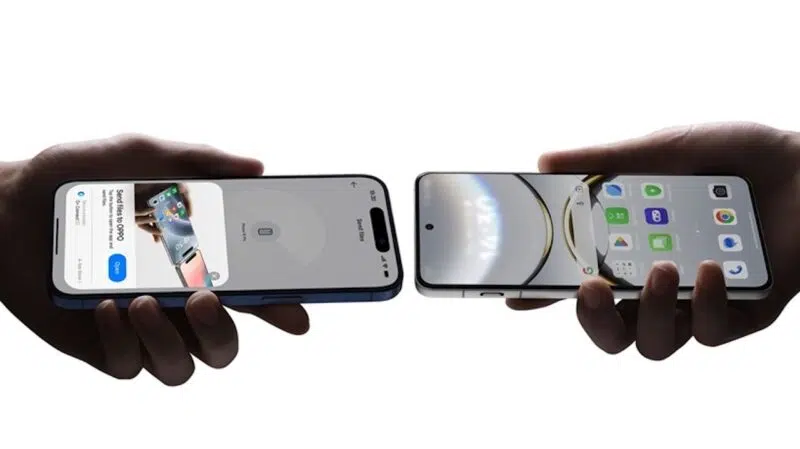
What a time to be alive. Sending files between iPhone and an Android phone has felt harder than it had any right to be for years. Both ecosystems already had the radios and peer-to-peer logic to talk to each other. All they needed to do was agree to use it. It didn't make sense that users had to suffer the inconveniences of not being able to, especially if you owned both devices.
The best I could get was the O+ Connect app from BBK Electronics via my Realme phone, which bridged my Android, iPhone, and MacBook. Now, the Pixel 10 has made history as the first Android phone to officially speak to AirDrop over Quick Share without third-party apps.
Apple's wall gate has lost a brick in a good way
Quick Share now talks directly to AirDrop, so you can send files between an iPhone and an Android phone. Well, that is if you have a Pixel 10 phone. As announced by Google on their Keyword blog, the rollout starts with the Pixel 10 phones. That includes the Pixel 10, Pixel 10 Pro, Pixel 10 Pro XL, or Pixel 10 Pro Fold.
The company stated that the connection was built with strong security in mind and checked by outside experts. They frame it as part of a bigger push to make Android and iOS play nicer together, just as they have done with Rich Communication Service (RCS) on iPhone and unknown tracker alerts.
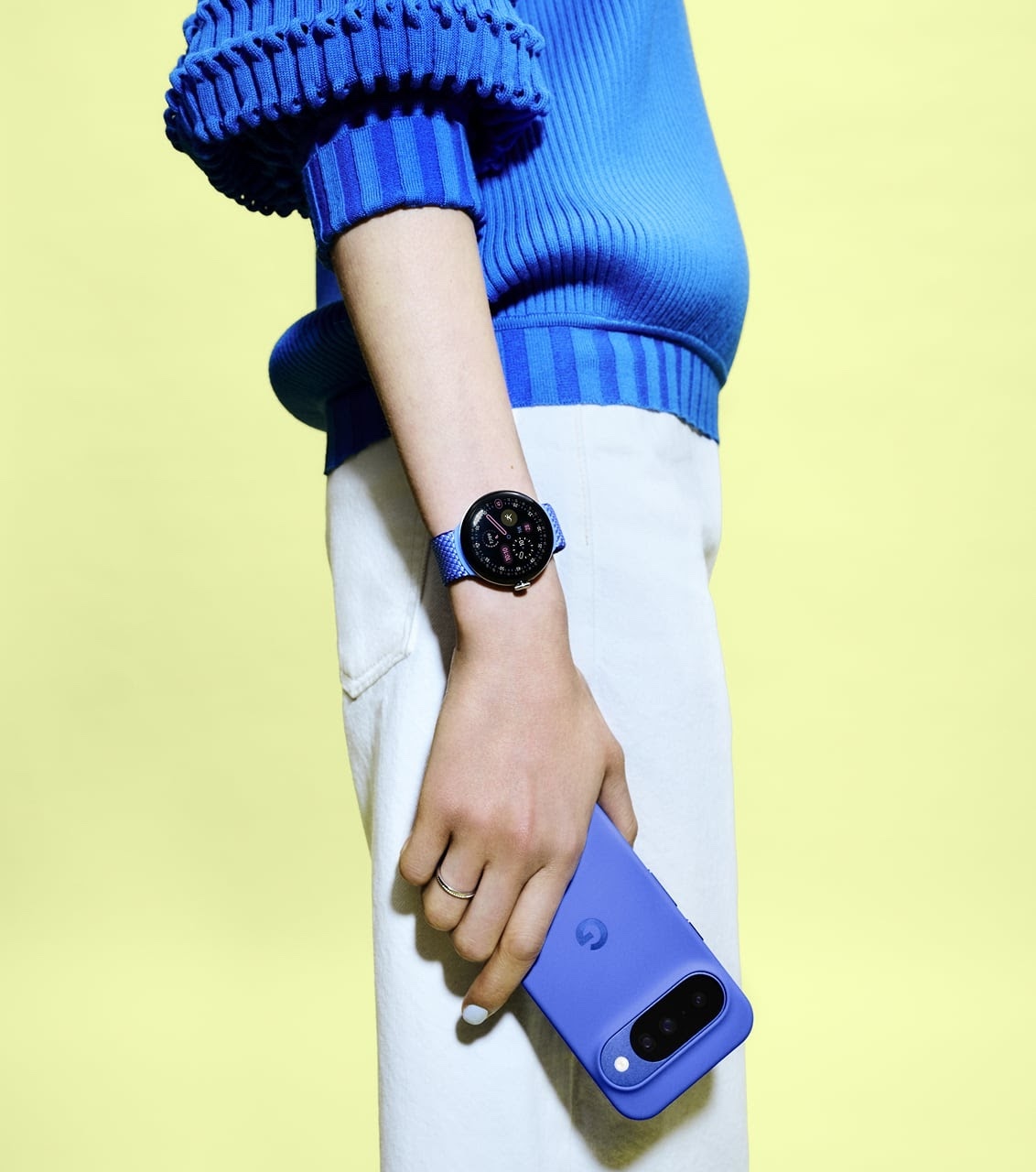
It's exciting news, given that Quick Share and AirDrop do almost the same job in different ecosystems. Quick Share, formerly called Nearby Share, is Android’s built-in way to send files wirelessly. It uses Bluetooth and Wi-Fi Direct to discover nearby devices.
On a supported Android phone, and now Pixel 10 with iPhone, simply select Quick Share when sharing a file and pick a nearby device. The file will go straight from your phone to theirs when they accept it. You can also access it in the Quick Panel.
You may try now out of excitement. But it won't work. It looks like the rest of us Android users will have to wait until Google decides we're ready.
On the other hand, AirDrop is built into iOS, iPadOS, and macOS. When you AirDrop something, your iPhone, iPad, or Mac uses Bluetooth to find nearby Apple devices and then uses a local Wi-Fi link to send the file directly.
You need this extension to share to iOS
As aforementioned, you don't need a third-party app to quickly share to AirDrop. But there are still a few catches you have to meet. As Google told Android Authority, you'll need a new Quick Share extension installed.

You'll get it automatically via a Google Play system update. Then you need to make an update from the Play Store for that same extension app.
If you’re using an older Pixel or another Android phone, you’ll still need to fall back on cloud storage, third-party apps, or a USB cable until Google rolls support out more widely.