




It's not easy writing this piece because of personal grievances with Google and PayPal. Both platforms have treated many countries like a second-class market. Scammers certainly didn’t help matters as the platform became a notorious playground for fraudsters. But sadly, the fallout didn’t just hit the bad actors.
Legitimate businesses have faced frustrating limitations in using the apps. It’s a broken situation that forces many entrepreneurs to rely on clunky workarounds or give up on global relationships altogether.
With that baggage, seeing this next piece of news about PayPal’s shifting relationship with Google Wallet didn’t exactly surprise me. But it will sting for plenty of US users who actually can use the integration.
Here's how PayPal's breakup with Google affects you
Starting June 13, 2025, Google Wallet will no longer support linked PayPal accounts in the US. Google already blocked new PayPal links back in April, and now, existing connections will be automatically removed. If you’ve used PayPal through Google Wallet for convenience, you’ll need to update your payment methods soon, especially for any recurring subscriptions.
This change won’t impact anyone who added a PayPal-branded debit Mastercard. That is, the physical or virtual card that PayPal offers. Usually, when you add this card to Google Wallet, it works just like adding any other bank card.
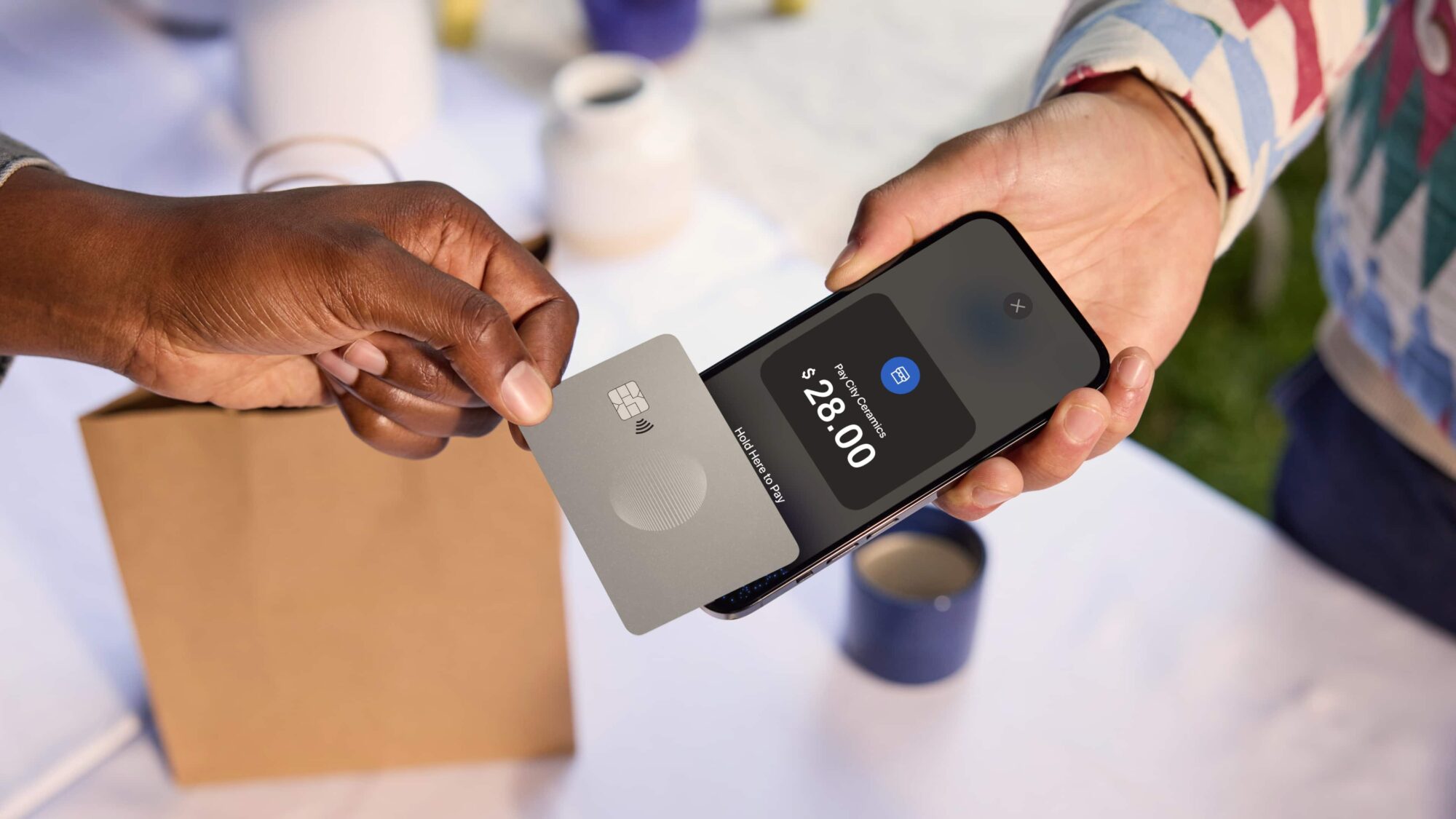
Google Wallet simply charges the card, without needing to link to your PayPal account directly. German users can also still use PayPal with Google Wallet for now. The official support page doesn’t say why the company is targeting Americans specifically, but it’s possible that PayPal’s own ambitions for a contactless payments push in the country may have something to do with it.
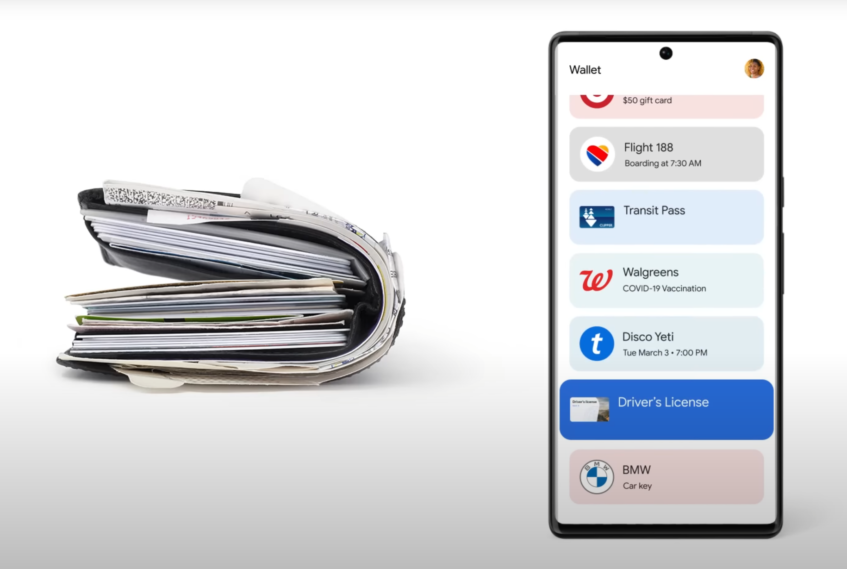
PayPal recently launched its own tap-to-pay feature in Germany, allowing users to make contactless payments directly through their app without relying on Google Wallet or Apple Pay. It makes sense for PayPal to pull its Wallet integration now, steering users toward its own app where it can control the experience and the revenue stream. Either way, if PayPal has been part of your Google Wallet flow, you’ve got about a week to prepare before the option disappears permanently.
Related: Paying with Android just got trickier
Your phone doubles as a wallet
Rivals have already launched their own versions of these services in the past year or two. Apple’s Tap to Cash works almost the same way as Samsung’s new tap-to-transfer feature, letting iPhone users send money by tapping their phones together.
On the Buy Now Pay Later front, Apple Pay has long offered installment payment options for certain purchases through Apple Pay Later, and third-party players like Klarna and Affirm have built entire businesses around this model.
Tap to Pay is not so much of a complex concept. Your Android phone has a Near Field Communication (NFC) chip built in. When you add a card to your phone's wallet app, it doesn’t store your actual card number, but creates a virtual account number or a token for added security.
When you’re at a store that supports contactless payments, you simply unlock your phone, hold it near the payment terminal, and the phone sends that secure token to complete the payment. The terminal processes it, and you’ve paid without a physical card.

