





Lately, AI is finding its place in various aspects of our lives. Smartphone companies are eager to integrate artificial intelligence into their mobiles, thereby contributing to a better and easier user experience. AI will likely play a significant role in shaping the future of smartphones, with Google currently leading the way.
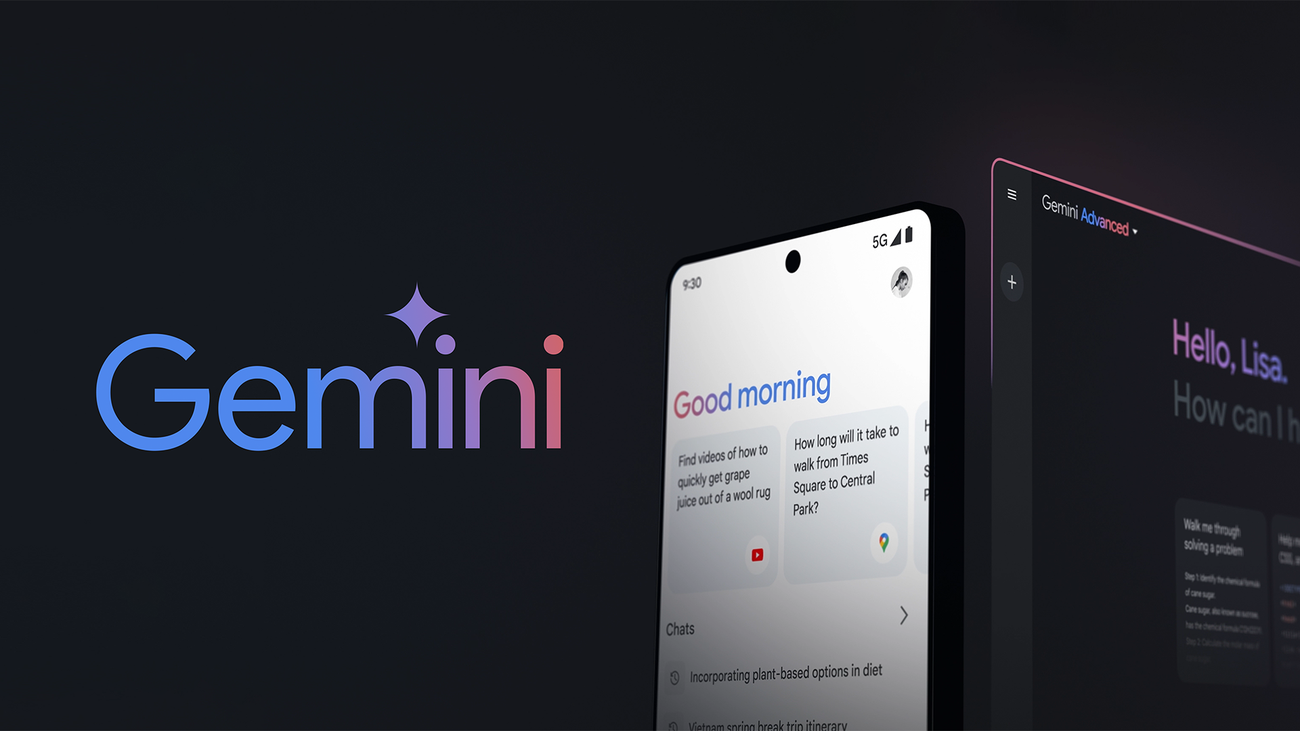
The search engine giant recently launched Gemini, its response to OpenAI’s ChatGPT. Besides, Google has been sprinkling its AI magic on some other services as well. Gemini’s AI model has recently been integrated into Docs, Gboard, Recorder, Gmail, etc. Now, it looks like Google Keep is next on the list.
The folks over at 9to5Google spotted a new AI feature that Google is testing on the Keep app, which would assist you in creating lists on your smartphones.
Google Keep Will Soon Use AI To Help You Create Lists
Whether you're going out for grocery shopping and need to make a list of things you have to buy, or you're planning a trip with friends and preparing a list of things to carry along, we often use the Notes app to create similar lists on our smartphones. Google is now using artificial intelligence to make things even easier for you.
The new “Help me create a list” option uses AI to generate lists based on your input, similar to the “Help me write” in Gmail. You’ll simply need to type the specifics for the list you need help creating. Gemini‘s AI powers will then prepare the desired list for you.
Here’s How This Feature Will Work
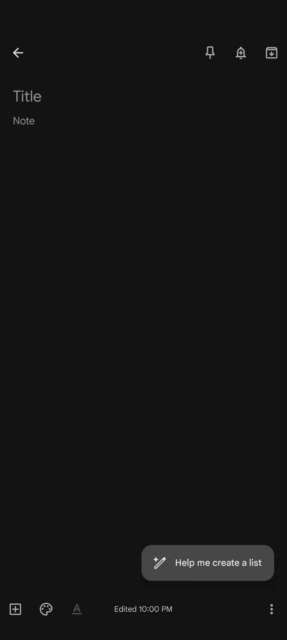
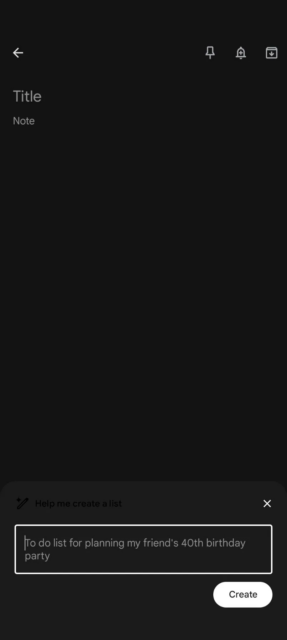
When adding a new note in the Keep app, you will see a floating action button (FAB) on the bottom right side, reading “Help me create a list.” Upon tapping it, a text box will appear where you can enter the details for your list. Thanks to AI, this feature has significant potential. Below are some example prompts demonstrating its use in different scenarios:
- “Teen comedy movies to watch with school friends.”
- “List of things necessary to go on a three-day hiking trip.”
- “Grocery list to create Fettuccine Alfredo pasta for three.”
- “A checklist of things to inspect when purchasing a used car.”
According to 9to5Google, the first time you use this feature, you will see a “Welcome to Workspace Labs” message with some additional information. Since this is freshly baked you will also be provided with an option to give feedback on the results using thumbs-up or thumbs-down buttons.
Google Workspace Labs Could Bring More Such Features
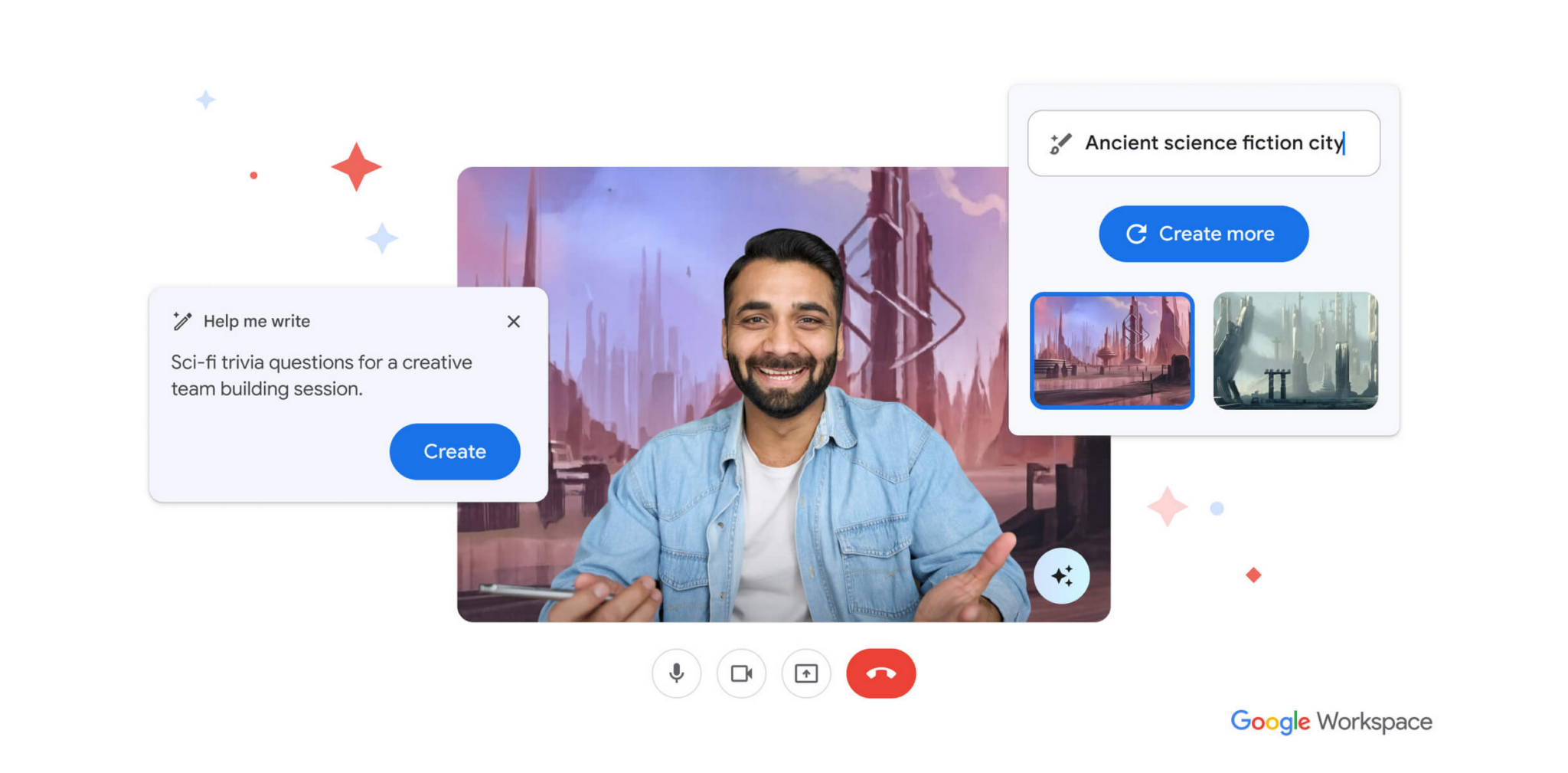
This feature drop is part of Google Workspace Labs. For those unaware, this program was launched by Google to allow users to test new Workspace and Google One AI premium features before launch. Gmail’s “Help me write” option, which allows users to draft emails using AI, is also being tested as a part of the Workspace Labs program only.
If you are eager to try Google’s new AI features beforehand, you can sign up for Workspace Labs from here.

