



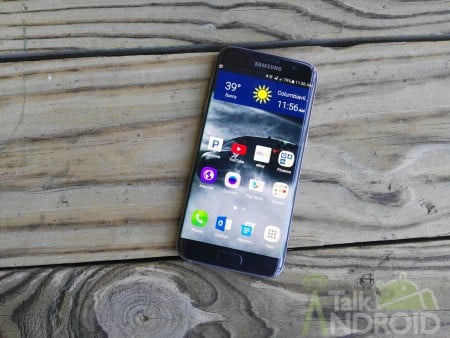
It's been a long time coming, and there have been a few hiccups along the way with Verizon halting the roll-out not once but twice, but it certainly appears that the carrier is pushing the Android 8.0 Oreo update to the Samsung Galaxy S7 and S7 Edge.

According to Verizon's landing page, the Galaxy S7 will receive the G930VVRU4CRE5 software update while the Galaxy S7 Edge will get the G935VVRU4CRE5 build. As usual when updating your phone, make sure you've got the battery topped up, backed up your important data and have access to WiFi if you are on a data capped plan.
If your phone hasn't notified you that the update is available, head into Settings and give the System Update button a few taps to get the party started.
Besides the bump in Android versions, you can expect to see the following new features:
- Background limits – Ability to minimize background activity in lesser used apps
- AutoFill – Remember logins and passwords for quick access to your favorite apps
- Picture-in-picture – Use two apps simultaneously for better multitasking
- App Notification Dots – Press the dots to quickly scan what's new
- App Pair – Launch two apps with just one tap
- Dual Messenger – Use two accounts on the same chat app
- High Contrast Keyboard Options – Choose from different high contrast keyboards
- Phone Screen Updates – Swaps “Mute” and “Keypad” icons to help prevent accidentally hitting mute during calls
- SmartThings App – Monitor and control a wider range of devices
Once the Oreo update has installed on your Galaxy S7 or S7 Edge, let us know your thoughts in the comments below.
Source: Verizon

Always on display is now in a separate section of settings called LOCK SCREEN AND SECURITY
After doing the upgrade several apps started to behave strangely. Especially QuickPic looks super ugly now with magenta or pink font and icons in the main menu. This effect has been noted since the first beta version of Oreo, but nobody seems to care about it on the developer side. :-(
Got mine yesterday around 12:30 pm EDT and it has been great. Performance is better than it was under Nougat. Battery life appears to be the same, might be better. Only issue is it rolled us back to the April 2018 security update, but Verizon is going to be pushing out the May updates soon.
Just got Oreo on my Verizon s7 edge.
Awesome. I’ve seen reports of improved battery life which should be good news after Nougat.