



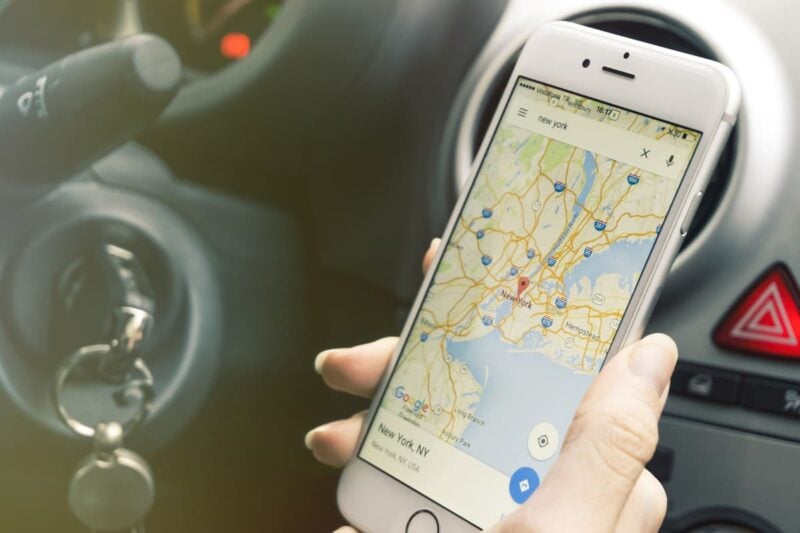
Let’s be honest: when you’re behind the wheel, the only thing better than a smooth ride is a short one. With what we know about how sitting in traffic can be bad for your health, does anyone really want to spend more time in a car than necessary?
Why Your Navigation App Might Be Slowing You Down
It’s easy to assume that when you open Google Maps or Apple Maps for directions, these top navigation apps will send you on the fastest route every time. But according to recent findings, that’s not always true.
Google Maps: Efficiency Over Speed
Based on 2025 data from AppTweak, Google Maps was the most-downloaded mapping app worldwide. However, instead of always prioritizing the fastest route, Google Maps defaults to the most fuel‑efficient option. While this is great from an environmental and cost-saving perspective, it could also mean that your drive is one to five minutes longer, according to logistics company Upper.
“While this is commendable from an environmental perspective and helpful to those interested in saving money, because you’ll waste as little fuel as possible, it also means that the default route that Google Maps provides you could be one to five minutes longer, according to Upper, a logistics company.”
How to Make Google Maps Show the Fastest Route
If getting to your destination as quickly as possible is your top priority, Google Maps does let you disable its default fuel-saving mode. Once you change this setting, Google Maps will show you the fastest route first each time. You might use a little more fuel, but if spending less time in the car matters more, this adjustment is worth it.
How Apple Maps Chooses Your Route
Apple Maps operates differently than Google Maps. Rather than always suggesting the fastest or most fuel-efficient option, Apple Maps may recommend what it has learned to be your preferred route, based on your past choices. The fastest way isn’t always the top suggestion, and neither is the greenest—it may simply be the one you take most often.
So the next time you’re in a hurry, it’s worth double-checking your route to make sure your app’s priorities match your own.