




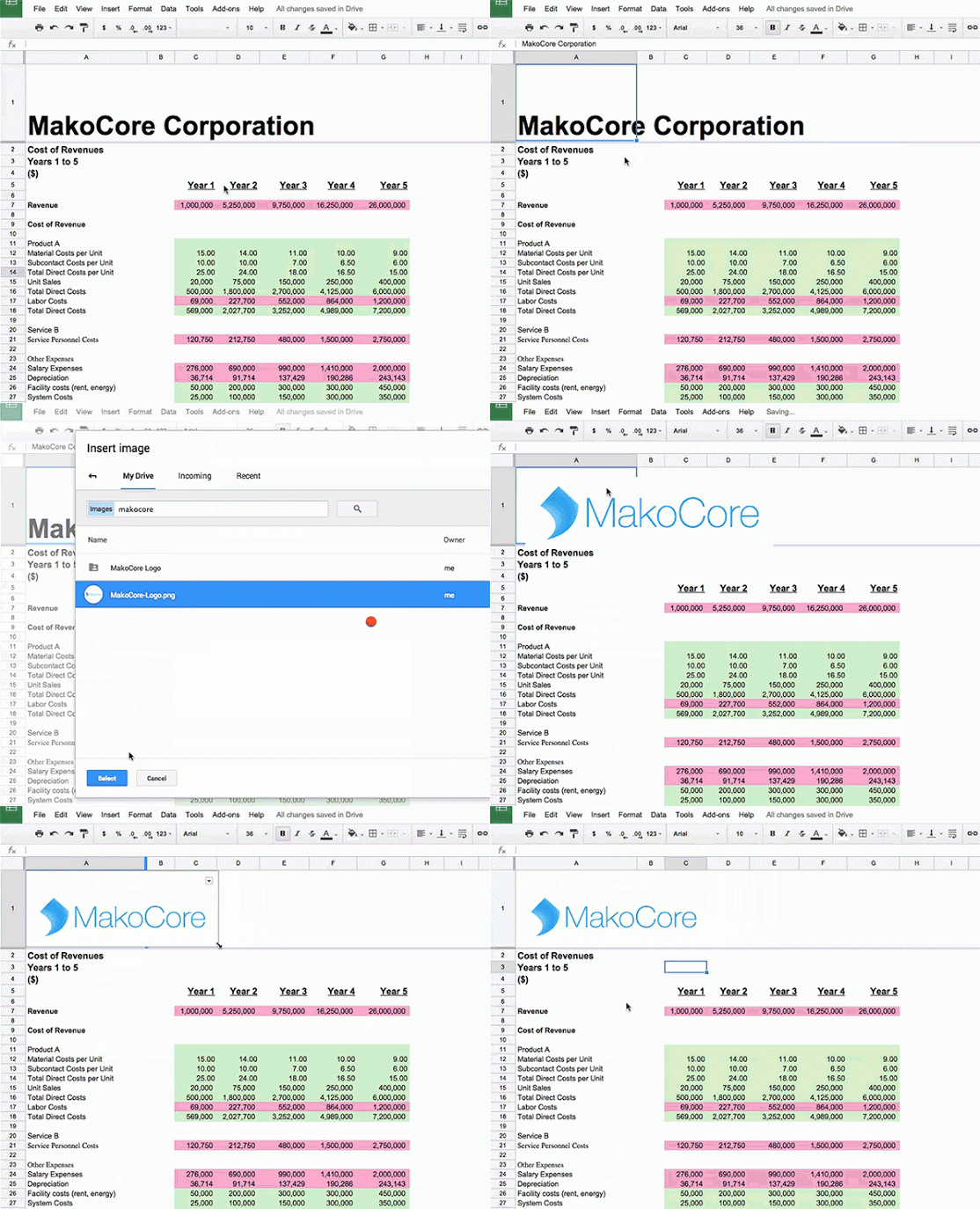
The Google Drive team has added a new feature to their Google Sheets spreadsheet program. Users who setup long spreadsheets often “freeze” the first row in a spreadsheet so it can serve as a header. Then, as they scroll down through a spreadsheet, that first row remains visible.
The update that was released today gives users the ability to embed an image file in that first row so that it will stay visible. This could be especially useful for including something like a logo to a spreadsheet.
The update is currently rolling out to non-Google for Work accounts.s
source: +Google Drive

Would be wonderful if they would add support for “frozen footers” as well.