



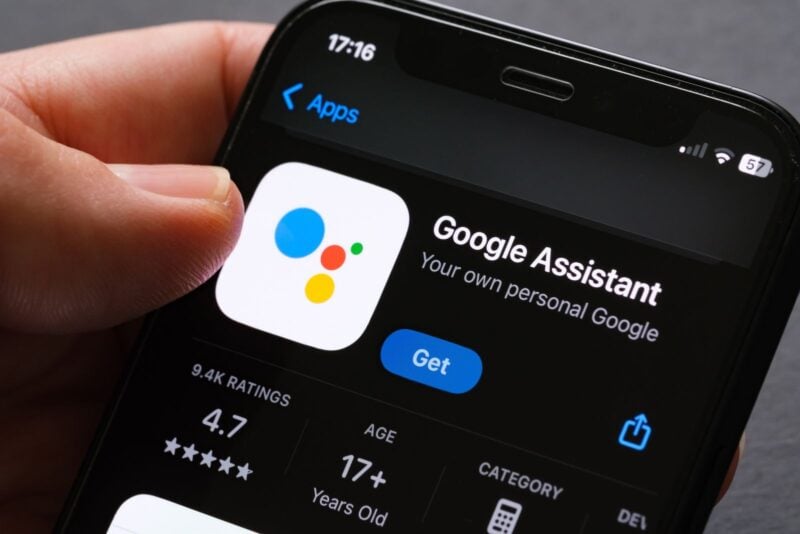
Google Assistant is gone from Android phones. Starting September 4, Google began removing it, and by late September it had disappeared from every device and account 9to5Google checked in the US and Europe. Gemini is now the only voice assistant on your phone. Here's what went away, where Assistant still lives and what Gemini does differently day to day.
What Happened to Google Assistant
Google announced the final timeline in August. Assistant access would start disappearing on September 4, 2026, in a process the company said “may take a few weeks to reach everyone,” 9to5Google reported.
The change covers phones and tablets, plus devices paired with them: Wear OS watches, headphones and Android Auto. The Gemini app has also dropped the “Switch to Google Assistant” option from its menu, so there's no way back on those devices.
Where Google Assistant Still Lives
Assistant isn't gone everywhere yet:
- Cars with Google built-in. Google said vehicles running its software directly on the dashboard keep Assistant past September 4.
- Nest speakers and displays. They weren't part of the September shutdown. Google is moving them separately to Gemini for Home, through an early access program that includes the US. Once a home switches to Gemini for Home, it can't switch back.
Gemini for Home keeps the basics free, including smart home controls, music, alarms, timers, reminders and lists, according to Google. Its Gemini Live conversations need a Google Home Premium subscription.
How to Call Up Gemini
You reach Gemini the same way you reached Assistant. Long-press the power button or swipe up from a bottom corner of the screen. “Hey Google” still works if you've turned on Hey Google and Voice Match, and with the right lock screen setting, quick actions like sending a message work even while your phone is locked.
What Gemini Handles Well
Google's help pages list the everyday tasks Gemini can take over:
- Sending messages with a quick voice command
- Controlling smart home devices, such as lights
- Starting your Google Home routines by voice, once Google Home is connected to Gemini
- Identifying a song that's playing
One visible difference: Gemini answers these actions with voice and text only. You won't get the visual cards Assistant used to show for things like maps or weather.
Where Users Say Gemini Falls Short
The switch hasn't been smooth for everyone. In a roundup of user complaints on October 9, Android Authority found people reporting that Gemini called the wrong contact or couldn't find one at all, set timers unreliably and needed several tries to set alarms. Some drivers said navigation requests to a contact's home froze in Android Auto before canceling.
Google's own help page notes limits too. Some routine starters and actions aren't supported, and Gemini can't play podcasts, news or radio stations. Android Headlines also reported that offline voice commands for quick settings are missing. Android Authority's report included no response from Google.
What to Do Now
If you relied on Assistant routines, connect Google Home to Gemini so you can keep starting them by voice. Turn on Hey Google and Voice Match if you want hands-free access, including on the lock screen.
For anything that matters, like an alarm for an early flight, double-check that Gemini actually set it. Until Gemini catches up on the basics, a quick look at your clock app is worth the extra second.