


Your child misses an agreed after-school check-in. A screen-time total cannot tell you whether the phone reached home or whether a new contact needs attention. That is why parental controls matter: they give families context for a specific safety concern and help set clear boundaries around apps and websites without replacing a conversation.
VigilKids is an Android parental control app that brings supported communication, location, app activity, browsing, and live-device data into one dashboard. It suits families with a specific concern and clear monitoring boundaries; setup requires physical access to the authorized child device and the permissions needed for the chosen features.
The Real Question Is What Parents Need to Understand
For communication concerns, supported message, call, social-app, and keyword records can provide context for a focused conversation.
For travel check-ins, current location and recent route history can help confirm whether the phone reached an agreed place.
For recurring problems, browser, app, media, and blocking tools can reveal patterns and support practical rules.
How VigilKids Works on an Android Phone
1. Create an account and get a pairing code. Sign in to the VigilKids web dashboard and generate a code through the device-connection flow.
2. Set up the authorized Android phone. With physical access to the child device, install VigilKids Assistant using the official guide, grant the permissions needed for your chosen features, and enter the code. Review requested Android security-setting changes first.
3. Check the dashboard. Confirm the device is connected and syncing. Available records appear as permissions and connectivity allow; the first sync may take time.
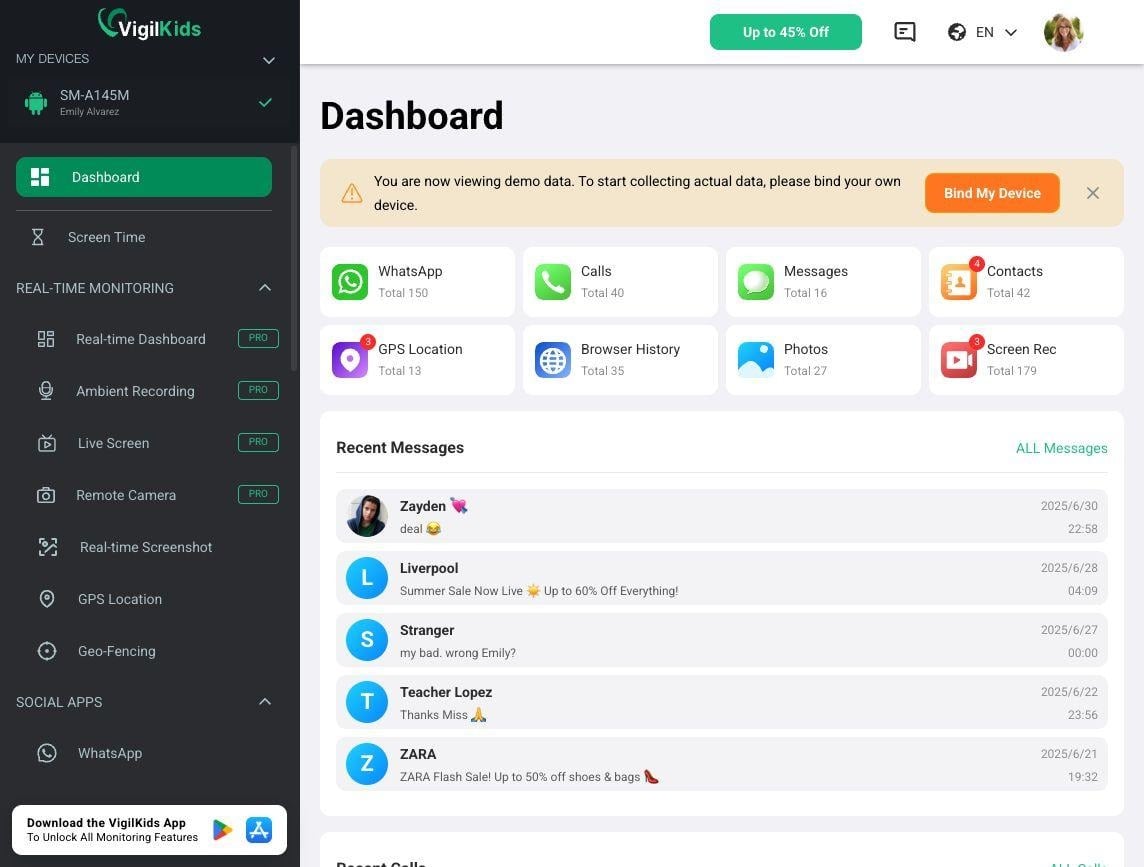
Eight VigilKids Features That Solve Different Problems
1. Social Media Monitoring
VigilKids shows supported activity from WhatsApp, Instagram, Snapchat, LINE, TikTok, Telegram, Discord, and Viber. Parents can review unfamiliar contacts, conversation timing, or exchanges that call for a focused discussion.
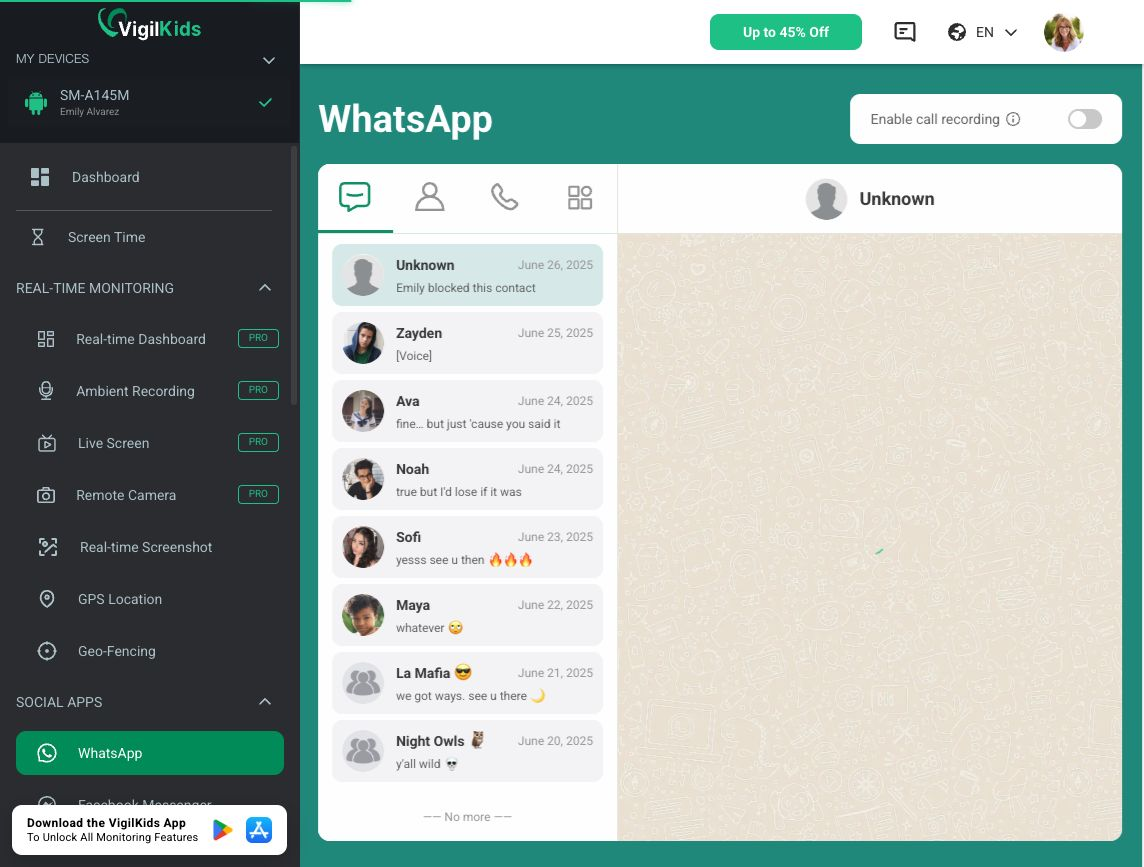
VigilKids Demo dashboard showing WhatsApp activity.
2. Call Logs and Text Messages
Calls and Messages shows available incoming, outgoing, and missed calls, plus SMS records, contacts, and timestamps. Repeated contact from an unfamiliar number may be more useful to investigate than one notification, especially when a child seems distressed.
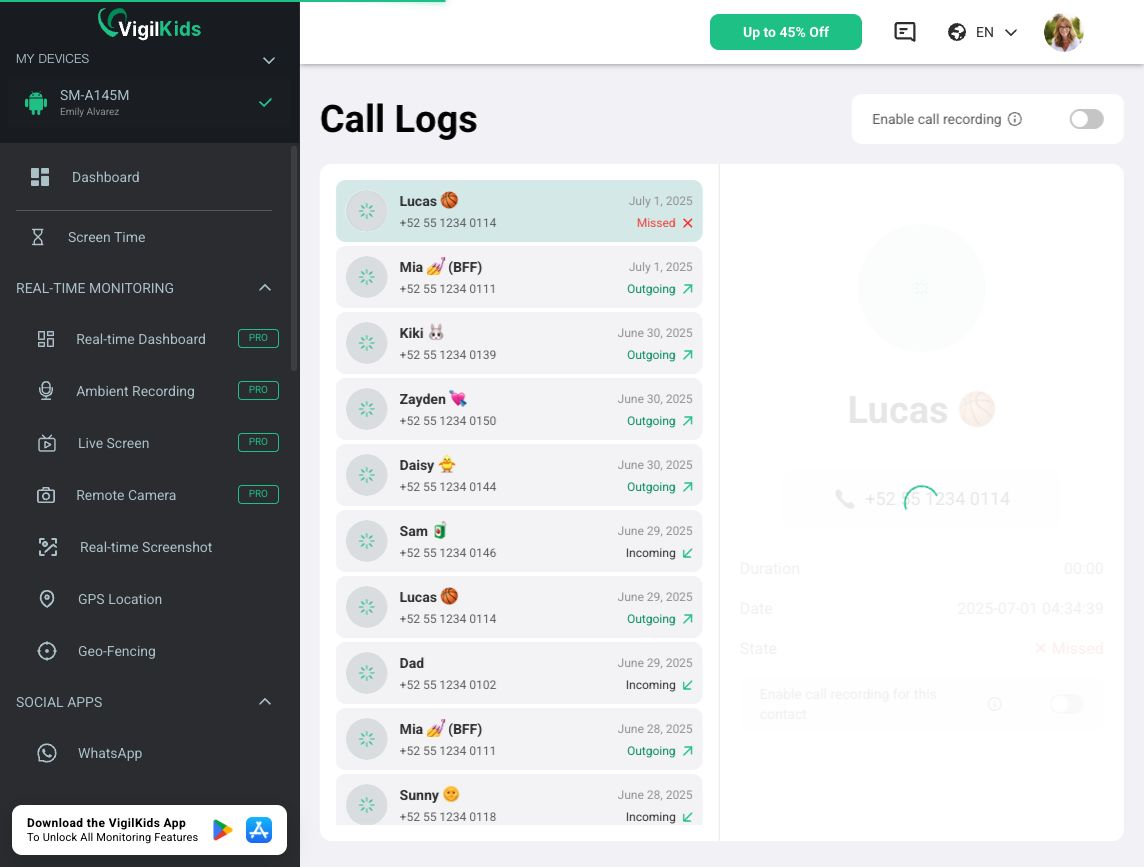
VigilKids Demo dashboard showing call-log activity.
3. GPS Location and History
VigilKids maps a reported current location and recorded location history for school, sports, or travel check-ins. Parents can compare those points with agreed plans. Live updates depend on power, connectivity, and location permission; an old point is not a current position.
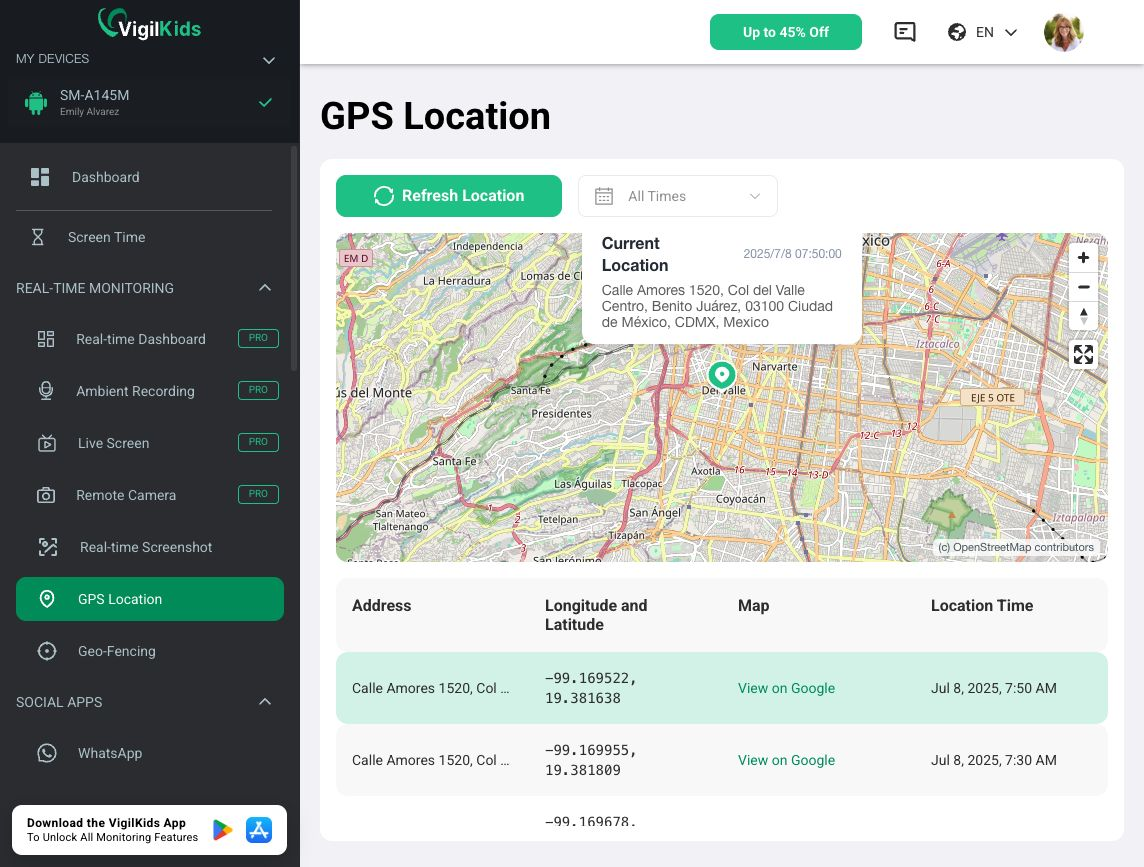
VigilKids Demo dashboard showing GPS location and location history.
4. Live Device Monitoring
Live tools include screen viewing, remote screenshots, camera access, and ambient recording. They can add current context during a specific, time-sensitive concern when past records are insufficient, provided the parent-managed device has the required Android permissions.
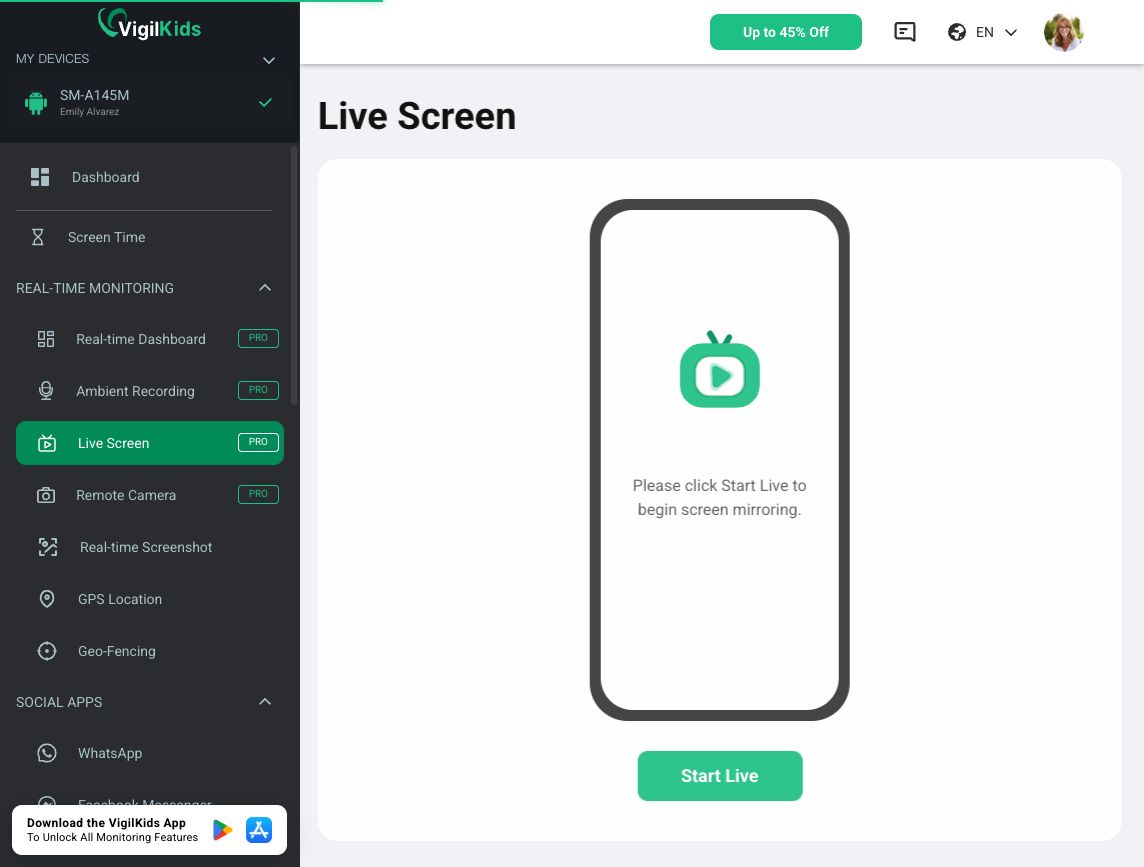
VigilKids Demo dashboard showing the Live Screen module.
5. Photos and Videos
Photos and Videos organizes supported media files and timestamps. Parents can review unfamiliar downloads or content linked to a concern, including files that appear unexpectedly, then ask about context before drawing conclusions.
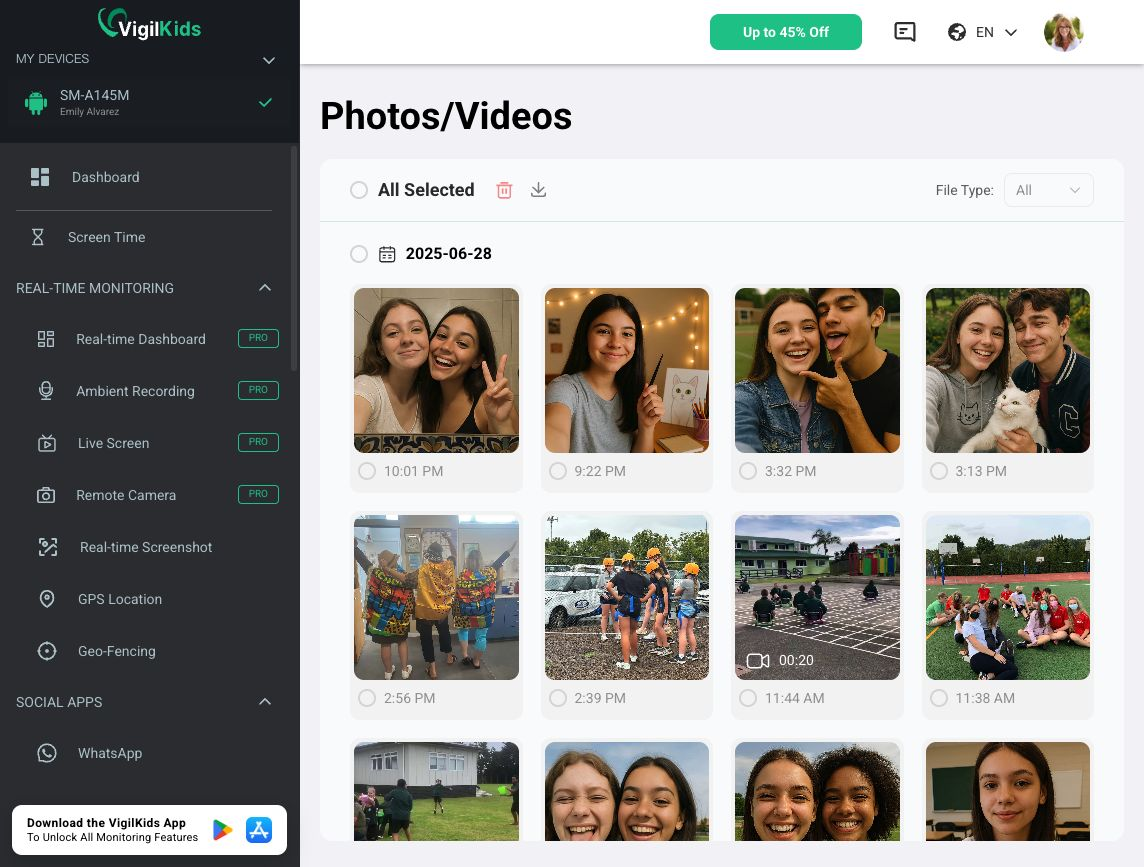
VigilKids Demo dashboard showing the Photos/Videos module.
6. Browser History
Browser History shows supported website activity, including page titles, URLs, and available visit details. Repeated visits may point to a concern, but a record alone does not establish who opened a page or why it appeared.
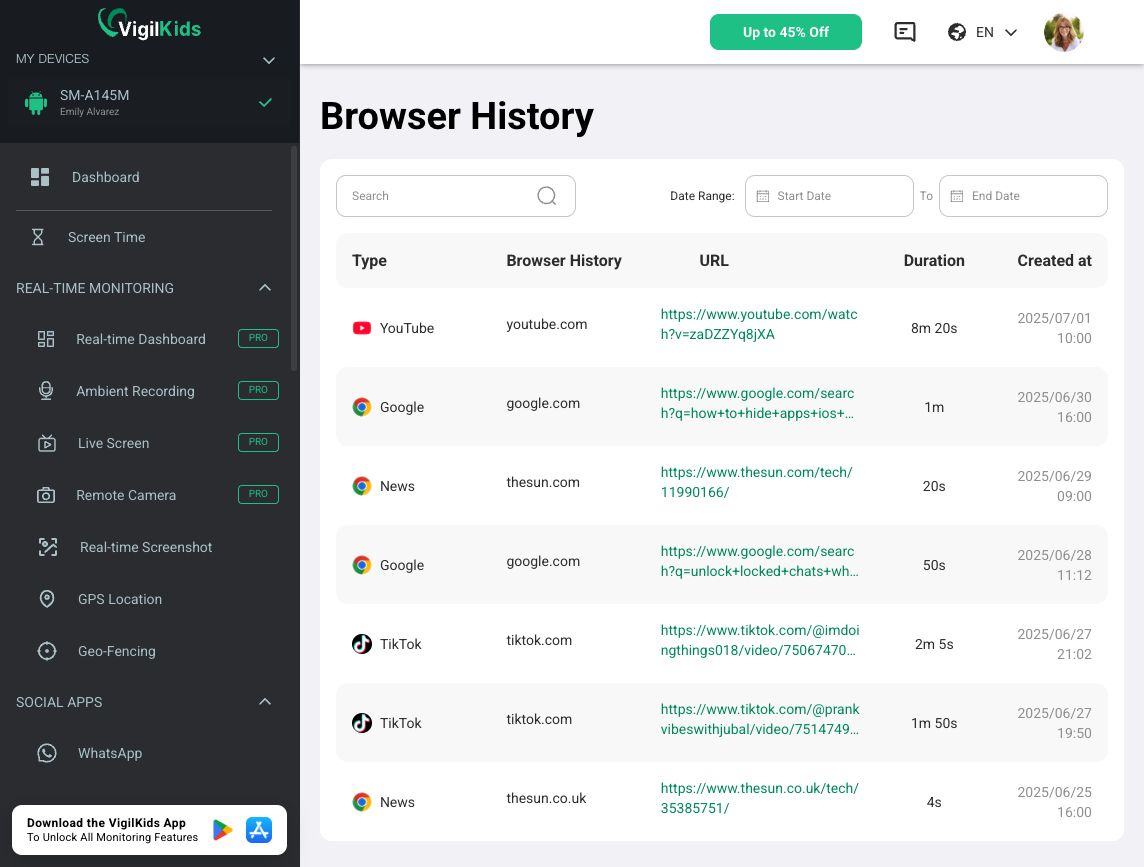
VigilKids Demo dashboard showing browser-history records.
7. Apps Management and Website Blocking
Apps Management shows installed apps and available usage data; Block Websites restricts selected domains. Parents can use them to set specific, explainable rules, such as limiting a game during homework or blocking a harmful site.
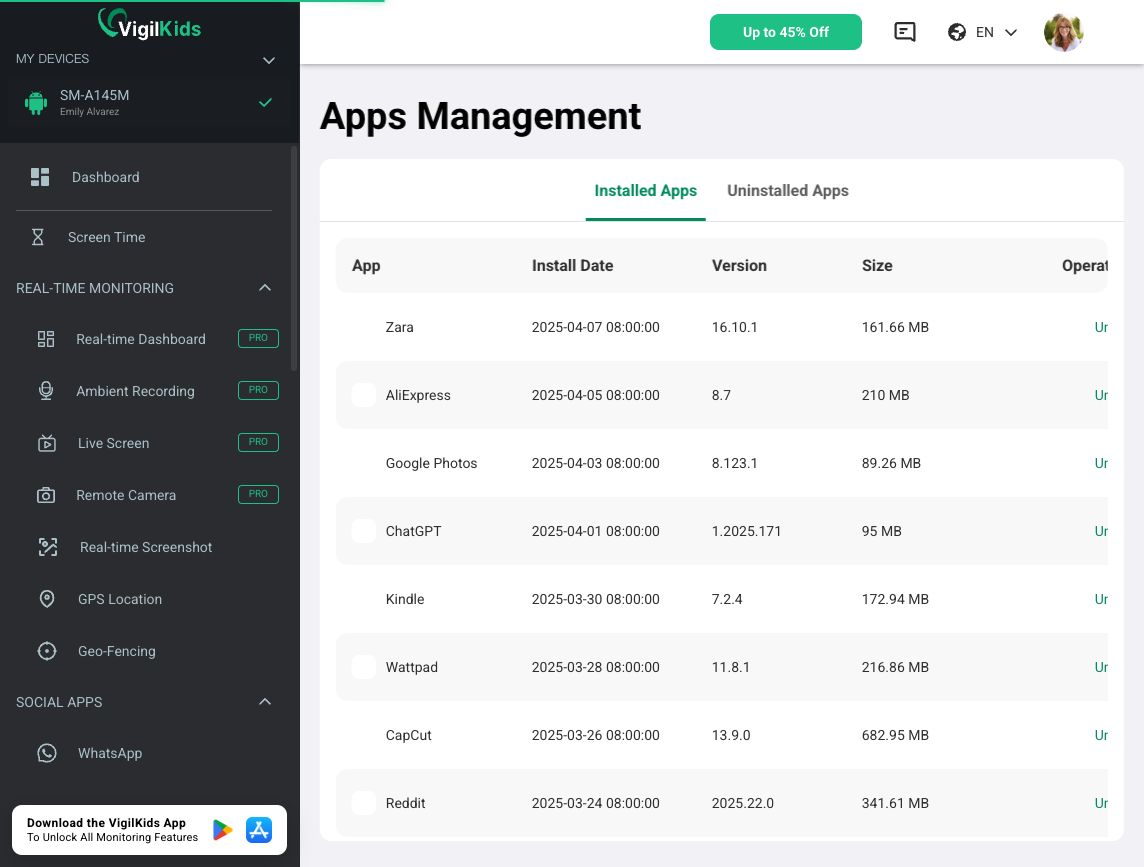
VigilKids Demo dashboard showing installed apps in Apps Management.
8. AI Keyword Alerts
Parents can set terms associated with bullying, threats, drugs, self-harm, or sexual content. VigilKids can flag matches in supported activity for review; jokes, quotations, and schoolwork may also trigger alerts, so surrounding context matters.
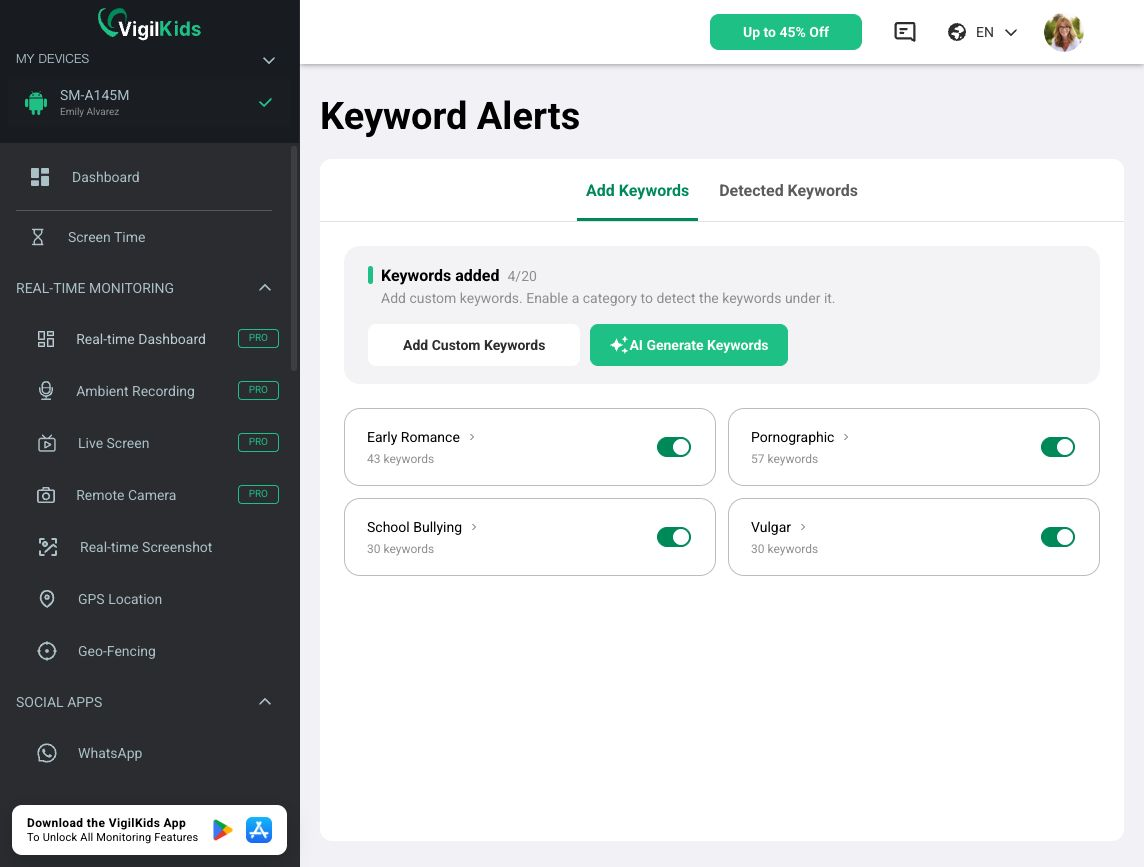
VigilKids Demo dashboard showing AI Keyword Alerts categories.
The Bottom Line
VigilKids puts more than screen-time totals in one Android dashboard. Start with a real concern, check device compatibility and permissions, then explore the official VigilKids demo to see whether its level of visibility fits your family.