



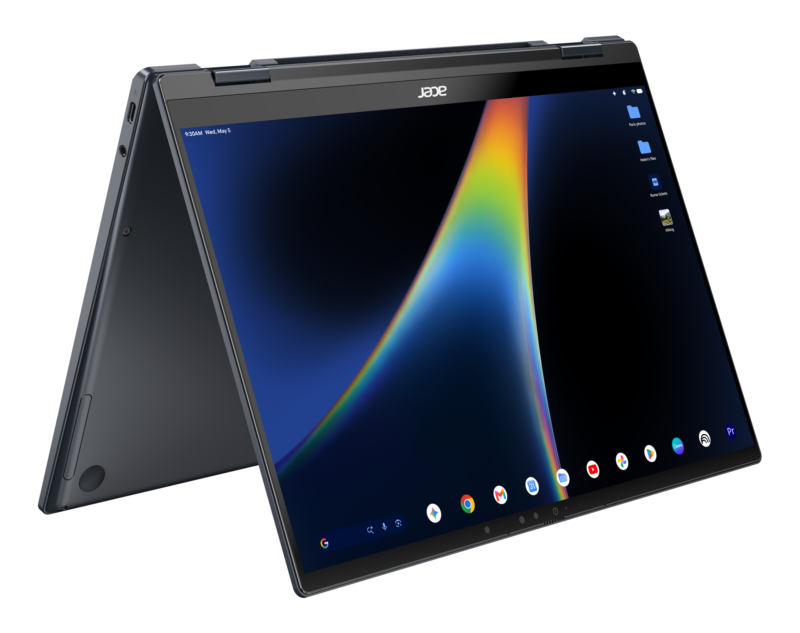
Artificial intelligence on laptops has frequently felt like an over-enthusiastic tour guide shouting directions from the passenger seat, but the Googlebook embeds that guidance directly into the steering wheel. Equipped with specialized neural processing units delivering over 45 TOPS of computational grunt, these laptops run Gemini Intelligence natively on-device, handling complex automation silently without spinning up disruptive fans.
What's new
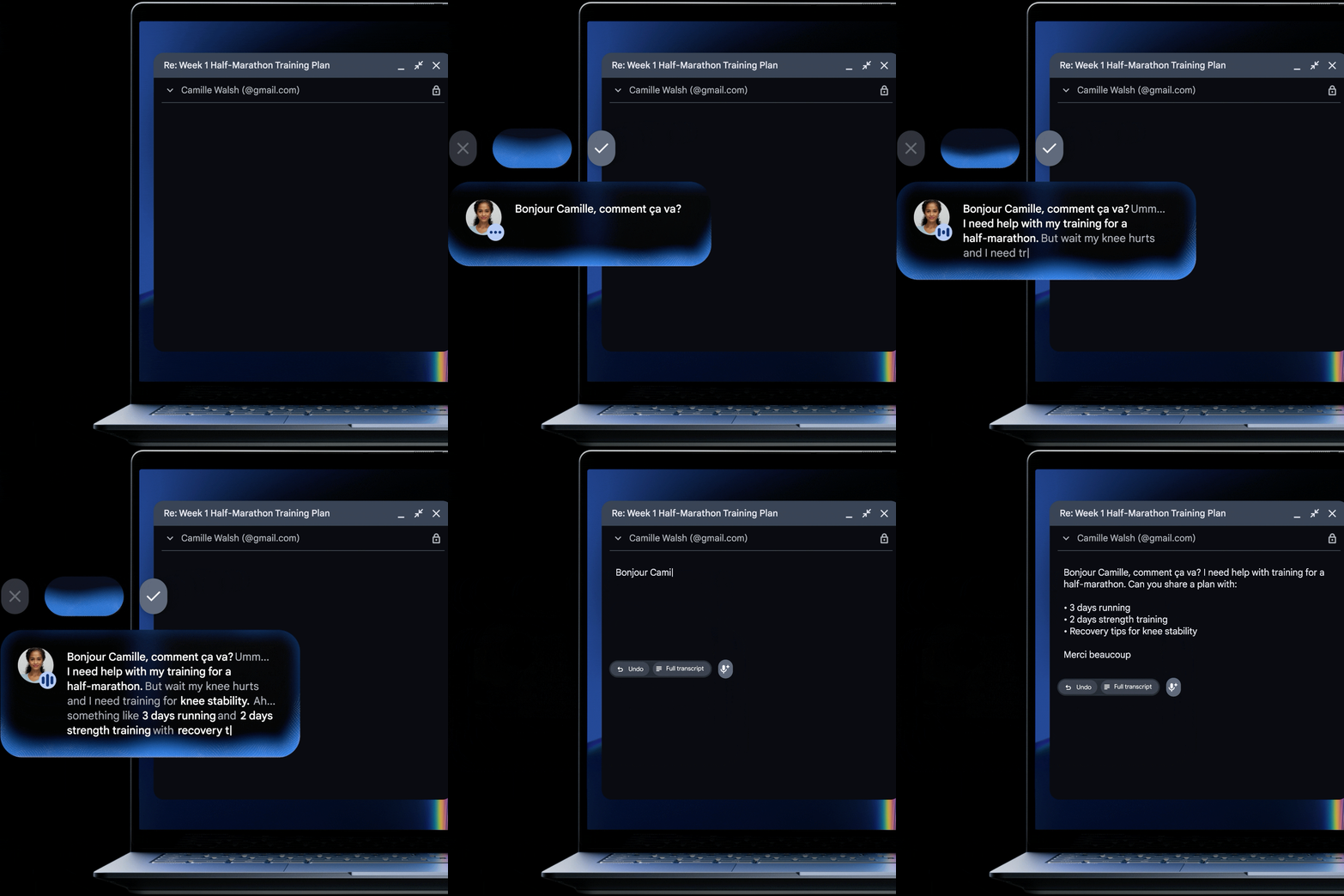
By weaving multimodal vision directly into the desktop environment, routine digital chores are automated right on your local silicon. The system acts less like a search prompt and more like an integrated digital assistant that can actually see and interact with your on-screen content.
Read: Can Googlebook Finally Dethrone the MacBook? Meet the New Flagship Laptop Lineup
Why it matters
Most modern AI tools remain anchored to remote cloud servers, creating latency and privacy bottlenecks. While we previously analyzed on-device machine learning in our Chromebook Plus AI feature review, the Googlebook represents an architectural leap forward. Processing data locally protects user privacy while delivering immediate, context-aware assistance.
Key details
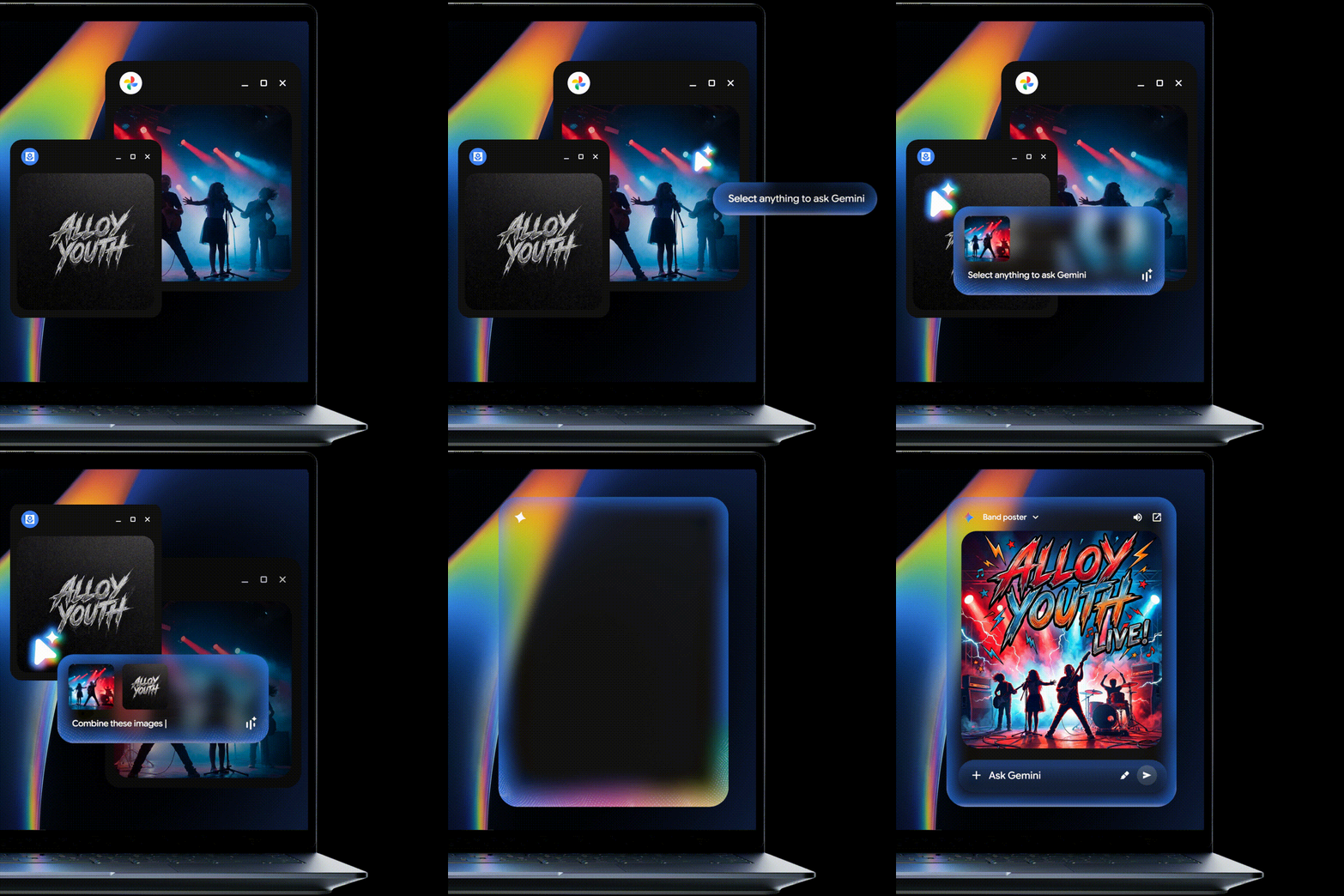
- Magic Pointer: Wiggling your cursor or pressing a shortcut summons Gemini to visually inspect whatever is on your display. It can parse an intricate marathon training schedule on a webpage to generate Google Calendar entries, scan a hovered email for phishing links, or visually merge graphic assets without prompt engineering. It only engages when summoned, keeping user privacy intact.
- Rambler: Situated next to the Quick Insert key, this conversational thought-capture tool ditches rigid dictation. Verbal brain dumps riddled with filler words or mid-sentence language switches are automatically formatted into clean takeaways, structured bullet points, and actionable checklists.
- Create My Widget: Bespoke desktop widgets can be built entirely using natural language prompts. Users can dictate requirements—such as a live sports tracker or a visual vacation countdown—and the system builds the desk tool without code.
- Agentic Coding: Native Antigravity access gives builders an AI agent development platform. Paired with a terminal capable of running Claude CLI, autonomous agent deployment occurs directly on local hardware.
| Feature | Primary Mechanism | Everyday Application |
|---|---|---|
| Magic Pointer | Cursor wiggle / multimodal context inspection | Automatic calendar generation, spam detection, visual fusion |
| Rambler | Context-aware, multilingual voice restructuring | Turning chaotic verbal brain dumps into polished meeting notes |
| Create My Widget | Natural-language prompt-to-widget engine | Building sports widgets and custom event countdowns |
| Antigravity CLI | Native agentic development environment | On-device coding, testing, and autonomous agent deployment |
| Gemini Spark | Background computational processing | Completes multi-step background tasks with the laptop lid closed |

Equipping a laptop with local AI muscle is like installing a private jet engine on a commuter vehicle: the power is undeniable, but it is only valuable if it takes you somewhere meaningful. While 12 included months of Google AI Pro (5TB storage) and Gemini Advanced give early adopters plenty to explore, long-term success hinges on tools like Magic Pointer proving they are indispensable daily utilities rather than fleeting launch novelties.