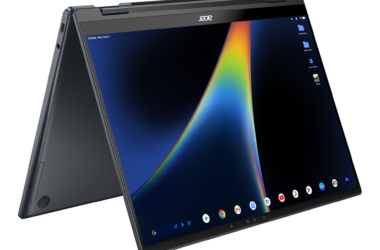


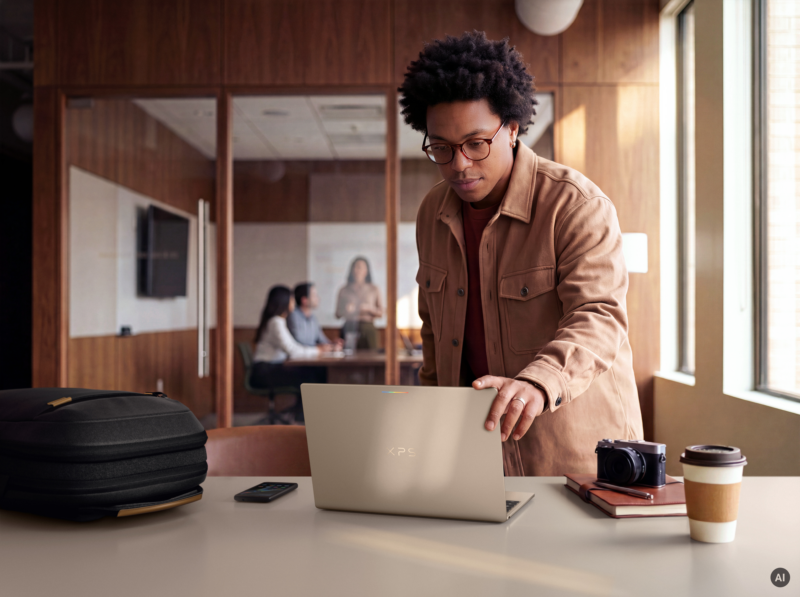
Shifting work between your smartphone and your PC has long felt like trying to plug a square peg into a round hole, but the Googlebook turns that divide into a seamless handover. Built around a shared Android architecture, this new desktop category connects directly with your smartphone straight out of the box, syncing your digital footprint the moment you open the lid.
What's new
Rather than relying on clunky companion apps or emailing files back and forth, your phone and laptop now communicate natively. Googlebook includes deep system-level integration that allows active tasks, local files, and mobile apps to bridge the gap effortlessly between mobile and desktop.
Why it matters
Cross-device continuity has been Apple's golden goose for over a decade. We’ve watched this union simmer for years, reporting on the underlying software shifts and cross-device services making their way into the Android ecosystem. The Googlebook completes that vision, giving Android loyalists the cohesive multi-screen workstation they've spent years waiting for.
Key details
- Encrypted Onboarding: Initial sign-in automatically migrates saved Wi-Fi networks, passwords, messages, and core settings from your smartphone using end-to-end encryption.
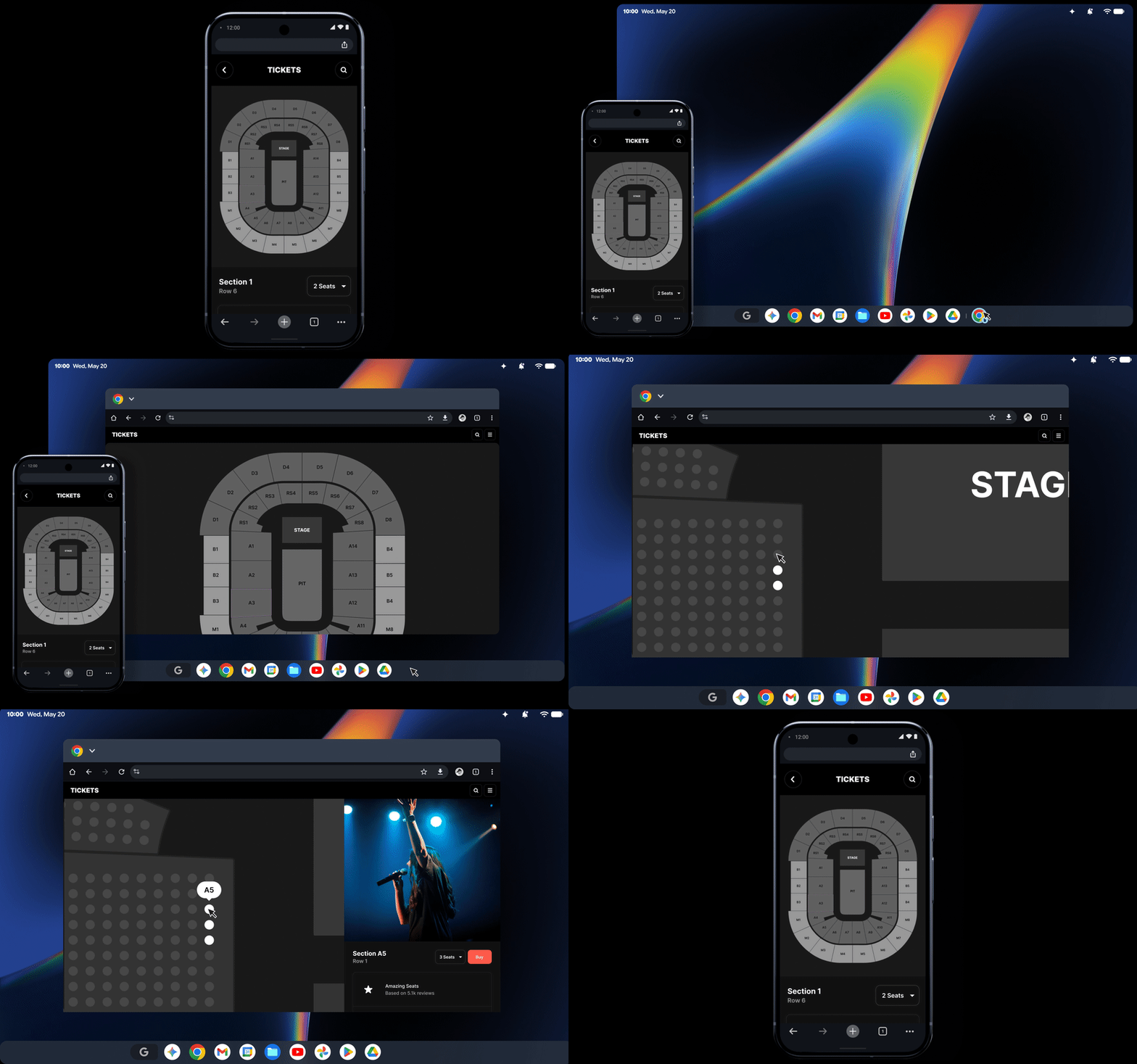
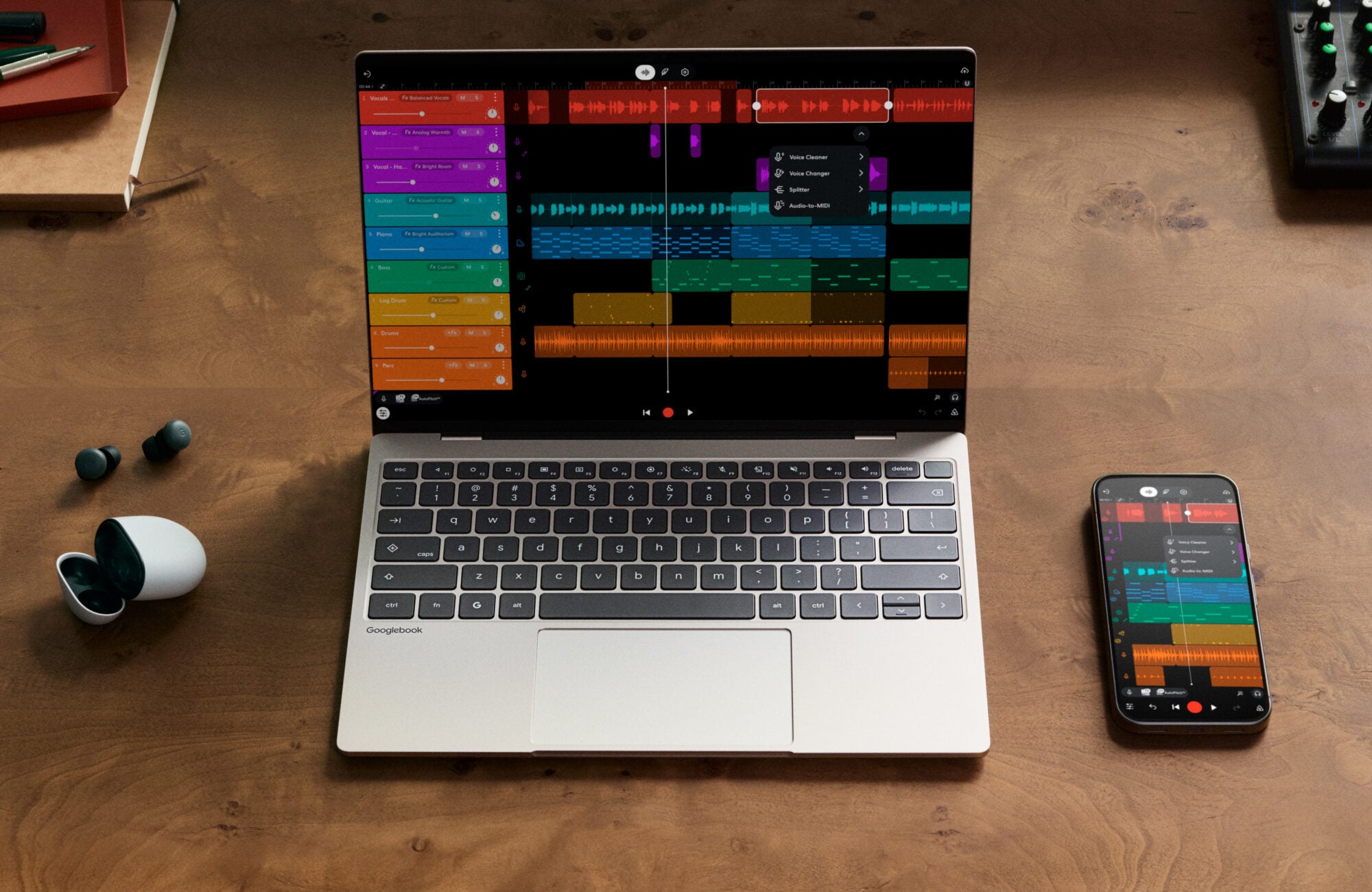
- Continue On: Active phone tasks transition directly to the laptop screen. Starting a composition in BandLab while commuting allows you to resume editing on the taskbar the second your laptop opens.
- Direct Phone Files Access: Moving assets requires zero manual uploading or cloud drives. The native Files app integrates your phone's internal storage, allowing you to browse, search, and edit mobile photos and documents instantly.
- Cast My Apps: Smartphone apps stream directly into floating desktop windows. You can order lunch via a delivery app or grab a two-factor verification code from your desktop workspace without reaching for your pocket.
| Feature | Desktop Functionality | Core Advantage |
| Continue On | Resumes ongoing phone tasks on the taskbar | Eliminates workflow interruption across devices |
| Files Integration | Direct search and access to mobile file systems | Skips manual cloud syncing or self-emailed files |
| Cast My Apps | Streams phone applications into floating desktop windows | Enables interaction with mobile apps without touching the phone |
| Encrypted Setup | Migrates Wi-Fi, credentials, and messaging history | Delivers instant system parity out of the box |
Security is anchored by a Titan hardware root of trust alongside a Level 5 security-certified hypervisor using pKVM isolation. This design powers an isolated Linux container with complete terminal access, allowing developers to execute agentic workflows and pull code repositories without exposing daily personal data.
Marrying mobile convenience with full-scale desktop power is an intoxicating promise, but the honeymoon phase will depend on app developers. Even with an included year of GeForce NOW and Level Up optimizations for top mobile games, millions of Android apps still need to prove they can scale comfortably on wide displays without stretching into awkward phone viewports. If developers embrace the canvas, the Googlebook could finally bridge the multi-device gap.