



Google has made it a lot easier to switch password managers on Android. Previously, moving passwords meant downloading them into an unencrypted text file, which left them exposed and vulnerable on your device briefly.
Worse, passkeys couldn't be transferred at all because of their cryptographic nature, and you'd have to recreate them manually across every site and app. Google's new system lets you move passwords and passkeys between password managers without any file download.
Here's how Google will help you move your passwords faster
Google introduced a new transfer experience built into Android that will handle password and passkey migration at the app level. Android now acts as a secure intermediary to keep your credentials from ever touching an exposed file format at any point in the process.
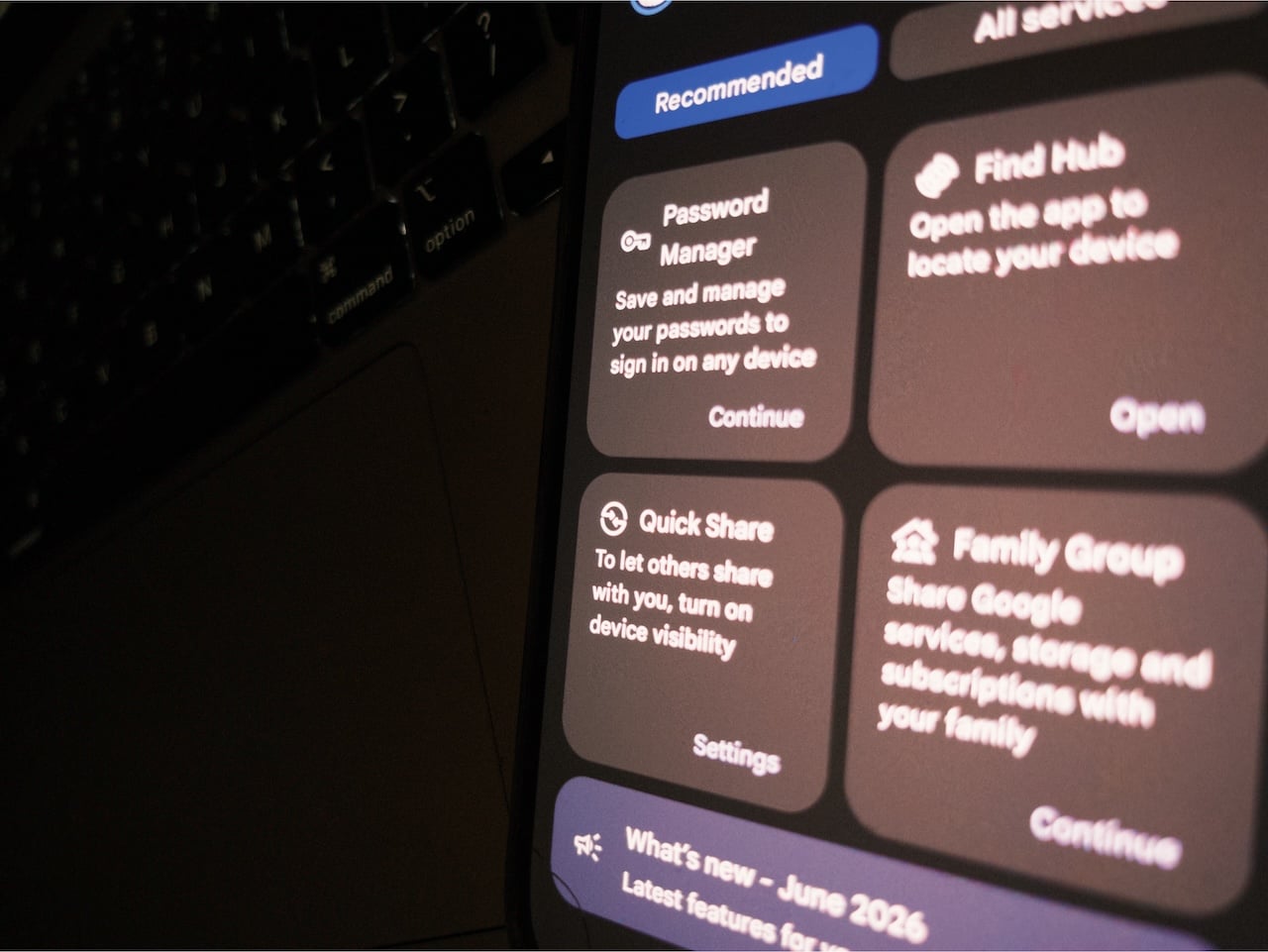
When you open your new password manager and select the option to import from another provider, the operating system detects the existing password managers on your device and presents them as transfer sources.
You'll tap through to your current manager, select and review what you want to move, and authorize the transfer. Data moves between apps in seconds.
The technology behind it is a credential exchange protocol called CXP, finalized by the FIDO Alliance. FIDO is the industry body governing passkey standards. The protocol itself is called the Credential Exchange Protocol (CXP) alongside a companion specification called the Credential Exchange Format (CXF).
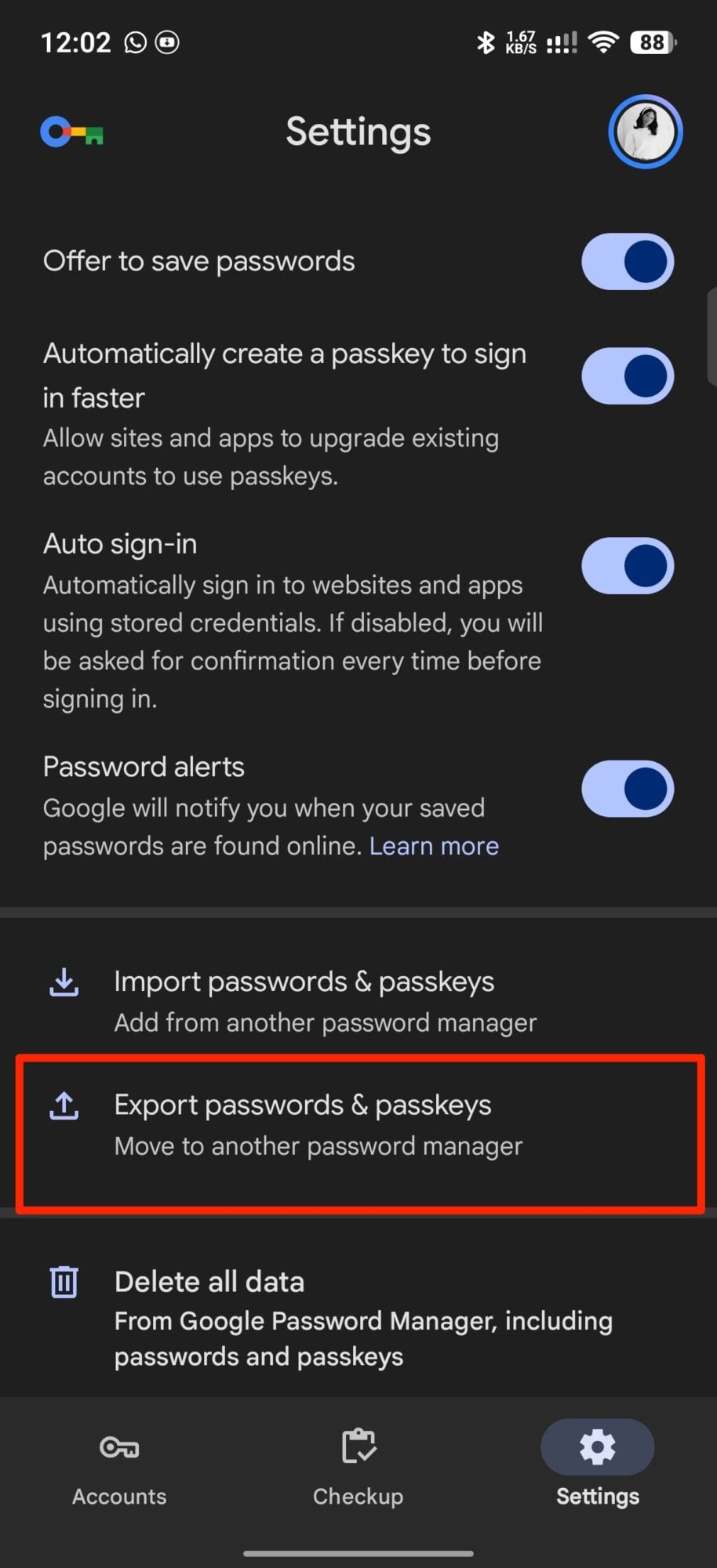
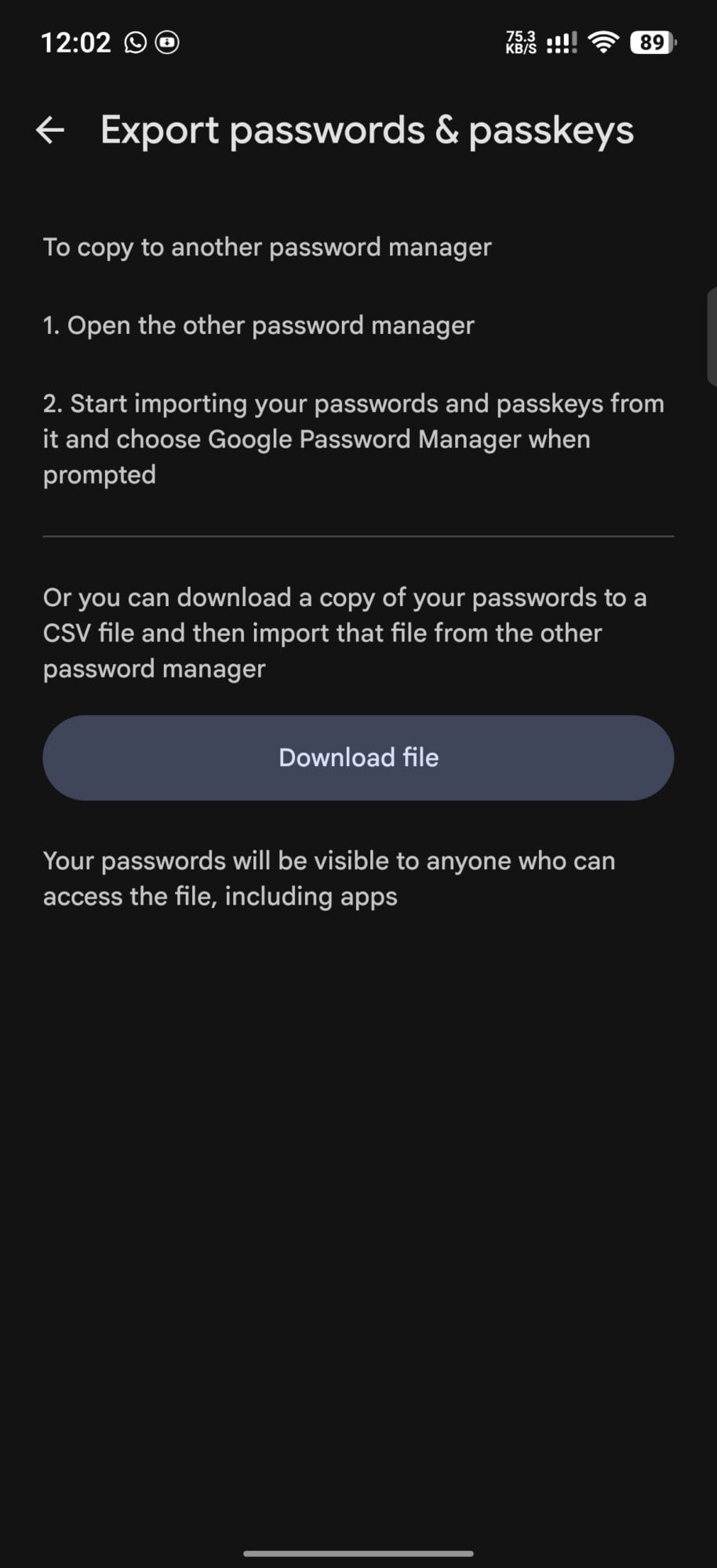
The credential payload moves through an encrypted temporary file rather than through Android's standard data channel. Password vaults can be large, and the system's normal data pipeline has a size limit that would expose credentials if exceeded. Instead, temporary file exists only for the duration of the transfer and is controlled by the exporter until the importer confirms receipt.
Here's what you can and can't transfer
The new transfer system works for passkeys, addresses, credit cards, Secure Shell (SSH) keys, Wi-Fi passwords, two-factor authentication secrets, secure notes, and application programming interface (API) keys, as long as both apps support them.
More importantly, sending and receiving apps must support the new protocol for the transfer to work, which is why the feature is currently limited to Google Password Manager, 1Password, Bitwarden, and Dashlane, with more partners expected to follow.
Just ensure your password managers are fully updated beforehand. The transfer feature requires the latest versions of both the sending and receiving apps. If your current manager doesn't appear as a source option, the feature isn't available from that app yet, and you'd need the old comma-separated values (CSV) method as a fallback.
On the new password manager app, look for an import or transfer option in its settings menu. Select the option to import from another app rather than a file. Android should detect your existing password managers and present them as transfer sources.
Tap your current manager and select which credentials you want to move. Then review them, and authorize the transfer with your screen lock. Afterward, the transfer completes in seconds.