
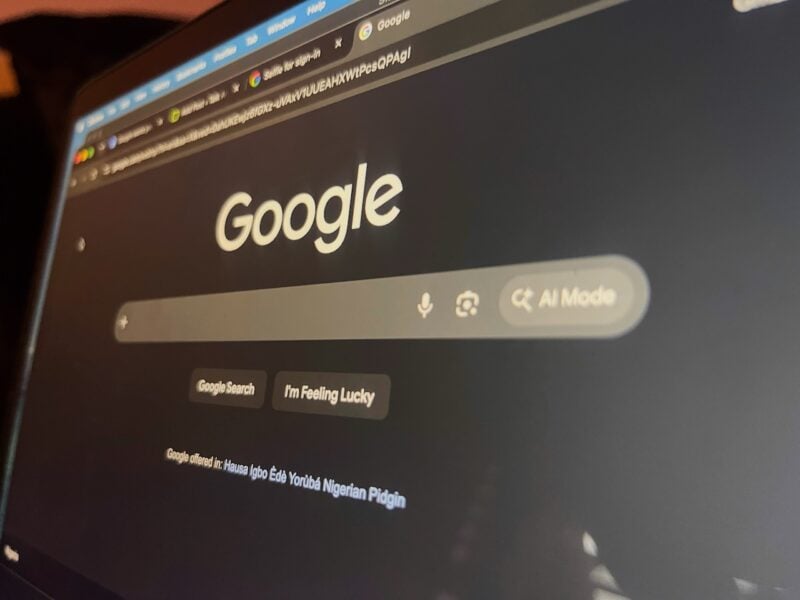
If you like taking selfies, your next one could unlock your account. Google is introducing a new sign-in method called Selfie Video. It lets you record a short selfie video as a backup way to verify your identity and regain access to your Google Account.
Google already gives you a myriad of ways to get back into your account if you're ever locked out, including passkeys and recovery contacts. But the one thing you're guaranteed to have with you at all times is your face. Find out if you're eligible for the new feature here.
Your face card is strong enough to protect you
Selfie Video is a new account recovery and sign-in option for Google Accounts. It helps you regain access if you're locked out or don't have access to your usual device.
If your account is eligible, you can enroll by recording a short selfie video while following a few guided head movements so Google captures your face from multiple angles.
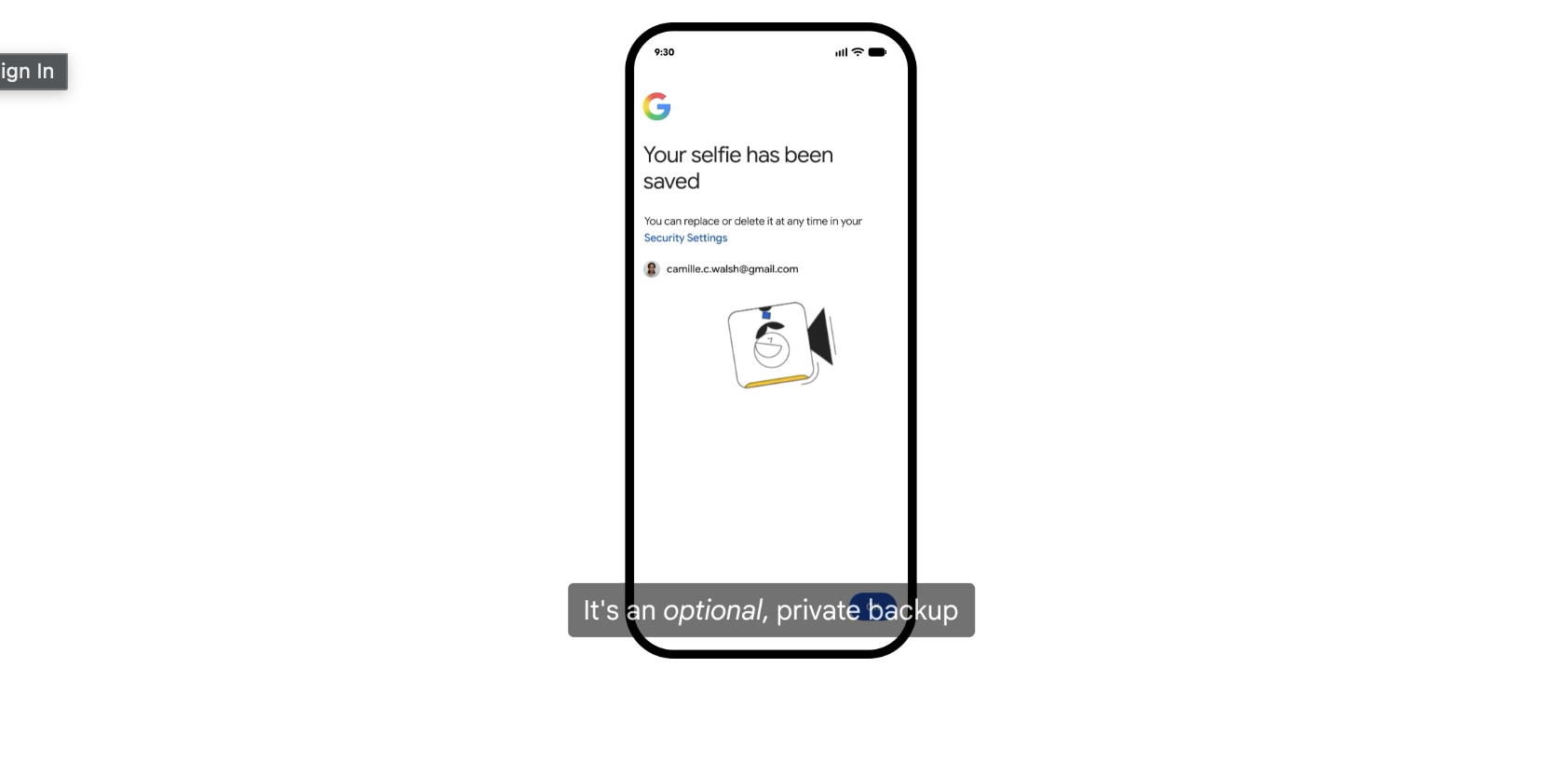
Then it securely stores the video with your permission. If you later get locked out, you'll record another selfie video, which Google compares against the original to confirm it's really you. It also uses liveness detection and other security checks to prevent spoofing attempts with deepfakes.
Given how generative AI can make realistic face and voice impersonations now, it's not an unwelcome capability. Biometric data is harder to steal through phishing than a password because you're not typing anything into a phishing website. But unlike a password, you can't change your face. So, they're more valuable to protect than traditional login credentials.
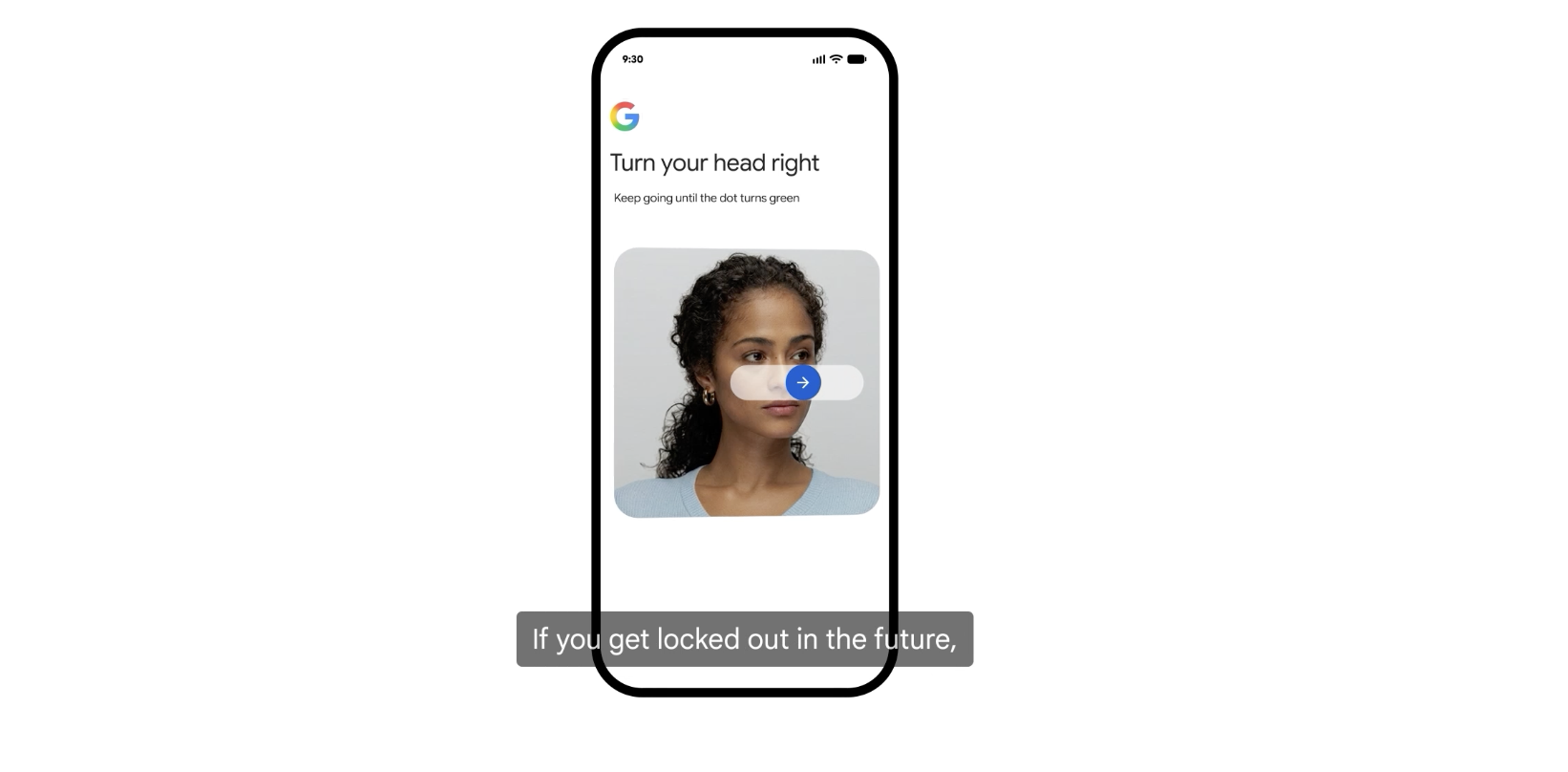
Google assured users in its announcement that selfie videos are encrypted, stored with your consent, protected with liveness detection to resist photos and deepfakes, and can be deleted at any time. Check whether you have access while signed in to your account. You should see a message telling you if selfie sign-in is available or not.
Biometric unlock is available on Android
Face recognition is already a familiar security feature on many smartphones. If you'd like to rely less on passwords, head to your phone's Security settings to see whether biometric authentication is available.
Once enabled, you can unlock your phone by looking at it. You don't need to use Google's new selfie video feature every time you sign in to your account. It merely becomes another way to verify your identity.
Likewise, you'll still be able to use your password, passkey, recovery phone, or other recovery options on Android.

Like any form of authentication, biometrics aren't immune to abuse. Nobody expects you to hide your face in public, but you should think twice before handing biometric data to services you don't trust.
Enable biometric authentication only on devices you own, keep your phone updated with the latest security patches, use a strong screen lock as a backup, and turn on two-factor authentication for your most important accounts when possible.
It's also worth reviewing which apps have access to your camera and biometric features, and removing permissions you no longer need.