The launch of the Samsung Galaxy S26 was expected to be great news for anyone ready to replace their aging smartphone. Yet for a growing group of drivers, the reality has been more frustration than excitement—especially once they try to use Android Auto in their cars. The problem? You could be hit by it too.
Android Auto Users Sound the Alarm
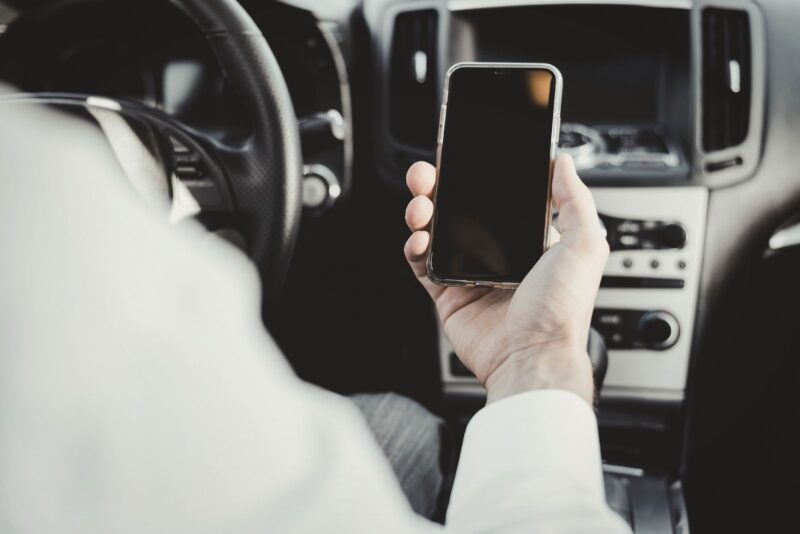
Starting in early 2026, reports from Galaxy S26 owners began to pile up—many describing the same scenario. The phone connects to the car’s infotainment system, Android Auto launches, and then the connection drops after a few seconds. Sometimes it reconnects, only to drop again. The result is a loop that leaves Android Auto almost impossible to use.
Frustration on Forums and in Daily Life
These aren’t rare glitches. Google and Samsung support forums have been flooded by S26 owners who expected rock-solid wired connections but instead found themselves fighting with an unreliable link. Users point out that their previous phones, like the Galaxy S25 Ultra, worked perfectly, but the S26 immediately created headaches. Some say the app doesn't launch at all, cutting off access to navigation, music, and phone calls.
On Reddit, one S26 Ultra owner even threatened to return their brand-new phone before the 15-day return window expired, citing how badly the problem affected their daily routine. For drivers who rely on Android Auto—especially in vehicles without excellent built-in infotainment—this bug is more than a minor annoyance. It’s a real problem.
It's Not Just Samsung Devices
While the Galaxy S26 dominates the complaints, owners of other devices, like Google Pixel phones, have also encountered similar issues after a recent Android Auto update. This has led many to suspect that software changes, not just Samsung hardware, may be at fault. Some speculate that new Android security features or certain system apps interfere with the connection between phone and car. But so far, neither Google nor Samsung has provided an official explanation. Without a clear answer, speculation and frustration continue.
Troubleshooting Roulette
Currently, suggested fixes vary. A few users report that resetting their phone, removing certain apps, or completely reconfiguring the car’s infotainment system temporarily restores normal use. Others say multiple factory resets accomplished nothing. The variety of attempted fixes highlights one truth: there’s no reliable, universal solution yet.
According to reports cited by Android Police, an Android Auto update had begun rolling out and might address these connection problems. But with no detailed statement from Google, it remains uncertain whether this update truly resolves the issue long-term. For now, many Android Auto users remain in limbo, hoping for a lasting fix every time they drive.