




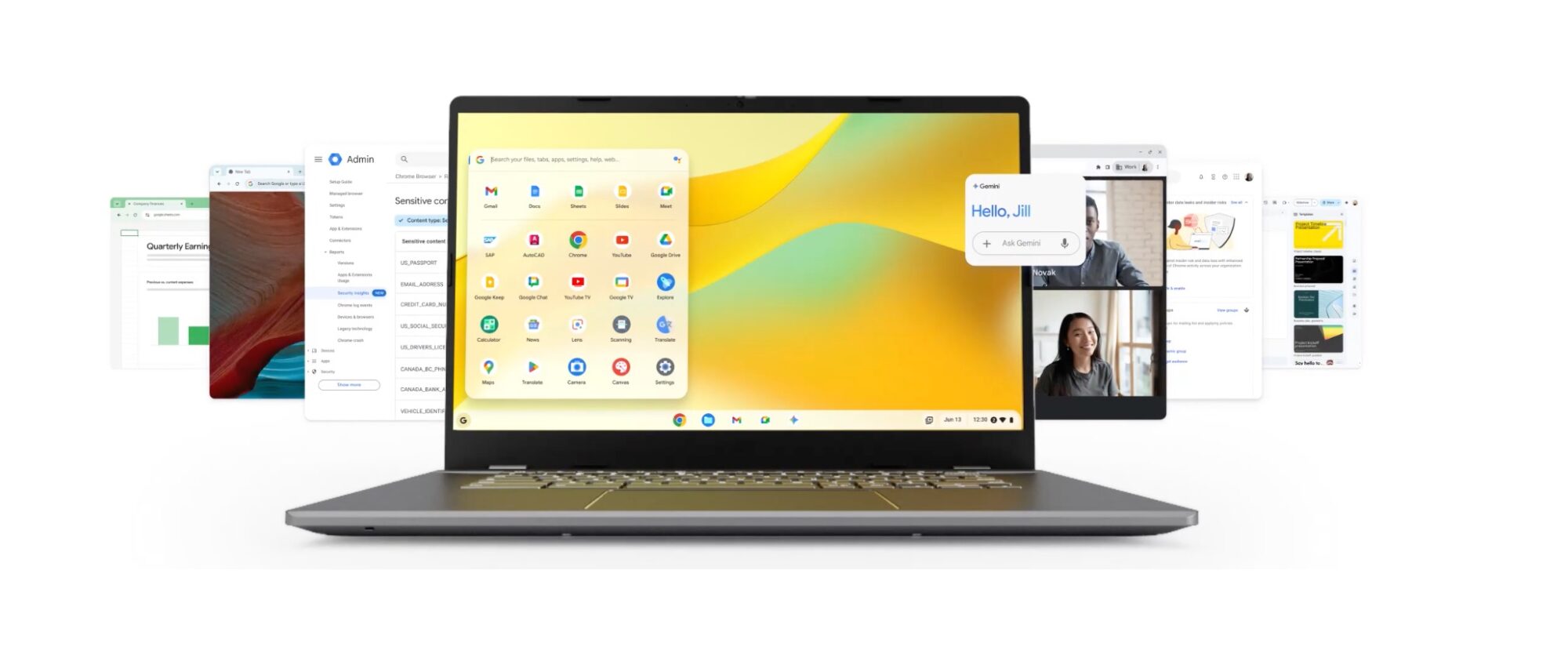
Google and the refurbished electronics company Back Market are working together to extend the life of old laptops. They want to convert them into Chromebook-like computers using ChromeOS Flex, Google’s lightweight operating system. Here's how it works.
Keep your old laptop with a new operating system
ChromeOS Flex solves a big problem in old device disposal by replacing the old operating system with a much lighter one. When installed, the laptop behaves like a Chromebook and boots quickly, while it continues receiving security updates from Google.
Normally, installing ChromeOS Flex requires creating a bootable USB installer yourself. You'd have to download the Chromebook Recovery Utility extension where you'll choose the option to set up ChromeOS Flex.
The utility then downloads the operating system image from Google and writes it directly onto the USB drive. It becomes a startup device you'll choose instead of your internal hard drive.
This process is easy for people comfortable with computers, but it can be confusing for schools, nonprofits, or small businesses that may not have technical staff.
It's why Google and Back Market want to deliver pre-made USB installer drives with ChromeOS Flex already prepared. Organizations only need to plug the USB stick into an old laptop, start the machine from it, and install the system without needing to build the installer themselves.

You'll need a computer to manage the installer, a USB flash drive with at least 8 GB of storage, and a target computer, which is the device where ChromeOS Flex will run. Hardware requirements for that computer include a processor that's a 64-bit Intel or AMD chip. The device should have at least 4 GB of RAM and about 16 GB of internal storage.
Check for your device’s eligibility
Google released a list of supported laptops and desktops with ChromeOS Flex. If a model says Certified, it means Google tested it and everything important should work normally. Devices marked with Major issues indicate bigger problems and aren't recommended.
Decertified means the device used to be supported but has reached the end of its support period. The “end of support” year simply tells you how long Google plans to keep providing updates for that model when running ChromeOS Flex.
Devices like the Acer Aspire 3 A315 and HP 20-r013 AIO were marked certified, while the HP Compaq Elite 8300 was among Decertified devices.

It’s worth noting that ChromeOS Flex is not exactly the same as the ChromeOS found on Chromebooks. Some features may be missing from it. For example, most installations don’t support Android apps or the Google Play Store. It’s mainly focused on web apps and cloud tools.
Also, devices that ship with ChromeOS are built specifically for it, while ChromeOS Flex is designed to run on ordinary computers that were never built with ChromeOS in mind. Because of that, some security and platform features simply cannot exist in the same way.
Both systems follow the same release cycle. Google pushes major ChromeOS updates roughly every four weeks. Each release moves the system to a new version number, such as ChromeOS 120, 121, 122, and so on.


FydeOS is the best alternative to ChromeOS Flex that supports Android apps. In theory, you can run Android apps on Linux distros based on the Wayland compositor. It’s called Waydroid. Waydroid runs, but it’s a RAM hog and is hardly seamless.
Hi,
Great Blog! Your insights are spot on The Old Laptop in Your Drawer Might Be Getting a Second Life With ChromeOS Flex. I especially appreciate your points. You’ve done your research. Keep up the excellent work! Looking forward to reading more from you.
Here is sharing RSA Archer Training related stuff that may be helpful to you.