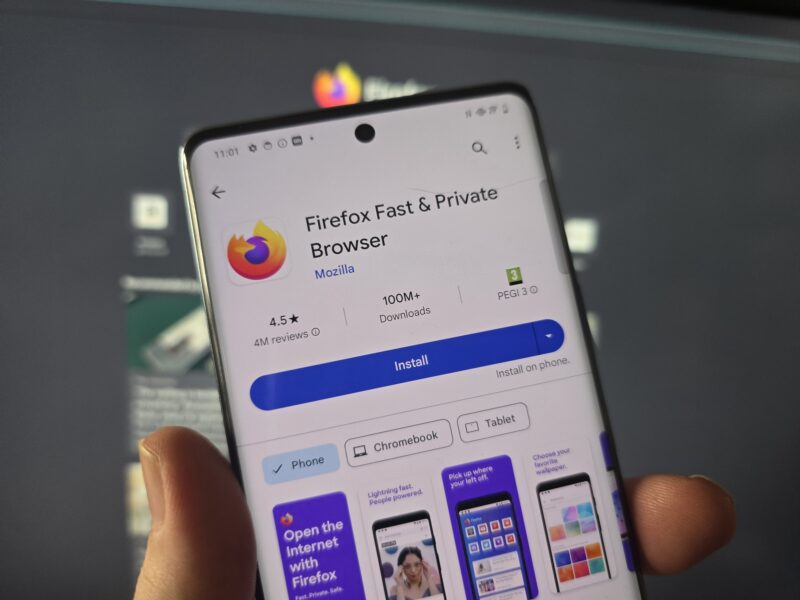
Firefox has been hailed as one of the last bastions of browser freedom, given all the changes made to Chromium-based ones recently. In fact, it has always been considered a more open alternative for over a decade, even before browsers like Brave advertised hard on privacy and protection (despite some security issues of its own). So naturally, Firefox remains a compelling alternative due to its feature set for Android mobile phones, despite its performance optimization issues over the years.
Thematic Firefox Features
It might not be as unique now, but the most basic point of using Firefox for Android is still privacy enhancements. Like blocking third-party cookies, for example, advertisers use to track your activity across different websites. It also blocks fingerprinting, a technique that identifies and tracks users based on their device and browser settings. The private browsing mode prevents Firefox from saving browsing history, cookies, and other site data.
As for the more specific ones:
- Add-ons Support – Add-ons are small programs that add new features or functionality to Firefox, essentially equivalent to extensions on Chromium-based browsers. They can be used to customize your browsing experience, such as by adding ad blockers, password managers, or themes. Not all add-ons are available for the mobile version, but at least some of the most important ones are, such as uBlock Origin.
- Total Cookie Protection – This feature prevents tracking companies from tracking your cookies as you move from one website to another. Normally, when you visit a website, it can track your activity across the web using cookies. With Total Cookie Protection, each website gets its own “cookie jar,” so cookies from one site cannot be used to track you on another site.
- Open Source Code – Yes, even for Android. This means anyone can view, modify, and distribute the code, enhancing transparency and security. Thousands of developers worldwide contribute to Firefox, ensuring that potential issues are quickly identified and fixed.
- Enhanced Tracking Protection – Enhanced Tracking Protection (ETP) blocks trackers and other forms of online tracking. It helps prevent websites from tracking browsing behavior and collecting data about you without your consent.
- Synchronization and Password Management – Sync your bookmarks, passwords, history, and open tabs across devices. Password management in Firefox is fairly reliable-ish, but it may not offer as many features as some other browsers, such as Chrome's ability to manage payment information and addresses.
Convenience Related Features
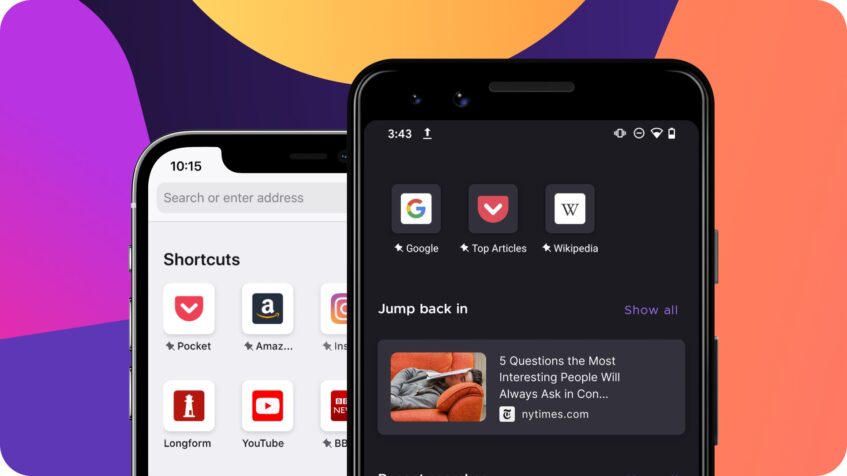
Features that are not as important, or may not even be better than similar features on other browsers:
- Reader Mode – Firefox's reader mode removes ads, navigation elements, and other distractions from web pages. It also allows you to customize the font size, style, and background color for easier reading. Referred to as “Reader View” for desktop versions.
- Video Autoplay Blocking – Firefox includes a built-in feature to block video autoplay, which can be annoying and consume unnecessary data. Negligible compared to desktop browsers, sure. But it was very well received when initially implemented.
- Taking Screenshots – Firefox comes with a built-in screenshot feature that allows you to capture and share content from web pages. You can capture the entire page or just a portion of it, and then save or share the screenshot as you see fit.
- Text-to-Speech – Text-to-Speech allows you to listen to articles instead of reading them, which can be useful for users with visual impairments or for when you're on the go.

The other features are more or less standard for browsers (even desktop ones), such as interface customizability, system updating, incognito mode, and security hubs, among other typical things. As far as user reception goes with these features, the add-ons and the tracking protection features (which are better ported from its desktop version, unlike Chrome) are generally still enough to offset any hardware problems that Firefox for Android may cause.
Besides, modern smartphones today are typically powerful enough to ignore some of these problems.