



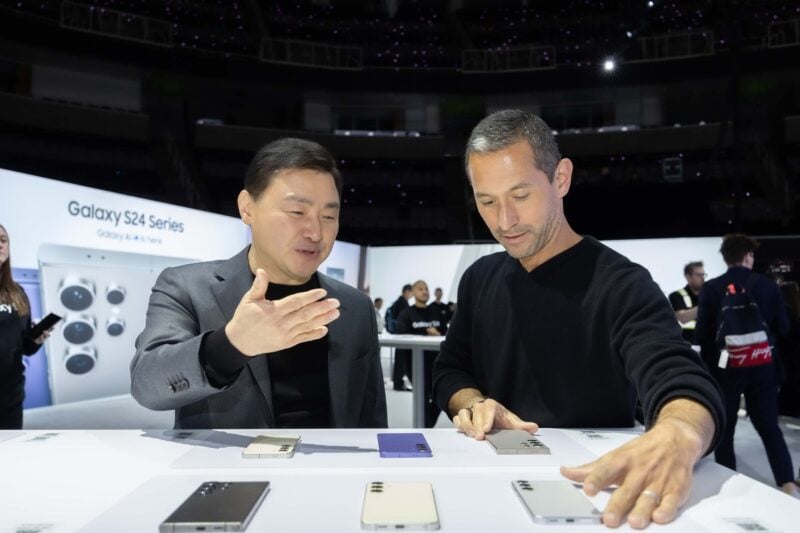
The Samsung Galaxy S24 series launched in January, bringing a lot of improvements to the famous S series of smartphones. The display got notable improvements, especially on the Galaxy S24 Ultra with that new Gorilla Glass Armor.
Unfortunately, one of the first major complaints regarding the devices is related to their displays. Early users have complained that the colors on the devices look washed out. It was initially thought that this was a bug, but according to official sources, things might be exactly as intended.
Samsung Says Those Vivid Colors Are Meant To Be Not So Vivid

When it comes to AMOLED technology in smartphone screens, Samsung is one of the big pioneers. They've been using it since the very first Galaxy S smartphone, and since it produces more vibrant colors than LCD can, Samsung has always been big on making their screens vibrant and colorful.
Unfortunately, Samsung S24 users complained that colors on their devices didn't seem as vivid as expected — instead seeming dull and washed out. Samsung smartphones have a Vivid screen mode (more vibrant) and a Natural screen mode (saturation is toned down), so the guess was that a bug was preventing the Vivid mode from actually activating even when switched on since the difference between the two modes is minimal.
Well, that guess was wrong. That's not the case, according to Samsung Spain. Teknófilo was able to get an official response where Samsung claimed that the color science for the S24 screens was intentional and done to provide a “more accurate and comfortable” viewing experience.
What Can You Do If You Don't Like The Flatter Colors?
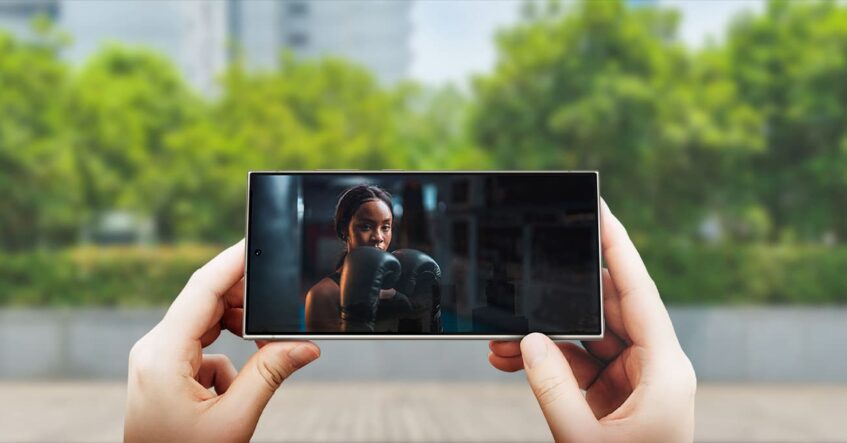
If you were coming from any of Samsung's older flagships to the S24 devices, you were likely looking forward to a software update eventually coming to fix the bland colors. But now that it is clear that is unlikely to happen, what can you do about it?
For the most part, nothing. The screen is still an excellent one, though the colors have lost some of the Samsung DNA we've all come to know and love. It is possible that with enough demand, Samsung might put some kind of “overdrive” feature that lets us access the type of colors that the S23, S22, and all other lineups had.
Of course, you might not have pulled the trigger yet on getting an S24, and if you feel like more natural colors are an absolute dealbreaker, you might want to hold off on things. If you wait, Samsung might eventually backtrack, the Z Fold or Z Flip 6 might be more your fancy screen-wise, or you may just decide to stick with whichever phone you're using now.
Besides That, The Galaxy S24 Screen Is Amazing
But the truth is, don't let this news trick you into thinking that the displays on the S24 devices are mediocre in any manner. If you are already a Natural screen mode type of person, you won't have any issues whatsoever.
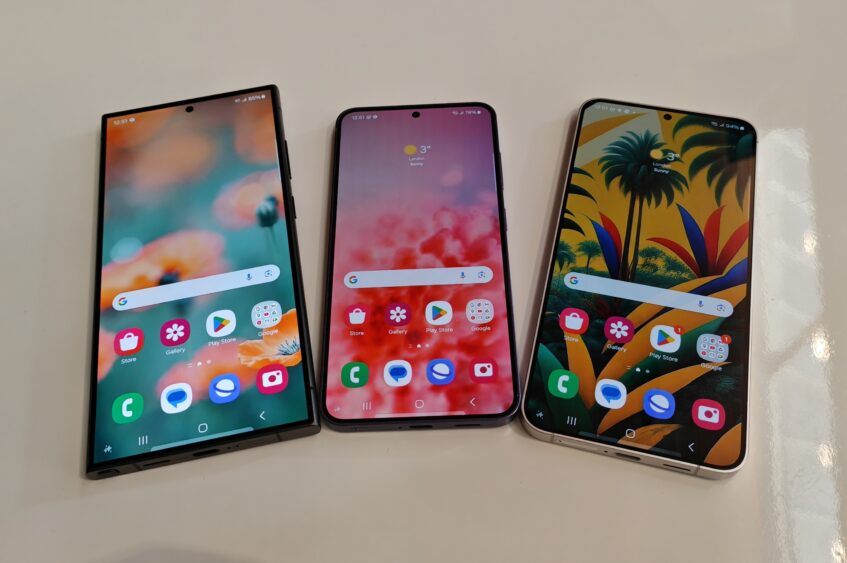
At the end of the day, it is still a 120 Hz HDR10+ LTPO screen capable of hitting 2600 nits of peak brightness, with razor-thin bezels. With the S24, you'll have a FHD+ display and a gorgeous QHD+ unit on the other models. Plus, with Gorilla Glass Armor on the S24 Ultra, the viewing experience is enhanced further.
So yeah, there are muted colors and all of that, but this is still one of the very best smartphone displays right now, so don't be in a rush to sell your S24.

