


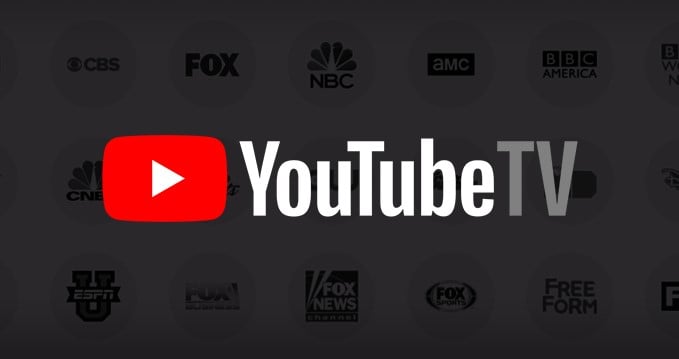
 While it's unknown quite why it's taken so long to be a feature that the search giant cares about, 2018 has seen dark mode come to Android Pie as well as some of our favorite Google apps such as Messages and YouTube. Now, it's the turn of the YouTube TV web app to gain the dark mode option.
While the mobile app will still blind you with all that shiny bright whiteness, the web app features a dark background to help shield your eyes. According to the YouTube TV help page, the dark theme will also allow you to tone down your screen's glare. If you are wondering just how you might enable this fabulous option, follow the instructions below:
To turn on the dark theme:
- Open YouTube TV on a web browser
- Click your profile photo
- Select Settings
- Select Dark Theme
- Toggle on “Dark Theme“
And that is it. You can now enjoy the dark theme on YouTube TV when using a web browser. For the moment at least, there is no word on when this wondrous new feature might appear on YouTube TV's mobile apps, but sooner rather than later would be nice.
Source: YouTube TV
The blue light coming from your smartphone screen might make you blind
Dark mode is coming to YouTube's Android app
Microsoft Edge picks up dark mode and password syncing to desktop
