




 Nova Launcher is synonymous with customization and the latest beta (5.5-beta 7) allows users to remove or replace the somewhat controversial search bar widget. One of the biggest visual changes from Android Nougat to Oreo is the persistent search bar now at the bottom, just above the navigation buttons. Although I got used to it, I wasn't a huge fan of the change and I'm definitely not alone. 5.5-beta 7 now provides the Android 8.0 Oreo experience without this constraint. Let's take a look at what can be done.
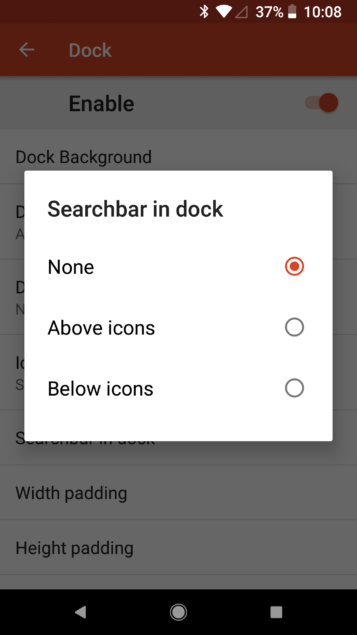
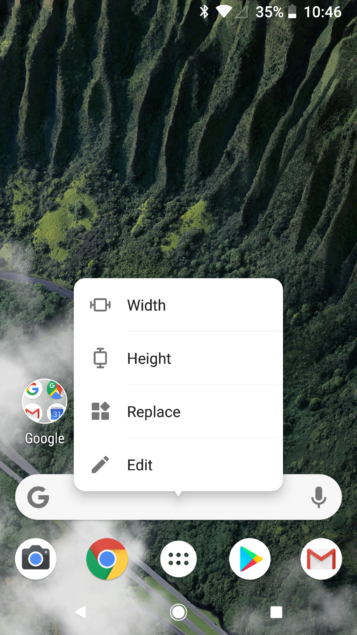
To add or remove the search bar widget, and position it above or below the dock icons, simply go to Nova settings, then Dock, then Searchbar in dock. You can also replace the widget with something else as it doesn't have to be the search bar. Long-press the search bar widget and tap Replace, and then choose a new widget (that's 4×1 in size).
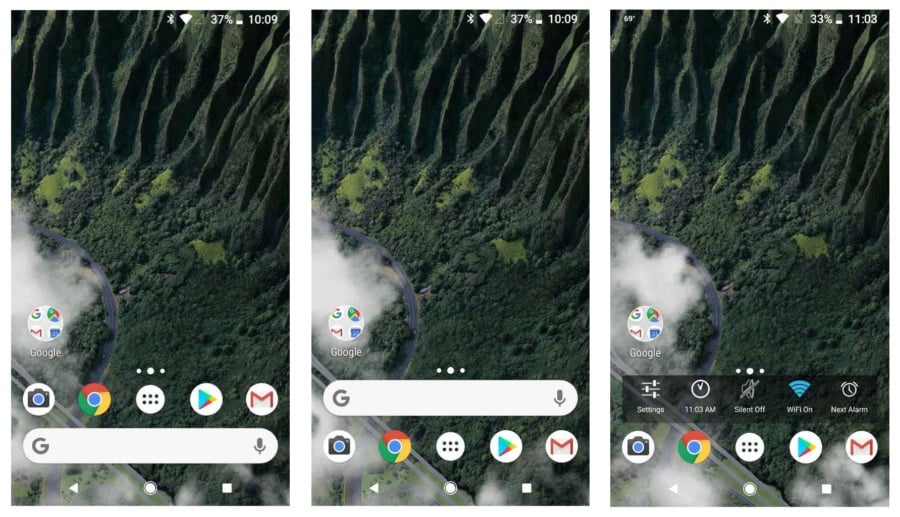
You can see a few available options below. Reposition the search bar or replace it altogether, or you can just remove it entirely.
It would be great if Google allowed users to tweak the home screen like this, but for now Nova Launcher is an excellent substitute. Nova Launcher 5.5-beta 7 is live on the beta channel or you can download the APK from the TeslaCoil website.
Source: Nova
