



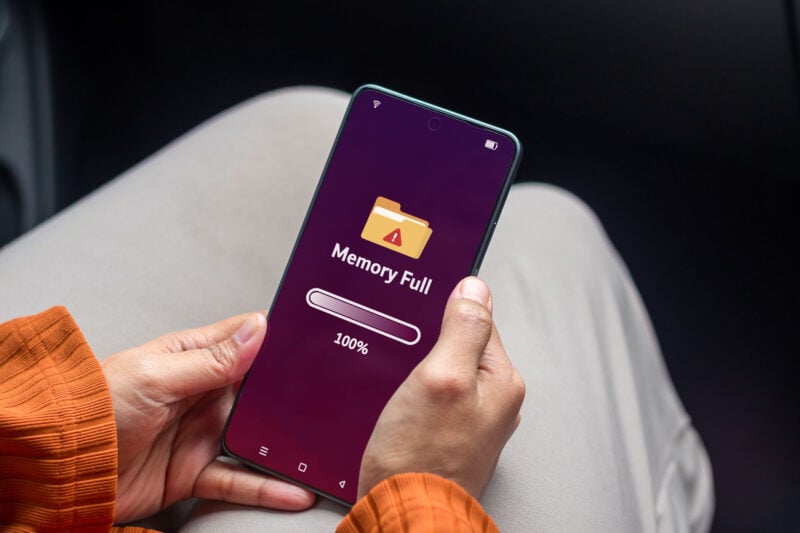
That “Storage almost full” warning has a talent for showing up at the worst moment, usually right as you're about to film something worth keeping. If your Android phone keeps running out of space, the culprit is rarely one giant file. According to a breakdown published by Engadget on October 17, your storage gets eaten bit by bit by forgotten apps, bloated caches, photos you've already backed up and a mysterious “Other” category. Here's what's really taking up room, and how to get it back.
The Usual Suspects Hiding on Your Phone
Picture this: you open your storage settings expecting to find one huge video, and instead you get a long list of small offenders. Engadget points to the same handful of culprits on most phones:
- Apps you installed once and never opened again
- Photos and videos that are already backed up to the cloud but still sit on your phone
- Cached data from streaming and social apps, which Engadget says can add up to gigabytes
- Old downloads, duplicate files and everything waiting in your Trash or Recycle Bin
Then there's “Other files,” the catch-all category for everything that doesn't fit anywhere else. It's often the one nobody checks (and the one that keeps growing).
Some of Google's Own Apps Are Part of the Problem
Google Photos is a classic example. Once your pictures are backed up, the copies on your phone keep taking up space until you remove them. Open Google Photos, tap your profile picture and choose “Free up space” to delete only the items that are already safe in your account.
YouTube Music can fill your phone too. Its Smart downloads feature automatically saves up to 200 of your recently played songs for offline listening, according to YouTube Music's help page. You can turn it off, or clear everything at once, under your profile picture > Settings > Downloads & storage.
Even AICore, the system service behind Gemini Nano's on-device features, has made headlines. In May, Google acknowledged on its support page that the service can sometimes use more storage than expected. As Android Central reported, AICore keeps the old and new versions of its AI model side by side for up to three days during an update, then deletes the old one on its own.
More on This Topic: Google Photos Adds Brilliant New Feature to Instantly Free Up Space
How to Find What's Eating Your Storage
On a Pixel and most Android phones, Google says to open Settings, tap Storage and pick a category to see what's inside. On a Samsung Galaxy, the same tools live under Settings > Device care > Storage, as Engadget notes. From there, Free up space lets you select files by category and move them to the Trash.
For a single app, open its page in Settings and look for two buttons. Clear cache removes temporary files, and Google says the app may just be a little slower the next time you open it. Clear storage is a different story: Google warns it permanently deletes all of the app's data, so save anything important inside the app first.
Two Settings That Clean Up for You
If you'd rather not repeat this every month, Android has two helpers. The first is Smart Storage, which clears backed-up photos and videos when your phone is almost full, according to Google. You'll find it in Settings > Storage > Free up space, then the menu icon > Settings.
The second lives in the Play Store: tap your profile picture, then Settings > General > Automatically archive apps. Instead of deleting apps you rarely use, Android removes most of the app but keeps its icon and your data. Google says archiving can free “up to nearly 60% of an app's storage space.” When you need the app again, one tap downloads it back and you pick up where you left off. Think of it as moving your winter coats to the attic instead of giving them away. (Not every app supports it, since developers have to publish in a compatible format.)
More on This Topic: Out of Google Photos Storage? A Revolutionary Android Feature Could Change Everything
Should You Pay for More Cloud Storage?
Before you reach for your credit card, keep in mind that phone storage and cloud storage are two different things. Every Google account comes with 15GB of free cloud space shared across Photos, Drive and Gmail, and Google One plans start at $2 a month for 100GB, per Engadget. Paying for more cloud space won't free up a single megabyte on your phone, though, so a cleanup is still the first step.
Give it ten minutes this weekend, and that warning should leave you alone for a while. Your camera roll will thank you!