




Everyone likes brand new features for their gadgets and electronics, and some of us like those things enough to want to test them out for everyone else. Google has embraced that with developer and preview builds for tons of its software, including Chrome and Android, but now they're opening up the fun to Chromecast, too.
The Chromecast Preview Program is, according to Google, an opt-in channel that updates your Chromecast device with the latest version of Chromecast’s firmware before it is made broadly available. This means users in the program will get early access to new features and improvements, but it's not a beta program so you won't have to worry about loads of bugs and glitches ruining your Chromecast experience.
Google wants people in the program to test out features and give feedback to tweak things before a wide release. So while you're not going to hunt for bugs like you would in a beta program, you can give feedback on things like the user interface, for instance.
If you're interested and own a Chromecast, opting-in to the program is simple.
-
From your Android or iOS device, open the Google Cast app
 .
. -
Tap the DEVICES tab to see your available Chromecast devices.
-
Scroll to find the device card for the Chromecast you'd like to enroll in the Preview Program.
-
In the top right corner of the device card, tap the device card menu
 .
. -
Tap Device Settings.
-
Tap Preview Program. If you don’t see Preview Program, we aren’t accepting new members at this time. Please continue to check back as opportunities become available.
-
Choose whether to receive email notifications by moving the slider to the right or left. Note: We recommend allowing email notifications so you’ll know when new updates are pushed to your Chromecast device.
-
If you opt-in to email notifications, you'll be asked to sign into your Google account if you haven’t already.
-
Review the contents of that page, and tap Join Program.
-
Review the contents of the page, then tap OK, GOT IT.
 .
. .
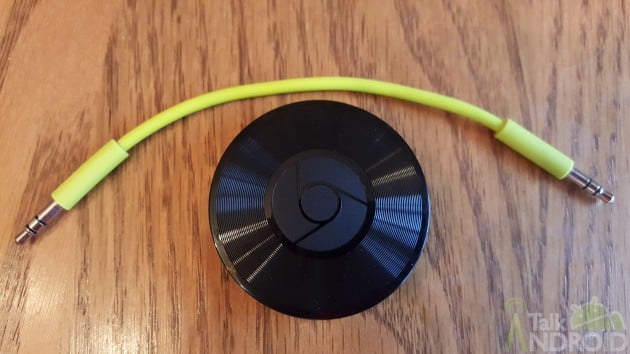
.The program is open to all Chromecasts, including the first and second generation Chromecasts as well as Chromecast Audio.
source: Google Cast (Twitter)
