




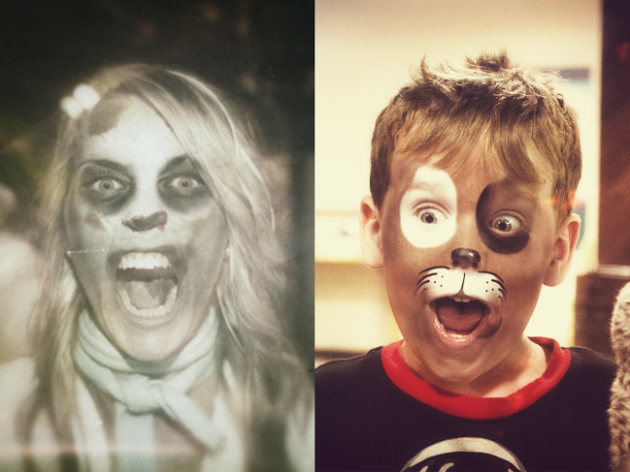
With Halloween coming up on Friday, Google wants to make sure you have a way to show some holiday spirit online. Through Google+ Photos, you can Halloweenify your photographs. There are options for “spooky” or “fun” looks. The image above is a sample of what Google can do with the Halloweenify feature. With group photos, it can add the effect to a maximum of four people.
Here is how you can do it:
- Go to photos.google.com
- Select a look
- Select your photo and upload it
Simple enough, right? Now go Halloweenify every selfie you have!
Via: +John Nack

No app? only desktop feature?