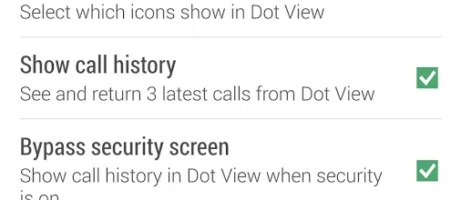




When HTC unveiled the Dot View case, we were pretty impressed. Spending some time with it, though, we found that it was actually quite limited. Today, the company has updated the app to make it visible in your app tray rather than hiding behind the scenes. This means one thing: settings. The HTC Dot View app now has a few settings to work with. Users can choose when the display will timeout, adjust what (of the few apps) can display notifications, display call history, and opt to bypass a security screen.
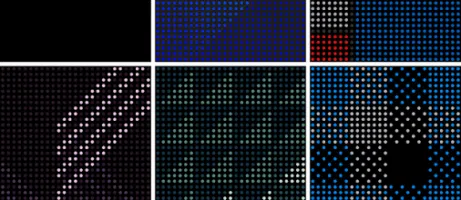
The biggest part, however, is the ability to apply themes. There are eighteen of them to be exact and activating the display while the cover is on shows the time with the theme sitting in the background. They all look great, but it does take away the time and weather ticker at the bottom.
Hit the break for the gallery and download links.