




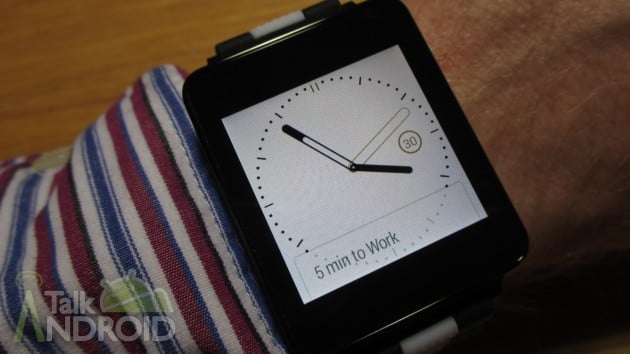
Smartwatches are nothing new, but with the birth of Android Wear, they are likely to finally take off since it was created by Google and should get a lot of developer support. It's a simple interface, yet very powerful. It's all about getting relevant information and acting on it without the need to whip out your phone.
Android Wear is at it's infancy, but you can already do a lot. You can see the weather, set timers, get navigation instructions, and so much more. You can even reply to text messages and emails, not to mention pause or skip tracks while casting your music.
One of the best features of Android Wear is that it will be consistent across all devices. So whether you pick up the LG G Watch, the Samsung Gear Live, the Moto 360, or something else in the future, the interface will work the same.
In this video, I will show you what Android Wear can do for you, as well as dive into the settings that are both on the Android Wear device and on the companion app for your Android Smartphone.


Good to finally see it all demonstrated. I’m waiting for the moto360 though.
Nice overview, Rob! I have the watch and I learned something new (I didn’t notice the apps, like compass and Keep in the long menu) :-)
HaHa, there is always something new to learn in the world of Android!!