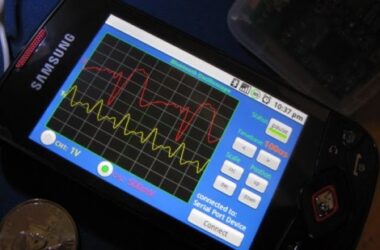




The Notion Ink Adam seems to be getting some more attention according to the Notion Ink blog. They have been developing a new way for the Adam to multitask aside from the standard method with Android OS.
The multitask feature to be installed on the Adam is called “Eden”, which fundamentally looks like they've taken a few pages from Linux lovers on how to maximize screen real estate, and application multitasking.
Here's a portion from the Notion Ink blog explaining “Eden” in better detail:
Eden consists of panels or Light Application instances(side image is just an example). At any moment of time you can work on infinite applications. You will have 3 panels at your disposal and you can switch at any time, and the best part, irrespective of how many and which ever application you run in the panels, the main application is in deep sleep mode. Hence the over-all system is low on memory, extremely fast and optimized.
So now you control what to run, the whole application or panel (one thing to remember here is that in the full mode you get the full screen, so more components, features and more real estate). When you minimize, application calls a panel with the most important features and goes back to sleep (not deep sleep since you might need to call it back asap). (Example would be an email panel which allows you to read, send and refresh mail box, but to send “formatted email content” you need to call the main application).

For those who don't already know, the Notion Ink Adam is one of the most powerful Android tablets to be released, however, there's no telling when it may actually drop.
Does this seem like a little too much in the way of multitasking on a tablet?
[via intomobile]