



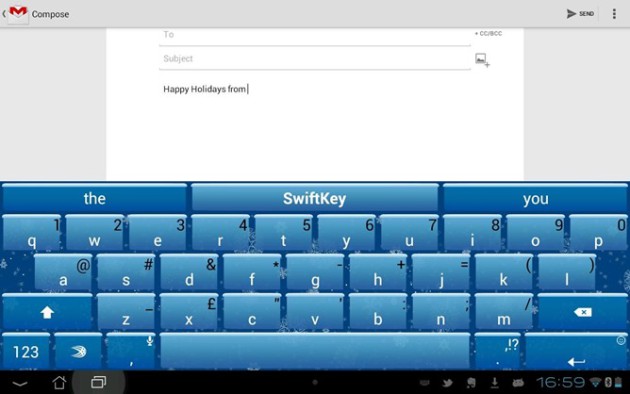
SwiftKey certainly likes their holiday Easter eggs (remember SwiftKey Tilt?) and Christmas is no exception. They've already released a Winter theme for the keyboard to get everyone in a festive mood, but apparently there's a neat little Easter egg built into that update, too.
If you type “hohoho” anywhere with the keyboard, then long-press it in the word suggestion bar, snowflakes will begin falling across your screen. They'll keep falling as long as the keyboard is up, so if you're typing a very long text or email, this can give the experience a little more Christmas spirit. Cool little Easter egg, right?

I have the ice theme on the gs3 and the falling snow works like a dream, it’s cool.
If you have the latest update, it should be the “ice” theme.
Doesn’t work in the beta
No it doesn’t sadly but the symbols do work with the beta version which will be quite interesting when it’s available for the full version
By symbols are you referring to the Emoji in beta?
Yup sure am