




If you use your phone on the go, which everyone does, you might be interested in a nice program called WaveSecure. WaveSecure is a mobile security application that allows you to backup and lock down your device, keeping your information and data secure. When you first start the application you are prompted for your mobile number. The system will verify the number by a text message, and once completed you are registered on the system.

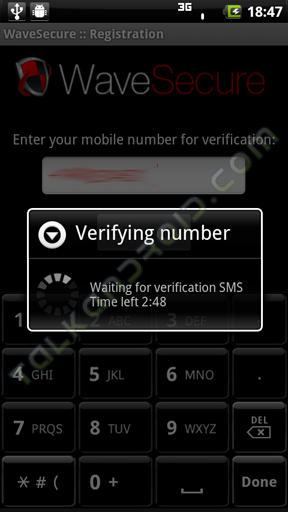

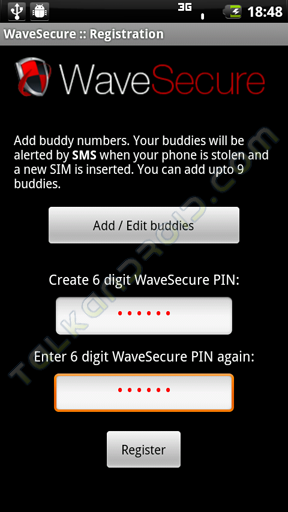
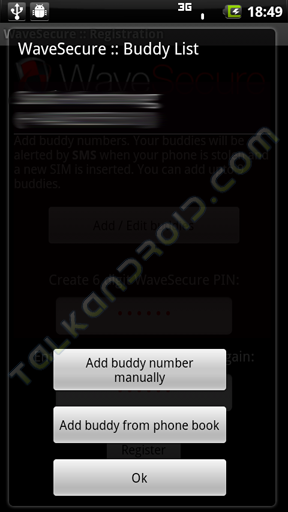
Once you have your device registered on the WaveSecure system you will need to setup a pin number for your account. This pin will be used on your phone and the Wave Secure site so make sure you it is one you will remember. You also need to select a buddy. You buddy is the number that will be notified if your phone is compromised or if lost it will show on the lock screen. Your buddy must be set before you can continue. You can add someone from your phone book or you can enter a new number.



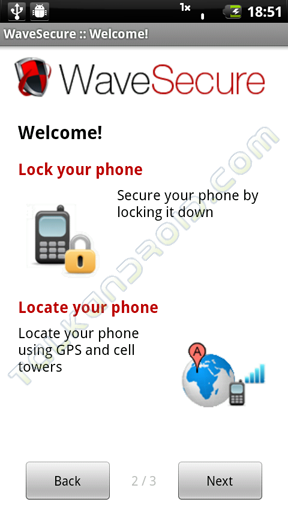
After you are all set up you are presented with your web account info and the services WaveSecure provides. When fully set up you can backup your phone, track your device if it is lost or stolen, remotely lock your device and even remotely wipe your phone including the storage card in the device.


On the main screen of the app, which you will be presented with every time you log in, you have five choices to select from. You have the options to backup your device, upload your precious media, restore your contacts and SMS from the WaveSecure site, lock down your phone, and wipe your device.

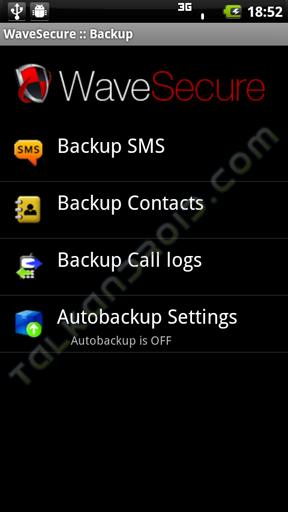
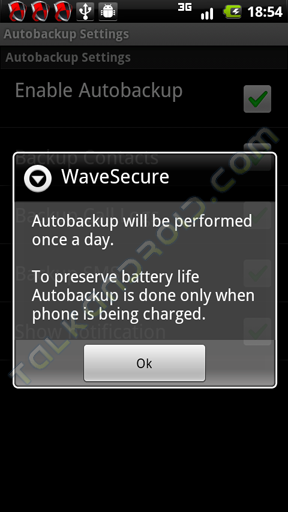
In the Backup section you can select to individually backup your contacts, SMS messages, and call logs. You can also set up auto backup where the device will backup all three for you once a day when the device is plugged in.
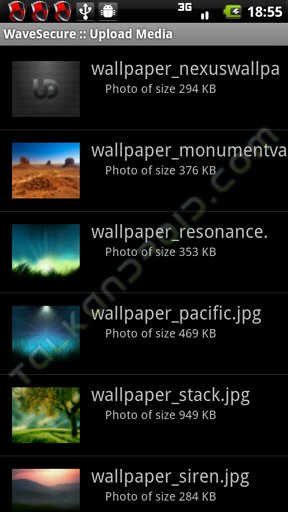
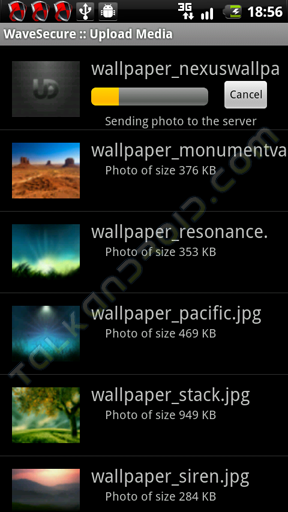
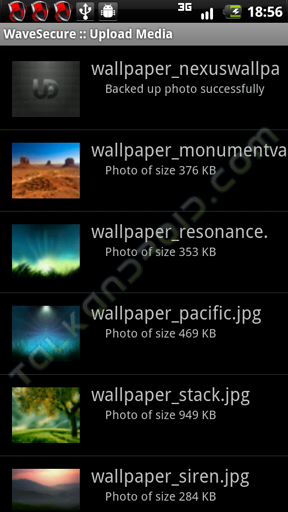
The next section is where you can upload media to the site such as pictures and videos. This is great for those special moments you don't want to lose but can't make it to a computer to back up your memories.
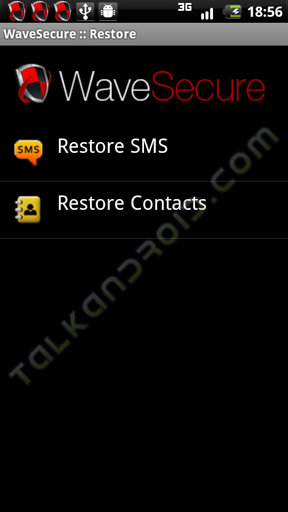
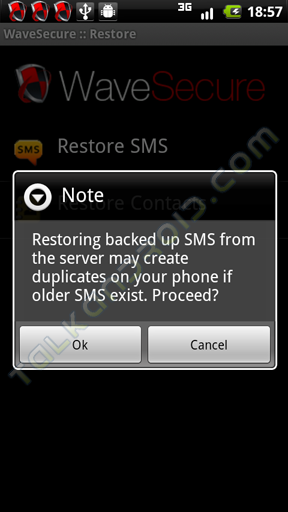
The Restore section allows you to manually restore your SMS messages and contacts. Be careful though because if they already exist on the device you may create duplicates on the phone.
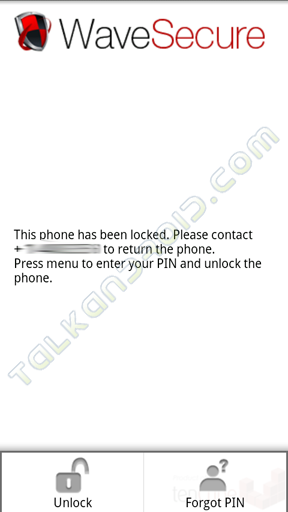
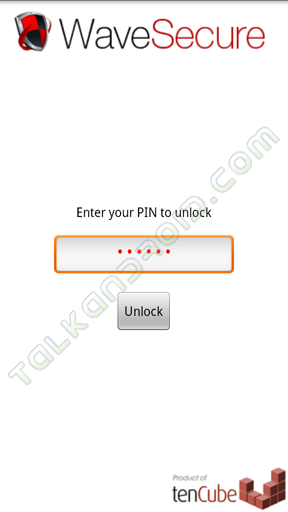
If you press the “Lock Down Phone” button your phone will automatically lock and you will need your pin to unlock it. This is great for manually securing your device from prying eyes.
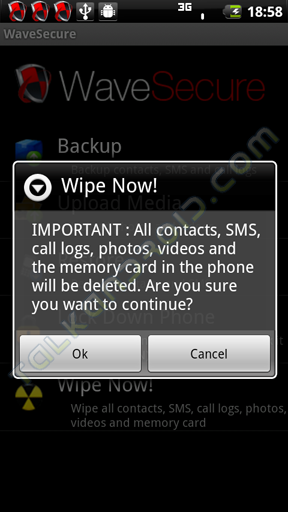
The last button is the “Wipe Now!” selection which will securely erase your device and memory card. Be careful if you select this as the process is not reversible!
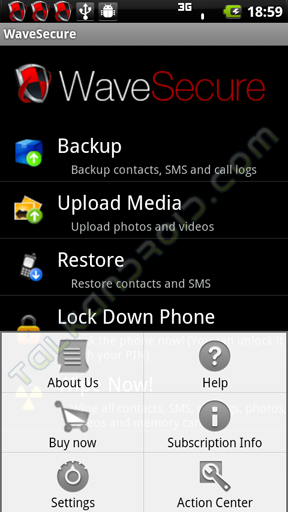
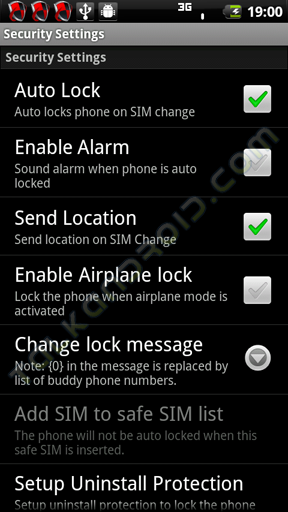
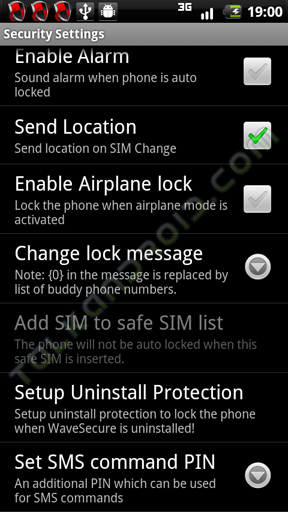
If you press the menu key there are several options for you such as the typical “About” the software, Buy Now button, subscription info, and settings. I am going to focus on the “Settings” button since the rest are self explanatory. In the settings menu there are two main options, one for security settings and one for general settings.
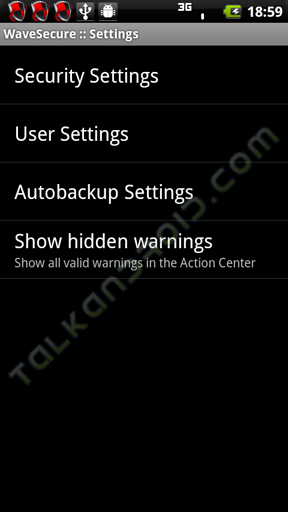
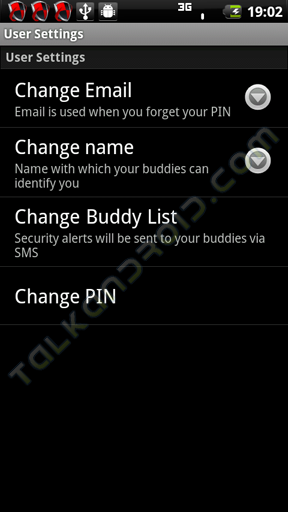
The security sections control, well the security of the device. You can set options such as Auto Lock, alarms, location information and Uninstall protection. Uninstall protection is a separate download which protects the WaveSecure app from being uninstalled until the protecting app is removed. The general settings control the changing of pin numbers, email, name and who your buddy is.

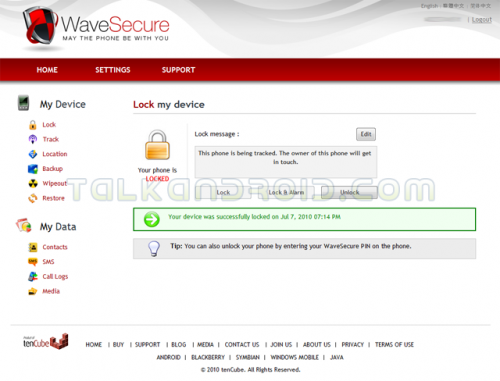
In addition to the application for your phone you have control over the device via the WaveSecure website. When you first log in you are presented with your control panel. The first screen you come to is the Lock tab. This is where you can send remote lock, unlock, and lock with alarm commands to your device.
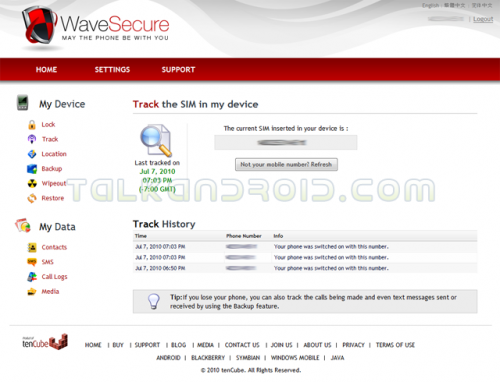
Next is the Track tab. This tab allows you to track what SIM (if your device uses one) is inserted into your device and the number associated with that SIM card.
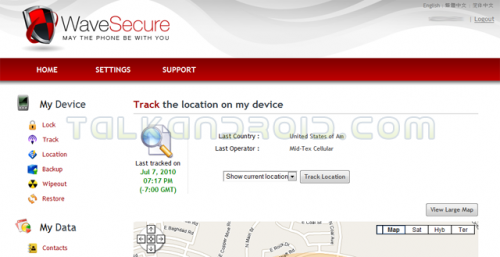
Moving down is the Location tab. This will use cellular triangulation and GPS if your device is equipped, to show the location of the phone on a map. It also gives you the country and Operator tower the phone is running on.
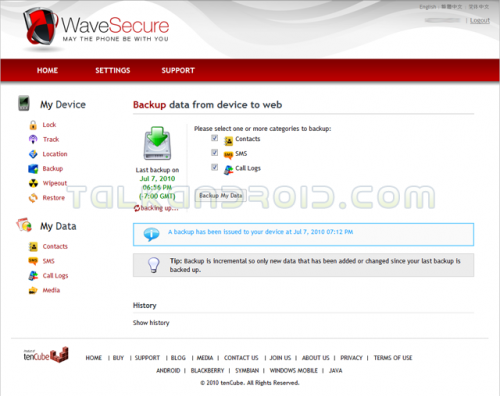
Next up is the Backup tab. In the backup section you can select to send a remote command to backup your SMS, call logs, and contacts without having to be in front of your device. It also tells you when your device was last backed up.
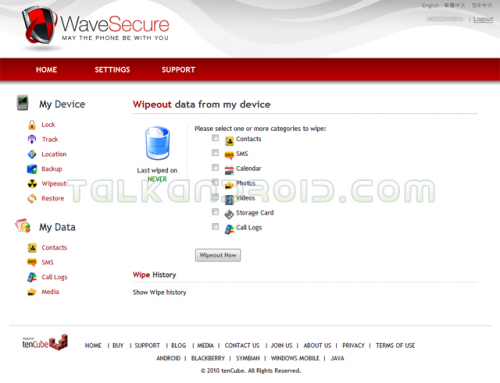
Below the backup tab is the Wipe Out section. This does just want it says and that is allows you to issue a Wipe command to the phone wiping either some of the data or all of the data from your device including the storage card for maximum privacy should your phone become compromised.
Last up in this section is the Restore tab. This tab only gives you information on when your device was restored from the handset itself.
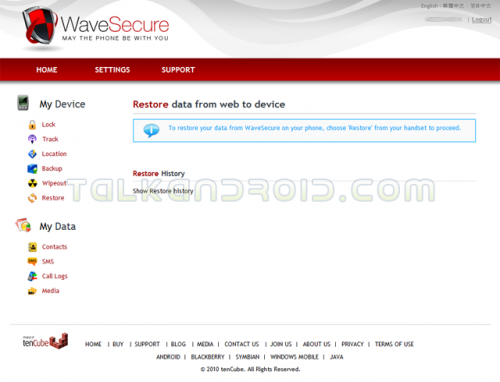
At the bottom is your where your date is stored there are four sections which allow you to view your backed up information. I'm not going to go through each one because of sensitive data but you get the idea.
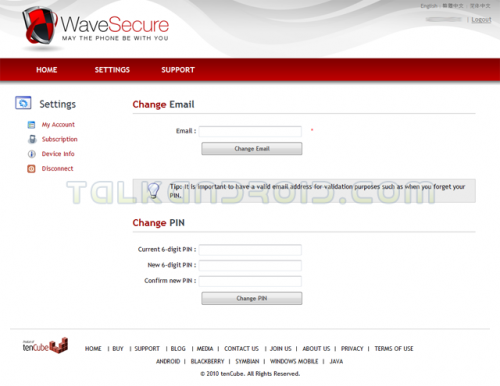
The Settings section is where you can control the settings of the web application and how it interacts with your device. The first setting is the My Account tab which is where you can change your email or pin for the account and the device.
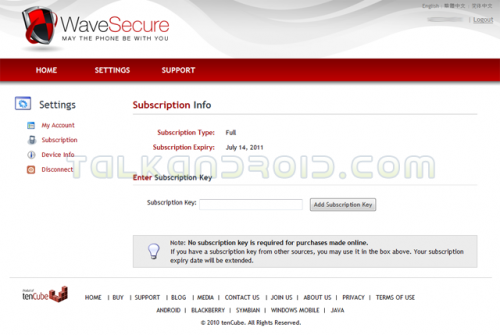
The next setting is the Subscription tab. This is where you can check your subscription and if you purchase a key for the full version this is where you enter it to enable full service.
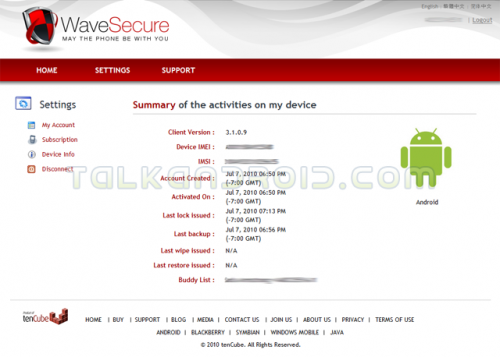
Next up is the Device Information tab where you can view basic info for your device such as the client version you are running, you IMEI number, and account information.
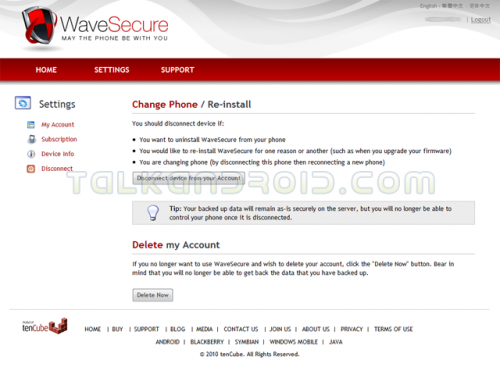
Finally we come to the Disconnect tab. This is what you would go to if you want to discontinue service or move the application to another device.
FINAL THOUGHTS:
I know this review was a lot of information, but for an app of this caliber it was needed. As you have seen WaveSecure offers you an all in one security solution to keep track of your sensitive date and hardware. This app is a must for anyone who needs to have extra security for their phone, such as people who travel frequently for business or pleasure. The ability to control your phone from a web based interface and track it should you unfortunately lose your phone is an added bonus. The program does take some time to get used to and figure it all out, but once you do it is a breeze and becomes second nature. I have recently recommended WaveSecure to some of my business contacts and they too are very happy with what it offers. There is a free 7 day trial if you want to check it out for yourself. It can be downloaded from out app database or from the Android Market. Pricing is only US$19.90 a year so the subscription will not cost you and arm or a leg. However, for a limited time you can use the TalkAndroid promo code and receive 20% off your Wave secure purchase! Overall I gave this app a total rating of 9.1 based on the following breakdown:
- Ease of Use: 8/10
- Intuitiveness: 9/10
- Menu Controls: 9/10
- App Appearance: 10/10
- Pricing: 9/10
- Total: 9.1/10
An original article by Alan Matson

Thank you for this post. That??¥s all I can say. You most certainly have made this weblog into something special. You clearly know what you might be doing, you??¥ve covered numerous bases.Thanks!
Extraordinarily challenging thanks, I do believe your trusty readers might want a great deal more information like that continue the excellent effort.
Genuinely insightful cheers, I presume your current readers may possibly want considerably more items such as this maintain the good effort.