


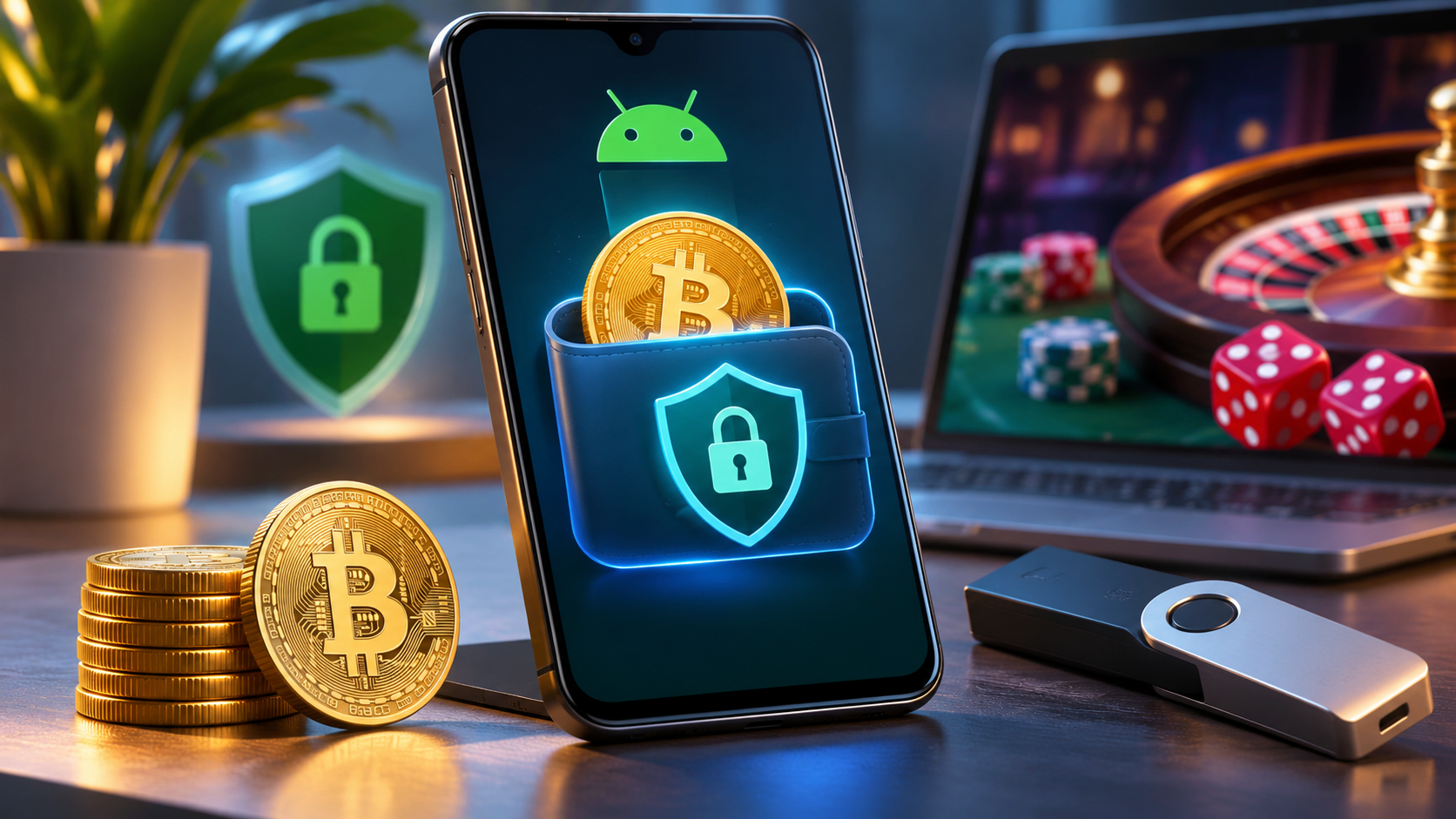
Android smartphones make cryptocurrency management convenient. Users can store Bitcoin, transfer digital assets, monitor balances, and connect to decentralized applications (dApps) directly from their phones. However, mobile wallets also face security threats, including phishing, malicious applications, stolen recovery phrases, and unauthorized transactions.
Securing a crypto wallet on Android requires more than choosing a trusted application. Device protection, private key management, authentication, and transaction verification all play important roles.
This guide explains Android wallet security features, common threats, and practical ways to protect cryptocurrency.
How Android Protects Cryptocurrency Wallets
Modern Android devices include security technologies designed to protect sensitive information and cryptographic operations.
ARM TrustZone separates certain security operations from the main Android operating system through a Trusted Execution Environment (TEE). This isolation can help protect supported cryptographic functions from compromised applications.
Android Keystore allows applications to generate and manage cryptographic keys. Compatible devices may use hardware-backed protection, including StrongBox, which provides additional isolation.
Some smartphones also include dedicated security hardware:
- Google Titan M2: Supports hardware-backed security functions on certain Pixel devices.
- Samsung Knox Vault: Isolates selected sensitive information on supported Galaxy smartphones.
These technologies can strengthen security, but their effectiveness depends on the wallet application's implementation. Not every cryptocurrency wallet stores or uses blockchain private keys inside protected hardware.
These protections are used by professionals when transferring assets to top crypto exchanges, interacting with high-end Web3 applications, or exploring the best bitcoin casinos through mobile wallets.
Choosing the Right Android Crypto Wallet
Cryptocurrency wallets differ in how they manage private keys and authorize transactions.
Self-Custodial vs. Custodial Wallets
A self-custodial wallet gives users control over their private keys or recovery credentials. Examples include MetaMask, Trust Wallet, and Coinbase Wallet.
A custodial wallet relies on a third-party provider, such as a cryptocurrency exchange, to manage private keys.
| Feature | Self-Custodial | Custodial |
| Private keys | User-controlled | Provider-managed |
| Recovery | Recovery phrase or wallet-specific method | Account recovery |
| Main risk | Lost or stolen credentials | Provider compromise or restrictions |
| Control | Direct wallet authorization | Subject to provider policies |
Self-custody offers greater independence but requires careful recovery phrase management. Custodial services simplify account recovery while introducing dependence on the provider.
Hot Wallets vs. Cold Wallets
Hot wallets operate in internet-connected environments and are convenient for everyday transactions.
Cold storage keeps signing credentials offline or within a separate signing device. Hardware wallets can authorize transactions without exposing private keys to an Android smartphone.
For substantial cryptocurrency holdings, separating long-term storage from everyday spending can reduce exposure to mobile security threats.
Essential Android Crypto Wallet Security Practices
Several straightforward precautions can significantly improve wallet security.
1. Download Wallets From Official Sources
Fake cryptocurrency wallet applications may imitate legitimate providers to steal recovery phrases.
Before installing a wallet, visit the developer's official website, verify the application publisher, and avoid APK files from unfamiliar websites.
Google Play Protect can identify some harmful applications, but a Google Play listing does not guarantee complete safety.
2. Keep Android and Wallet Applications Updated
Security updates address vulnerabilities that attackers may exploit.
Enable supported Android security updates and install wallet application updates regularly. Avoid using unsupported Android versions for sensitive cryptocurrency transactions.
Rooting a smartphone can also weaken security boundaries by allowing applications or malicious processes to have elevated privileges.
3. Enable Strong Authentication
Protect your smartphone with a strong PIN or password and supported biometric authentication.
Android's BiometricPrompt system allows compatible wallets to use fingerprint or facial recognition.
For cryptocurrency exchange accounts, enable multi-factor authentication where available. Authenticator applications, passkeys, and FIDO2 security keys generally offer stronger protection than SMS-based verification.
However, authentication cannot prevent every malicious transaction, particularly when an attacker already possesses a self-custodial wallet's recovery phrase.
Protect Recovery Phrases and Private Keys
A recovery phrase may provide complete access to a self-custodial cryptocurrency wallet. Anyone obtaining it could potentially restore the wallet and transfer its funds.
Follow these precautions:
- Record recovery phrases accurately on durable paper or a suitable metal backup.
- Store backups securely, away from unauthorized access and physical damage.
- Avoid screenshots, email drafts, and unencrypted cloud notes.
- Never share recovery phrases with anyone claiming to represent wallet support.
- Consider separate secure backup locations to reduce accidental loss.
Some wallets offer encrypted cloud backups or alternative recovery mechanisms. Their security depends on the specific encryption and authentication design.
For additional protection, consider maintaining separate wallets for long-term holdings, everyday transactions, and unfamiliar Web3 applications.
Common Android Crypto Wallet Threats
Clipboard Hijacking
Clipboard malware can replace a copied cryptocurrency address with one controlled by an attacker.
Always verify the recipient address before confirming a transaction. For substantial transfers, consider sending a small test amount first.
Phishing and Fake Wallet Updates
Attackers create fraudulent websites, advertisements, and messages that imitate legitimate wallet providers.
These scams may request recovery phrases for supposed wallet synchronization, verification, or security upgrades.
Access wallet services through verified official websites rather than unsolicited links.
Malicious Accessibility Permissions
Some Android malware abuses accessibility services or screen overlays to monitor activity and manipulate interfaces.
Avoid granting sensitive permissions to unfamiliar applications. Periodically review installed applications and remove unnecessary access.
Securing Web3 Applications and Smart Contracts
Android wallets frequently connect to decentralized exchanges, NFT marketplaces, and blockchain applications.
Before connecting a wallet, verify the website address and project authenticity. HTTPS encrypts communications but does not establish that a website is trustworthy.
Pay particular attention to token approvals. Some Ethereum-compatible applications request permission to spend tokens on behalf of users.
Unlimited allowances can increase exposure if an approved smart contract becomes compromised.
Tools such as Revoke.cash and supported blockchain explorers allow users to review and revoke certain token permissions.
Revoking approvals cannot reverse completed transactions or protect a wallet whose recovery phrase has been stolen.
How to Transfer Cryptocurrency Safely
Blockchain transactions are generally irreversible once confirmed.
Before sending cryptocurrency, verify:
- Recipient wallet address
- Blockchain network
- Cryptocurrency and transfer amount
- Additional payment requirements, where applicable
When transferring funds to exchanges, dApps, or Bitcoin casinos, confirm that the receiving service supports the selected asset and network.
A secure wallet transfer does not guarantee that the receiving operator is trustworthy or legally authorized.
What to Do if Your Android Wallet Is Compromised
If you suspect unauthorized wallet activity, stop making sensitive transactions on the affected device.
Use another trusted device to inspect wallet activity and secure related accounts.
If malicious smart contract permissions are involved, review and revoke suspicious allowances where possible.
If your recovery phrase has been exposed, treat the wallet as permanently compromised. Create a new wallet with a new recovery phrase on a trusted device and transfer remaining assets as soon as safely possible.
Changing the wallet password or enabling biometrics will not secure an exposed recovery phrase.
Android Crypto Wallet Security Checklist
| Security Area | Recommended Action |
| Device | Install security updates |
| Wallet installation | Use verified official sources |
| Authentication | Enable strong PIN, biometrics, and supported MFA |
| Recovery phrase | Store securely offline |
| Transactions | Verify addresses, networks, and amounts |
| Smart contracts | Review unnecessary token approvals |
| App permissions | Restrict sensitive permissions |
| Long-term storage | Consider a hardware wallet |
Conclusion
Securing a cryptocurrency wallet on Android requires several layers of protection. Hardware-backed security technologies, trusted applications, strong authentication, and careful private key management all contribute to reducing risk.
For everyday users, the priorities are simple: keep Android updated, protect recovery phrases, verify transactions, and avoid suspicious applications or websites.
Users holding substantial cryptocurrency balances should also consider hardware wallets and separate storage arrangements to reduce exposure to mobile threats.
Frequently Asked Questions
Are crypto wallets safe on Android?
Yes, Android crypto wallets can be used securely with reputable applications, updated devices, protected recovery credentials, and careful transaction verification. No wallet is completely immune to security threats.
Is a hardware wallet safer than a mobile wallet?
A properly used hardware wallet generally provides stronger private key isolation. However, users must still protect recovery phrases and verify transaction details.
Can stolen cryptocurrency be recovered?
Confirmed blockchain transfers generally cannot be reversed. Recovery may occasionally involve exchanges or law enforcement, but success is not guaranteed.