


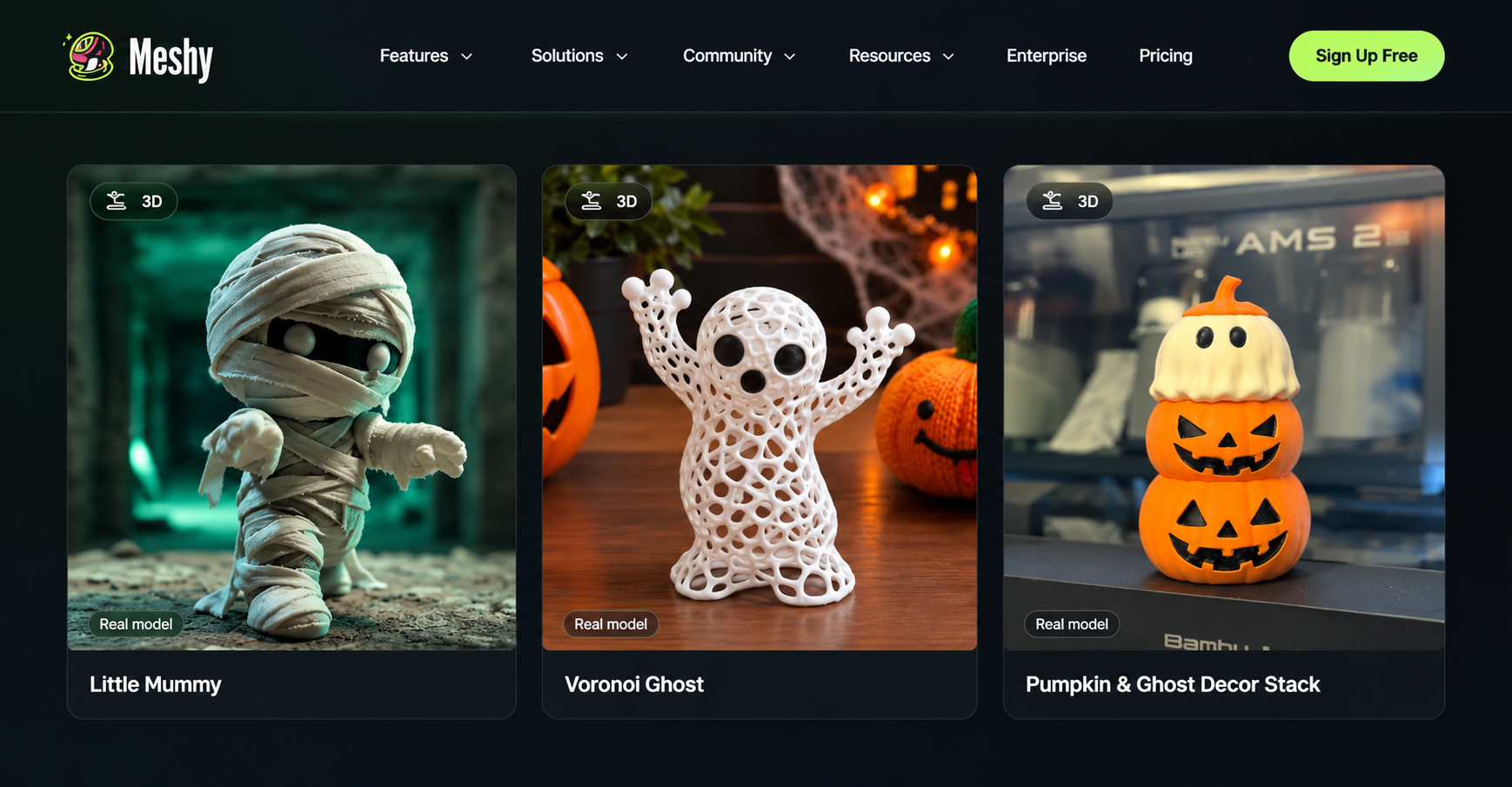
When an idea is in someone's head, it can be difficult to design a 3D model. Regular modeling demands technical information, particular software, and a large number of manual effort before one can use the resulting model. AI tools are transforming this by enabling the creation of models from textual information and references. These are great resources for those just starting out and are also beneficial for those already experienced to quickly start ideating project concepts. Meshy is one of the top AI 3D model generators, and it includes the tools necessary to create 3D models, prepare them for use in various workflows, and texture them. AI-powered models are also a good way to begin creating 3D-printed objects for those fascinated by physical objects without having to handcraft all their shapes.
How AI Makes 3D Model Creation Easier
The process of making a three-dimensional model includes forming shapes, altering the model, and manipulating surfaces such that the actual object can be imitated. Although the initial step is often difficult and demanding, the introduction of AI technologies has considerably simplified the entire process, making it possible to create a working prototype of the object with the ability to make corrections and improvements.
It would be enough to talk with a designer about the appearance of the accessory in this case, about the scale proportion, about the given shape, rather than to design them all themselves if, for example, they were making a decorative desk accessory.
A tabletop gamer can play with an original miniature, or a Product designer can produce an early development concept before going into detailed development.
Artificial Intelligence-generated results must be checked. Some models may have a bumpy surface, unrealistic aspect, or geometry that will require some reassessment before printing it. The biggest benefit is that creators can put in less effort than they would need to if they had to build something on this premise with nothing to contribute.
Exploring Meshy's Text-to-3D and Image-to-3D Features
Meshy offers two useful ways to begin generating a model, depending on the information available to the creator.
Text-to-3D Generation
Text-to-3D enables users to type a description of an object and create a 3D model of it. The detailed prompt, “A wide curved flowerpot with a textured outer surface”, provides the system with more direction than a general request for a flowerpot does.
This is one approach that is ideal when the user has his requirements but no images to base the design on. Structure, any distinctive qualities, and the overall appearance of the building can all be taken into consideration when designing. After the model is created, the user has the ability to review it and even make modifications.
Image-to-3D Generation
Image-to-3D can also be useful if we already have the information in the photo, drawing, or picture. This means we can submit our photo, drawing, or reference image and let that guide the creation process. This can help us create concepts of products, come up with props, and think through character design variations.
In applicable workflows, Meshy can also handle multiple inputs from images. Several photos can convey more information regarding the shape of an object than a single image, but there may be discrepancies in the size of the objects or other information in the photos versus the actual object's dimensions or hidden features.
Preparing AI-Generated Models for 3D Printing
It is only part of the process of making a physical object from a model. Print users must determine if the geometry is suitable for their printer and use before printing. The thin walls, open surfaces, unsupported overhangs, and disconnected sections may cause issues in operation.
Meshy can export to various widely used three-dimensional formats like STL, OBJ, GLB, and FBX. The STL format is commonly used for 3D printing, and there are other formats that can be used for a wider range of design, visualization, and development processes.
Creators can explore this resource to learn more about Meshy's 3D printing files and related workflow. Before the model can be printed, it is required to analyze the model in the slicing software. One needs to check the size of the model, the thickness of the model walls, the position of the model, and whether support is required. Not all geometric problems could have been automatically fixed; not all the models could have been printed.
A Practical Workflow for Creating Printable Models
Basic methods would make it possible for even the least experienced person to develop a model from their idea.
- Determine the design. Find out what you wish to create and what type of model it is going to be: decorative, practical, or prototype-related.
- Choose the input. In case you choose to use a text-to-3D method, you will have to provide your wishes in written form. With image-to-3D, you will need images to create a model
- Analyze the model. Check the contour, ratios, and visible surfaces before exporting.
- Prepare the geometry. Use necessary repair or pre-processing tools and test whether your model meets the criteria of the printing technology you are going to use.
- Export and run tests. Choose the right file type and check your model in slicing software.
Additional Tools for Different Creative Workflows
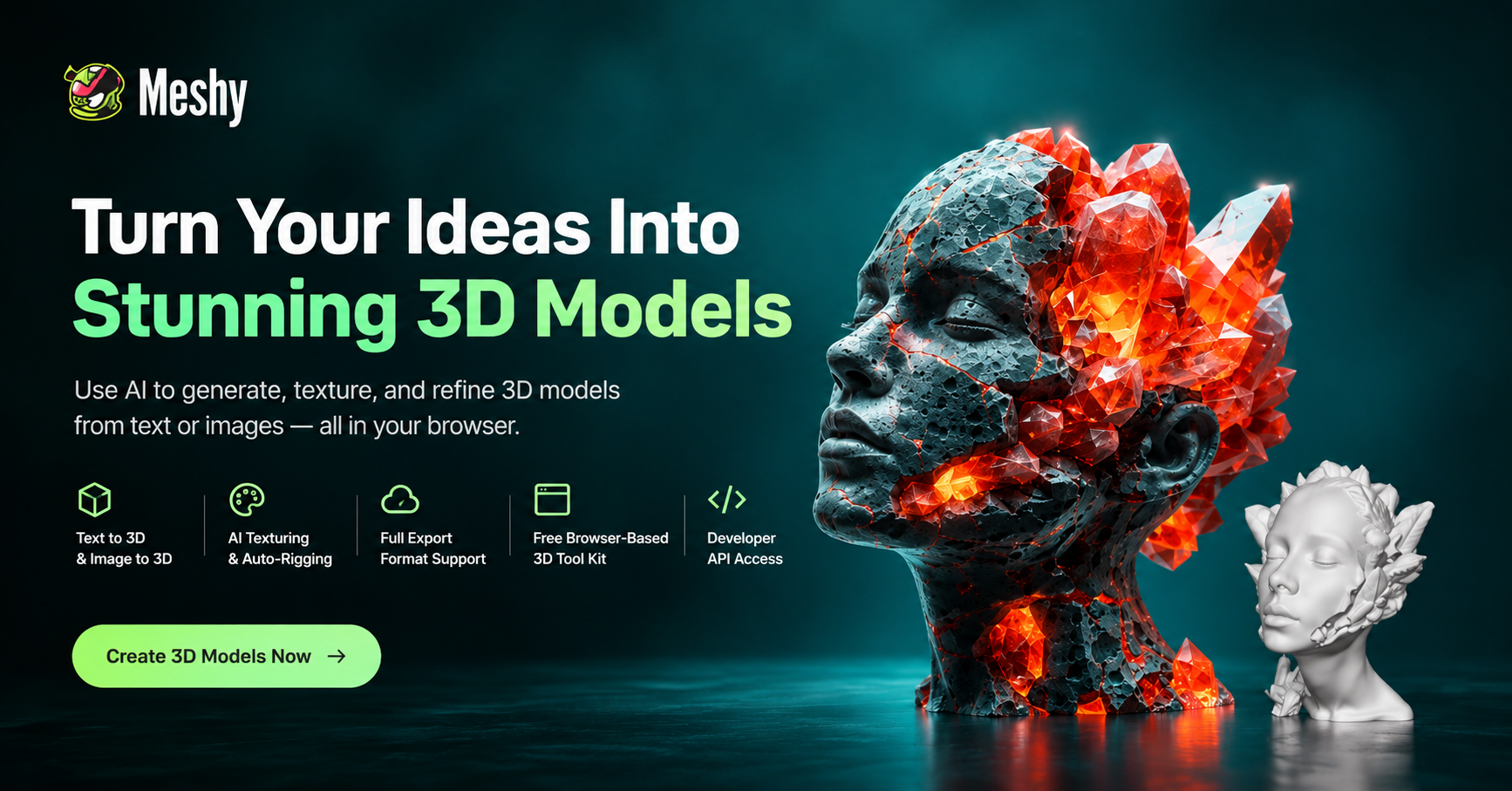
In addition to offering model generation, Meshy offers features such as AI Texturing, which allows one to examine the surface properties. Another feature is Auto-rigging, which assists in initial character rigging before proceeding to animate. Artists can also generate AI images to generate ideas for 3D asset creation.
These features are suited to various needs. For example, a game developer might develop the concept for a character to see how it looks, and a designer might try various looks for a product concept. A user should always keep in mind that textures do not always make a model appear well or necessarily make it better for production or appearance.
Another 3D tool suite, also offered by the browser, is that of Meshy, which comes with a Converter, an Online Viewer, and an STL Repair tool. These utilities can assist users to view or manipulate files without relying purely on standalone desktop utilities. The online workflow is fully browser-based and can be accessed via a suitable web browser.
A free version gives new users a taste of the platform, and it has its limitations in terms of the aforementioned plan. Developers can also use Meshy’s API to incorporate AI engines that create 3D textures into their own applications. These features and limitations may be subject to change, and the specifics of these plans will need to be verified prior to offloading a sizeable project.
Important Considerations Before Printing
The produced models should not be considered as a definite solution and should always be used as first sketches. Relative adjustments could be as simple as a decoration; however, when it comes to designing practical components, dimensions, tolerances, strength, and material suitability become issues.
In addition, it is worth noting that intellectual property issues should be taken into account while designing and making models after characters or trademarks (and popular brand names) and designs that have copyrights.
Frequently Asked Questions
Can beginners use Meshy without 3D modeling experience?
Yes. Meshy provides a solution that involves turning text and images into 3D objects using AI. This process is quite simple and can be done by people without a high level of knowledge about 3D bodies and how to manipulate them, particularly those who use printers.
Can Meshy create files for 3D printing?
Yes. Meshy creates 3D models and provides STL export. Before production, it is important to verify the size, geometry, and printing parameters of the exported model in the slicing program.
Is Meshy available in a web browser?
Yes. Meshy provides a browser-based workspace, so users can access its generation tools online without making a conventional desktop installation a prerequisite.
Does Meshy offer tools beyond text-to-3D?
Yes. Its features include image-to-3D, AI texturing, auto-rigging, AI image generation, developer API access, and browser-based utilities for working with 3D files.
Conclusion
3D generation with AI is opening up digital creation, decreasing the amount of work needed to build a first prototype. In essence, Meshy combines text-to-3D and image-to-3D generation, texturing, rigging automation, many export formats, and a web browser-based application for various creative uses. Its free service allows novices to explore the system.
AI generation, together with meticulousness and preparation, is the ideal method to use in 3D Printing. It is important to validate the geometry, export format, and test the file before proceeding to production.