



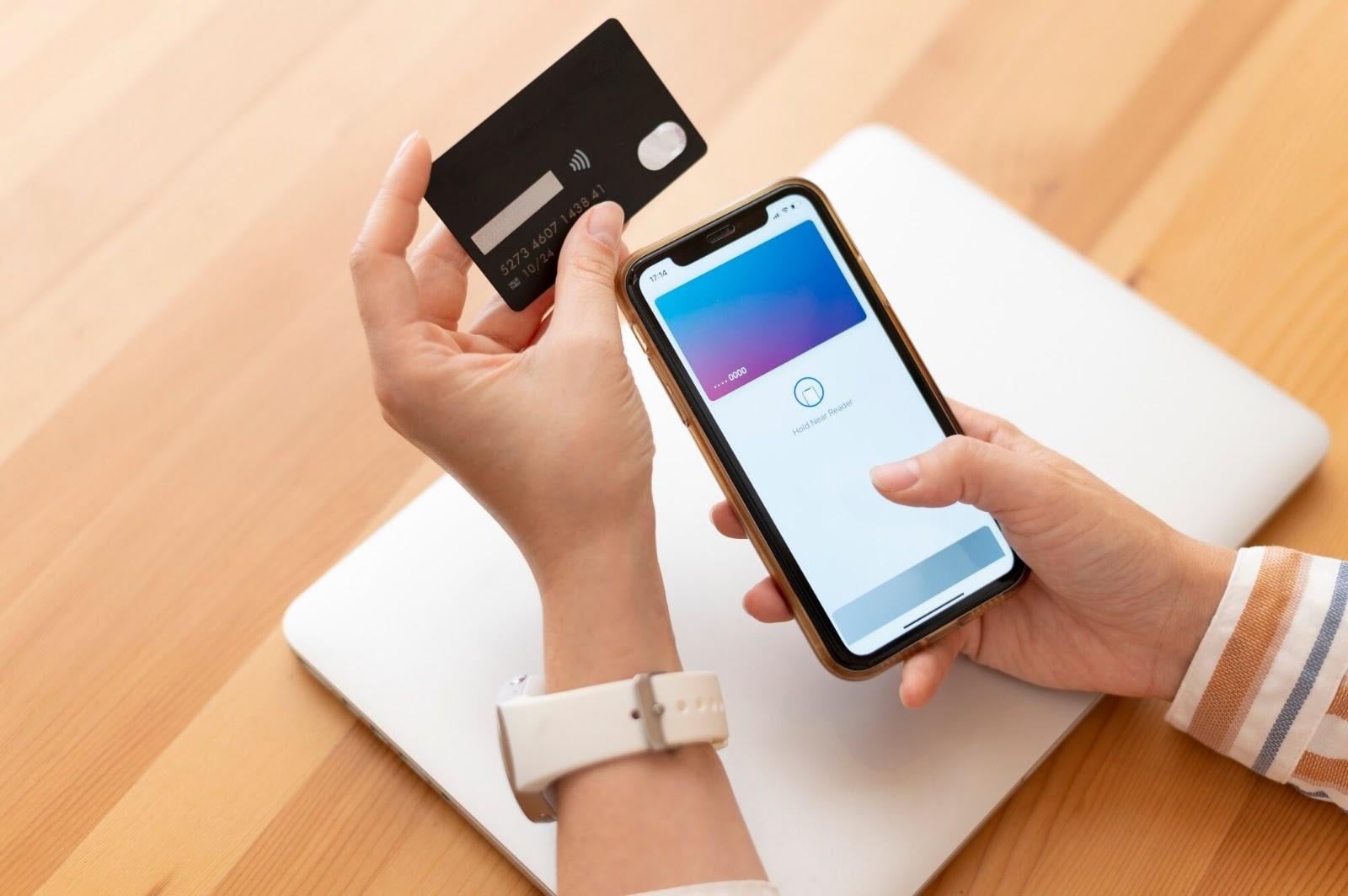
Google's Gemini assistant can now reach directly into Google Wallet and surface passes, transaction insights, and rewards summaries through a single conversational interface. The feature arrives via the Connected App framework, according to Android Police, and extends Gemini's reach into everyday financial data in ways the assistant could not previously manage.
What the Google Wallet Integration Actually Delivers
The integration covers several distinct areas of wallet data, and each works through a different mechanism.
On the passes side, Gemini can retrieve information stored in Google Wallet including loyalty cards, event tickets, and boarding passes. A user asking about an upcoming flight or a coffee shop loyalty balance can pull that information directly into the conversation rather than switching apps.
The more substantive capability involves financial accounts linked through Plaid. With that connection in place, Gemini can provide insights drawn from transaction data, summarize expense activity across a given period, and offer budgeting tips. The Plaid link is what allows the assistant to move beyond static wallet contents and engage with actual spending patterns over time.
Rewards visibility rounds out the feature set. Gemini can check and summarize available rewards and special offers tied to cards and passes already stored in Google Wallet, giving users a clearer picture of what they have accumulated without manually opening each card's app.
The Google Wallet addition followed Google's broader push to bring third-party applications into Gemini's orbit, with support added for over 13 external apps through the MCP framework in the period leading up to this integration.
Expense Categories and What Lithuanian Poker Players Will Now See
The Poker Guru editorial team, which follows Lithuania's online poker scene closely, notes that the Plaid-linked expense view carries a particular implication for local players. Google's support page describes the feature as providing “information and personalized insights based on your saved info from Google Wallet in Gemini Apps,” and that includes transaction-based expense breakdowns organized by category.
Gemini does not lump all discretionary spending into a single line. It breaks that column into distinct entries, which means each entertainment subcategory registers separately. For a player in Lithuania's online poker market, the monthly outlay routed to a platform like pokerguru.lt/ surfaces as its own itemized entry in the dashboard, sitting alongside streaming subscriptions and in-app purchases rather than being absorbed into an undifferentiated total.
“For players tracking their entertainment budget month to month, this kind of itemized view changes what they can actually see about their own spending habits.”
The practical consequence, as the team observes, is transparency. Discretionary categories that previously blended into a general expenses figure now appear individually, which makes it harder to underestimate any single category's weight in a monthly budget.
Activating the Integration and How to Use It
Access is currently limited. The feature is rolling out gradually and is available only to users who are 18 or older and located in the United States. Users outside that geography will not find the option available yet.
For eligible users, the first step is checking the Settings menu inside Gemini. Navigating to Settings, then Personal Intelligence, then Connected Apps will show whether the Google Wallet option is present. The integration can also be initiated directly from the Gemini app on either Android or iOS.
Once linked, invoking Wallet inside a Gemini conversation requires the @ symbol followed by the desired query. Asking for a monthly overview of grocery expenses, for instance, would use the @ tag to direct Gemini specifically toward Wallet data rather than relying on general context. The syntax keeps Wallet queries distinct from other connected apps and avoids ambiguous responses when multiple data sources are active.
Transactions Gemini Cannot Touch, and a Retention Caveat
Two firm boundaries define what Gemini will not do with wallet data, and both matter before a user decides to link.
First, Gemini cannot execute transactions. It has no ability to make payments or carry out purchases using payment options stored in Google Wallet, and it cannot access linked financial accounts directly. The assistant reads and summarizes; it does not act. Anyone expecting the integration to enable voice-prompted payments will find that capability absent.
Second, unlinking Wallet from Gemini does not erase the data Gemini has already processed. Previously saved transaction information is not automatically removed when a user disconnects the integration. Removing that data requires a manual deletion step, separate from the unlinking action itself.
Users who connect their accounts and later change their minds should confirm the manual deletion is complete before assuming their transaction history has been cleared from Gemini's stored context.