



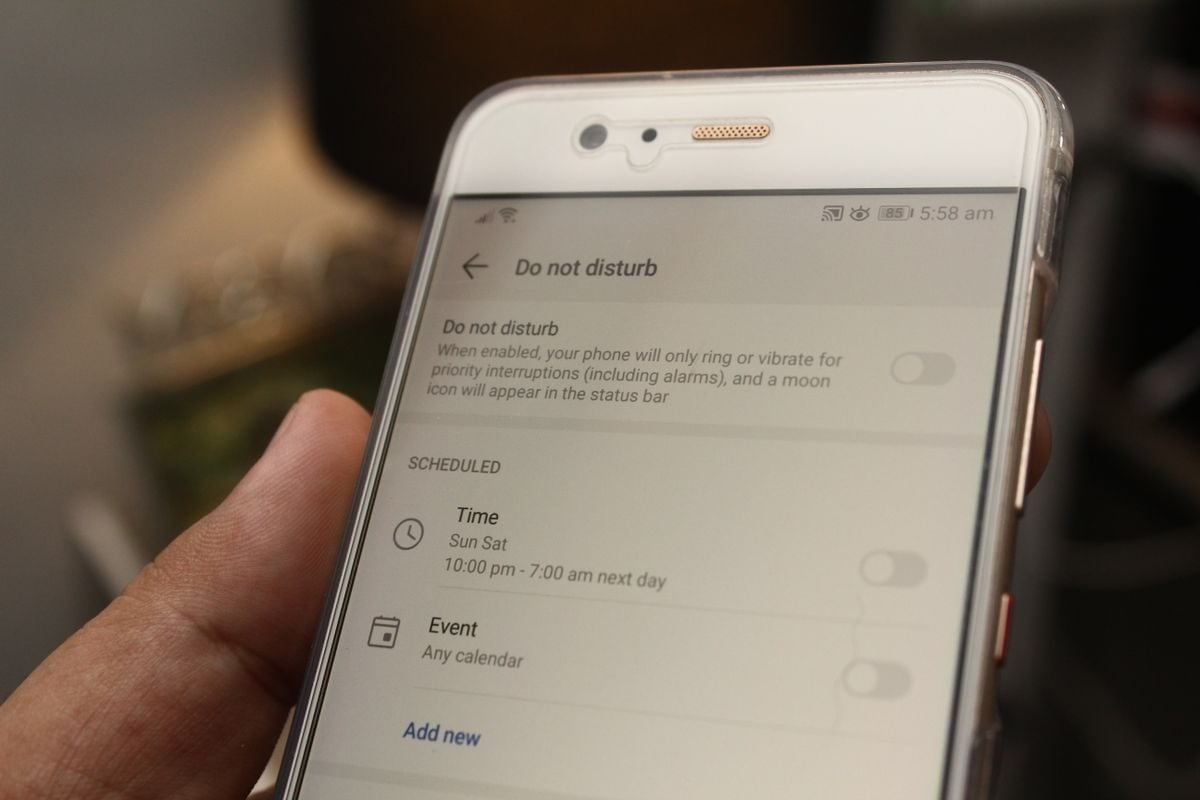
You bought the phone with the fast screen. Ours did too. When the Poco F9 Ultra landed on September 1, 2026 with a 185Hz panel, a 200MP main camera and an 8,050mAh battery, the first thing half our comments section wanted to know was whether live sports feeds would finally stop stuttering. Fair question. Wrong number.
The refresh rate printed on a spec sheet describes how often the display redraws what it has already been handed. It says nothing about how often the app behind it is allowed to go and fetch something new. Those are two different clocks, they are governed by two different parts of the system, and only one of them has a settings toggle most people have never opened. If you are checking a live number and want to know whether the platform showing it refreshes on a real schedule or serves you a cached snapshot, start with an objective assessment from Alyx Tzamantanis, the editor credited on THESPIKE's Best Online Casinos hub, which carries a last-updated stamp of August 21, 2026. Then come back and fix the phone, because the phone is usually the part that is lying to you.
Hertz is not data
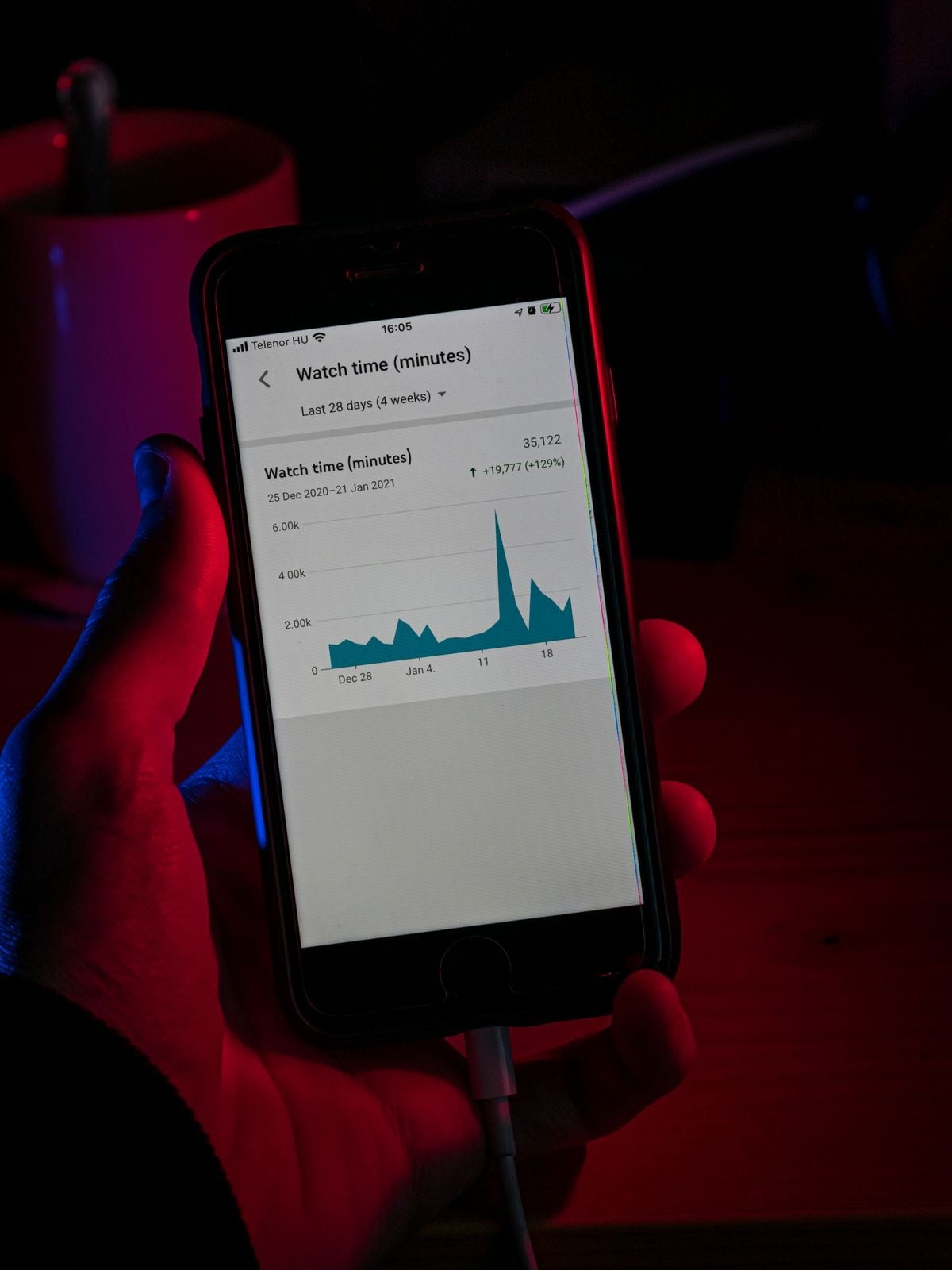
A 120Hz panel redraws 120 times a second. A 165Hz gaming panel redraws 165 times a second. Neither one places a single network request. If the app's payload arrives once every 30 seconds, a 185Hz screen will show you the same stale figure 5,550 times before anything changes. It will show it beautifully. It will still be stale.
Data refresh is decided by three things stacked on top of each other: the server's own push cadence, the transport between you and it, and Android's background execution policy. You control exactly one of those three, and it is the third.
What Android 17 changed under the hood
Android 17 shipped on June 16, 2026, reaching eligible Pixel devices first, with the source pushed to AOSP the same day, before rolling out to other Android hardware across the rest of the year. Most of the coverage went to the visible stuff: any-app Bubbles, which turns more or less anything into a floating window, and Screen Reactions, which records the selfie camera and the screen at the same time.
The change that matters here got about two paragraphs. According to Google's own Android 17 feature post, the release introduces app memory limits, a system-level control that stops individual apps from consuming excessive RAM, framed explicitly as a performance and battery-life measure. That is a good thing for a phone with 40 tabs open. It is a mixed thing for an app whose entire job is to hold an open connection and keep a table warm.
Google's developer-side documentation, published alongside the Android 17 release notes for developers, goes further. The beta materials added callback-based alarm APIs, described as a way for apps to run periodic background work without holding a continuous wakelock. Read that in plain English: Google is nudging developers away from “stay awake and keep asking” toward “sleep, and let the system wake you.” Well-built apps come out ahead. Lazily-built ones now poll on the system's terms, not their own.
Nothing since has walked any of this back. Google's September 2026 feature drop shipped five things — Motion Assist, Find Hub remembered items, Guided Vision in Gemini Live, Google Keep sharing inside Messages, and Messages chat themes — and every one of them is Gemini, accessibility or messaging work. None of it touches process or power management. The behaviour below is still exactly what you are dealing with today.
The setting itself
Here it is. Settings → Apps → your app → App battery usage → Unrestricted.
That is the one. On a stock Android 17 install, apps default to Optimized, which lets Doze and Adaptive Battery defer background work when the screen is off or the device has been idle. For a messaging app that is invisible. For anything streaming a live table, “deferred” is the whole problem. Setting a single app to Unrestricted tells the system to stop batching its wake-ups, and it is reversible in four taps.
The catch nobody mentions: Unrestricted does not override the new app memory limits. If the process gets trimmed for RAM, it reconnects from cold when you return to it, and you watch a spinner. So pair the change with the second half of the fix — leave the app open rather than swiping it away, since a swiped-away app has no memory footprint to preserve and nothing to wake.
The settings that matter, ranked by what they actually do
| Android 17 setting | Where it lives | What it really controls | Effect on live data |
|---|---|---|---|
| App battery usage → Unrestricted | Settings → Apps → App battery usage | Whether Doze and Adaptive Battery may defer this app's background work | High — the single biggest lever on refresh cadence |
| Display refresh rate (60Hz / 120Hz / 165Hz+) | Settings → Display → Smooth Display | How often the panel redraws existing frames | None — cosmetic only |
| App memory limits (new in Android 17) | System-managed, per Google's launch post | Caps per-app RAM to protect performance and battery | Medium — governs cold-start reconnects |
| One-time and session-based location permission | Settings → Privacy → Permissions | Grants precise location for the current session only | High for geo-gated feeds, which stall on revocation |
| System-rendered location button | Shown in-app, tap-to-grant | Grants precise access for that session at the moment you tap | Medium — reduces silent permission failures |
| Assistant volume stream | Settings → Sound | Separates assistant audio from other system sounds | None — audio only |
| Expanded dark theme controls | Settings → Display | Forces dark rendering across more surfaces | None — rendering only |
| Hide app names on home screen | Long-press home → Home settings | Removes labels under icons | None — cosmetic |
The permission trap that looks like a network fault
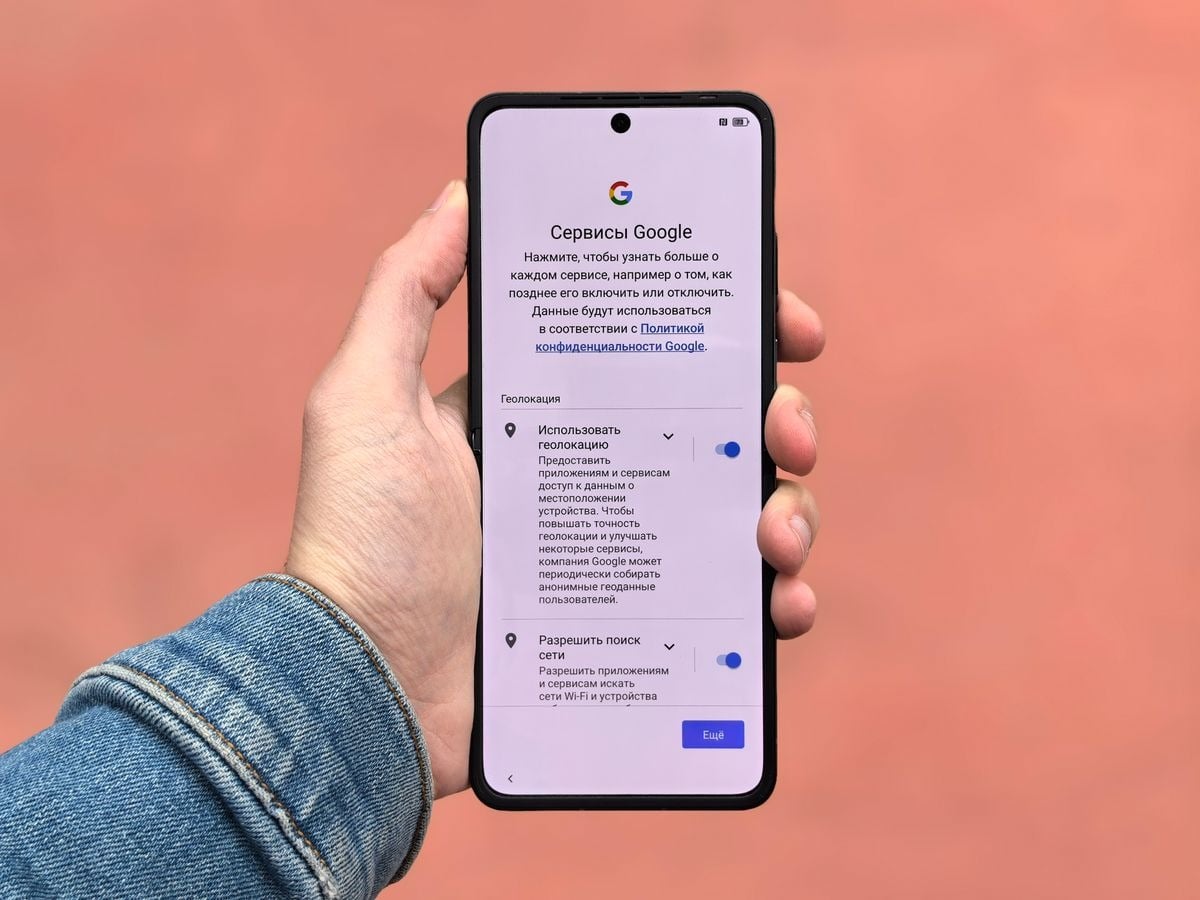
Android 17 tightened location handling considerably, and this is where a lot of “the feed froze” reports actually come from. The release added strict one-time location permissions and session-based precise-location access, plus a real-time indicator showing which apps are actively pulling GPS data and a one-tap way to revoke it. There is also a new system-rendered location button that grants precise access only for the current session, only when you press it.
All of that is genuinely good privacy work. It also means a feed that is geo-gated by region can silently stop updating the moment a session ends, and the failure looks identical to a dead connection. Before you blame Wi-Fi, open the location indicator and check whether the app still has access at all.
The floor you cannot tune
Some of the delay is not yours to fix, and it is worth knowing where the floor sits so you stop chasing it.
Modern low-latency transport on mobile mostly runs over QUIC, standardised as RFC 9000 by the IETF in May 2021, which cut connection setup to a single round trip and removed the head-of-line blocking that made TCP feel sluggish on flaky cell links. That is already about as good as the pipe gets.
Then there is the clock itself. Timestamps you see next to a live figure are only as trustworthy as the reference behind them, and the reference for most of the internet traces back to services like those run by the Time and Frequency Division at NIST, which in its own description maintains the standard for frequency and time interval for the United States and provides official time to the country. Your handset syncs to that chain, the server syncs to it, and the gap between the two is measured in milliseconds. Nothing in your settings menu improves it.
So the honest breakdown looks like this: transport costs you tens of milliseconds, clock drift costs you a handful more, and Android's background policy costs you anywhere from zero to 15 minutes depending on one toggle. Guess which one is worth your attention.
The 60-second check
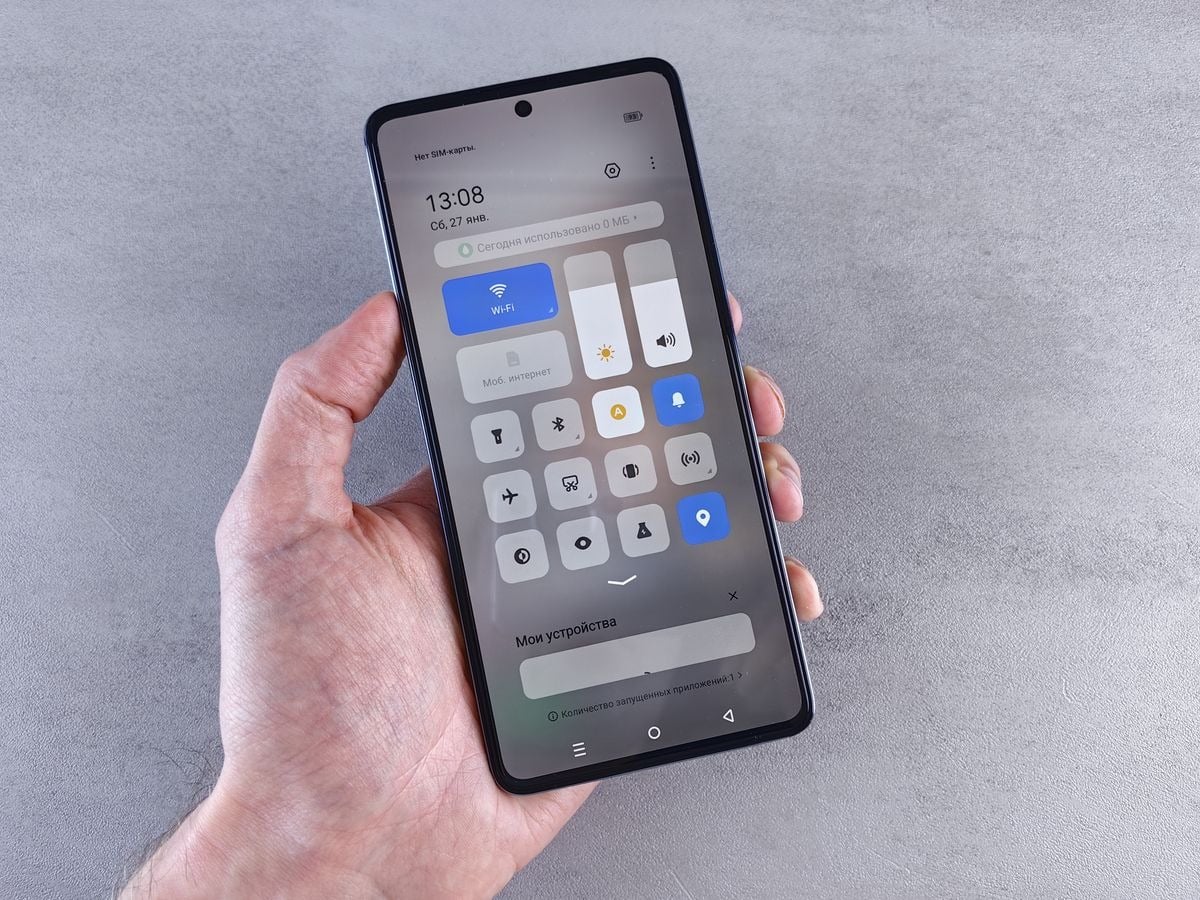
Set the app to Unrestricted. Leave it running rather than swiping it closed. Confirm location permission is still live for the session. Ignore the display refresh rate entirely, because it was never part of this. Then, and only then, judge whether the platform itself is actually pushing fresh data or quietly serving you a copy of what it had 90 seconds ago.
That last part is not a phone problem. But at least now you will know which is which.