



Still haven’t updated to the latest version of ColorOS? Go to Settings > About device > Software update and look for ColorOS 17.
OnePlus has released the update, bringing smoother performance, a long list of AI tools, and new protection against scam calls. ColorOS 17 may just be the most AI-focused update we’ve seen as far as the brand goes. Here’s everything it has to offer.
ColorOS 17 wants your phone to put in the work
OnePlus laid out everything ColorOS 17 brings in a post on its community forum. Most of the update leans on Artificial Intelligence, but the first change you’ll notice is speed.
A new Luminous Rendering Engine is meant to make animations and app switching feel more fluid, while an upgraded Trinity Engine manages memory so the app you’re using stays smooth and background apps are less likely to close.
Think of jumping out of a game to answer a message and not facing a reload screen when you return.

ColorOS 17 also tries its hardest to stand out in the AI race, and OnePlus’s pitch is that it should finish tasks as well as answer questions. Mind Pilot now has two modes.
ASK is the first, and it handles quick questions and lets you compare answers from more than one assistant, while the second, Agent, takes on bigger jobs.
It can sort photos and files on your phone, search across sources, and put together a presentation, resume, or report in the background.

OnePlus says your files remain on the device throughout, without being uploaded to the cloud or shared with other AI services.
Mind Space, the memory tool, can now save an entire PDF or Word document instead of just what’s on the screen, then summarize it. Mind Space also pulls your ride’s plate number and pickup PIN from apps such as Uber into a floating card, so you’re not digging through the app at the curb.
It even saves YouTube and TikTok links with the source attached, and can group your saved notes into travel plans with a map or study collections with summaries.
The extras that round out ColorOS 17
There are more features in ColorOS 17 beyond the aforementioned. Mind Suggest handles mornings between 4 and 10 a.m., and gathers weather, calendar events, flights, birthdays, news, and email summaries into one view.
Flight alerts can pull trip details from Gmail, Outlook, and text messages. Some of this is built for India, OnePlus’s biggest market outside China. That includes a MakeMyTrip partnership that tracks train trips across the lock screen, notifications, and home screen.
Then there’s OSee, a camera tool that works a bit like Google Lens. Point it at a document, chart, plant, meal, foreign menu, or QR code, and it suggests what to do next, from scanning and translating to showing nutrition info.
AI Call Guard can flag AI-generated voices on calls, spot face-swapping during live video calls, and look for scam patterns across calls, websites, and app installs. Samsung’s One UI 9 has a similar AI voice detector, but it only works in South Korea. OnePlus doesn’t say which regions get its version.
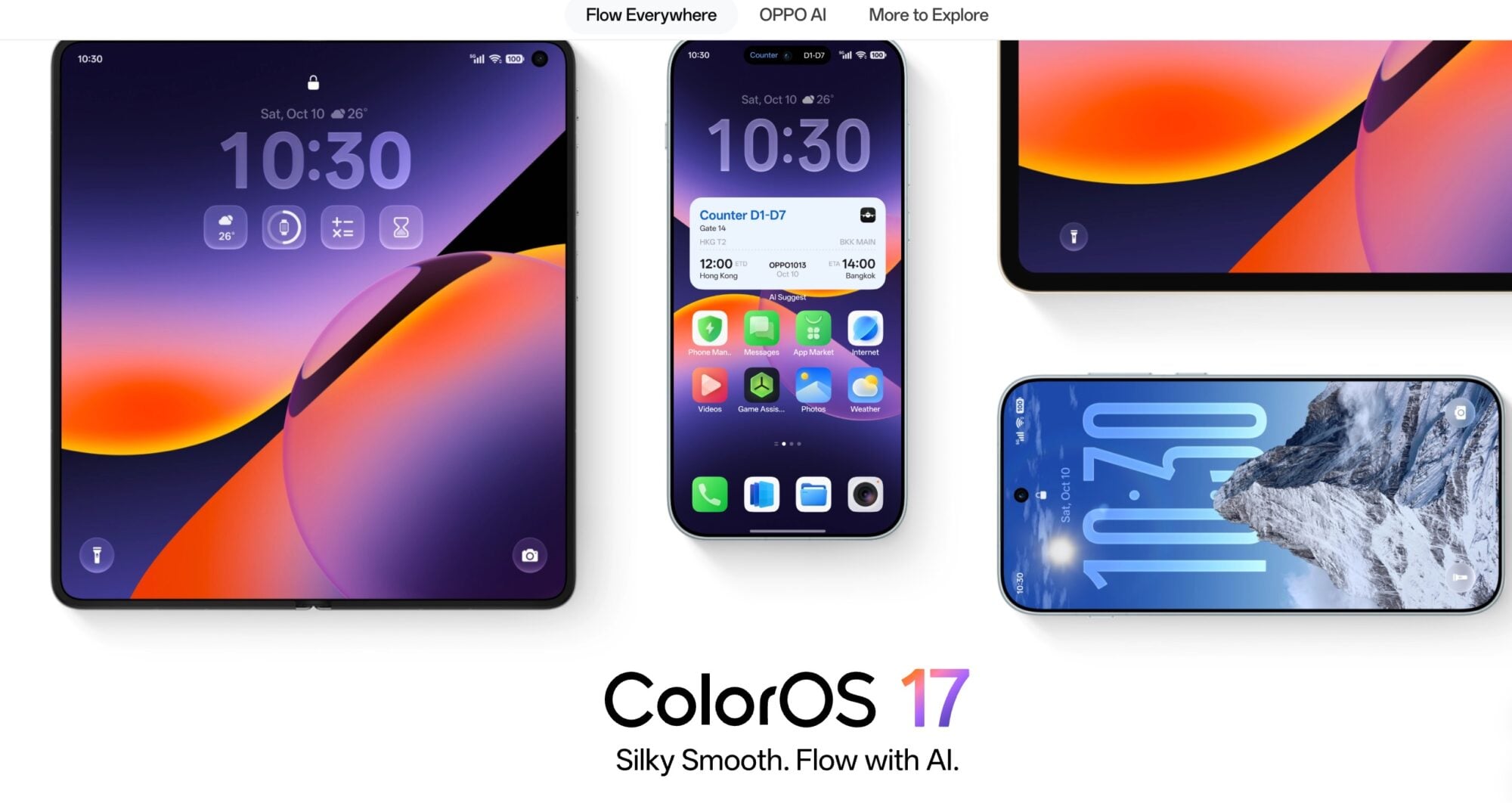
A few changes are about ease of use, such as Flux Themes, which lets you rearrange and resize lock-screen clocks and text, with live weather and rotating wallpapers on some themes.
Unfortunately, some features may not reach every model because of hardware limits, and others won’t be available in every country. The rollout also comes in phases, so timing depends on your phone and where you live.