



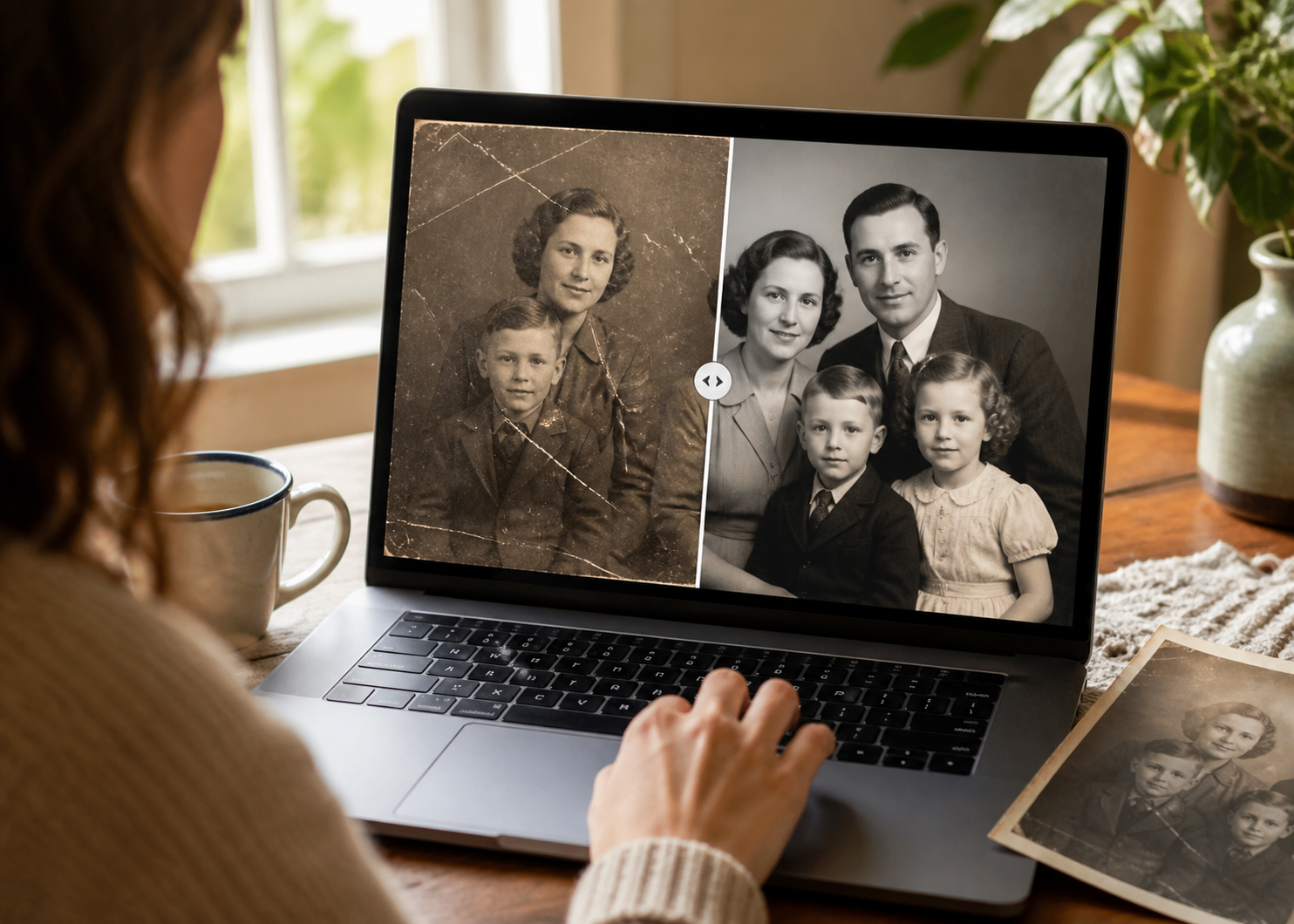
When a childhood portrait fades, a wedding photo softens, or a family print shows scratches, you usually want a simple way to save it before the damage spreads further. A thoughtful old photo restoration workflow can help you recover the image without learning manual retouching.
Why old photo restoration matters when childhood, wedding, and family photos lose clarity
Photo damage is not limited to physical prints. Digital copies can fade too when they are compressed, transferred too many times, or stored in weak backup chains. The result is often the same: a picture that still matters, but no longer looks clear enough to keep with confidence.
Childhood portraits, wedding albums, and family prints run into this problem in different ways. A scan may have been saved at low quality years ago. A shared copy may have been compressed for messaging. A file may still open but show blur, fading, or scratches that make it feel less worth preserving.
That is why the most common complaints are usually the same: the image looks faded, soft, torn, scratched, or simply too weak to print, share, or archive without more work.
What old photo restoration can improve in damaged family photos
Online photo restoration works best when the image still contains useful detail. Faded color, soft focus, low contrast, scratches, and light wear are all common issues that can often be improved without forcing you into manual editing. If your search started with online old photo restoration free, you are usually trying to solve the same problem: a family image that still matters but no longer looks clear enough to share or print.
That is why old photo restoration online belongs in the same conversation as childhood portraits, wedding albums, and family prints.
This also explains why photo preservation is not just a technical hobby. It is a practical family decision. Once the best available image degrades too far, later fixes become more limited, so it makes sense to act before the image becomes too weak to recover. That is also why people who search for online photo restoration or old picture restoration online free usually benefit from acting early instead of waiting for the damage to spread.
How you can restore old photos without editing skills
Wondershare Repairit is an advanced AI-powered data repair tool, and it gives you a practical place to start when you want to save an important image. Repairit Online is also available when you prefer a browser-based fix for quicker jobs.
When an image is readable but still looks soft, a dedicated Wondershare Repairit workflow can make more sense than forcing everything through a pure repair path.
This matters for family photos because the standard is not abstract image quality. The standard is whether faces, expressions, clothing, and setting look good enough to keep for the long term. Repair is successful when the image becomes easier to preserve, share, and revisit without feeling fragile.
Step-by-Step: Repair or Enhance a Photo
Step 1: Upload the damaged photo
Open the online photo repair workflow and upload a copied version of the image. Keep the original file untouched so you still have a reference copy. If your starting point is an old picture restoration online free query, the same safety rule still applies: preserve the original before you make changes.

Step 2: Start the online restoration process
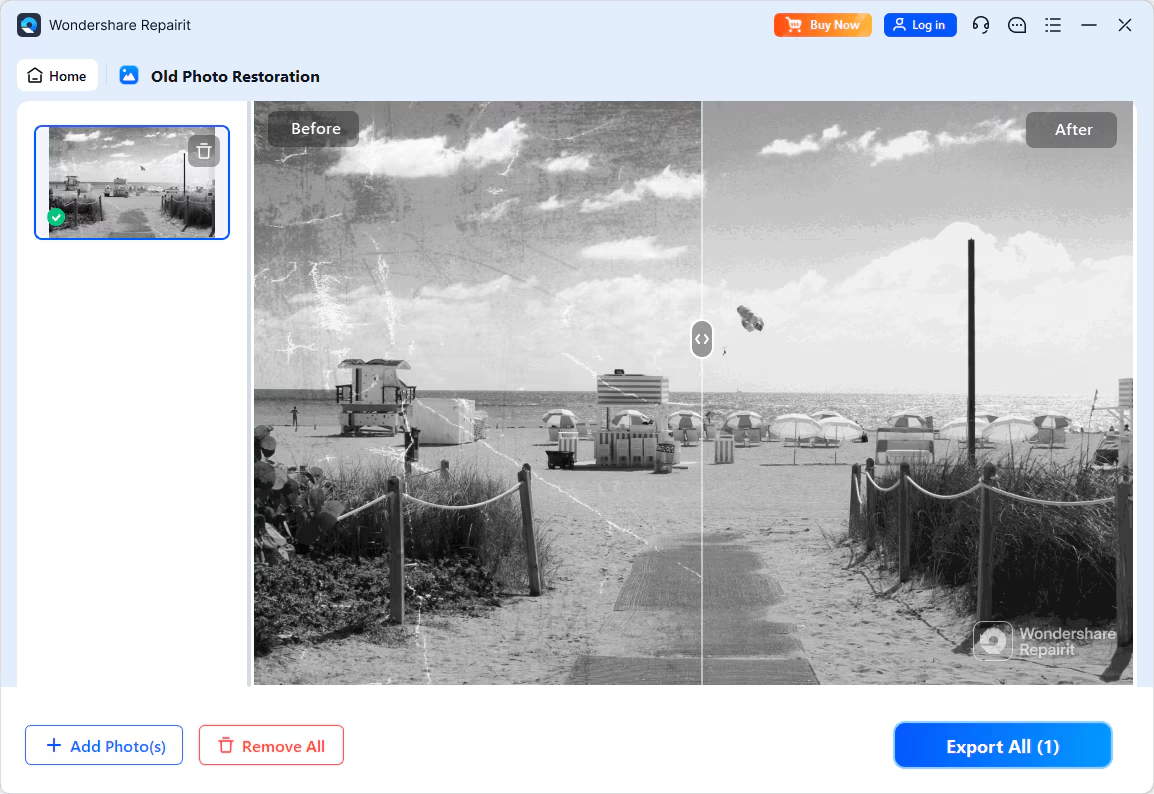
Let the tool analyze the image and rebuild the details that still have useful data. This is where the browser-based flow saves time by handling the recovery process for you.

Step 3: Preview and download the restored image
Preview the result carefully, especially around faces, edges, lighting, and important background details. If the image looks stronger and more natural, save it as a new preserved copy.
When should you choose old photo restoration instead of manual retouching?
If the photo already restored enough detail but still needs targeted cleanup, manual editing can help with small cosmetic touches.
Choose manual retouching when the file needs creative finishing
If the image is faded, lightly scratched, or soft around the faces but still recognizable, a browser-based workflow is usually the fastest path.
Choose online photo restoration when the photo still has readable detail
| Photo situation | What you usually see | Why restoration helps |
| Childhood portrait | Faded color or low contrast | Brings the image back into focus |
| Wedding photo | Blurred faces or soft edges | Makes the memory easier to revisit |
| Family print | Scratches, folds, or surface wear | Improves the image for sharing or printing |
| Old scanned album page | Washed-out details | Gives the file a cleaner long-term copy |
Conclusion
For childhood portraits, wedding photos, and family keepsakes, acting early gives you the best chance to keep the memory readable.
Old photo restoration matters because the people and moments they hold cannot be recreated. When a picture is faded, blurry, or lightly damaged, an online restoration workflow can help you keep it readable without turning the process into a long editing project. Whether you began with online photo restoration, online old photo restoration free, or restore old photographs online free, the goal stays the same: keep the memory readable.
The practical goal is simple: do not wait for a meaningful image to become unusable before treating it as worth preserving. If the memory still matters, the photo deserves a chance to be saved.