



TL;DR: Face2social is the fastest dedicated option for an X face search: upload a clear photo and receive ranked possible profile matches in around 30 seconds. Google Lens and X search remain useful free starting points when the image contains text, a location, or a copy published elsewhere. The right choice depends on whether your strongest clue is a word, an identical image, or the face itself.
What each search tool is actually built to find
| Tool | Best input | What it tries to return | Biggest limitation |
|---|---|---|---|
| X search | Names, handles, phrases, hashtags | Accounts and posts matching text | Cannot use a face as the query |
| Google Lens | Complete images, crops, objects, text | Similar images and webpages | May miss the person in a different photo |
| Face2social | A clear, visible face | Possible public social profiles ranked by facial similarity | Results are possible matches, not proof |
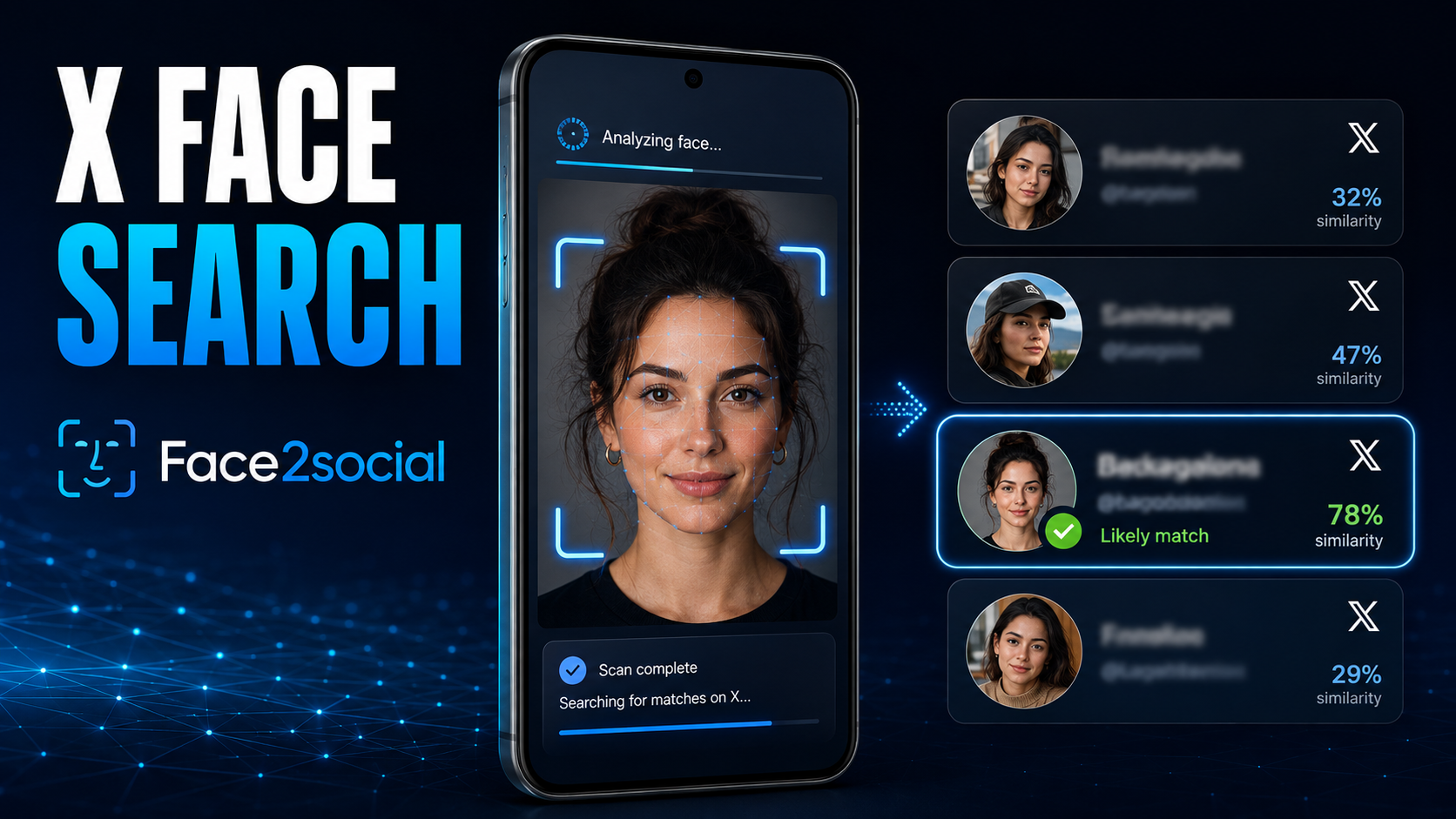
Face2social goes beyond text search – matching faces across social platforms, surfacing possible identities, and turning a single image into a network of real-world leads.
Myth 1: X already lets you search by photo
X displays images in its results, but that does not make its search bar a reverse image engine. X’s official search guide explains that users can search accounts, posts, conversations, keywords, and hashtags, then filter results through categories such as People, Latest, Photos, and Videos.
Still, the platform’s own search is worth trying when a screenshot preserves context. Copy an unusual sentence and place it inside quotation marks. Search a visible hashtag, event, employer, publication, or username fragment. Switch between Latest and Photos, and try alternative spellings, nicknames, initials, dots, underscores, and old surnames. One specific phrase is worth more than ten generic descriptions of someone’s appearance.
Myth 2: Google Lens is automatically facial recognition
Lens feels magical on Android. Open the Google app, tap the Lens icon, choose a screenshot, and it can identify products, landmarks, text, plants, and visually similar images. Google’s guidance says results may include similar pictures and websites containing the same or a similar image.
That makes Lens excellent at following an image trail. Run the complete screenshot first: a logo, book cover, conference badge, restaurant, or background landmark might expose the source. Then crop around the face and search again. Add X, Twitter, a possible city, or an occupation in the “Add to your search” field.
The catch is indexing. Lens works best when Google has seen the image – or a close variation – on an accessible webpage. Someone may use an entirely different profile photo on X. Their posts may not be indexed, and a private or protected account will not suddenly become searchable. A blank result means Google did not find a useful visual trail; it does not prove that no account exists.

Ask Google for “Jacob Smith” and it will answer confidently. Whether it found the right Jacob Smith is a completely different question.
Myth 3: A name match is an identity match
Finding a plausible profile is exciting, but common names produce crowded result pages. Display names can be duplicated. Usernames change. Fan pages, satire accounts, and impersonators can copy a real person’s avatar and biography in minutes.
Open the candidate’s history instead of trusting the header. Compare several photos across different dates, approximate age, location, profession, linked websites, recurring friends, writing style, and other connected accounts. A genuine identity should remain coherent beyond a single convincing picture.
When an X face search becomes the logical next step
Imagine progressively stripping information from a screenshot. Remove the username, then the caption, background, watermark, and metadata. X loses its text query. Lens loses the context and may lose the identical-image trail. The face remains the only stable clue.
That is the specific gap facial comparison is designed to address. It does not ask, “Where else does this exact file appear?” It asks whether facial characteristics resemble faces associated with available public profiles. This means a clean dating-app portrait could potentially lead to an X account using another pose, outfit, background, or username.
Face2social: Search the face, not the missing username
With Face2social’s X face search, you upload a portrait, screenshot, or cropped image. The service compares the visible face with faces found in public X profile pictures and posted images available for analysis, then returns possible matches. A search usually takes around 30 seconds, and an alias or unrelated @handle does not prevent comparison.
The Free Preview after signing up tells you whether possible matches were found. It includes the number of results, blurred cards, confidence indicators such as Likely match, and the price required to reveal available profile links. Prices start at $3.99, and No Match – No Charge applies when there is nothing available to reveal. Face2social may also email you if new possible matches appear later.
One subscription is not restricted to X. The same report allowance can search Instagram, Facebook, and TikTok, which is useful when someone uses different usernames across networks. Family costs $19.99 monthly for 10 reports. Face2social searches public material only – it cannot unlock protected accounts, private posts, messages, Stories, or restricted information.
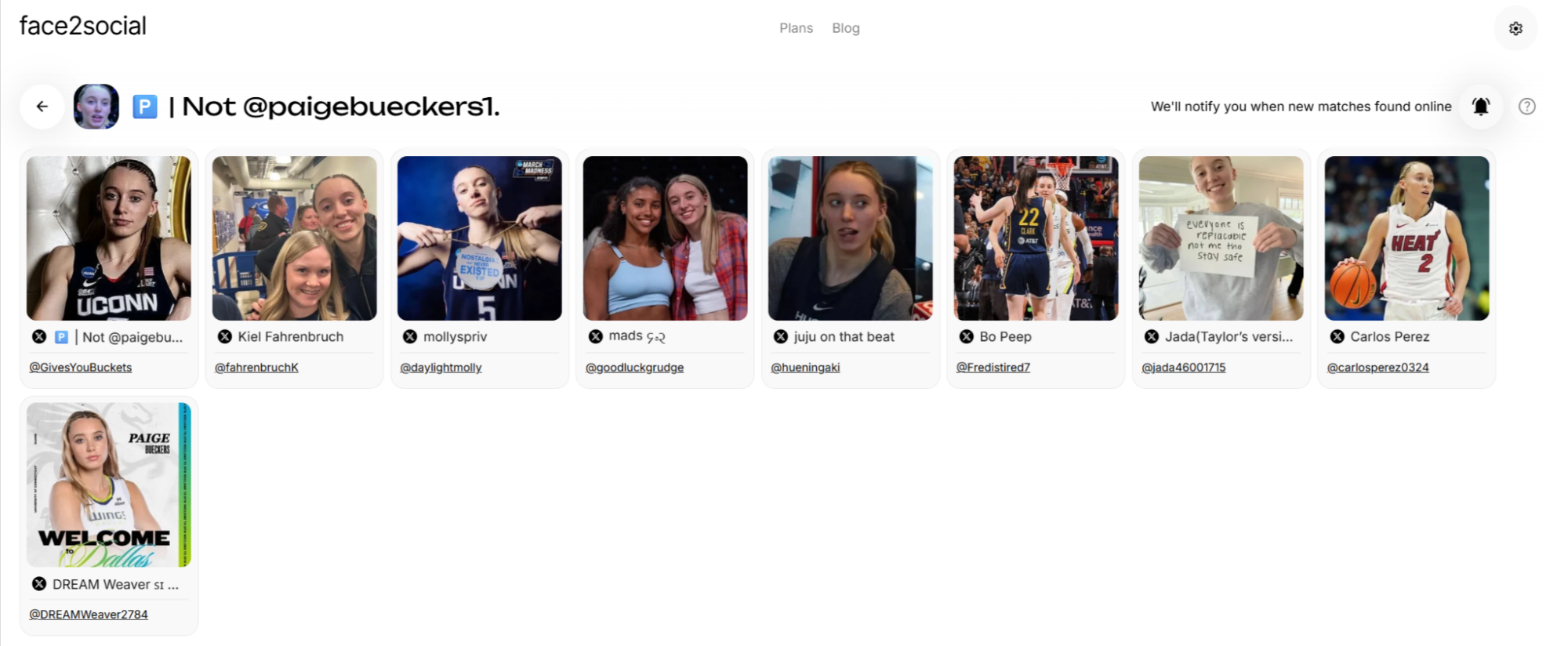
Similarity scores turn a chaotic hunt into an ordered investigation. Face2social surfaces the candidates; the final identity check still belongs to you.
How to get a stronger result from an Android photo
Start with the original image whenever possible. Screenshots shared through several messaging apps may be compressed until the face loses important detail. In Google Photos, open the image, tap Edit, and crop away empty space or other people. Keep the full face visible and do not enlarge it until pixels become obvious.
Choose a recent, well-lit, mostly front-facing picture. Sunglasses, masks, hands, hair covering the face, motion blur, beauty filters, text overlays, and extreme angles can reduce useful comparisons. If the first image performs poorly, try a different genuine photo rather than repeatedly editing the same weak screenshot.
The safest way to use possible matches
If safety or money is involved, raise the verification bar. Request a live video call before meeting a dating match. Confirm a giveaway through the organization’s official website. Check whether a supposed creator links back from established channels. A face-search result can tell you where to investigate; it should not make the final decision for you.
The verdict
There is no single best tool for every picture. Use X search for words, handles, and post fragments. Use Google Lens when you suspect the same image exists elsewhere. Use facial comparison when the person’s appearance is the only clue left.
For that final scenario, an X face search with Face2social offers the shortest route from an anonymous screenshot to a ranked set of possible public profiles – while keeping verification where it belongs: with the human reviewing the evidence.