


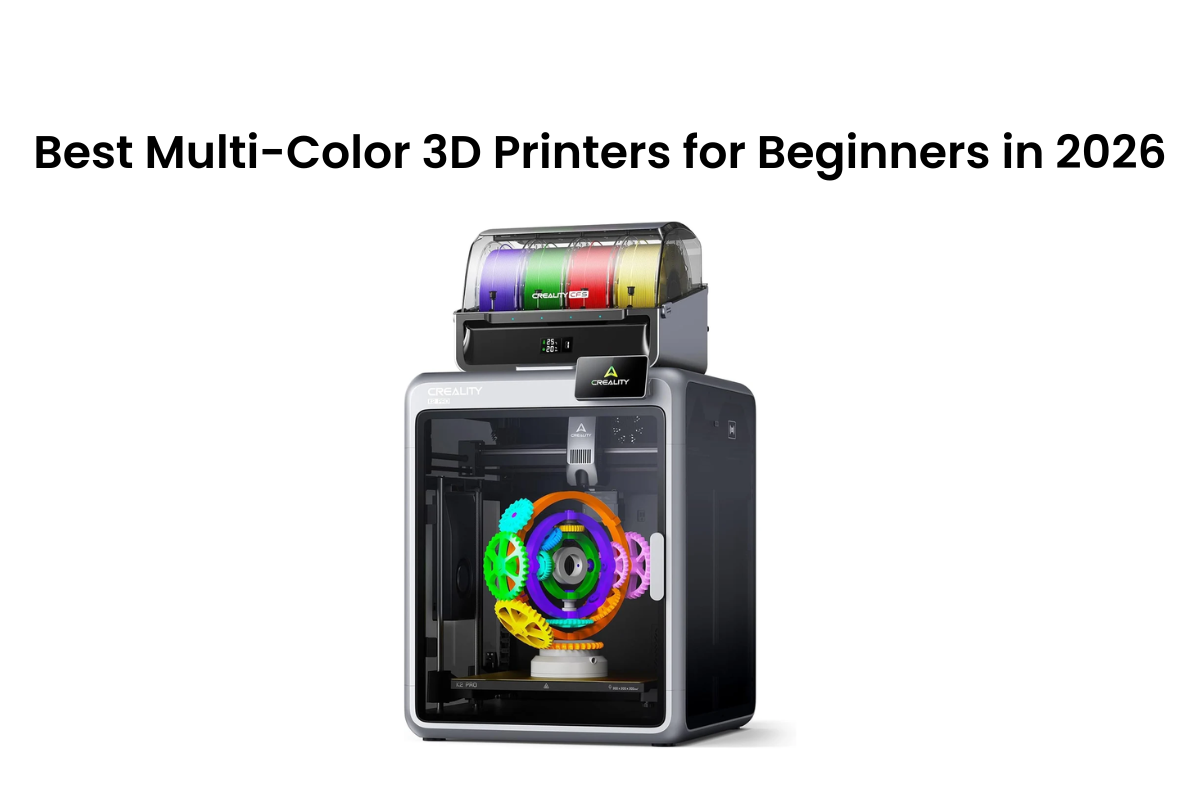
Multicolor 3D printing has moved from a magic trick to the default over the past two years. However, it used to mean wasted filament, failed prints, and setups that took hours. Most beginners stopped before finishing a single successful model, but not in 2026. Now, multicolor printers come pre-assembled, self-calibrate before each job, and change filaments automatically. Today, the hard part is selecting the correct printer. Each machine on this list was picked for three things: ease of setup, color-switching reliability, and whether the build volume and materials match what a beginner actually wants to create.
| Factor | SPARKX i7 Combo | Creality K2 Pro Combo | Bambu Lab A1 Mini Combo | Kobra X | Centauri Carbon 2 Combo |
| Build Volume | 260×260×255 mm | 300×300×300 mm | 180×180×180 mm | 260×260×260 mm | 256×256×256 mm |
| Max Colors | 4 | 16 | 4 | 19 | 4 |
| Max Speed | 500 mm/s | 600 mm/s | 500 mm/s | 600 mm/s | 500 mm/s |
| Enclosure | No | Yes — 60°C active | No | No | Yes, smart grille |
| Purge Waste | 320g | _ | 648g | Reduced 81.25% | _ |
| Nozzle Temp | 300°C | 300°C | ~280°C | 300°C | 350°C |
| Display | 2.85″ | 4″ | 2.4″ | _ | 5″ |
| Best For | Beginners, zero setup | Power users, engineering materials | Compact desks, Bambu ecosystem | Color-first, expandable | Families, shared spaces |
1. Creality SPARKX i7 Color Combo: Best Multi-Color 3D Printer for Beginners
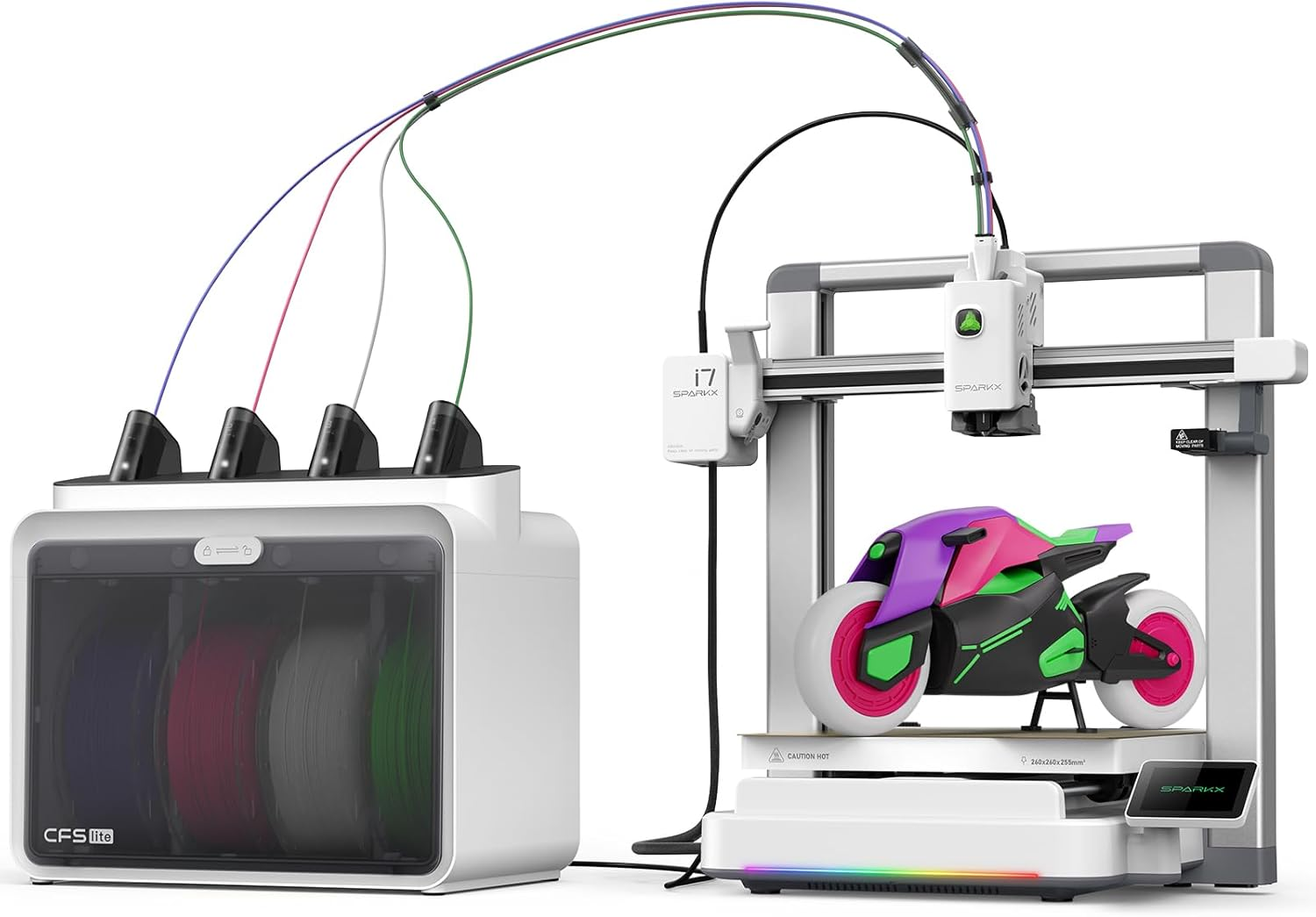
The SPARKX i7 comes with one clear goal: get you from unboxing to your first print with as little friction as possible. It delivers on that better than any other printer in this roundup.
Why It Earns the Top Spot
This 3D printer ships completely pre-assembled. Put it on your desk, and you’re printing in under five minutes. There is no need to plug in any parts, hunt for screws, or follow a calibration sequence.
Build volume and performance.
The print area is 260 × 260 × 255 mm. That's enough room for the things beginners actually want to print first, like phone stands, gaming accessories, home décor pieces, figurines, and custom tools.
Print speed tops out at 500 mm/s with 10,000 mm/s² acceleration. Not the fastest number in this group, but the setup is tuned for reliability. A print that completes cleanly is worth more than a faster one that fails in the middle.
CFS Lite: How Multicolor Actually Works Here
The CFS Lite system uses one independent motor per filament slot. This design makes color transitions quick and clean rather than messy and slow.
Here's what runs on its own, with no input from you:
- RFID filament recognition: Load a Creality-tagged spool, and the printer reads the material and color. It applies the right print settings automatically.
- Passive desiccant drying: Moisture is controlled inside the CFS Lite housing. No standalone dryer needed for standard filaments.
- Purge waste management: The i7 generates 320g of purge material per multicolor job. Many competing systems produce 648g or more. That's close to half a spool saved every time you run a color print.
What to Keep in Mind
The SPARKX i7 is an open-frame printer. PLA, PETG, and PLA-CF all perform well out of the box. ABS and ASA are different; they warp without heat retention and need either a controlled room or a separate enclosure to print cleanly.
2. Creality K2 Pro Combo: Best Multi-Color 3D Printer for Beginners Who Want to Grow
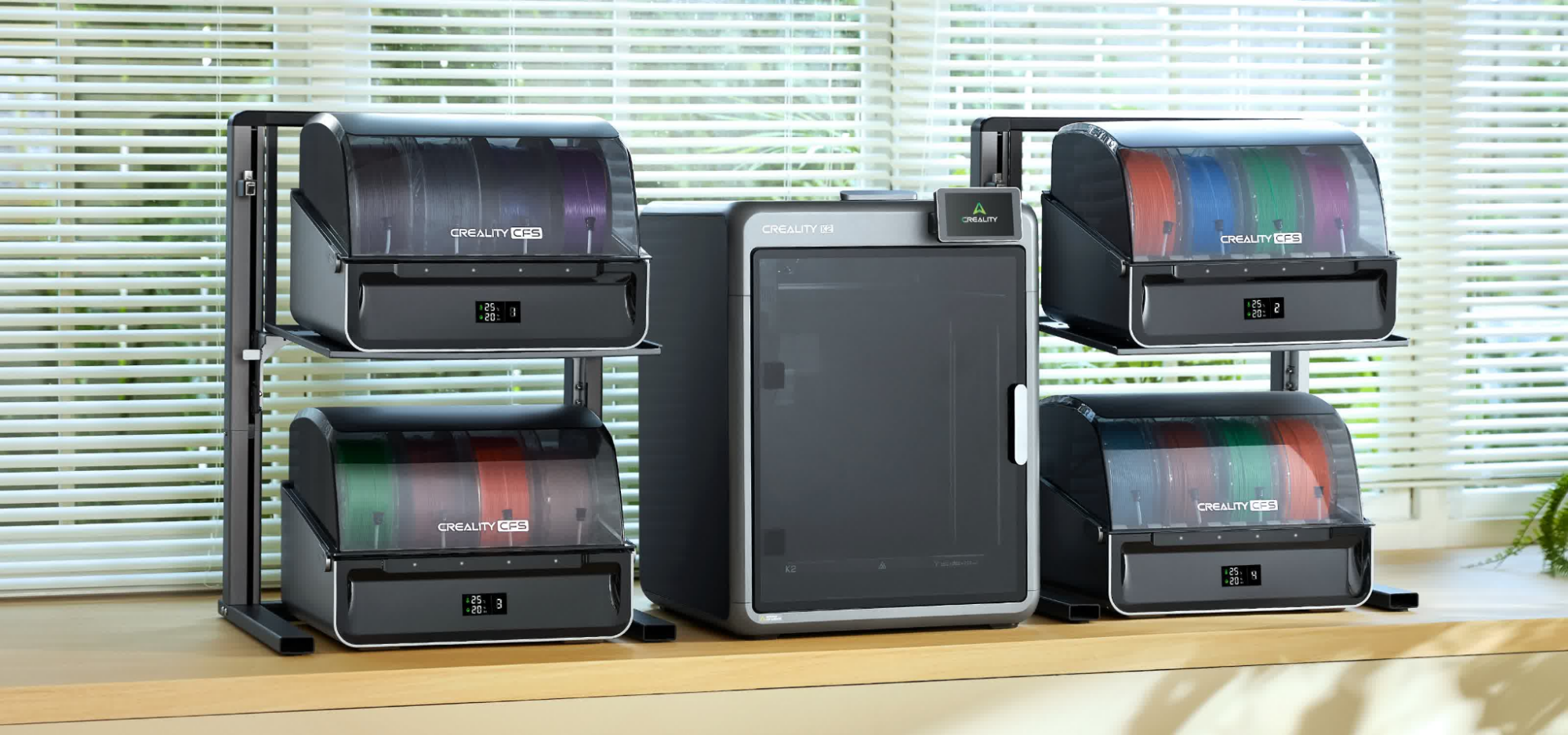
The K2 Pro Combo is designed for the beginner who already knows this hobby is not going to remain casual. If you're printing your first model today and already thinking about functional parts, large builds, or serious multicolor work six months from now, this is the machine to buy once.
What Justifies the Step Up
Build volume and performance
The print area is 300 × 300 × 300 mm. It’s big enough for a full-size helmet in a single pass, no splitting the model, no sticking pieces together. Speed peaks at 600 mm/s with 20,000 mm/s² acceleration.
The heated bed reaches 110°C. The enclosed chamber actively heats to 60°C. That pairing matters more than speed alone when you start printing demanding materials.
Dual AI Cameras: Two Sets of Eyes on Every Print
Most printers in this price range include one camera. The K2 Pro Combo ships with two, and each one does a different job.
- Chamber AI Camera: Monitors the entire print, detects spaghetti failures, checks the build plate, and records a time-lapse.
- Nozzle AI Camera: Auto-tunes flow rate in real time, catches blockages early, and flags extrusion errors.
Together, they serve as a background quality-control system.
16-Color Ceiling: Growth Built Into the Machine
The K2 Pro Combo has one CFS unit, that's 4-color printing from day one. Add up to three more CFS units, and the ceiling rises to 16 colors, all without replacing the printer.
What to Keep in Mind
CFS expansion: Additional CFS units are separate purchases. You start at 4 colors and build up. Know that going in.
3. Bambu Lab A1 Mini Combo: Most Compact Multi-Color Option
The A1 Mini Combo takes about 20 minutes. The printer arrives pre-assembled, pre-squared, and pre-tuned. You don’t configure anything, just print.
What Makes It Stand Out
The ecosystem is the true differentiator here. MakerWorld provides you with a ready-to-print model library built directly into the Bambu workflow. The Bambu Handy app puts full print control on your phone. One-tap printing is a real feature, not a marketing headline.
Key specs at a glance
| Spec | Detail |
| Build Volume | 180 × 180 × 180 mm |
| Max Speed | 500 mm/s |
| Acceleration | 10,000 mm/s² |
| Multicolor | 4 colors via AMS Lite |
| Noise Level | ~49 dB |
| Enclosure | No |
What to Keep in Mind
The 180 × 180 × 180 mm build volume is the smallest in this entire collection. It's also open-frame. PLA, PETG, and TPU all print well. ABS and ASA need an enclosure to prevent warping.
4. Anycubic Kobra X: Best Entry Point for Beginners Who Prioritize Color Range
The Kobra X makes a particular argument: native 4-color printing from the start, with a clear path to 19 colors without ever replacing the printer.
What Makes It Stand Out
ACE GEN2 Technology: What It Actually Does in Practice
The headline claim is an 81.25% reduction in filament change length compared to first-generation ACE systems.
The feeding and damping mechanisms were rebuilt from scratch for this generation. Color switching is more stable and repeatable than the original ACE Pro design.
Key specs at a glance
| Spec | Detail |
| Build Volume | 260 × 260 × 260 mm |
| Max Speed | 600 mm/s (recommended: 300 mm/s) |
| Max Colors | 4 native, expandable to 19 |
| Auto-Leveling | LeviQ3.0 |
| Camera | 720p AI monitoring |
| Nozzle Temp | 300°C hardened steel |
| Wi-Fi | Dual-band (2.4G / 5G) |
What to Keep in Mind
The Kobra X does not include active filament drying. In humid climates, PETG and PLA-CF absorb moisture from the air when left uncovered. That leads to bubbling, stringing, and weak layer bonds. Upgrading to the ACE 2 Pro adds active drying at 65°C, but that's a separate purchase.
5. Elegoo Centauri Carbon 2 Combo: Best Enclosed Multi-Color Printer for Shared Spaces
The Centauri Carbon 2 Combo is the only enclosed, air-filtered, multicolor printer in this whole collection that does not carry a pro-machine price tag.
What Makes It Stand Out
The Centauri Carbon 2 Combo uses a smart grille system; the exhaust vent opens and closes automatically based on the material being printed and the temperature the chamber needs to hold. You don't manage it. The printer does.
Key specs at a glance
| Spec | Detail |
| Build Volume | 256 × 256 × 256 mm |
| Architecture | CoreXY |
| Max Speed | 500 mm/s |
| Acceleration | 20,000 mm/s² |
| Nozzle Temp | 350°C, hardened steel |
| Bed Temp | 110°C |
| Noise Level | ≤ 45 dB |
What to Keep in Mind
The CANVAS system supports 4 colors at the base level, the same ceiling as the Bambu A1 Mini and the SPARKX i7 Color Combo. If a high color count is your primary goal, the K2 Pro Combo (16-color ceiling) is the stronger long-term choice.
How to Choose the Right Multi-Color 3D Printer as a Beginner
Use this to find your match fast:
- You want the easiest possible first experience: Creality SPARKX i7 Color Combo. Pre-assembled, lowest purge waste, AI-assisted from the start.
- You're ready to invest and want room to grow: Creality K2 Pro Combo. Enclosed, step-servo motors, 16-color ceiling, engineering-grade support.
- Desk space is the main hurdle: Bambu Lab A1 Mini Combo. Compact footprint, polished ecosystem, 20-minute setup.
- Color range is the priority: Anycubic Kobra X. 19-color ceiling at the lowest entry point in the group.
- You need an enclosure and air filtration without the pro-machine cost: Elegoo Centauri Carbon 2 Combo. Quiet, filtered, enclosed, built for shared living spaces.
Conclusion
The best multi-color 3D printer for beginners relies on materials, projects, and workspace. Newbies can begin with the SPARKX i7: pre-assembled, display screen, quick-swap hotend, and less filament waste. It's the fastest path from unboxing to a successful multicolor print. The Creality K2 Pro Combo is the right call the moment larger builds, engineering materials, or serious color work enter the picture. It's a more capable machine, and it's built to stay capable as your skills grow.