


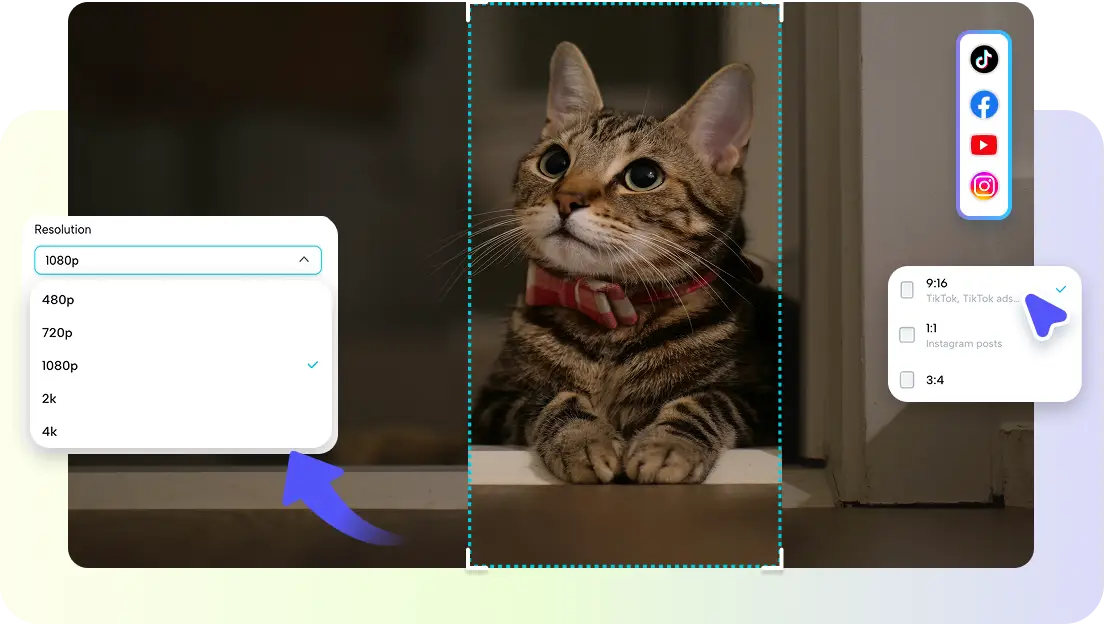
The text's role in video ads is vital, and it has an impact on viewers' understanding within seconds. By high-impact typography, things are visible and clear immediately. Manual styling can be time-consuming and lead to inconsistencies in designs across various platforms. Pippit presents an automatic typography system that produces optimized overlays automatically. This system improves the readability and visual structure and makes the experience more interesting in every digital advertising format.
Why Typography Plays a Critical Role in Video Ad Success
Typography can directly affect the speed of comprehension of the ad message when people scroll. Good text design conveys value before loss of interest. It enables viewers to think and comprehend the information without repeatedly viewing the content. Use bold text to make it easier to see and better for conveying your mobile and desktop message. Product information will also be more visible with good typography – even in a more visual environment. Supports consistency of your messages, enhancing your brand. Use of right (text) hierarchy improves the speed of viewability and reduces the cognitive load when viewing.
Exploring Pippit's Automated Typography System
Pippit's automated typography system allows for a new way to display advertising text throughout video content. The system includes some smart design reasoning in an ad maker environment to support faster creative execution. It interprets graphics and creates bold overlays, where the focus is likely to be placed. AI positioning ensures that text is not in the way of important product images. The font weight is dynamically changed depending on the brightness of the background and the movement of the scene. Context-aware layout adjustments keep the visual harmony across the video timeline. Dynamic balancing prevents a too dense frame and enables to achieve an aesthetically consistent image. Readability optimization makes it easier to read on the smartphone, tablets, and desktops without manually resizing the content.
How Bold Text Overlays Improve Marketing Communication
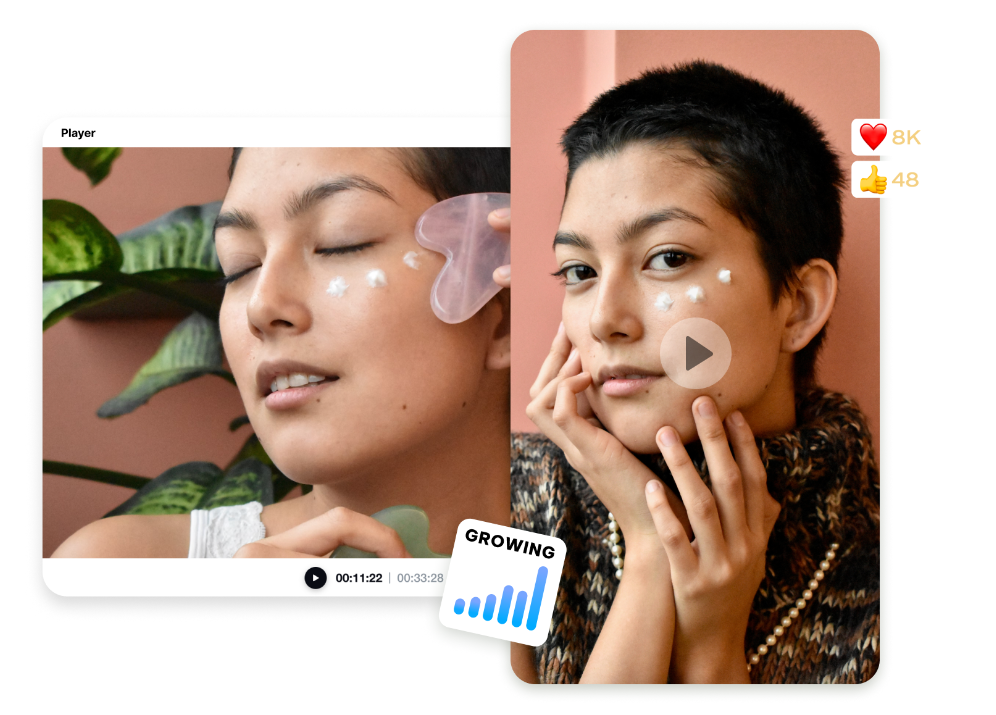
Standing out from the crowd, bold text overlays accentuate key product messages in a matter of seconds, thereby enhancing communication. They assist consumers in identifying promotions, pricing, and benefits without confusion. Structured visuals are retained longer, and strong typography enhances recall. Text can help narrow down attention to specific offers and features and bring marketing clarity. In modern marketing campaigns, an AI movie maker workflow facilitates storytelling and makes it easier to keep it clear and engaging. Complex explanations of products can also be made easier with bold overlays that make for digestible visual elements. This will increase engagement and result in faster reactions from the audience when they come into contact with the ads.
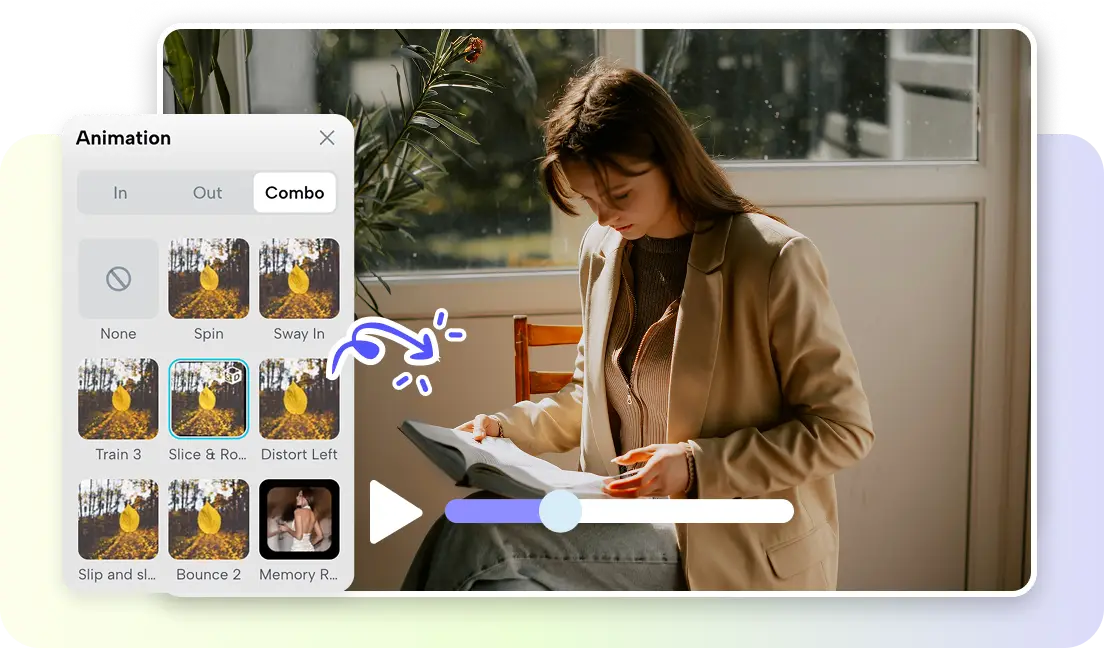
Steps to add bold text overlays automatically with the Ad Maker typography system
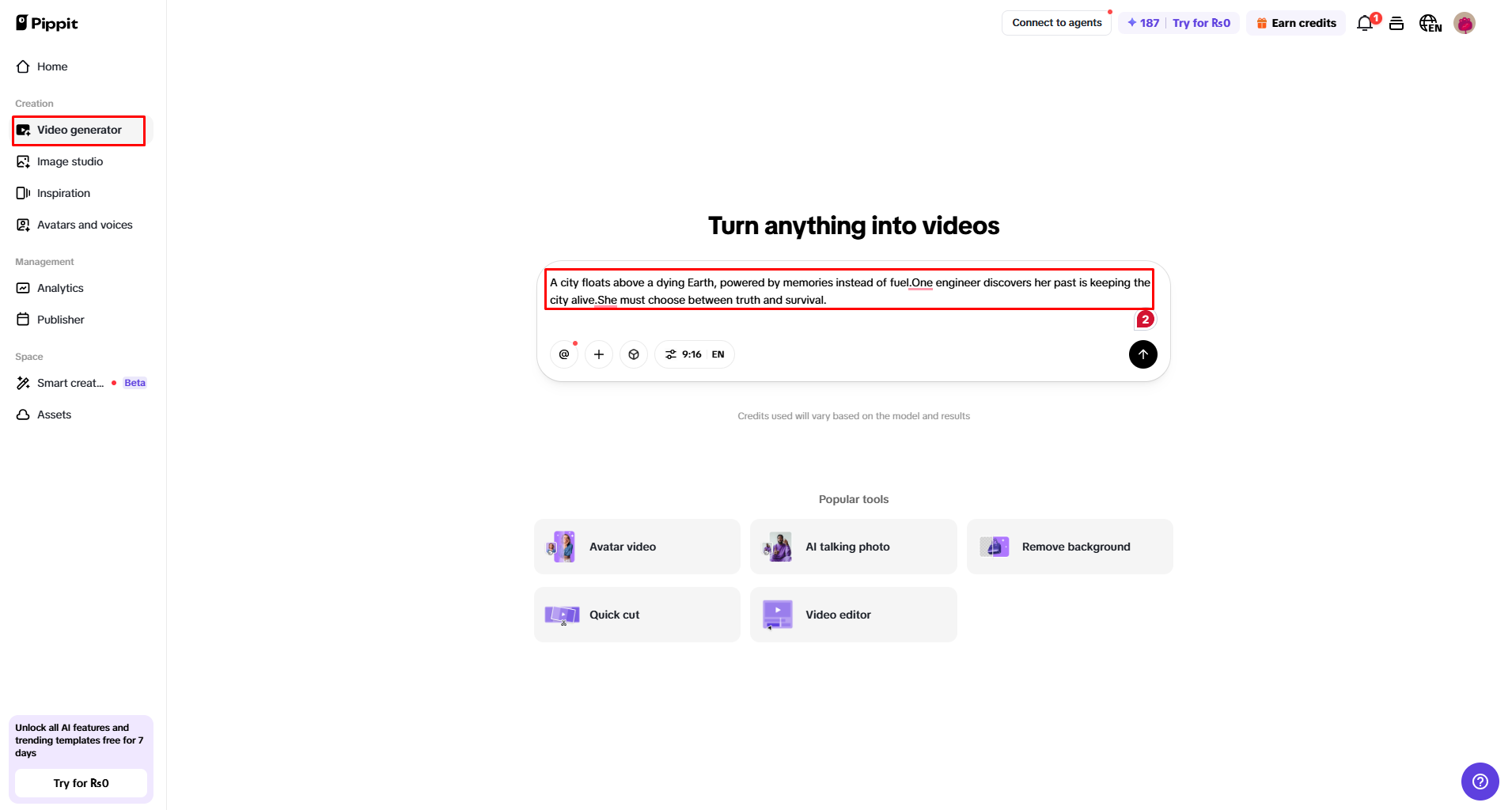
Step 1: Open Typography Video Generator
- Sign up for Pippit to access the home page.
- Click “Video” on the main dashboard or Access “Video generator” in the left menu.
- Enter a text prompt and clearly describe the video ad style, tone, and angles you want.
Step 2: Generate Video with Auto Text Overlays
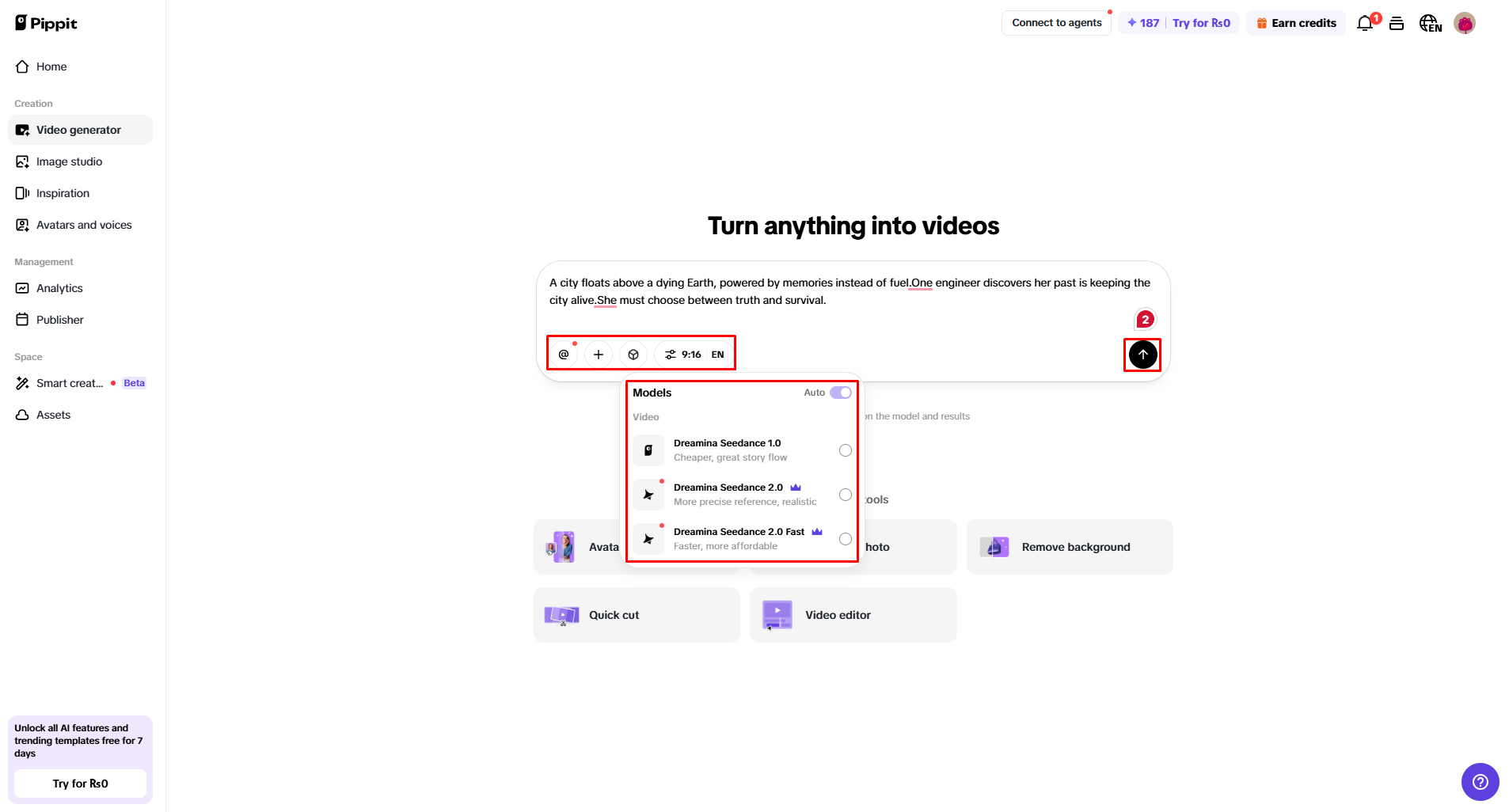
- Click “+” and upload your image, video, file, or link that you want to use for the video ad.
- You can also click “Upload a reference video” and choose “Upload” to bring in a sample video ad, so the AI follows its style.
- Select an AI model, such as Dreamina Seedance 1.0, Dreamina Seedance 2.0, and Dreamina Seedance 2.0 Fast for your video generation.
- Choose the video length, language, and aspect ratio.
- Click “Generate,” and Pippit starts creating a video based on your prompt.
Step 3: Review Typography & Export Output
- Select your video, and press the Play button to watch it.
- To make changes, click “Edit more” and use the tools to crop, stabilize, adjust colors, or change the background.
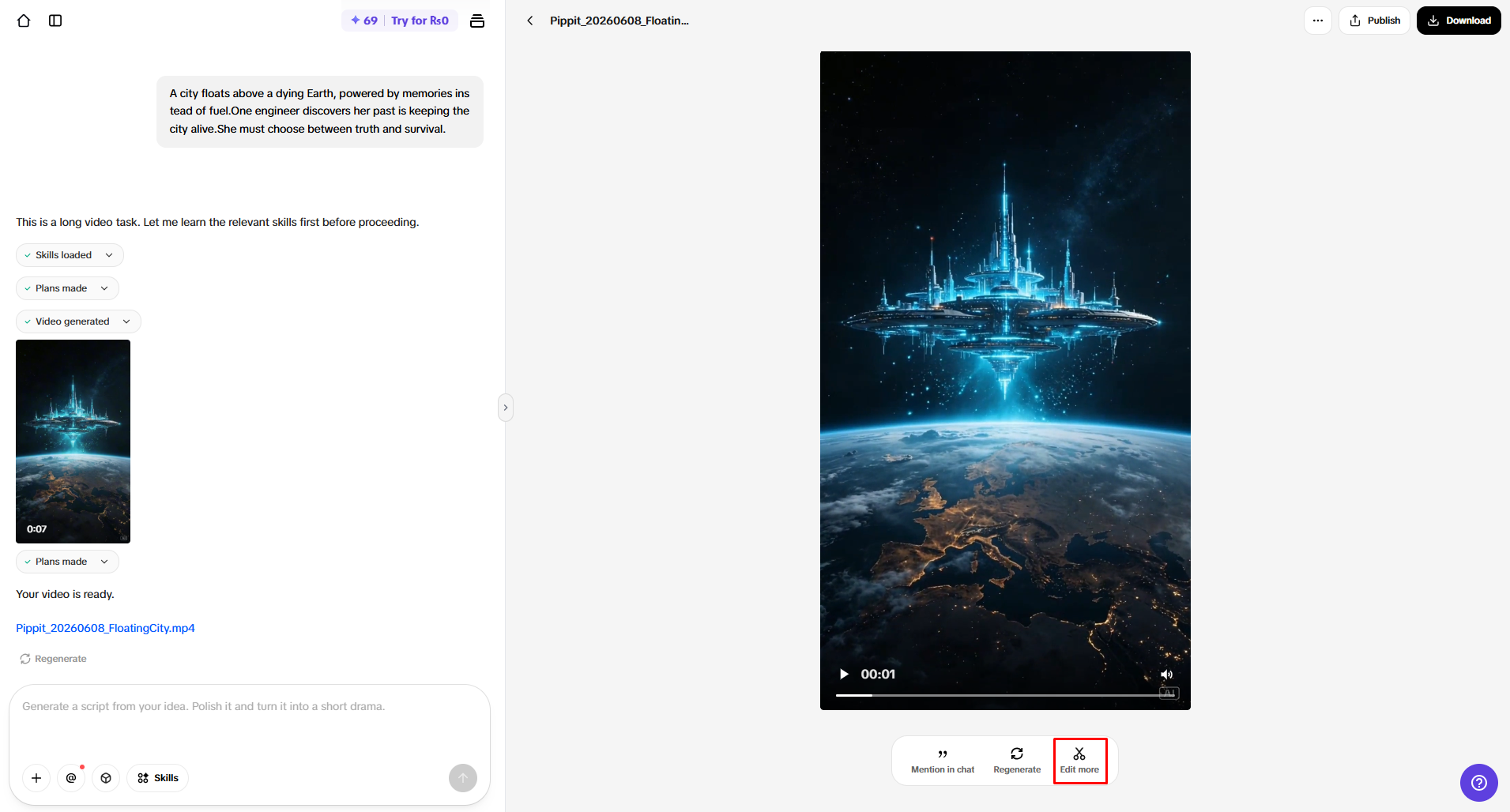
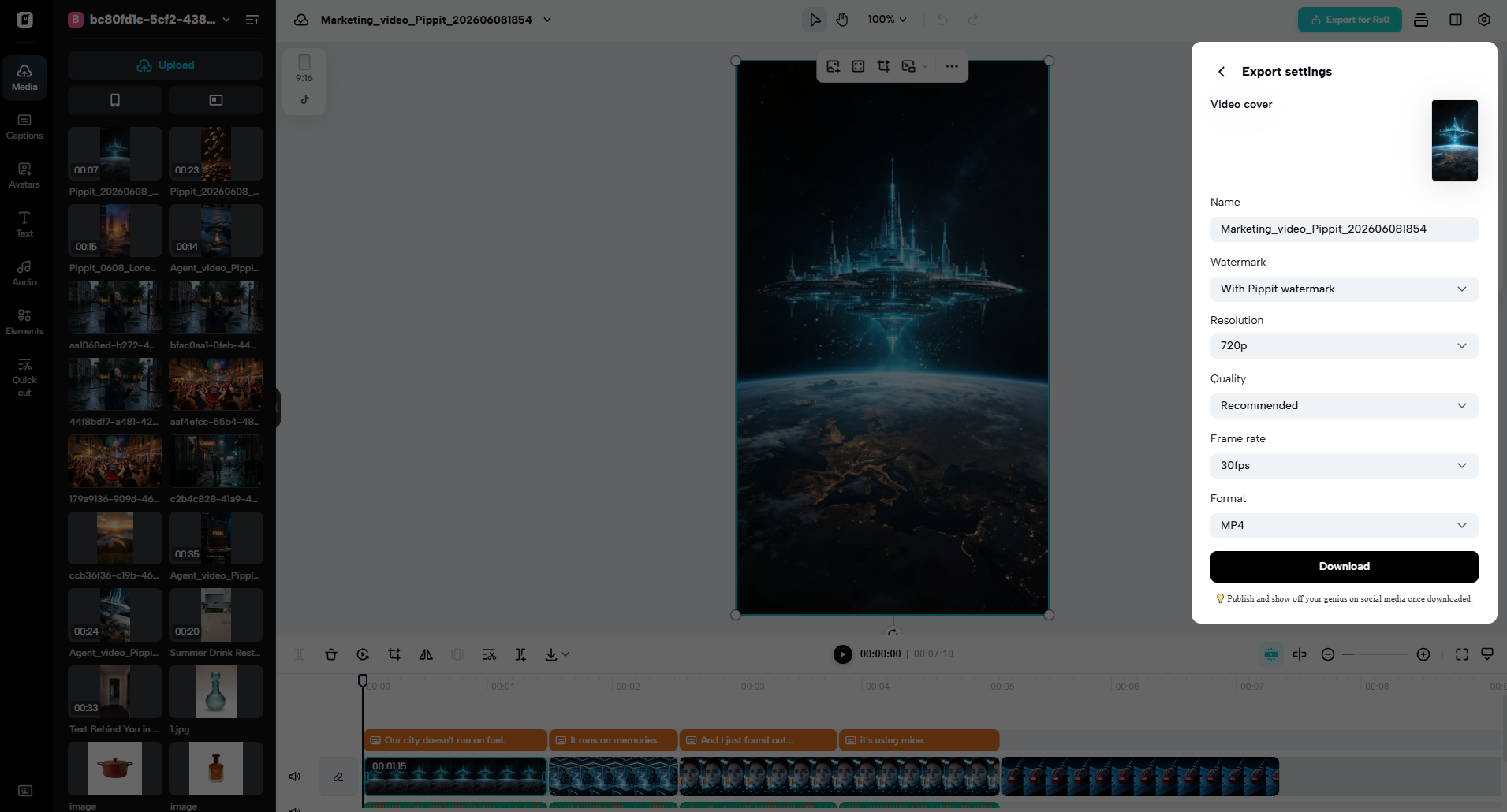
- Or, click “Download” to save your AI-generated video to your device, or “Publish” to share it directly on your social media.
Core Elements Automatically Managed by the Typography System
The typography system controls various design aspects for professional ad output on platforms. Adjusts font sizes automatically, based on the screen size and the distance of viewing. Texts are placed so as not to hide any important product images. Contrast enhancement allows text to be more easily read on light and dark backgrounds. Message formatting is hierarchical, based on the importance and marketing priority of messages. Timing synchronization: adding text to match the scenes. Adaptive styling will adapt the typography for different social media and aspect ratios.
- The font size depends on the screen size, to ensure that it is clearly visible on all devices.
- Positioning of the text based on the composition of the scene does not obstruct the view.
- Contrast optimization helps the text to stand out against various background patterns.
- Hierarchical formatting is an effective means of emphasizing important ad messages.
- Timing synchronization makes for seamless synchronization between text and scene changes.
- Adaptive styling is flexible about the needs of the platform.
Automatic Typography Features That Strengthen Ad Design
Pippit includes a number of advanced typography features that provide more creative control and consistency. Smart placement: Using smart headlines to put key messages at optimal points of attention. Dynamic Promotional Highlights: These are promotions that are based on offers, not on too many graphics. Adaptive caption formatting ensures that captions are more readable even when you have fast-moving scenes. AI-assisted emphasis techniques direct the audience's attention to the relevant aspects. Having the same text presentation is helpful in maintaining the brand across different campaigns. Together, these capabilities aim to streamline manual editing, enhance design accuracy, and boost advertising effectiveness on digital platforms.
Balancing Visual Content and Text Overlays Effectively
In an effective video ad, it's important to have a balance between the pictures and the words. This will help the viewer appreciate the product without any distractions due to clutter. Product visibility is maintained, meaning that the product is kept in the middle of each frame. A well-organized and visually appealing layout results in a better user experience. If words support and do not clash with pictures, the message is taken in more rapidly. In the case of an ad layout, it would make the ad look very professional and get higher engagement rates on platforms. Good balance also helps to create the flow of attention through scenes, which helps to tell a story.
The Future of AI Typography in Video Advertising
AI typography continues to evolve towards more personalization and automation. Next-generation systems will offer a text experience that is customized to the viewer's behavior. Automated multilingual overlays will enable global marketing campaigns to run smoothly. Dynamic tone and style will vary, depending on the smarter messages to the audience. Real-time typography updates will respond in real-time to the signals from the content performance. Ongoing automation will improve and streamline creative processes and minimize manual work. All these developments will alter how advertisers produce engaging and scalable video content for digital media.
Conclusion
Automated typography streamlines the video ad creation process, reducing the need for manual design efforts. For bold text overlays, they can help to deliver a clear and quick message to get the attention of others. Visual hierarchy assists all viewers in understanding and remembering. Professional advertising quality is achieved across platforms with readability, contrast, and timing. Pippit helps you to produce structured, engaging marketing materials in large quantities easily.