




Instagram's uploading system is strictly chronological, so your profile easily becomes messy. Posts appear from newest to oldest on your profile grid. So whatever you share most recently would automatically move to the top, and older content goes further down.
Your best option for controlling your profile was pinning posts. Instagram allows you to pin up to three posts at the top of your profile (six if you're now on Plus), regardless of when they were originally uploaded. In a new development, the social media platform now lets users reorder their profile grid completely. The feature rollout has already begun on the mobile app.
Now you decide what people see first
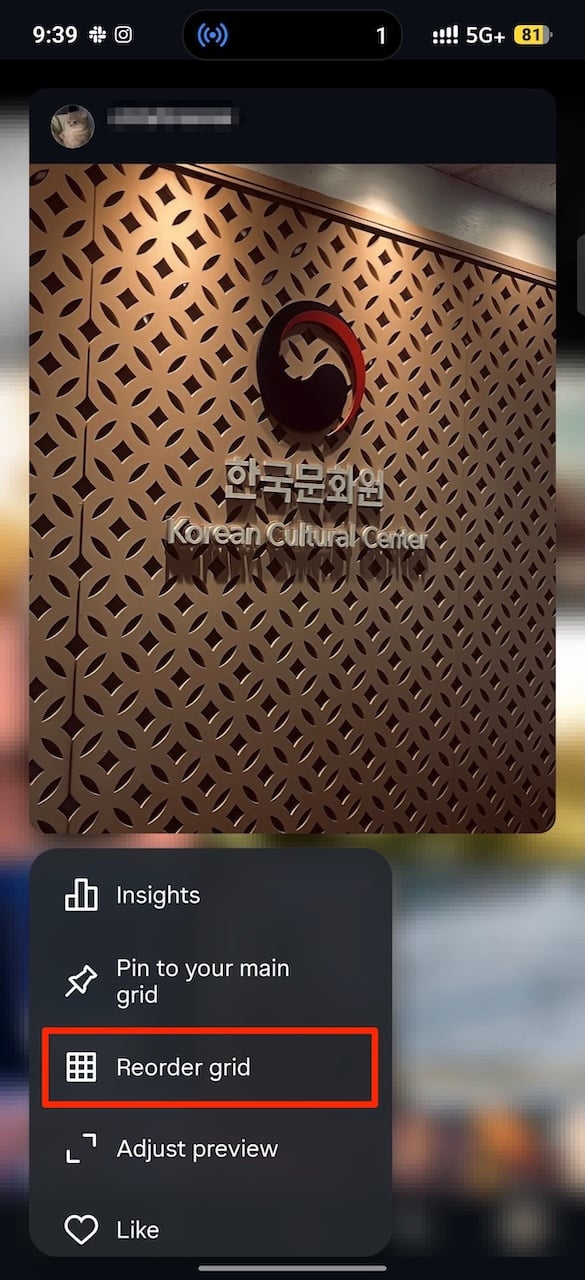
Instagram's new Reorder Grid feature exists inside your Instagram profile page. If you long press any post on the grid, a small menu appears. Select the Reorder Grid option.
A grid preview of your profile appears and you'll drag posts around to change its appearance. Pinned posts will remain at the top until you remove them. When you're done, you don't need to save anything. The changes apply automatically.
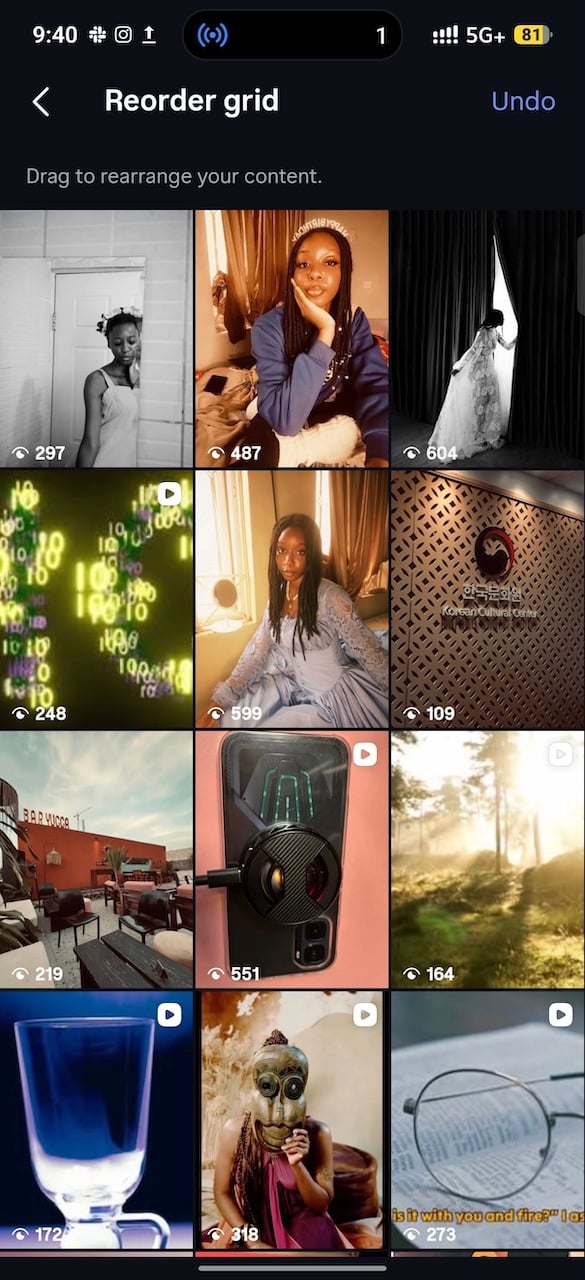
If you panic while editing, Instagram gives you an Undo option while you’re still in reordering mode. Tap it in the upper right corner to reverse your last move. You can't undo any changes when you exit the menu. But there are no limits to how many times you can rearrange your profile.
Also, the feature only applies to the Posts tab on your profile, which is the section that shows your regularly uploaded photos and videos in a grid layout. It doesn’t extend to your Reels tab, your reposted content, or the tagged photos section. Those areas are still organized automatically by Instagram.
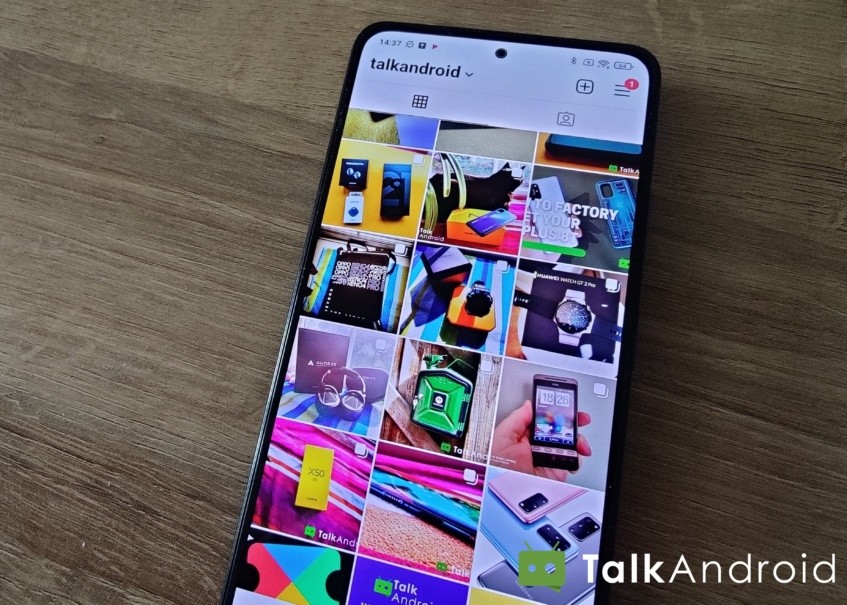
Beyond reordering your grid, post pinning and adjusting previews are other ways to improve your profile’s appearance. On Instagram, what people see first is a cropped preview inside the grid. You can adjust the cover frame or crop so the most important part of the image sits in the center of the square.
Instagram Plus means extra
In a more dramatic move, Instagram has introduced a paid subscription called Instagram Plus. It adds a set of optional tools focused on closer connections, content previews and insights, and profile customization for $4 monthly.
Story Spotlight boosts the visibility of your stories to selected friends. There's also Super Hearts with more expressive reactions, multiple audience lists that allow you to control who sees each story, and Story Extend to keep stories visible for up to 48 hours instead of 24 hours.

If you think you've heard enough of the word, there's another Story Preview feature that allows you to view stories without triggering reactions and you can see rewatch counts for your stories. The ability to search your viewer list for specific people is added, alongside changing your app icon, adjusting the font style in your bio, pinning up to six posts instead of three, and even post directly to your profile or highlights without pushing it into followers’ feeds.


Instagram charging a subscription for Story Spotlight, Super Hearts, and Story Previews feels like paywalling the basics — reordering your own grid should never have been a paid perk in the first place. It is funny how modded clients had most of these extras years ago; I was comparing the InstaPro APK features recently and the gap between what Meta sells back to you and what third-party builds simply include is pretty wide. I get that servers cost money, but locking profile customisation behind Instagram Plus is a tough sell. — Asher Gray, with the Modzyra team