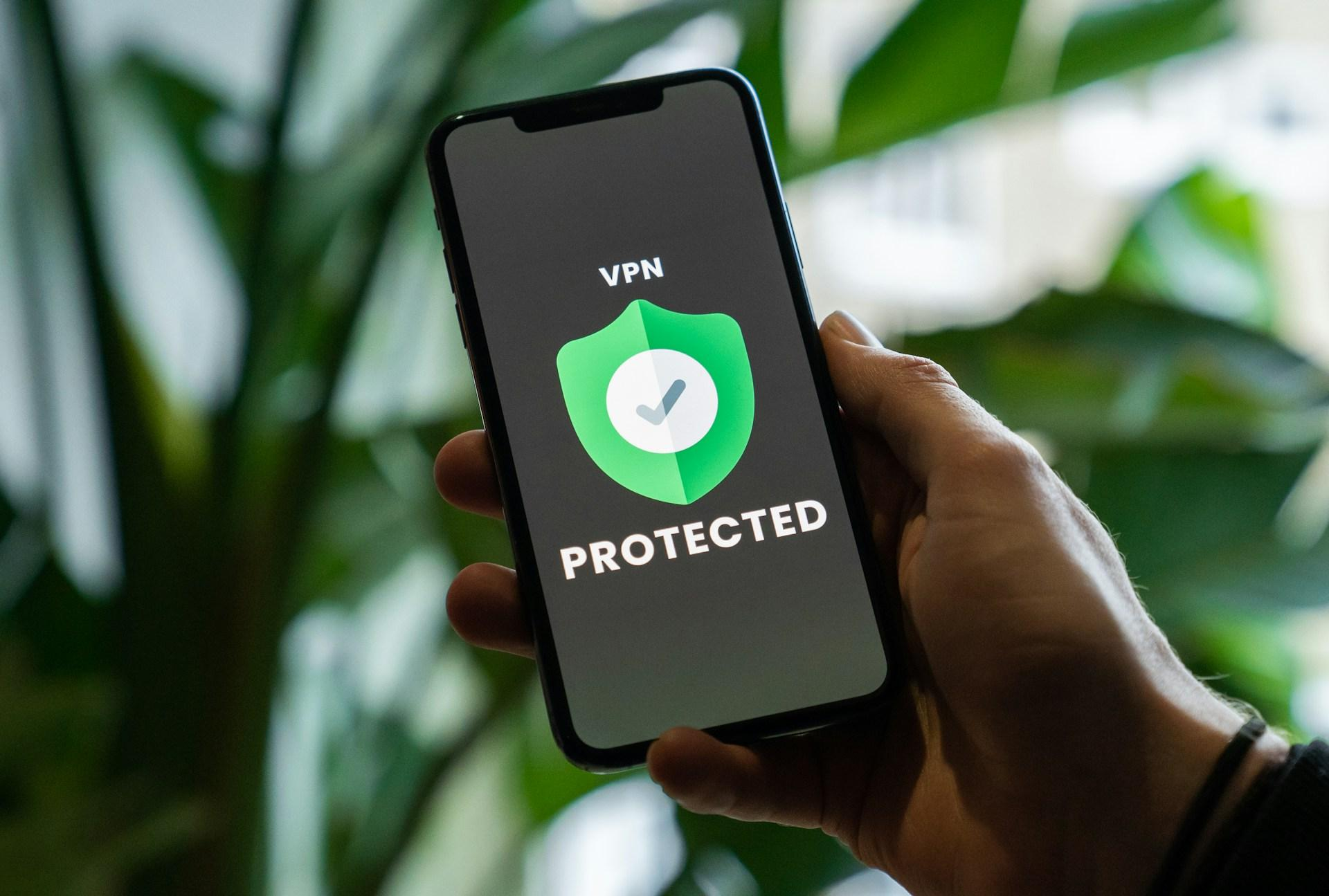
Setting up a VPN on a new Android phone used to be a five-minute job. Install the app, sign in, tap connect, done. The 2026 version is messier, and the standard tutorials floating around Reddit and the bigger tech sites haven't caught up. Most of them were written before the Android 16 always-on VPN bug went public in March, and they still tell users to flip on the same setting that's been silently dropping connections for seven months.
So this is the version of the setup guide I would have wanted last week, when a friend handed me a brand-new Pixel and asked me to lock it down before her trip.
Start with the built-in client. Then ignore it.
Android has shipped a native VPN client since 4.0, and Google's enterprise documentation still walks admins through configuring it under Settings > Network & internet > VPN. For PPTP, L2TP/IPSec, or IPSec setups pushed by an IT department, fine. For a personal install in 2026? The built-in client is a relic. It doesn't speak WireGuard, it doesn't handle modern obfuscation, and it has no kill switch worth the name.
Use a third-party app. The serious providers — Proton, Mullvad, NordVPN, ExpressVPN, Surfshark — all run on WireGuard or proprietary variants like NordWhisper or Lightway, and all of them ship a proper client on the Play Store. Install one of those, grant the connection request when the system dialog pops up, and you'll see the small key icon appear in the status bar. That's the only confirmation Android gives you that a tunnel is live.
Worth noting: that key icon lies in 2026. More on that in a minute.
The Always-On trap
Every Android VPN guide written before late 2025 tells you to enable Always-On VPN with the Block connections without VPN toggle. Available since Android 7.0, it's supposed to be the safety net: the tunnel auto-starts at boot, traffic that isn't routed through it gets dropped, and you can't accidentally leak. It's the single most-recommended setting in every privacy walkthrough on the internet.
It's also the setting that's been quietly broken on Android 16 since at least August 2025.
Mullvad filed the bug report on Google's Issue Tracker that month. Proton, WireGuard, and TunnelBear confirmed the same behaviour over the following weeks. When a VPN app updates in the background through the Play Store while a tunnel is active, Android 16's network stack corrupts itself: DNS lookups time out, sockets refuse to open, and the VPN icon stays cheerfully visible in the status bar even though no traffic is moving. If you have Block connections without VPN enabled, you lose internet entirely. If you don't, your traffic silently routes around the dead tunnel — banking apps, messages, location, the lot — without a single notification.
Proton went public on March 18, 2026, after Google's only on-record response was that they didn't “see anything unusual.” TechRadar, Digital Trends, and PhoneArena ran the story within forty-eight hours. There is still no official patch.
So here's the position I'd take, against the entire body of older advice: don't enable Always-On VPN on Android 16 right now. Run the connection manually. Verify the tunnel is alive when you actually need it, load a site that shows your IP, check it's not yours. The small ritual is the price of Google's silence.
None of this matters, of course, if the provider running the tunnel is junk to begin with. Gizmodo keeps a running list of which VPN services hold up once you actually stress-test them on speed, jurisdiction, and audit history, it's the only roundup I check that gets revised when the audit results change rather than once a year. Skim it, pick something near the top, come back.
On Android 14 or 15, Always-On is still fine. Most users won't be on 16 yet anyway; the rollout is gradual and Pixel-heavy.
Picking a provider matters more than the settings
This is the part where most tutorials punt. They walk through six menus and then wave vaguely at “choose a reputable VPN.” The provider choice is the whole game. Settings just decide how the tunnel behaves; the company on the other end decides whether the tunnel is worth using at all.
A few things genuinely matter: a no-logs policy that's actually been audited (Mullvad's been audited by Cure53 multiple times, Proton publishes annual transparency reports), a server fleet that runs on RAM rather than disk so a seizure yields nothing, and a working obfuscation protocol for the days you find yourself on a hostile network. NordVPN's NordWhisper, launched in early 2025 specifically to defeat VPN blockers, is the current state of the art. Proton's Stealth and Mullvad's bridges work too.
Free VPNs are not in this conversation. A 2024 Top10VPN audit found data leaks or hidden trackers in the overwhelming majority of free Android VPN apps on the Play Store. If the product is free, the product is you. Skip them.
Use those criteria, audited no-logs, RAM-only servers, working obfuscation, to filter whatever shortlist you're working from. Anything that fails on two of the three is probably not worth the monthly fee.
Two settings worth turning on, one worth turning off
After the provider is installed and connected, three toggles are worth a minute of your time.
Turn on Private DNS under Settings > Network & internet > Private DNS. Use a hostname like dns.quad9.net or your VPN provider's DNS endpoint. This forces DNS-over-TLS at the system level and stops your queries from leaking out via the local Wi-Fi resolver, which is still the most common DNS leak vector on Android. Most VPN apps now offer their own DNS, but the Private DNS field is a useful belt-and-braces backup.
Turn off auto-update for the VPN app specifically in the Play Store, long-press the app, hit the three-dot menu, untoggle auto-update. This is the single best workaround for the Android 16 bug. Background updates while the tunnel is live are what triggers the network-stack corruption. Update manually, with the VPN disconnected first, then reconnect. Annoying. Necessary in 2026.
And if your provider supports split tunneling, configure it. Banking apps and Google Maps generally work better outside the tunnel; everything else stays in. The point of split tunneling isn't convenience, it's reducing the number of times you reach for the disconnect button, every disconnect is a chance to forget to reconnect.
Why Google's silence is the real story
The setup itself takes ten minutes. The harder question is what to make of an operating system maker who's known for seven months that the central VPN feature on its current OS is broken, and whose only public statement is a shrug.
Android's VPN framework was never glamorous, but it was reliable. Always-On VPN existed precisely because Google understood that intermittent protection is worse than no protection, a user who thinks they're covered behaves differently from one who knows they aren't. The fact that this exact failure mode has been live since August 2025 and required a coordinated public callout from four providers to get any acknowledgement at all says something uncomfortable about where mobile privacy sits on Google's priority list.
A patch will probably ship eventually. Maybe in the next QPR drop, maybe later. Until then, the practical move is the boring one: pick a provider you trust, run the tunnel manually, verify it's alive when it matters, and treat any tutorial that doesn't mention this bug as written by someone who hasn't checked their phone since last summer.
The VPN itself is doing its job. The OS underneath it is the part that needs watching.