


If you have a smartphone, chances are WhatsApp is already on it. The instant messaging app from Meta is one of the most popular globally, including in France, where, according to the site Awitec, more than 32 million people reportedly use WhatsApp—that’s just over half the population.
Is WhatsApp Eating Up Your Storage?
WhatsApp may be convenient, but it comes with a common complaint: the app automatically saves almost every photo, video, and document you receive, which can quickly consume precious storage on your phone. For users with smaller storage capacities—think 64GB or 128GB—every megabyte matters. Fortunately, WhatsApp has a built-in trash feature that you can (and should) empty occasionally to free up space.
Give Your Phone a Fresh Start
It’s always a good idea to tidy up your phone. WhatsApp offers several ways to manage the space it uses. You can reduce the quality of media files you store, but even lower-quality images and videos will still take up a chunk of memory, especially if you have a lot of them.
How to Empty WhatsApp's Hidden Trash
Here’s how to free up valuable storage on your device:
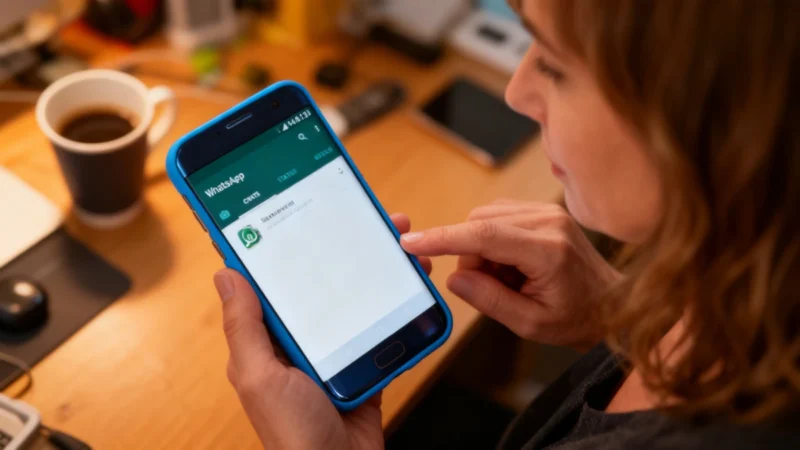
Open WhatsApp on your phone. If you use Android, tap the three dots in the top right corner to go to Settings. On iPhone, go directly to Settings from the bottom right of the screen. Within Settings, tap on “Storage and Data.” This section lets you stop media from being saved automatically or control the quality of saved media.
Next, tap “Manage Storage.” Here you’ll see how much space WhatsApp conversations and media are using on your device. In the example reviewed, usage was only around 200 megabytes, but if you download files frequently, it can easily reach several gigabytes.
Select “Review and delete items” to see all the media files over 5 megabytes currently stored on your phone from WhatsApp. From this list, you can pick the largest files to delete—those with the biggest impact on your available space. Be sure these aren’t files you want to keep, as deleting them removes them from your device.
Accidentally Deleted a File? No Problem
If you mistakenly delete a photo or video you meant to keep, you’re not out of luck. As long as it’s still available in the original chat, just return to that conversation and tap on the file to download it again. It’s a simple fix, no drama required!