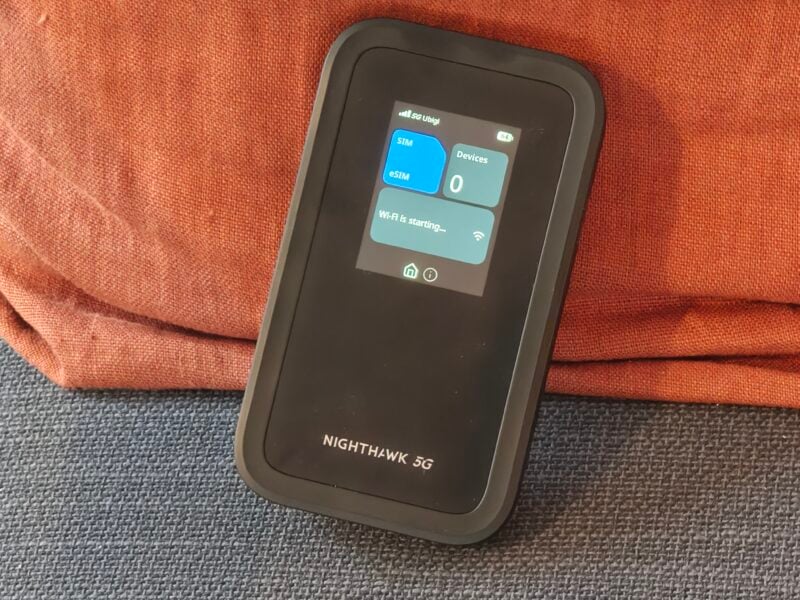
The idea of a portable hotspot isn’t new, but the latest Netgear Nighthawk WiFi 7 hotspot pushes things forward in a way that actually feels meaningful, thanks to support for the latest WiFi standard and 5G. This isn’t just about having internet on the go. It’s about having a reliable internet connection wherever you are, without the usual compromises such as watching your smartphone battery tank before your eyes.
After spending time with it, what stood out most wasn’t just the headline WiFi 7 support. It’s how effortlessly everything comes together, from setup to daily use.
Design & build
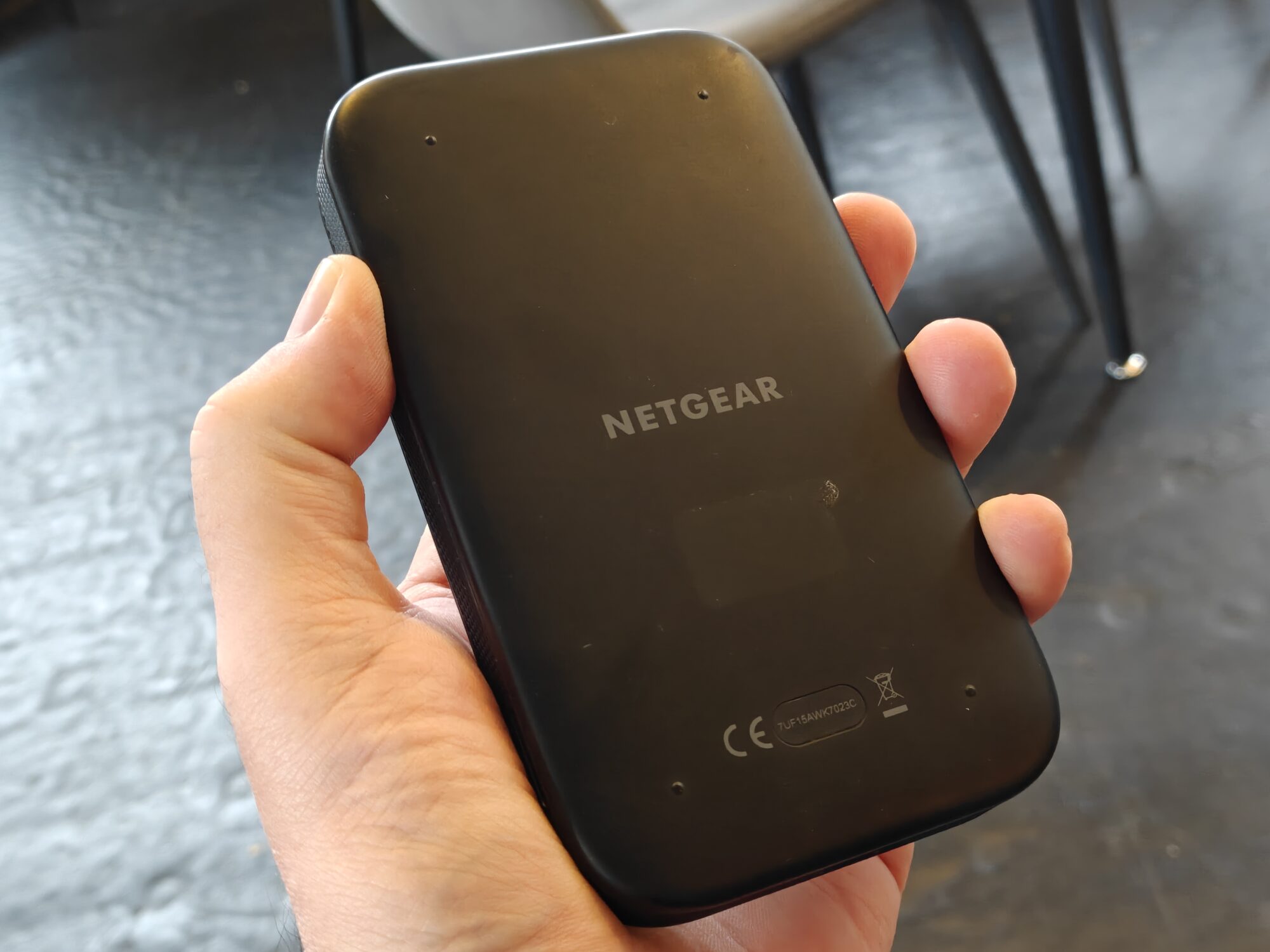
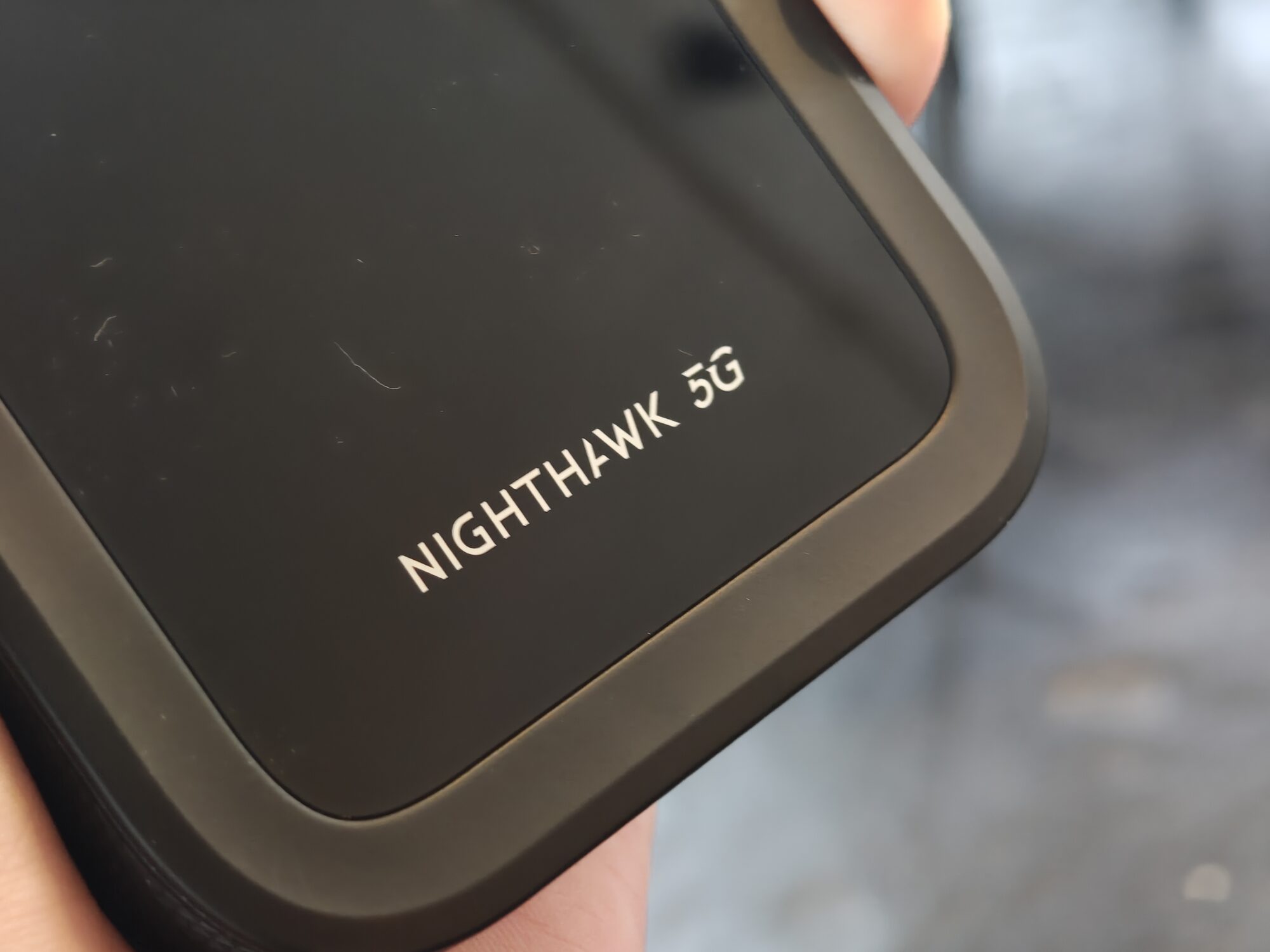
This is unmistakably a Nighthawk device. It has that slightly rugged, purpose-built look that leans more “serious tool” than lifestyle gadget. It's not a small device by any means. That said, it’s still compact enough to throw in a bag or even a large pocket.
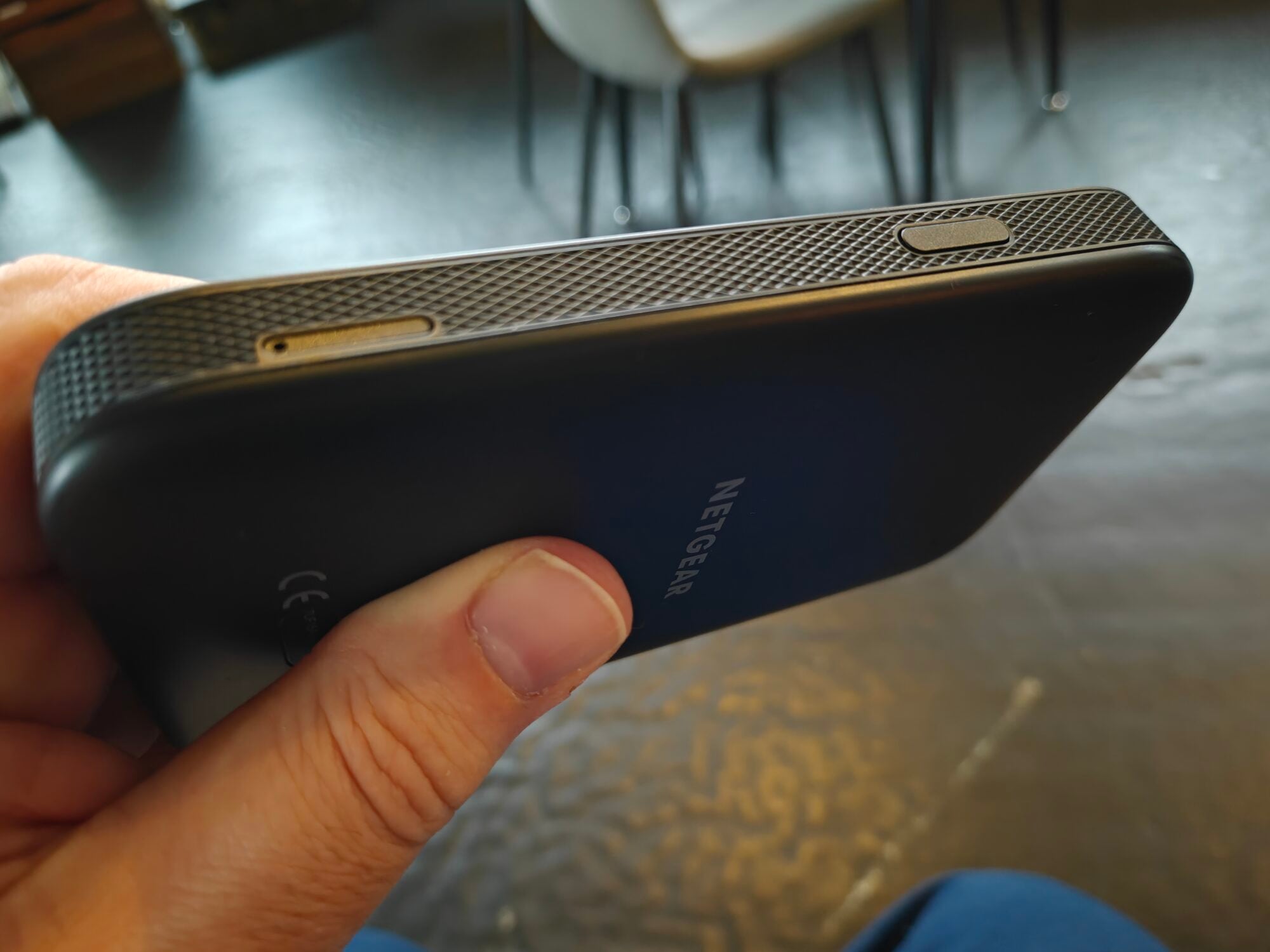
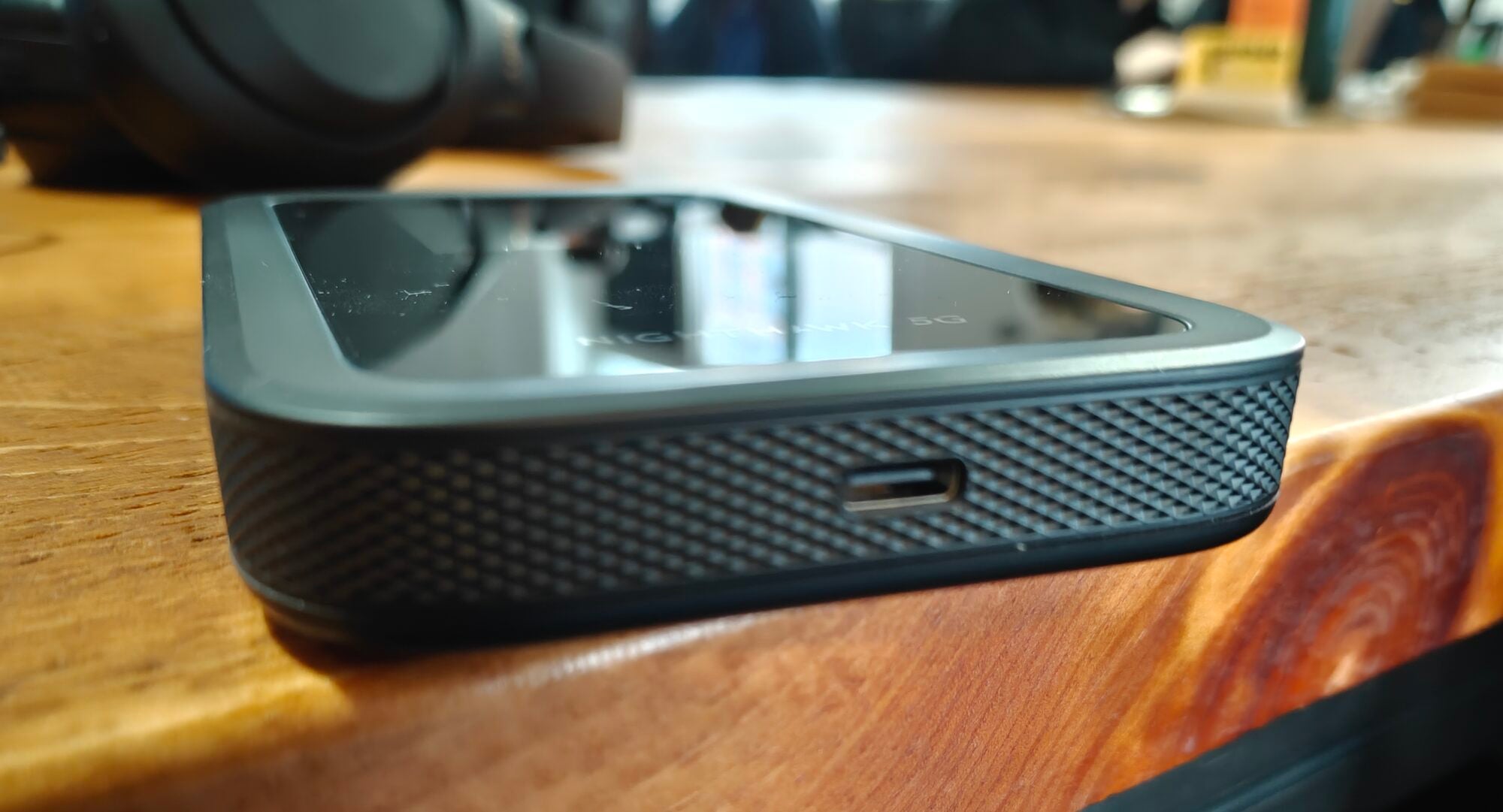
As mentioned, it's got a rugged aesthetic, with a rubberized strip along the length of the device, a power button on the right-hand edge, and a nano-SIM card tray further down on the same side. The USB-C port sits nearly at the bottom of the device.
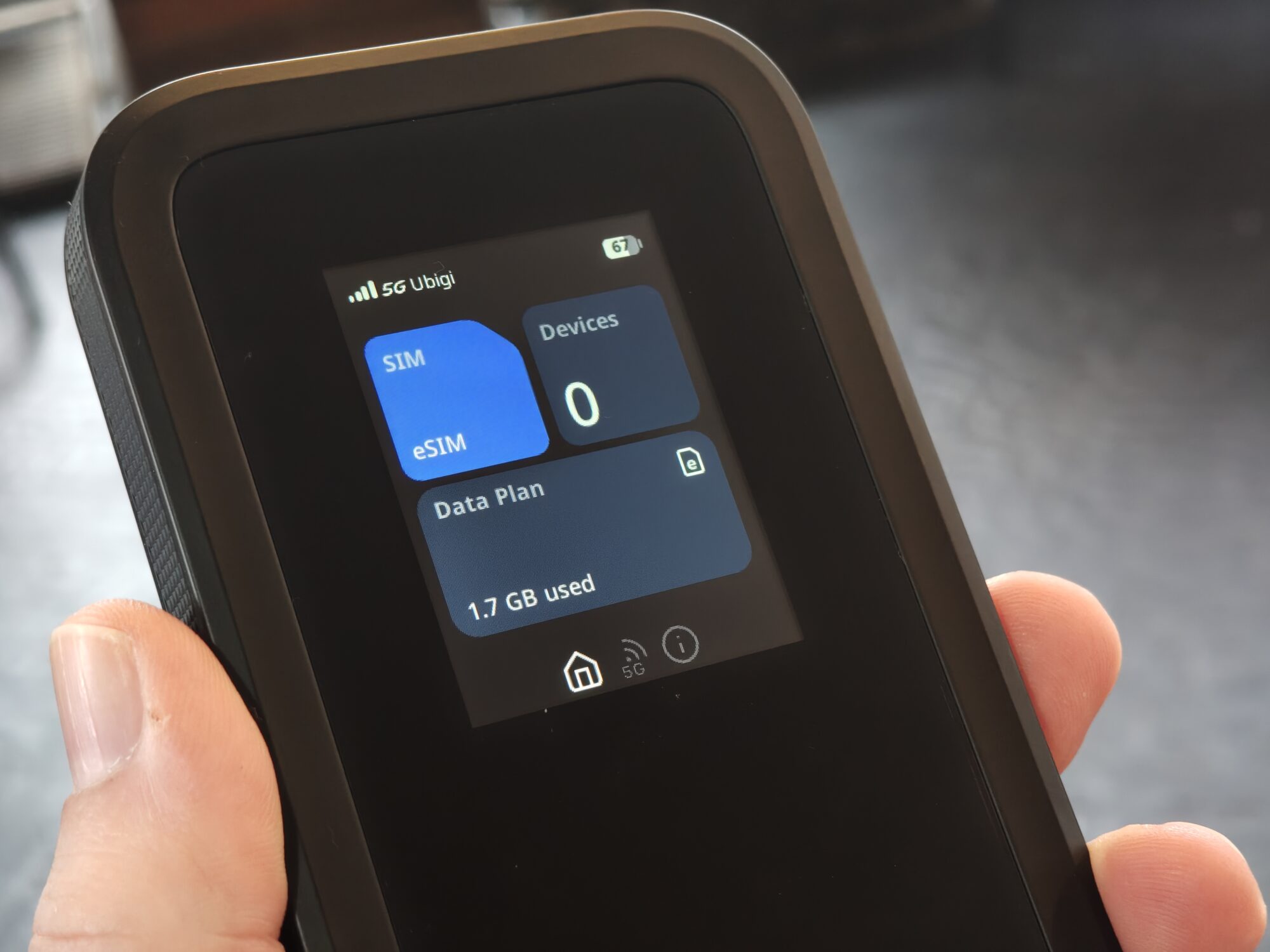
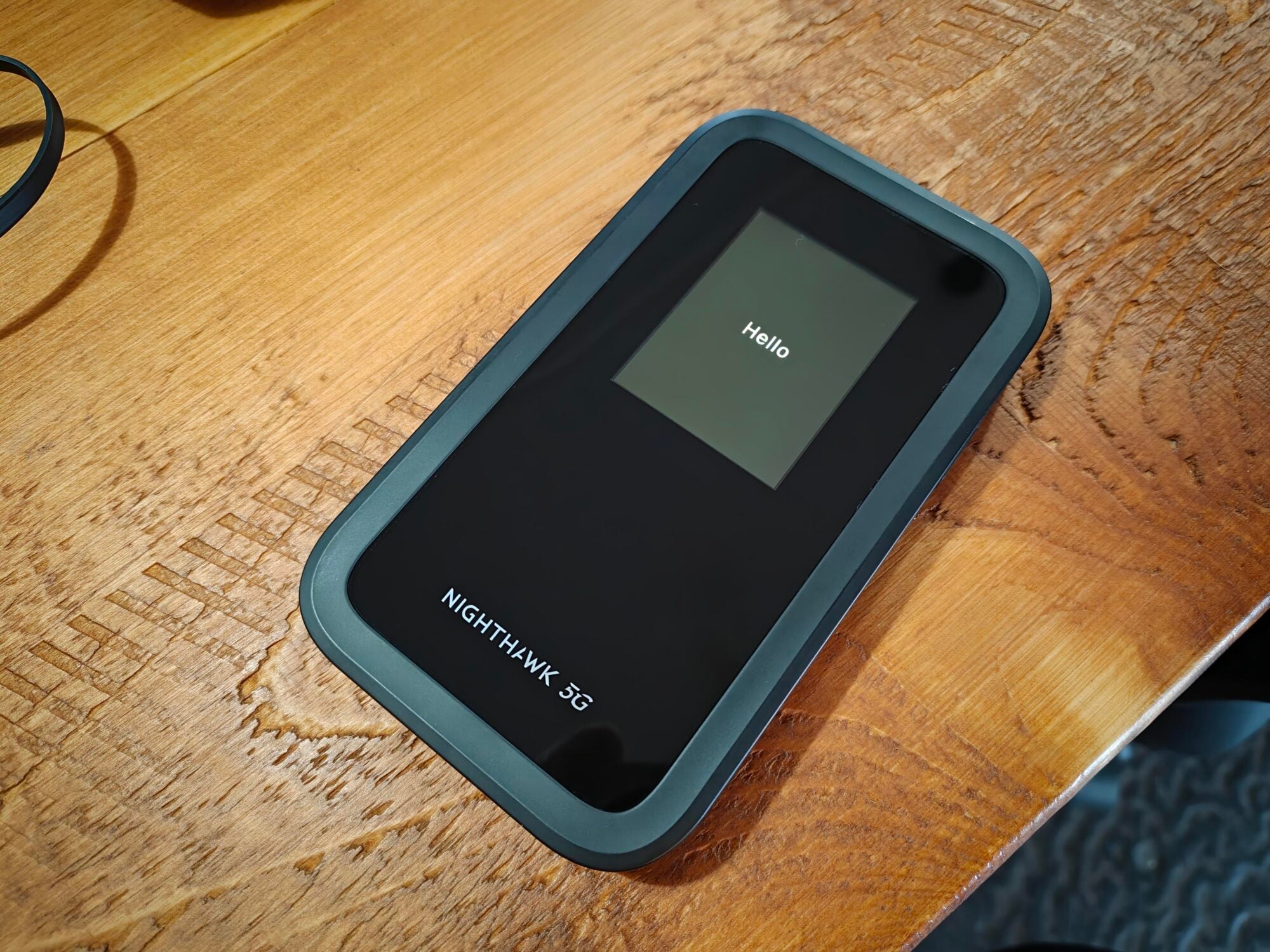
The built-in display does more work than you might expect. It gives you quick access to connection status, data usage, and settings without reaching for your phone. It’s one of those small touches that quietly improve the experience over time.
Setup & ease of use
Getting started is refreshingly straightforward. Power it on, follow a few on-screen prompts, and you’re connected within minutes.
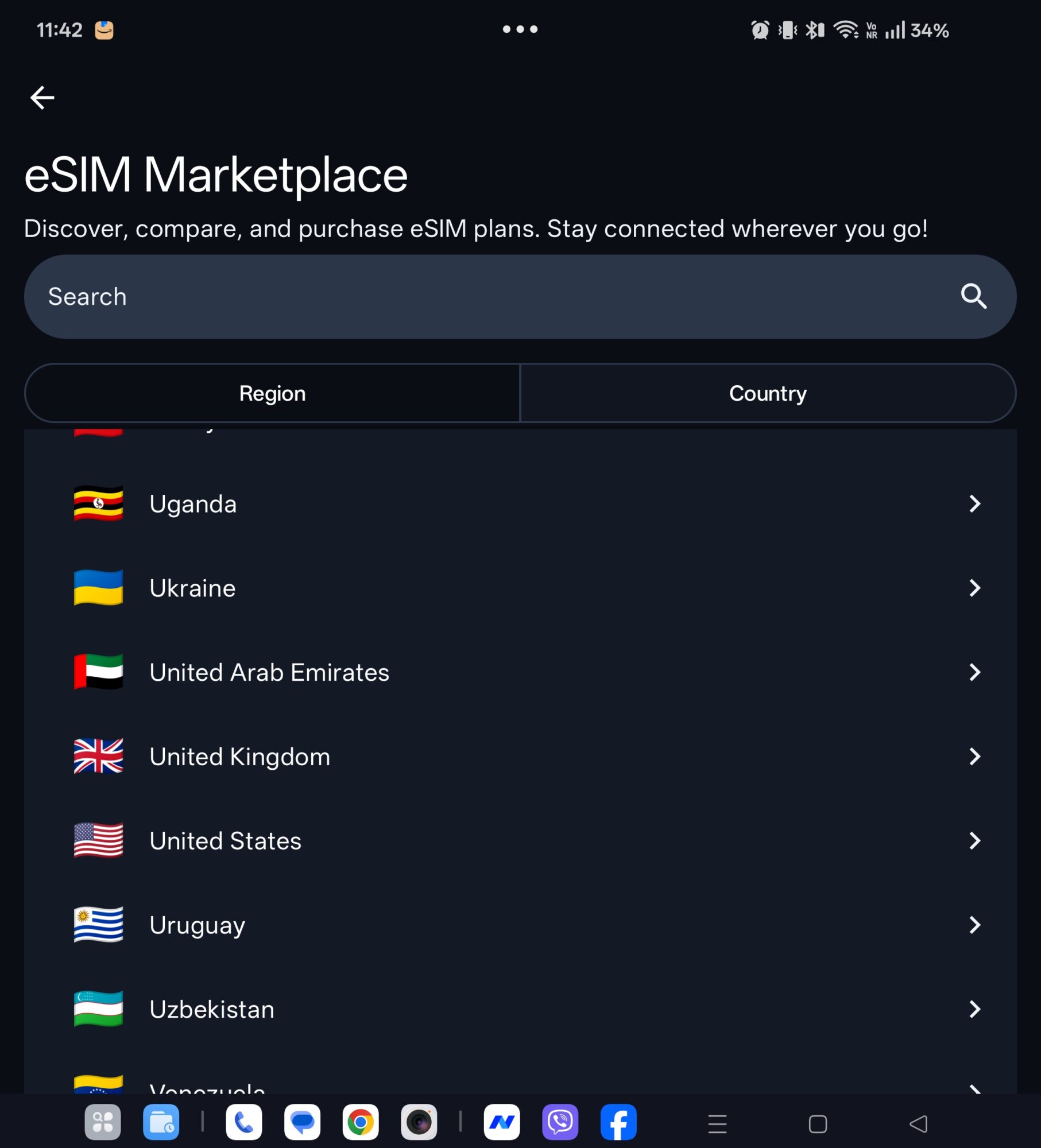
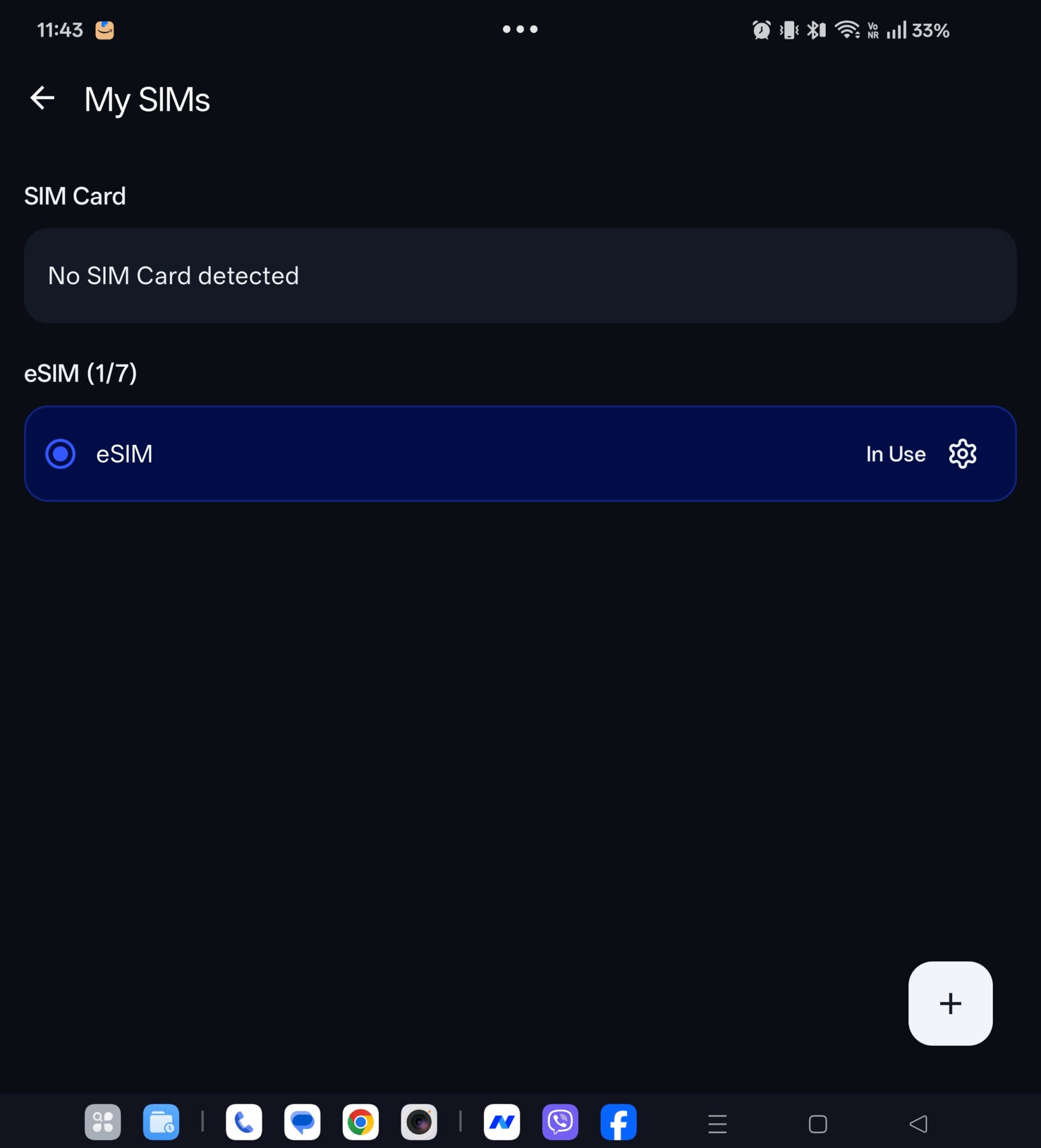
Where things get more interesting is how Netgear handles eSIM. You can browse and activate plans directly from the built-in Netgear store on the device, which feels surprisingly seamless. Alternatively, if you prefer more control, the companion app lets you manually install eSIM profiles without any friction.
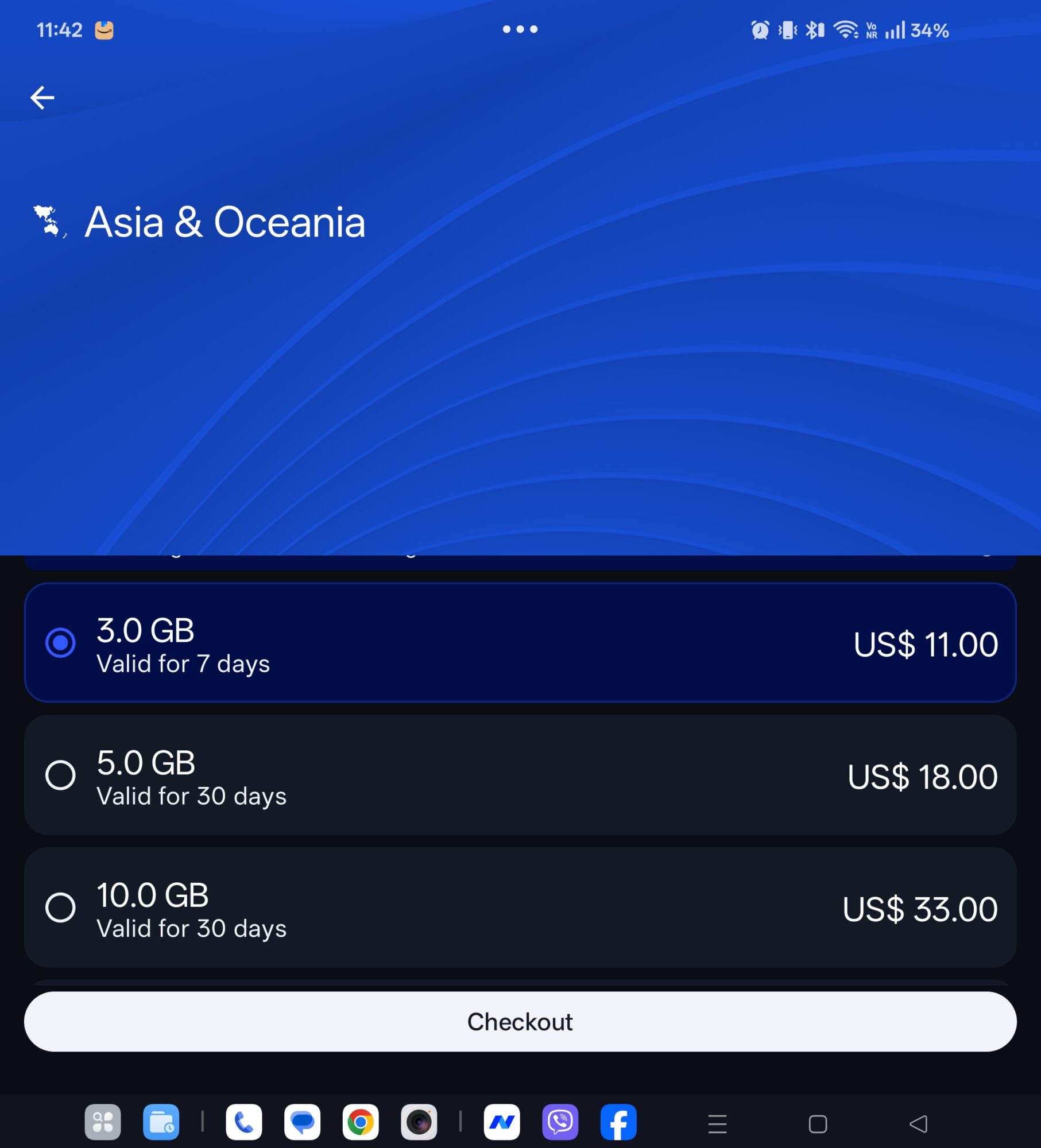
The e-SIM's that are available on the Netgear store offer up to 30 days of usage, but can be a tad pricey. It's cheaper to purchase a SIM card or e-SIM directly from a network provider to get better value.
Traditional SIM cards are still supported, too, making this a genuinely flexible option whether you’re travelling, switching networks, or juggling work and personal data plans. It also means that you can toggle between e-SIM and SIM card, depending on which offers the best signal at any given time.
Performance & connectivity
This is where the Nighthawk really earns its name.
WiFi 7 brings a noticeable bump in responsiveness and throughput, especially when multiple devices are connected. It feels snappy in a way that older hotspots simply don’t. Large downloads, cloud uploads, video calls, and streaming all hold up without that familiar wobble you sometimes get on mobile connections.
Pair that with 5G, and you’ve got a setup that can comfortably replace fixed broadband in the right conditions. Speeds are consistently strong, but more importantly, the connection feels stable. That reliability matters far more than peak numbers, and this device delivers.
As ever, if the signal is poor, the Nighthawk M7 can't magically improve it, but it will try to make the most of what is available. It also depends on which network your e-SIM or SIM card is tied to.
WiFi Offload
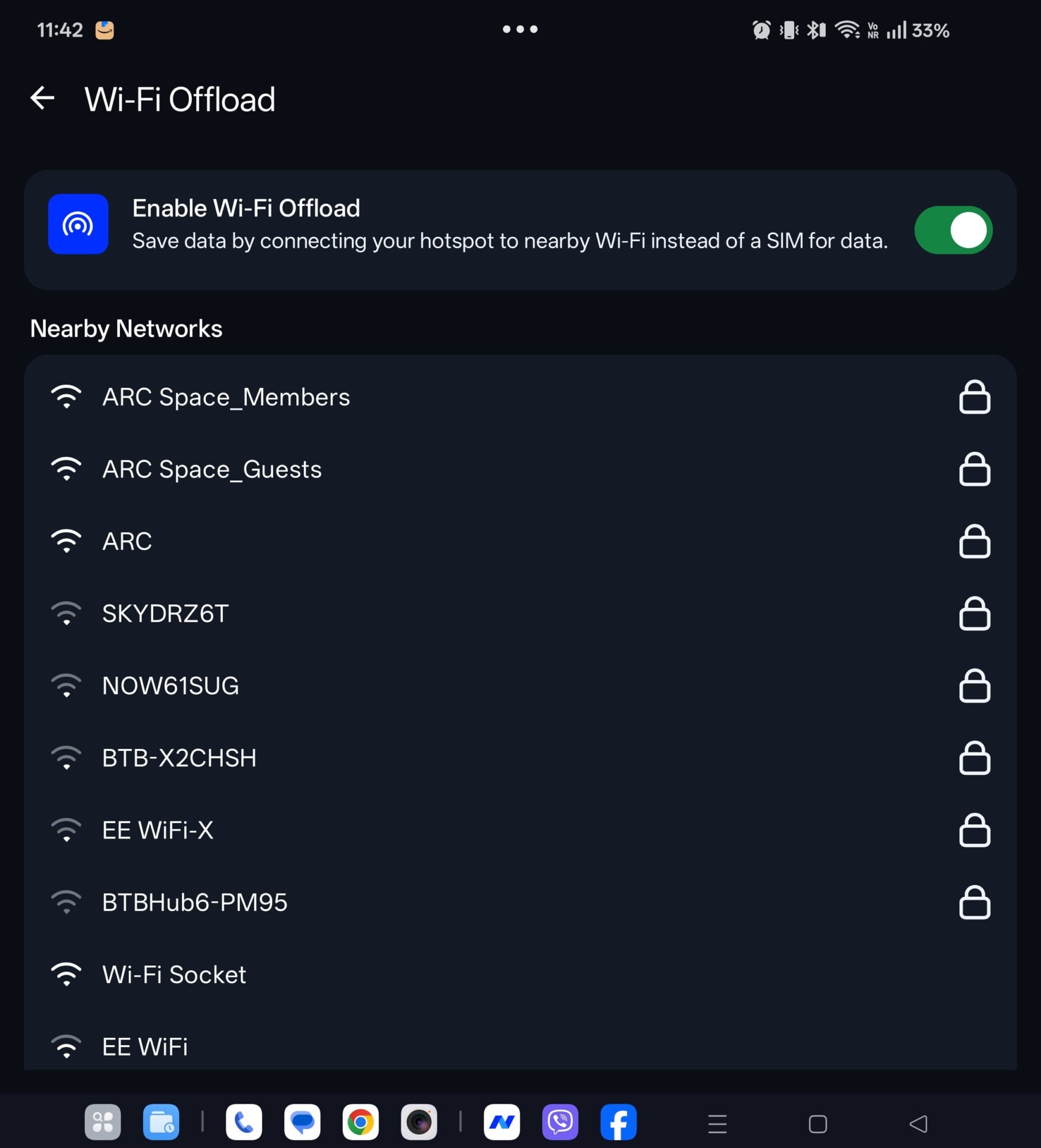
If you find yourself moving between places with WiFi coverage, enabling the WiFi Offload function will cause the M7 to pause its cellular connection and piggyback on the available WiFi network. Saving battery life as well as the data allowance on your SIM/eSIM.
Signal strength
Signal performance is excellent. Whether indoors or on the move, the hotspot maintains a solid connection and distributes the signal well to connected devices. Even in trickier environments, it holds on better than many older hotspots. It’s the kind of consistency that makes you trust it for work, not just casual browsing.
Having used it while on a train from Nottingham to London (in the UK), where the route is known for dead spots, I experienced improved network coverage. It was a similar story on a subsequent four-hour bus journey. Simply power the M7 hotspot device on, connect your laptop or phone to its SSID, and away you go.
As ever, if the signal is poor, the Nighthawk M7 can't magically improve it, but it will try to make the most of what is available. It also depends on which network your e-SIM or SIM card is tied to.
Battery life
Battery performance is solid for a device doing this much heavy lifting. You can comfortably get through a day of mixed use, including streaming and tethering multiple devices.
It's officially claimed to deliver 10 hours of use, and my experience backs that up. So after an 8-10-hour workday, you'll need to either recharge the device or remember to hook it up to the charger the next day while you work.
There's also the benefit of your smartphone battery not being drained, which means one less thing to worry about when out and about.
Who is it for?
This isn’t just a travel accessory. It’s a genuinely useful tool for a few key groups:
- Remote workers who need reliable internet anywhere
- Frequent travellers juggling different networks and regions
- Content creators uploading large files on the go
- Anyone looking for a flexible alternative to fixed broadband
Verdict
The Netgear Nighthawk WiFi 7 hotspot gets the fundamentals right, then builds on them with smart features that actually matter. Fast WiFi 7, strong 5G performance, and flexible SIM and eSIM support make it one of the most complete portable connectivity solutions right now.
So long as you have the space in your pocket or backpack, the Nighthawk M7 will take the strain off your smartphone battery. It’s not just fast on paper. It’s fast, stable, and easy to live with. And that’s what really counts. Netgear has the Nighthawk M7 listed at £529; however, it's sometimes available on Amazon for £479.
Netgear Nighthawk M7 Hotspot
Netgear Nighthawk M7 Hotspot-
Design4/5 Very Good
-
Performance4.5/5 Excellent
-
Features4.6/5 Excellent
-
Connectivity4.9/5 Outstanding
The Good
- Excellent Performance
- e-SIM and SIM card support
- Great battery life
- Easy access to eSIMs via Netgear store
The Bad
- A bit on the chunky side
- Netgear eSIM store a little expensive
- Performance depends on network coverage