If you’re wondering how big is valorant before you install it, the short answer is that the installer is very small, but the final size of the game is going to consume some decent amount of storage space once the entire download and installation process is completed.
Many returning players also look into Valorant Boosting options to get back to their previous rank after reinstalling
Please find below a real-world example of how much space you can expect the game to consume on your Windows PC, and how much storage space you should reserve for it, and also the reason why these numbers are constantly changing.
How Big is Valorant ?
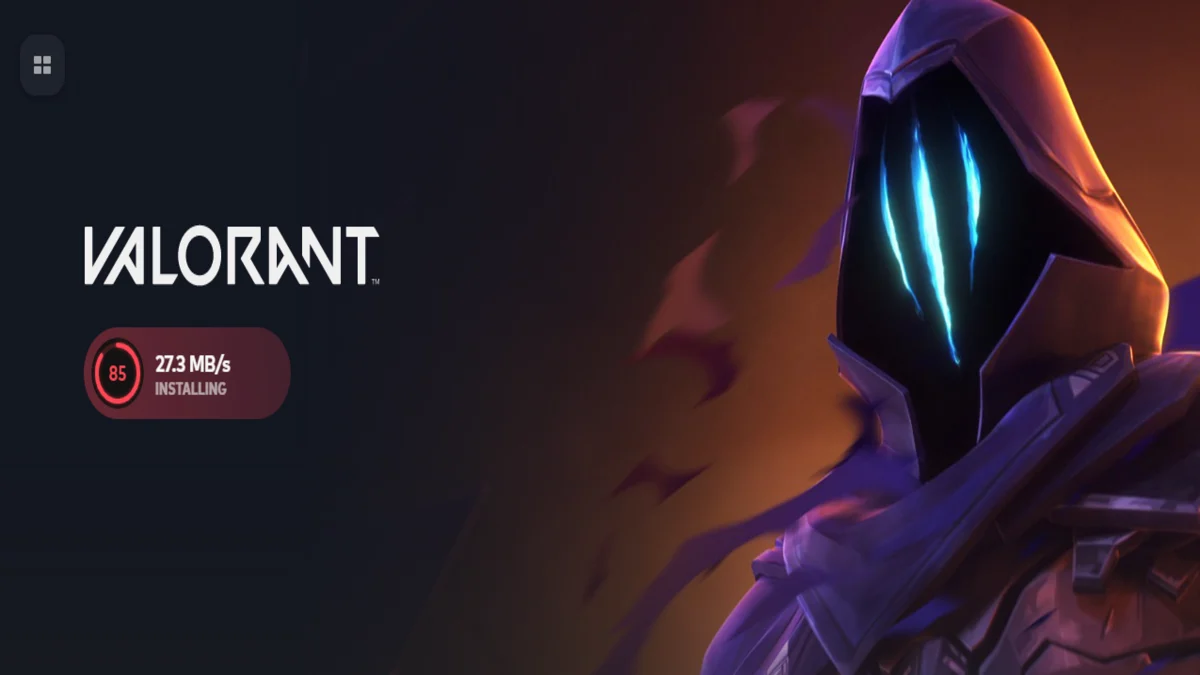
So, how big is the Valorant download size on PC?
In most cases, you will find two different sizes during the download process:
– Installer size: usually around 100 MB (this is the launcher file you will download initially).
– Full game size after installation: usually around 50-55 GB of storage on your hard drive.
The difference in size occurs because the installer file has the sole purpose of downloading the full game files and then unpacking them. Therefore, the question of how big is the valorant download size arises.
What to Plan for
If you're trying to determine the amount of storage required, keep in mind that you're going to want more than the end result of the installed game. The game will require a certain amount of space to be available during installation and patching to unpack the game.
A good rule of thumb to keep in mind:
– You will want to make sure you have at least 60 GB of free space before installing the game.
Why Your Number Might not Match Someone Else’s
The size of Valorant may differ depending on the current patch level, hotfixes, and upcoming patches. The size may differ depending on how Riot bundles it at that moment, even if it looks the same in terms of gameplay.
If you are specifically asking about how large a download valorant is, expect that it will be smaller than the actual installed size because unpacking has overhead and generates additional files.
Why Does Valorant Take Up so Much Space?
People look at Valorant’s clean art style and wonder why it needs so much space. Even though it’s not a photorealistic game, a lot of the install is still made up of assets that add up fast.
Here’s what typically drives the file size:
– High resolution textures: clean edges and readable silhouettes matter in a competitive first person shooter, so texture quality still costs space.
– Character models and maps: every update can add or revise assets across agents, maps, and animations.
– Sound design: footsteps, ability audio, weapon tails, and positional cues are a big part of competitive play, and high-quality audio libraries are not small.
– Anti cheat software: Valorant ships with Riot’s Vanguard anti cheat, which also takes space and receives updates.
That’s why big is valorant can creep upward over time, even if you only notice “small” patch notes.
Storage Requirement: Does Valorant Require SSD?
No, you don’t need an SSD to play Valorant, and the storage requirements are not SSD-only.
That said, an SSD is still a quality-of-life upgrade:
– Faster launch and loading
– Smoother asset streaming when you first load into a match
– Less waiting during big patches
If you’re on an HDD, the game can still run fine, but keep enough space available so updates don’t fail. If you’re tight on storage and wondering why it’s taking up so much space, the problem is usually not the game alone, it’s the combination of the base install plus patching overhead.
System Requirements
Valorant is known for modest system requirements compared to many popular games, which is a big reason it runs on a wide range of PC hardware. Still, you should match your expectations to the tier you’re targeting.
Below are the common spec tiers players reference for system requirements on Windows. (Exact performance will vary depending on your settings, drivers, and what else is running.)
Minimum Specs
– CPU: Intel Core 2 Duo E8400 or Athlon 200GE
– GPU: Intel HD 4000 or Radeon R5 (R5 200 series)
– RAM: 4 GB
– OS: Windows 10 (Build 19041+) or 11 64 bit
Recommended Specs 60 FPS
If you’re shopping for specs 60 fps, this is the typical target tier:
– CPU: Intel i3 4150 or Ryzen 3 1200
– GPU: GeForce GT 730 or Radeon R7 240
– RAM: 4 GB
– OS: Windows 10 (Build 19041+) or Windows 11 64 bit
High-end Target
For competitive players chasing 144 fps:
– CPU: Intel i5 9400F 2.90GHz or Ryzen 5 2600X
– GPU: GTX 1050 Ti or Radeon R7 370
– RAM: 4 GB
– OS: Windows 10 (Build 19041+) or 11 64 bit
Windows 11 Note: Secure Boot
On Windows 11, Vanguard can require UEFI Secure Boot (and TPM 2.0). If Secure Boot is off, you might get an error at launch and won’t be able to play until it’s enabled.
Conclusion
How big is valorant in real-world terms? Expect a small installer download, then a much larger full game install that typically lands around 50-55 GB on PC. To install Valorant smoothly and leave room for patches, keep about 60 GB of free space available.
The size of Valorant grows because of ongoing updates, new agents, changes to maps, audio, and the anti cheat layer. The good news is the game’s system requirements stay friendly, so most Windows PCs can run it well as long as you have enough space and up-to-date settings.