




The latest November Pixel Drop brings a new Google Maps Power Saving Mode exclusive to the Pixel 10 series. Now you can navigate much longer without hurting your battery.
Maps is adding a stripped-down Always-On-Display view that only shows essentials like your next turn. Google doesn't say exactly how many hours you'll save. But the gains are expected to be significant.
Maps now helps you save battery alongside gas
Google Maps has always been a core part of the Pixel experience, and the Android ecosystem at large. It’s widely considered the best map app because of its accuracy and real-time traffic data.
In particular, the iconic turn-by-turn navigation system gives you live and constantly updated insights into your position until you reach the destination.
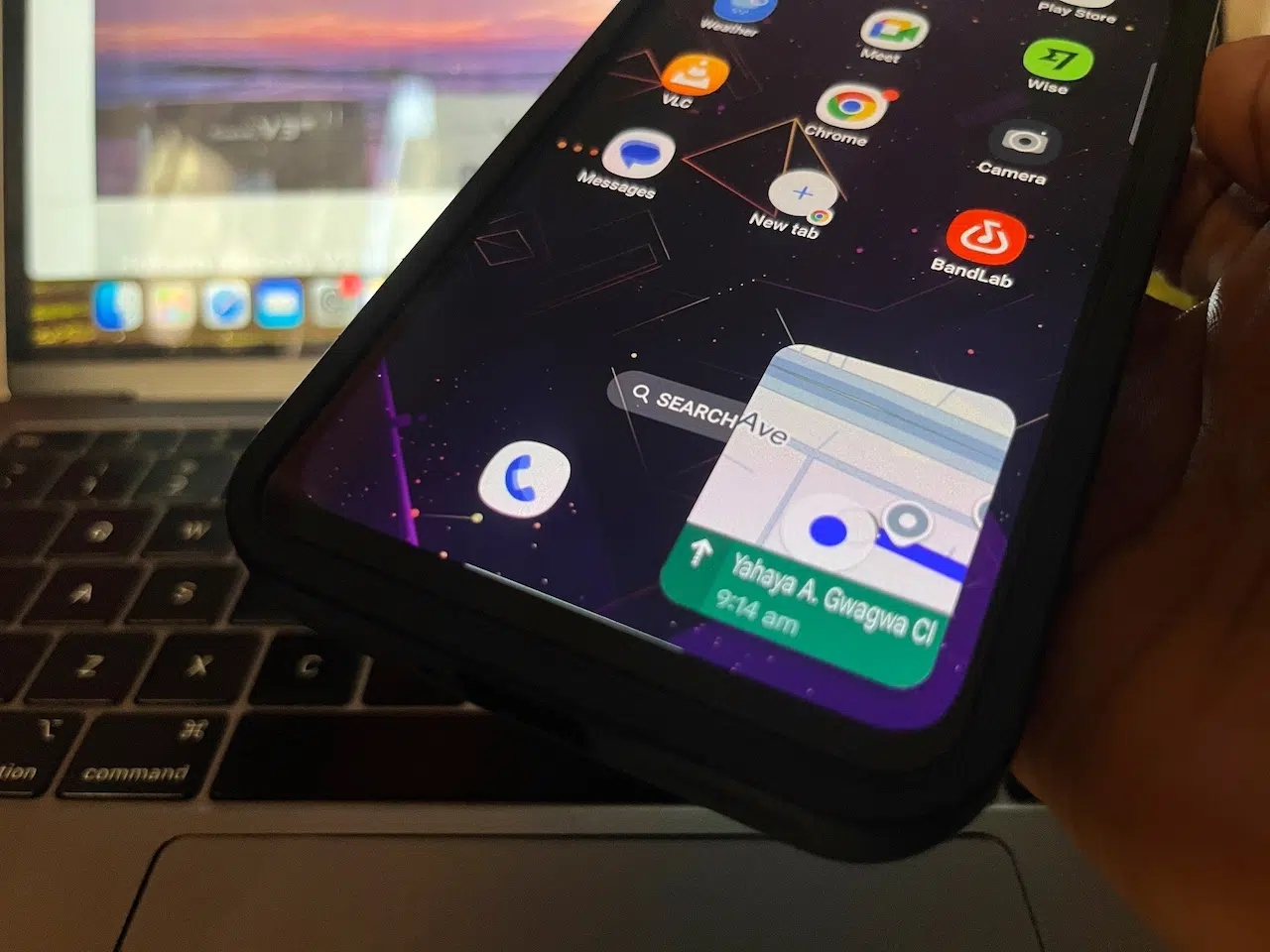
However, keeping the display on the whole time drains battery life. Even though the drain isn’t catastrophic, it’s still enough to shave hours off your day during long drives.
Google has now solved that problem with the November Pixel Drop. In a recent blog post, the company announced that all phones in the Pixel 10 series can shift navigation into a minimal, low-power Always-On-Display mode. You will still get the essential next-turn instructions, but with a fraction of the power drain.

AOD Mini mode transforms Maps into a black-and-white view. Of course, you'll need to activate the Always-On Display feature to use it. Simply enter your settings menu and run a quick search to find it.
Given that the phone uses an OLED screen, which completely turns off every Pixel and shows true blacks, battery saving should be significant.
Pixel dropped loads more of freebies
To access the new feature, tap your profile picture at the top right of the app. Then go to Settings > Navigation. Under Driving options, you’ll see Power Saving Mode. Tap the toggle button to enable it.
To use it during navigation, start turn-by-turn driving navigation. Then press the power button to turn off your display. Maps will automatically switch to AOD navigation mode. Tap the screen or press the power button again to exit.
A Gemini-powered navigator is also coming to Maps as Google prepares to phase out its old-time Assistant. Gemini, especially through its Live mode, understands you deeper and is able to hold continuous conversation.

Gemini can use context from your broader Google ecosystem, which includes Calendar events, reservations, reminders, and more. The rollout will hit Android first, with expansion to Android Auto and iOS following later.
The full post revealed some extra perks to the November Pixel Drop. A Remix tool in Messages will let you transform any photo directly inside a chat using the same Nano Banana model that powers Gemini image edits. You'll also get Wicked: For Good theme packs and summaries of long chats from notifications.
By December, your phone should start automatically organizing and silencing low-priority alerts so you’re not overwhelmed throughout the day. These are just some of what you can get out of your phone.

